


Azahar, a fast-rising Nintendo 3DS emulator for Android, has introduced disk-based shader caching to tackle one of mobile emulation’s most persistent annoyances: micro-stutters during gameplay. The developer, known as PabloMK7, shared that the update stores compiled shader code to local storage so scenes that previously hitched should play back smoothly on repeat runs.
What Shader Caching Changes for Smoother Playback
On the 3DS, the PICA200 graphics hardware relies on vertex shaders. Emulating those on Android means translating each shader into code your phone’s GPU understands, then compiling it—often at the exact moment a new character model, effect, or environment appears. That just-in-time compilation spikes frame times and causes the brief pauses many players notice as “stutter.” Azahar’s new system writes those compiled shaders to disk the first time they’re encountered, then reloads them instantly the next time you enter the same scene.
- What Shader Caching Changes for Smoother Playback
- Why 3DS Emulation Often Stutters on Android Devices
- Vulkan and OpenGL Details for Azahar’s Shader Cache
- How It Compares to Other Emulators with Shader Caches
- What Players Should Expect from the New Shader Cache
- A Step Toward Smoother Android 3DS Play and Pacing

In practice, the first playthrough of a game area will still build the cache, but subsequent sessions should feel markedly smoother. Expect fewer hitches when panning the camera through busy spaces in titles like Monster Hunter 4 Ultimate or when new karts and track elements pop in across a race in Mario Kart 7.
Why 3DS Emulation Often Stutters on Android Devices
Shader compilation stalls aren’t unique to the 3DS. They affect PC and mobile games whenever GPU work arrives without a precompiled pipeline. Emulators amplify this effect because they translate foreign graphics instructions on the fly. On 3DS, even minor variations—different materials, skeletal animations, or lighting permutations—can generate new shader variants. Each variant means a fresh compile and, without a cache, another hitch.
This is why many modern emulators aggressively cache or precompile shaders. The goal isn’t necessarily to raise average frame rate, but to stabilize frame times so motion appears fluid and inputs feel responsive.
Vulkan and OpenGL Details for Azahar’s Shader Cache
According to the developer, OpenGL drivers on Android have long offered some level of internal shader caching, but behavior varies by vendor and may not persist across sessions. Vulkan, designed by the Khronos Group, expects applications to manage their own pipeline caches explicitly. Azahar now brings a unified, portable cache layer that works across backends, with custom handling for Vulkan so compiled pipelines are saved and reused between launches.
That matters for consistency. Vulkan’s explicit model can deliver excellent performance, but without an app-managed cache it will compile pipelines at runtime whenever new states are encountered. Azahar’s approach moves that cost to a one-time event and stores the result for later, helping ensure smoother frame pacing regardless of GPU vendor or driver quirks.
How It Compares to Other Emulators with Shader Caches
There’s strong precedent that this works. The Dolphin GameCube and Wii emulator dramatically cut hitching when it rolled out shader caching and later Ubershaders to reduce compilation stalls. PPSSPP benefits from persistent shader and pipeline caches as well, and PC-focused emulators have adopted similar strategies to improve frame pacing on complex scenes.
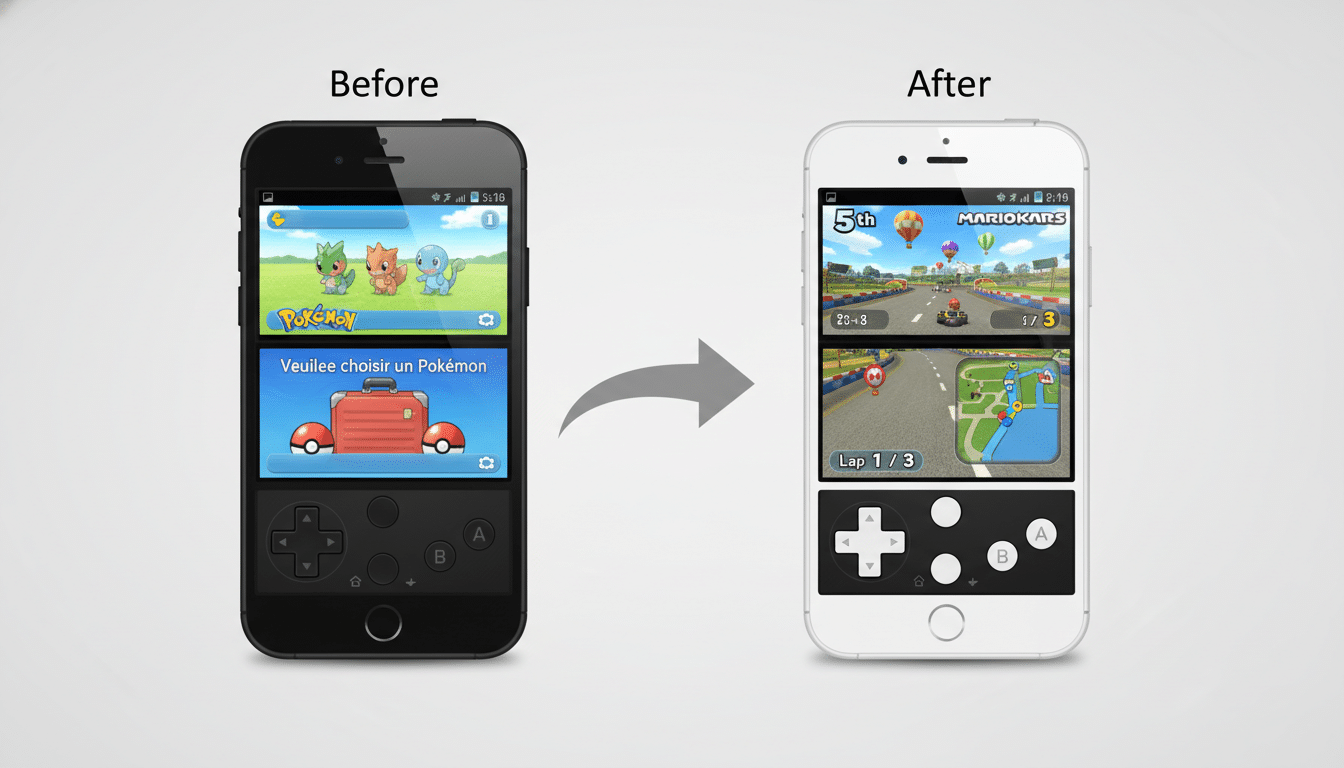
For 3DS specifically, the translation burden focuses on vertex processing, which can still be heavy in geometry-rich titles or scenes with lots of draw calls. A persistent cache keeps those translations around, making second and third visits to busy hubs or boss arenas feel significantly smoother.
What Players Should Expect from the New Shader Cache
After installing the update, the first time you load a game or enter a new area, Azahar will compile shaders and write them to storage. From then on, those same paths should avoid stutters tied to shader creation. The improvement is most visible on phones where short frame-time spikes used to be noticeable even if average FPS looked fine.
There are a few caveats. Caches are typically per-game and may be invalidated by major emulator changes, driver updates, or switching GPUs. Storage impact should be modest, but shader libraries can grow for content-dense games. If you clear app data, the cache will rebuild as if it were your first run.
A Step Toward Smoother Android 3DS Play and Pacing
This isn’t Azahar’s first performance-focused upgrade. Recent builds have targeted latency and file handling improvements, hinting at a consistent push to make the emulator feel more “native” on modern phones. Shader caching continues that trajectory by addressing frame pacing—arguably the most perceptible metric of playability—rather than just headline frame rates.
For players revisiting favorites like Bravely Default, Fire Emblem Awakening, or The Legend of Zelda: Ocarina of Time 3D, the net result should be simple: fewer hitches, more flow. It’s a familiar win in the emulation world, now tailored for 3DS on Android, and it brings Azahar closer to the seamless experience fans expect.
Technical context from the Khronos Group’s Vulkan and OpenGL specifications, along with practices common in projects like Dolphin and PPSSPP, supports the efficacy of persistent shader and pipeline caches in reducing runtime stutter.
