


Apple’s entry-level smartwatch got an attractive update, and on the strength of its value proposition alone, the Apple Watch SE 3 is tough to beat. It offers faster performance, the newest safety features from watchOS and tight integration with the iPhone — at a price point that usually starts around $249. For most first-time buyers, that’s the sweet spot. Yet despite the compelling argument, I’m not upgrading my Apple Watch SE 2 for two simple reasons.
What Makes the Apple Watch SE 3 Such a Good Value
Apple continues to keep the SE line grounded with essentials: reliable fitness tracking, reliable notifications, Apple Pay and hallmark safety tools like fall detection, crash detection and Emergency SOS. The SE 3 maintains that formula by including a newer S‑series processor to make the interface snappier and voice commands more direct, watchOS refinements for smarter fitness coaching and improved recovery cues without overly drawing on battery life.
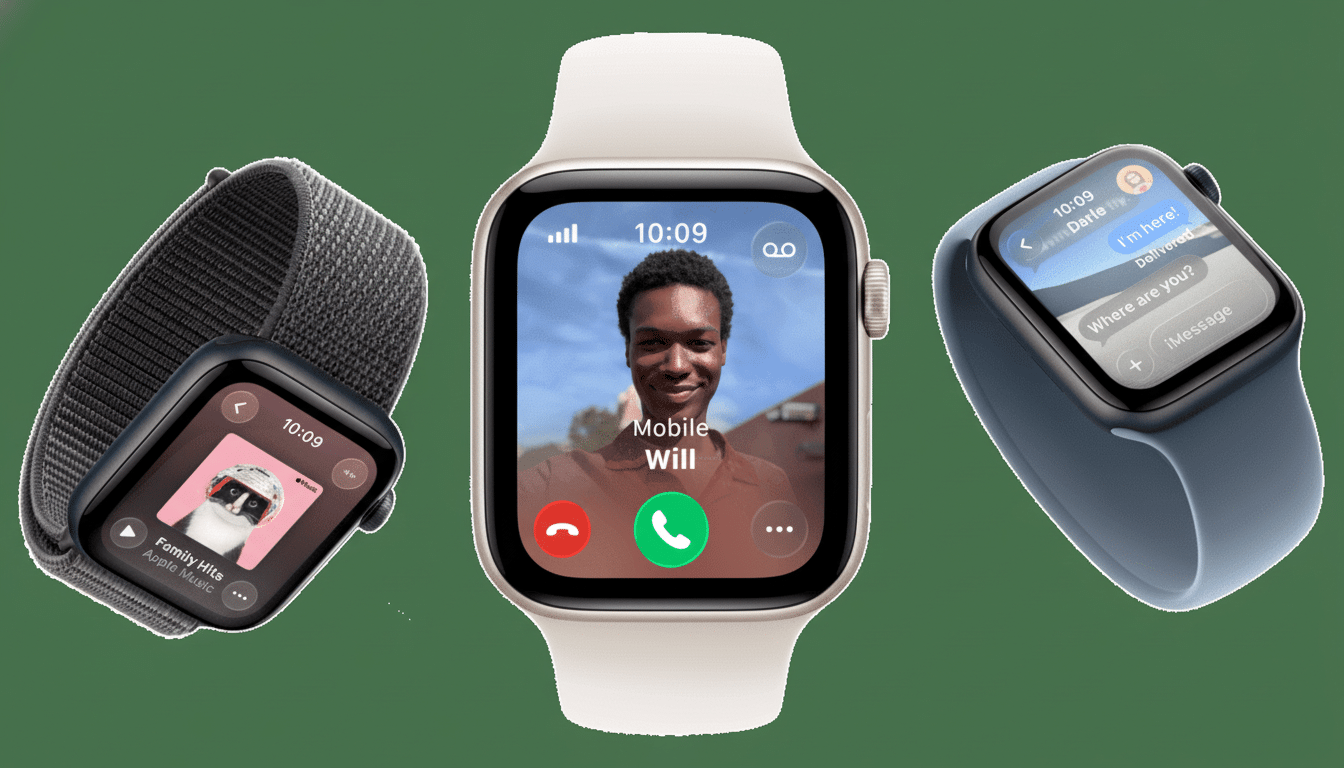
It’s this kind of balance that is precisely why the SE family continues to gain market share. Counterpoint Research has consistently pointed out that cheap wearables are lifting shipments, and Apple (as well as others) continues to lord over smartwatch revenue by focusing on UX more than spec sheets. For families, features like Family Setup make the SE especially practical for kids or elderly relatives who do not have an iPhone, extending its value even more.
In other words, if you’re a newbie to wearables or are purchasing as a gift, the SE 3 is the most affordable on-ramp to Apple’s ecosystem. It does the basics very well, and that tends to be what most people need to do every single day.
Reason One: I Want More Than the Core Features
The SE line gets the basics right, but saves some of the high-end health tech for other watches on purpose. If I’m already on the hook, I want the meaningful extras that sit higher up Apple’s lineup: an always‑on display for easy access to basic info during workouts and meetings, better sensors like ECG (cleared by the U.S. Food and Drug Administration) for at‑a‑glance heart health checks, and deeper recovery metrics that can guide training load and rest.
They’re the difference between “fitness tracker that does notifications” and “health instrument I rely on.” The American College of Cardiology has promoted the idea of using wearable ECG to catch atrial fibrillation in at‑risk populations; that is exactly the kind of insight I want with my next watch. The SE 3 is a very good fitness companion, but doesn’t quite tick that box for me when it comes to monitoring my overall health.
Reason Two: The SE 3 Upgrade From SE 2 Is Incremental
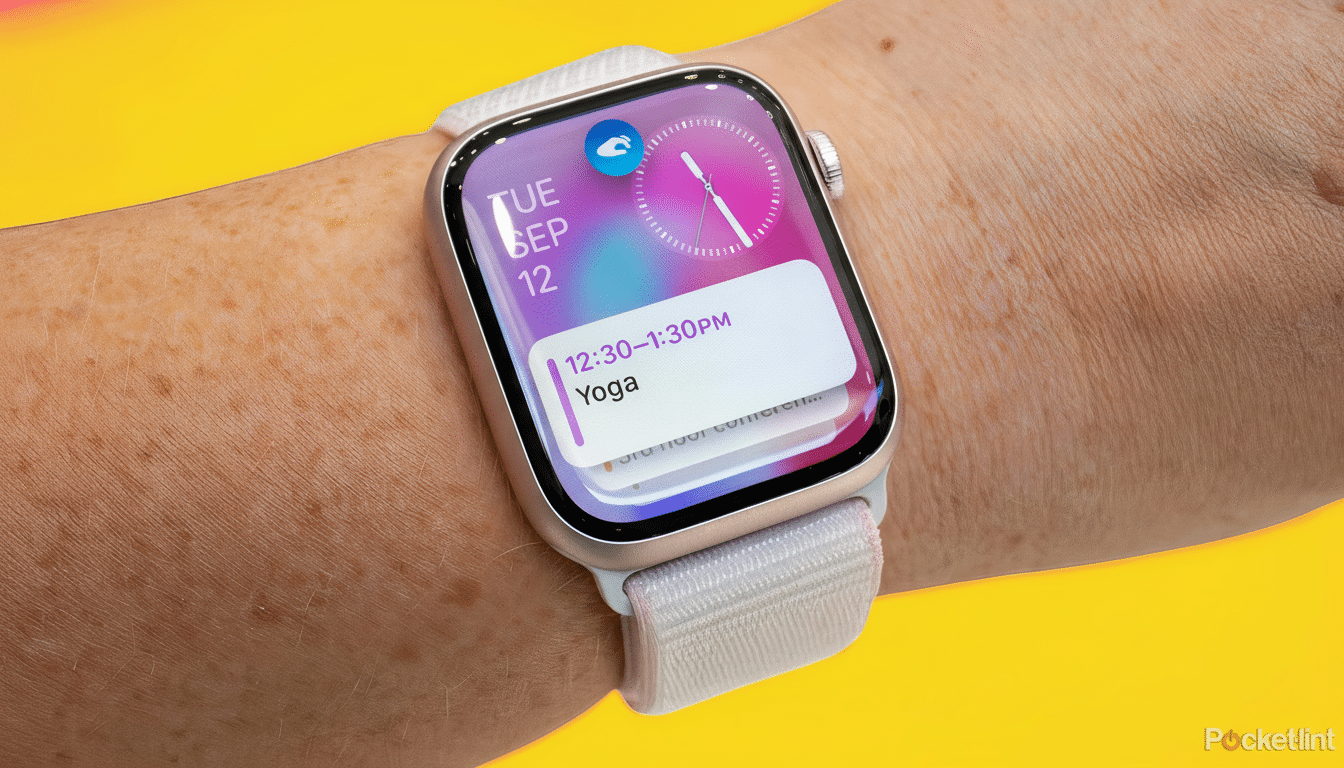
My SE 2 is still pushing against the boundaries of its brief: It tracks runs and strength workouts, handles (and withstands) hundreds of tap‑to‑pays, triages notifications while you jog and lasts a full day. The SE 3 is quicker, but I don’t feel meaningfully hampered day to day — like when I start a timer or hit the mark for my workout or respond to a message on my current watch. Battery life is about a day on both, so there isn’t much change in real use.
There’s also the economics. Wearable replacement cycles are elongating as features nucleate. IDC and other analysts have reported that users are waiting longer between upgrades, particularly when basic experiences do not change. Paying hundreds of dollars for marginal improvements doesn’t add up when my current device is still working and can run the latest watchOS features.
What I’m Considering Instead of Upgrading My Apple Watch
If I do upgrade, I’ll get at least a Series‑quality Apple Watch for that always‑on display, ECG, stronger recovery insights and possibly better battery optimization. I’m also considering a smart ring in conjunction with the watch. Rings from companies that have been in the space longer are tempting for overnight comfort and multi‑day battery life, which could provide me with untainted sleep data without charging compromises. The combination of a ring to constantly monitor recovery and then maybe even a more advanced watch for workout days could be the right mix.
Who the Apple Watch SE 3 Is Best Suited for Right Now
First‑timers, students or generations of the same family looking for safety, fitness basics and iPhone integration at a fair price should head directly to the SE 3. It’s the most accessible Apple Watch, and probably the best deal in the lineup for average consumers. But if you’re already the owner of an SE 2, think hard about what you actually need. If you yearn for more advanced health features and an always‑on display, it might be smarter to hold off — or step up to a watch built for those.
For me, the calculation is simple: with the SE 3, the watch is right for many people but not right as an upgrade for me. I’ll take the savings, keep my SE 2 and wait for a watch that truly takes what I can do with my wrist to its next level.
