


Apple just removed one of the biggest frictions in the smartphone world: leaving the iPhone. A new Transfer to Android option in iOS 26.3 guides you through moving your essentials—photos, messages, contacts, calendars, call history, and even your eSIM—to a new Android phone with minimal fuss. It’s a pragmatic shift from Apple that acknowledges what users have wanted for years: genuine portability.
How the New Transfer to Android Process Works on iOS 26.3
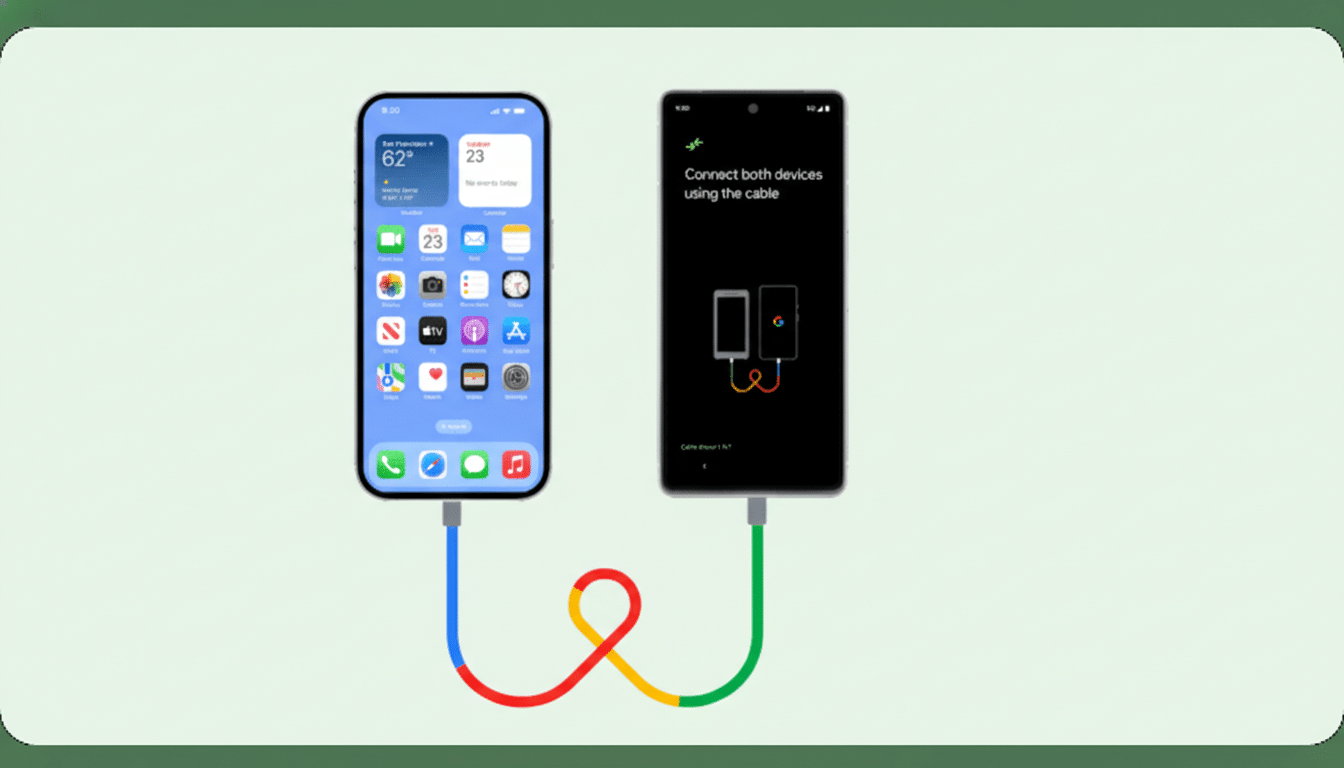
You’ll find the feature in Settings > General > Transfer or Reset Phone > Transfer to Android. Place the iPhone and the Android device side by side, tap Continue, then scan the QR code that appears on the iPhone using the Android phone’s camera to kick off a direct, device-to-device transfer.
- How the New Transfer to Android Process Works on iOS 26.3
- What Transfers and What Doesn’t When Moving from iOS to Android
- Why Apple Is Easing the Exit and Embracing Portability
- Messaging and Sharing Are Converging Across Platforms Fast
- Practical Tips to Prepare Your iPhone Before You Switch
- What This Means for Switchers Considering Android Now
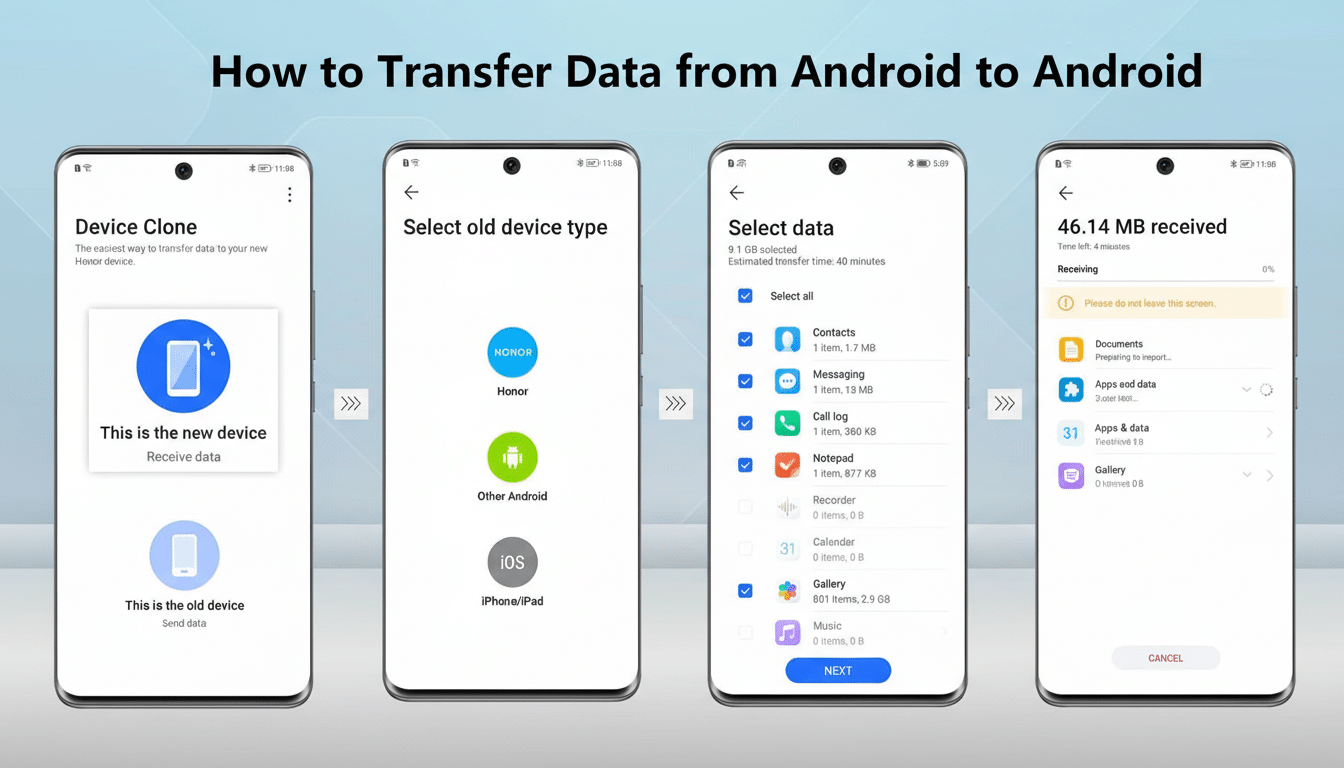
From there, choose what to bring over. The workflow prioritizes the data categories switchers care about most—media and communications—so your photo library, SMS/iMessage history (as standard texts on Android), contacts, calendars, and recent calls move together. Once data finishes, the wizard walks you through transferring your eSIM, including the secure confirmation step on iPhone’s side button.
Because the process uses a local wireless handshake, speeds hinge on your library size and local throughput. In practice, this is far faster than cloud-only methods and doesn’t require juggling cables or multiple apps.
What Transfers and What Doesn’t When Moving from iOS to Android
Most daily essentials make the jump: photos and videos, address book entries, calendar events, call logs, and your text message history. For many people, that covers 90% of what they actually need on day one with a new phone.
Some categories remain excluded. Health and fitness data stored in Apple Health stays put, as do Apple Watch pairings and certain app-specific files that rely on iCloud keychains or proprietary formats. Subscription apps often require a fresh sign-in on Android, and some purchases (notably DRM-protected media tied to Apple’s ecosystem) won’t carry over.
eSIM support is the sleeper headline here. Porting an eSIM across platforms has historically been a headache. iOS 26.3 surfaces it in-line after your data move, but final success still depends on carrier support. If your operator isn’t ready, you may be prompted to request a new QR code or a reissue through customer support.
Why Apple Is Easing the Exit and Embracing Portability
This feature lands as regulators and standards bodies push for data portability and interoperability. The GSMA has long advocated for smoother messaging and identity migration across ecosystems, and Europe’s pro-competition framework has intensified scrutiny on platform lock-in. Apple’s recent embrace of RCS for cross-platform messaging—after years of green-bubble stalemate—signals the same trajectory.
There’s also a market reality. According to IDC and StatCounter, Android continues to command well over 70% of the global smartphone base, while iOS dominates in a few key markets. Switching happens in both directions; CIRP analyses over the past few years have shown meaningful churn between platforms each quarter. Making exits less painful is a customer-friendly move that, paradoxically, can improve brand trust.
Messaging and Sharing Are Converging Across Platforms Fast
Cross-platform texting is improving. Apple confirmed RCS support to bring modern features like high-quality media, typing indicators, and better group chats between iPhone and Android. End-to-end encryption for cross-platform RCS is the missing piece; while it was widely expected to arrive with or near iOS 26.3, it doesn’t appear to be active yet.
File sharing is following suit. Google has been expanding Quick Share to make nearby transfers more universal, with support rolling out across more Android devices and teased interoperability for sending media to nearby iPhones. While Apple isn’t co-developing those features, the overall direction is clear: less friction between ecosystems.
Practical Tips to Prepare Your iPhone Before You Switch
Audit your essentials. If your photos live solely in iCloud, consider exporting critical albums or enabling Google Photos as a parallel backup before the move. Take inventory of two-factor authentication apps and hardware keys; migrate or reissue codes to ensure you’re not locked out of banking or email.
Deregister iMessage to avoid stray texts landing in limbo. Cancel or port subscriptions attached to Apple-only apps, and verify your carrier supports eSIM transfer across platforms. For smart home gear, check whether accessories have Android apps—or plan to reset and re-pair.
What This Means for Switchers Considering Android Now
iOS 26.3’s Transfer to Android doesn’t just shave minutes off setup; it changes the psychology of switching. When your photos, messages, and phone number move with you—securely, locally, and predictably—the risk of disruption drops dramatically. That lowers a barrier that, for years, kept some users anchored to a platform they’d outgrown.
The takeaway is simple: if you’ve been weighing a move to Android for customization, foldables, different camera philosophies, or value-driven hardware, you can now do it with far fewer compromises. Apple’s latest update makes leaving iPhone less of a leap—and more of a straightforward next step.
