


Apple is rolling out iOS 26.3 to compatible iPhones, spotlighting two headline additions: fresh, curated wallpapers and a new Limit Precise Location control aimed squarely at privacy. The update also includes the usual stability fixes and security hardening. To install it, head to Settings, General, and Software Update on an iPhone 11 or newer.
New Wallpapers Bring Weather and Space to the Lock Screen
iOS 26.3 splits out dedicated Wallpaper options for Astronomy and Weather, making it easier to browse and apply designs that reflect real-world conditions or celestial views. Apple is also shipping three predesigned Weather Lock Screen styles, each pairing typography and widget layouts that complement live conditions pulled from Apple Weather.
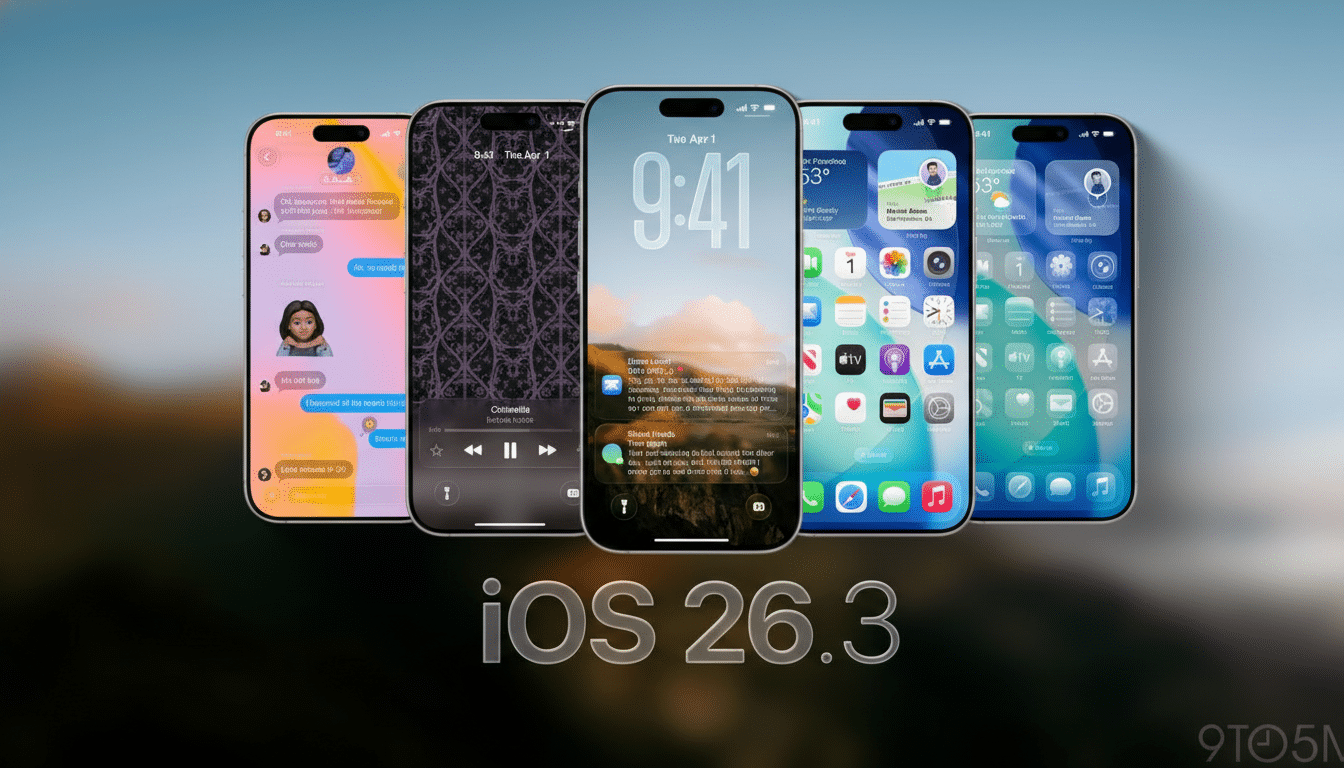
In practical terms, you can set a Lock Screen that mirrors a rainstorm rolling in, then swipe to a sunny variant after your commute, all without rebuilding your widget stack. The new presets are tuned for glanceable data—think temperature, precipitation probability, and air quality—so your Lock Screen remains informative without feeling cluttered.
For users who juggle Focus modes, these wallpapers slot neatly into existing workflows. Tie a Weather preset to Work for fast access to calendar and transit widgets, and link an Astronomy screen to Personal for a calmer, minimalist look at night.
Limit Precise Location Prioritizes Privacy
The standout privacy change in iOS 26.3 is Limit Precise Location, a system-level option that reduces the granularity of location data shared with cellular networks. When enabled, your device reports a broad neighborhood rather than an exact street address. Importantly, Apple says this does not affect precise data used by Find My, trusted contacts, or app-level location sharing where you have explicitly granted accuracy.
Apple positions this as a safeguard against unnecessary pinpointing over carrier infrastructure, aligning with long-running concerns raised by digital rights groups such as the Electronic Frontier Foundation about how location data can be aggregated and resold. Public sentiment backs that caution: Pew Research Center has reported that roughly 79% of U.S. adults are concerned about how companies use their personal data.
There is a hardware caveat. Limit Precise Location currently requires Apple’s C1 or C1X modem, which means the feature is available on iPhone Air, iPhone 16e, and iPad Pro M5 Wi‑Fi + Cellular models at launch. As noted by analysts and trade publications including PCMag, modem-level capabilities determine how location signals are quantified and blurred before they leave the device.
For anyone who wants maximum app utility but tighter network privacy, the workflow is straightforward: keep per-app Precise Location on for navigation or deliveries, and switch on Limit Precise Location to constrain the radio-layer detail shared with your carrier.
Compatibility and How to Update Your iPhone
iOS 26.3 is available for iPhone 11 and later. Before updating, back up your device via iCloud or a computer to preserve messages, photos, and app data. The installer downloads in the background; once prompted, expect a brief restart sequence and a few minutes of post-install indexing before everything feels fully responsive.
If you rely on critical enterprise apps or MDM profiles, it’s wise to check with your IT admin first, though point releases like this historically maintain strong compatibility. Apple’s security notes, typically published alongside each update, detail patched vulnerabilities and are worth a quick review for administrators.
Notable Extras Beyond the Headliners in This Update
While wallpapers and location controls lead the release, Apple also adds a new Transfer to Android option in Settings to make platform switching less painful. It can wirelessly move photos, messages, apps, and other content to an Android device. Some categories—such as health data and certain accessories—won’t make the trip, but the ability to preserve conversations and media reduces the typical friction.
Taken together, iOS 26.3 threads a familiar Apple needle: small, high-visibility touches like polished wallpapers paired with a deeper privacy control that speaks to how smartphones actually work behind the scenes. If you care about what your carrier can infer about your movements—or you just want a Lock Screen that reflects the sky outside—this update is worth installing.
