


Apple’s newest iPhone update, iOS 26.3, is a smaller point release that still manages to move the needle on privacy, personalization, and—surprisingly—platform switching. The headline additions include a built-in Transfer to Android tool, new lock screen customization options, and a carrier-dependent control that lets some users share only an approximate location with their cellular network.
What’s New in iOS 26.3: Privacy, Transfer, and More
This release adds three notable changes: a native way to migrate to Android, redesigned wallpaper categories with more lock screen layouts, and a new Limit Precise Location setting for select devices and carriers. Apple also pushed maintenance updates to macOS, iPadOS, watchOS, tvOS, and visionOS, focused on performance and security.
- What’s New in iOS 26.3: Privacy, Transfer, and More
- Transfer to Android gets official with built-in migration
- Limit Precise Location arrives for select iPhones and carriers
- Lock screen and wallpaper tweaks add layouts, fonts, and widgets
- EU interoperability features delayed to a later iOS 26.x release
- Encrypted RCS not here yet for iPhone–Android chats and carriers
- Compatibility and how to update your iPhone to iOS 26.3
- Updates across Apple’s other platforms focus on security and stability
- Why this update matters for privacy, messaging, and choice
Transfer to Android gets official with built-in migration
Apple has long offered a Move to iOS app to help Android owners switch. With iOS 26.3, the company adds the other half of the bridge: Transfer to Android, found in Settings. Place your iPhone near a new Android phone and the tool initiates a secure, wireless handoff of your photos, messages, and compatible apps.
Not everything comes along for the ride. Health data and previously paired accessories won’t transfer, reflecting platform-level differences in data handling and Bluetooth provisioning. Still, the experience meaningfully reduces friction for customers who want to change ecosystems—something consumer research firms have said remains a steady, if minority, behavior trend year over year.
Context matters here: Google has said RCS in Messages surpassed 1 billion monthly active users, and the broader interoperability climate is improving. Apple’s addition signals a pragmatic acceptance that some churn is inevitable—and that making exits less painful can actually build trust.
Limit Precise Location arrives for select iPhones and carriers
A new privacy toggle called Limit Precise Location lets certain iPhones provide your carrier with a broader, area-level location rather than a pinpoint address. The intent is to curb granular network-based tracking while preserving critical functions like emergency calling.
There are caveats. The feature launches first on iPhone Air, iPhone 16e, and the cellular iPad Pro M5, and it requires Apple’s C1 or C1X modem. It also depends on carrier support. As of now, only Boost Mobile has publicly committed to enabling it. That rollout complexity makes sense: network-side location runs through standards-defined systems, and carriers need to validate that approximate settings won’t disrupt E911, fraud prevention, or roaming logic.
Lock screen and wallpaper tweaks add layouts, fonts, and widgets
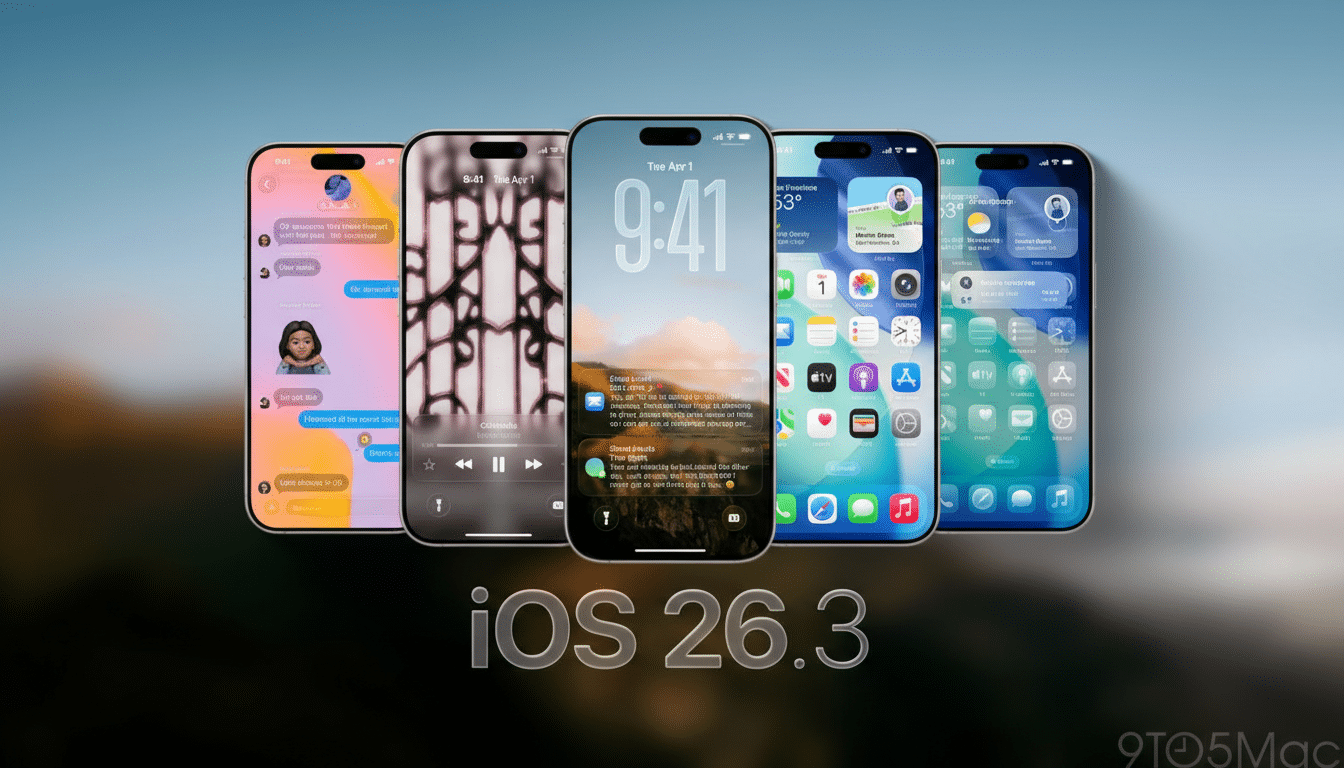
Apple splits the old wallpaper hub into distinct Astronomy and Weather categories. Weather gains new visuals, more widget arrangements, and added font choices for the clock, making it easier to build an at-a-glance lock screen that prioritizes live conditions and your schedule. It’s a small change that yields tangible daily quality-of-life improvements.
EU interoperability features delayed to a later iOS 26.x release
Two capabilities expected in the European Union—Notification Forwarding for third-party wearables and Proximity Pairing to speed up initial connections—did not ship in iOS 26.3. They are still anticipated in a subsequent update and are tailored to EU interoperability requirements, not the U.S. market.
Encrypted RCS not here yet for iPhone–Android chats and carriers
Developers spotted signs in iOS 26.3 betas pointing to end-to-end encrypted RCS for cross-platform messaging. The production build doesn’t flip that switch. Apple has confirmed the feature is in development for a future release, after which carriers will need to certify support. When it lands, it will bring richer media and read receipts to iPhone–Android chats without sacrificing encryption—an upgrade long urged by the GSMA and privacy advocates.
Compatibility and how to update your iPhone to iOS 26.3
iOS 26.3 supports iPhone 11 and newer. To install, go to Settings > General > Software Update. As always, back up to iCloud or a computer first, make sure you have ample storage, and plug in if your battery is low. iPadOS 26.3 is available on compatible iPads with similar steps.
Updates across Apple’s other platforms focus on security and stability
macOS 26.3, watchOS 26.3, tvOS 26.3, and visionOS 26.3 are out as well. Apple characterizes these as stability and security updates. Historically, such point releases bundle patches for recently disclosed vulnerabilities; security researchers consistently recommend updating promptly to reduce exposure windows.
Why this update matters for privacy, messaging, and choice
iOS 26.3 isn’t flashy, but it’s strategic. It lowers switching costs with a first-party migration tool, tightens control over how networks see your whereabouts, and nudges the iPhone ecosystem closer to modern, interoperable messaging. Taken together, these changes reflect the direction of travel in mobile: user choice, privacy by default, and fewer walls between platforms.
