


Apple is out with iOS 26.0.1, a maintenance release that smooths over some of the rough spots from the iOS 26 debut and addresses in-the-wild challenges reported by iOS users.
According to Apple’s release notes, the update makes stability and reliability a primary focus rather than adding new features. The headline fixes correct an issue that could cause intermittent Wi‑Fi and Bluetooth disconnects on some iPhone 17 models, a problem where the Home Screen might display blank app icons in rare circumstances, and artifacts appearing in photos captured under extreme LED lighting — something reported by concertgoers and early adopters almost as soon as iOS 26 appeared.
- What iOS 26.0.1 Changes: Fixes for Wi‑Fi, Bluetooth, and Photos
- How to Download iOS 26.0.1 and Install the Update Safely
- Get Your iPhone Ready for an Update with These Quick Checks
- Who Should Install iOS 26.0.1 Right Now and Why It Matters
- Don’t Expect New Features in iOS 26.0.1, This Is a Polish Release
If you were holding out for a toggle to turn off iOS 26’s Liquid Glass aesthetic, this build doesn’t include one. Consider 26.0.1 the housekeeping pass that makes those flashy bits behave more nicely.
Apple typically packages security fixes alongside bug patches into point releases. The company’s Security Updates page typically notes any CVE entries related to each build; if history is any guide, you should think about installing quickly even when the changelog looks short.
What iOS 26.0.1 Changes: Fixes for Wi‑Fi, Bluetooth, and Photos
Photography first, and I noticed some square or blocky artifacts when shooting in locations with intense LED lights that pulse. That’s down to edge cases in the image processing pipeline when highlights clip early. Apple says 26.0.1 fixes this behavior, which should help minimize odd blemishes that sometimes appear on concert and stage photos.
Connectivity gets attention as well. There should be fewer complaints of Wi‑Fi temporarily dropping and Bluetooth accessories disconnecting, especially with the latest iPhone hardware. And you can also expect more reliable pairing with accessories like AirPods and cars, and fewer hiccups when roaming between access points.
On the app side, the update fixes occasional blank app icons. The bug sounds like an icon cache issue that simply left placeholders where the artwork should have been. Once the update is installed, new installs and app updates should no longer show the extra white space.
How to Download iOS 26.0.1 and Install the Update Safely
On your iPhone, launch Settings, tap General, and then choose Software Update. If iOS 26.0.1 is ready for your phone, you’ll see Download and Install; just tap it to apply the update. Ensure the phone is on Wi‑Fi and either plugged in or at 50 percent battery to prevent scheduling interruptions.
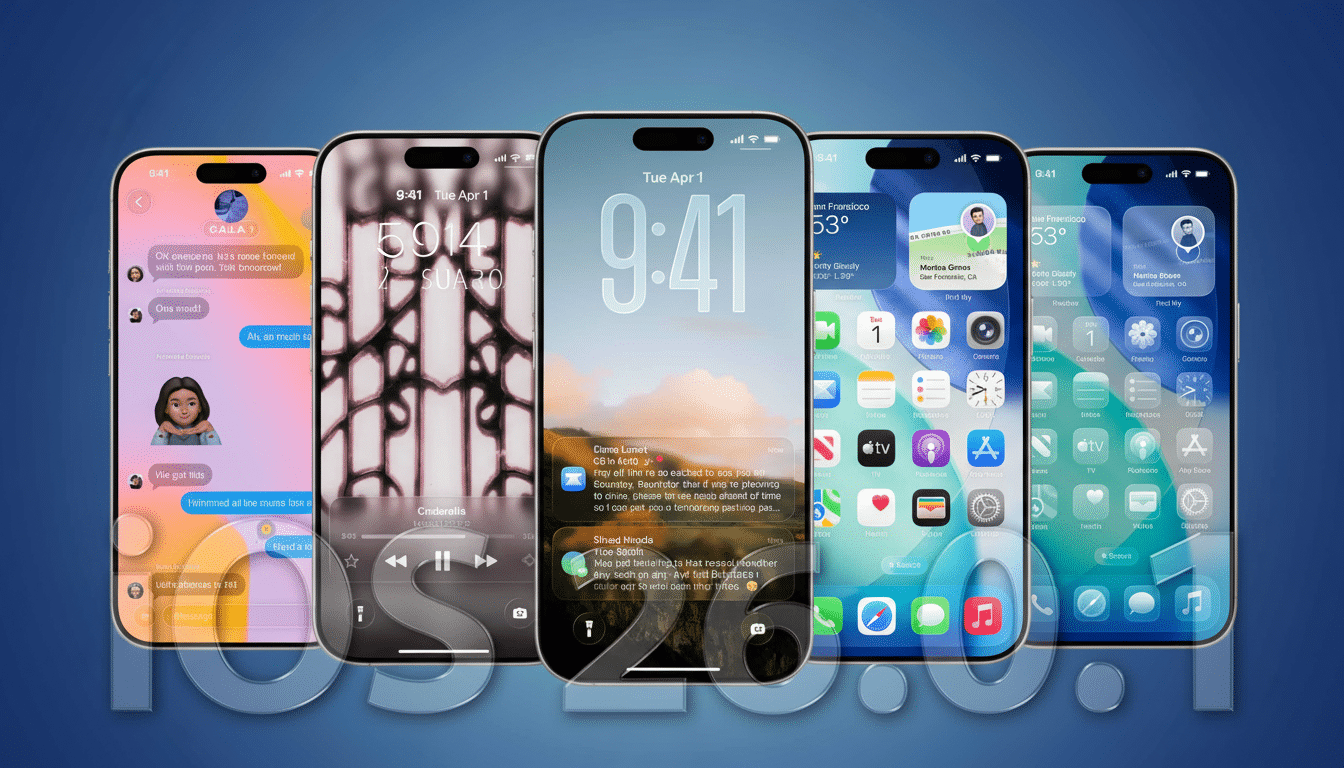
Prefer a computer? Plug your iPhone into a Mac, fire up Finder, click on your device, and select Check for Update. If you are on Windows, do the same process with iTunes. This route might help you out if you are running low on device storage or get the dreaded “Preparing Update” loop.
Get Your iPhone Ready for an Update with These Quick Checks
Back up first. An iCloud backup will suffice for most people, but an encrypted Finder backup to a Mac saves Health and Keychain data into the bargain. Try to have a few GB free or enough space for the download and installation.
Do so in Settings, under General and Software Update. If you had previously signed up for a beta, turn Beta Updates: Off to make sure you pull from Stable. Temporarily turn off Low Power Mode to keep it from interfering with the installation.
Who Should Install iOS 26.0.1 Right Now and Why It Matters
If you have an iPhone 17 and are experiencing spotty Wi‑Fi or Bluetooth, update your phone as soon as you can. Photographers who shoot in clubs, arenas, or under LED stage lights should also have the camera fix. Company-provided devices: Enterprise administrators can push the update via mobile device management (MDM) or Apple Configurator to ensure a more consistent and predictable performance across devices.
Don’t Expect New Features in iOS 26.0.1, This Is a Polish Release
This release is about polish, not new toys. The iOS 26 Liquid Glass design is still here — unfortunately, Apple doesn’t give us a worldwide switch to change back. If you like a softer look, experiment with Accessibility options such as Reduce Transparency and Increase Contrast, which can mute some of the visual shine without disrupting function.
The bottom line: iOS 26.0.1 is a small but important install focused on squishing early bugs, and likely also security hardening under the hood. Update, check to see your accessories and apps play nicely, and move on.
