


A new productivity app called Chorde is bringing voice notes directly to Gmail and Outlook, and its lifetime Pro plan is currently on sale for $59.99, an 84% discount from the usual $399. For teams drowning in email or individuals who prefer to talk through context instead of typing, this is a timely upgrade to two of the world’s most-used inboxes.
What Chorde Actually Adds To Your Email Inbox
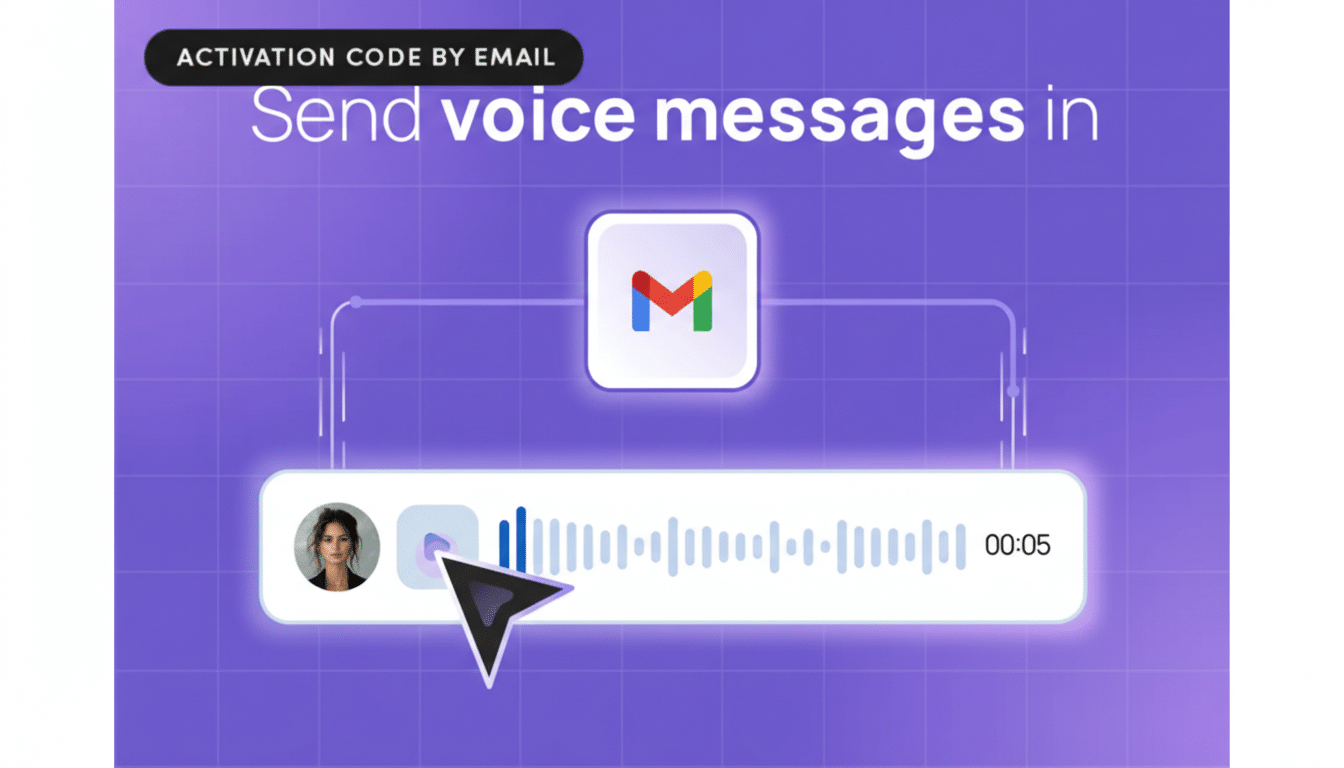
Chorde embeds a one-click recorder in Gmail and Outlook so you can capture a quick message and drop a playback link into the body of an email. Recipients see a simple audio player and can listen without installing anything or downloading attachments. It keeps the experience native to email while solving the “this would be faster to say” problem that clutters threads with walls of text.
- What Chorde Actually Adds To Your Email Inbox
- Why Voice Notes In Email Matter Right Now
- How It Works In Gmail And Microsoft Outlook
- Transcripts, Accessibility, And Search Features
- Real-World Use Cases For Email Voice Messages
- Price And Availability For Chorde’s Lifetime Plan
- Bottom Line On Chorde’s Voice Notes For Email
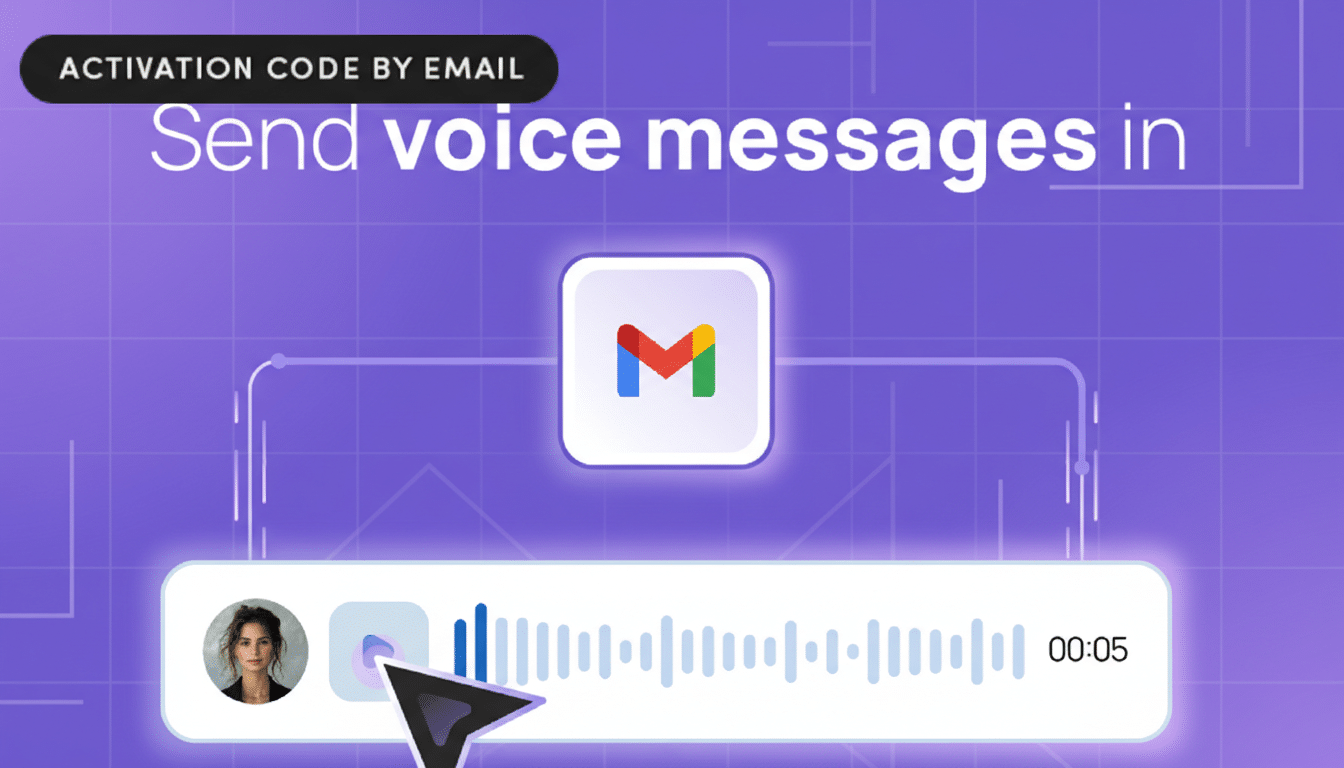
Crucially, audio lives on Chorde’s servers rather than inside your mailbox, so it doesn’t inflate storage quotas for you or the recipient. That’s a small but meaningful design choice if your team works under strict mailbox limits or you’re constantly purging large attachments.
Why Voice Notes In Email Matter Right Now
Email volume keeps rising even as new collaboration tools proliferate. The Radicati Group estimates global daily email traffic in the hundreds of billions, and Microsoft’s Work Trend Index has repeatedly found that knowledge workers feel overwhelmed by digital communication. The efficiency gains from a concise, 60–90 second voice note can be significant: most people speak 125–150 words per minute, versus average typing speeds near 40 words per minute, and listeners can often grasp tone and intent faster than by parsing paragraphs.
Voice also fills a gap left by chat platforms. Slack and WhatsApp popularized voice messages in real time, but many decisions and records still live in email. By keeping the audit trail intact while making the message faster to produce and consume, Chorde leans into asynchronous work without forcing yet another tool switch.
How It Works In Gmail And Microsoft Outlook
Once installed as a lightweight add-on in your browser or mail client, Chorde places a record button next to the compose window. Click to capture audio, review it if you’d like, then insert the secure playback link. On the receiving end, the embedded player loads instantly in the email, so there’s minimal friction for clients or colleagues outside your organization.
Teams that rely on templates or routing rules won’t need to change workflows—Chorde’s links behave like ordinary URLs within signatures, canned responses, or CRM-generated emails. That makes it suitable for support teams providing quick explanations, recruiters sharing candidate notes, or managers sending weekly updates without scheduling yet another meeting.
Transcripts, Accessibility, And Search Features
Automatic transcription is available for those who prefer reading or need to skim in a shared workspace. That’s especially valuable for accessibility and for quiet environments where listening isn’t practical. It also aids recall: a short transcript summary can be copied into project docs, and keywords become easier to surface later alongside the original audio.
If your company operates in regulated industries, you’ll want clarity on data handling, retention settings, and encryption in transit and at rest. While Chorde hosts audio off-inbox for storage efficiency, admins should review vendor security documentation, audit logs, and options to set deletion windows to meet compliance obligations such as GDPR or internal governance policies.
Real-World Use Cases For Email Voice Messages
- Sales: Send a 45-second personalized intro that stands out in a crowded inbox, while the transcript provides a quick summary for CRM notes.
- Product: Share a rapid status update or demo explanation without scheduling a stand-up; embed the link in a release email so stakeholders can listen on their schedule.
- Support: Walk a customer through steps verbally—tone helps de-escalate issues—then let them replay as needed, instead of juggling a long thread.
Price And Availability For Chorde’s Lifetime Plan
The current lifetime Pro plan for Chorde is listed at $59.99, marked down from $399. As always with limited-time promotions, availability and pricing can change, and buyers should confirm what “lifetime” covers—typically the lifetime of the product, not an unlimited service guarantee.
For individual professionals, the one-time cost is competitive with annual licenses for video messaging or meeting tools. For small teams that send frequent explanations, even a modest reduction in meeting time could offset the purchase quickly.
Bottom Line On Chorde’s Voice Notes For Email
Chorde’s value proposition is simple: make email faster to create and easier to understand by adding voice where it belongs, inside Gmail and Outlook. The 84% discount makes it an attractive moment to try voice messaging without committing to another recurring subscription. If your day is heavy on coordination and context, this is a pragmatic upgrade that could return time to your calendar immediately.
