


Smartwatch personalization just got a whimsical bump. Androidify for Wear OS is now live, so users can turn AI-generated Bugdroid avatars into wearable watch faces. The launch comes about five months after the revival of the Androidify app and brings that same creative force right onto your wrist.
How Androidify on Wear OS works to create AI watch faces
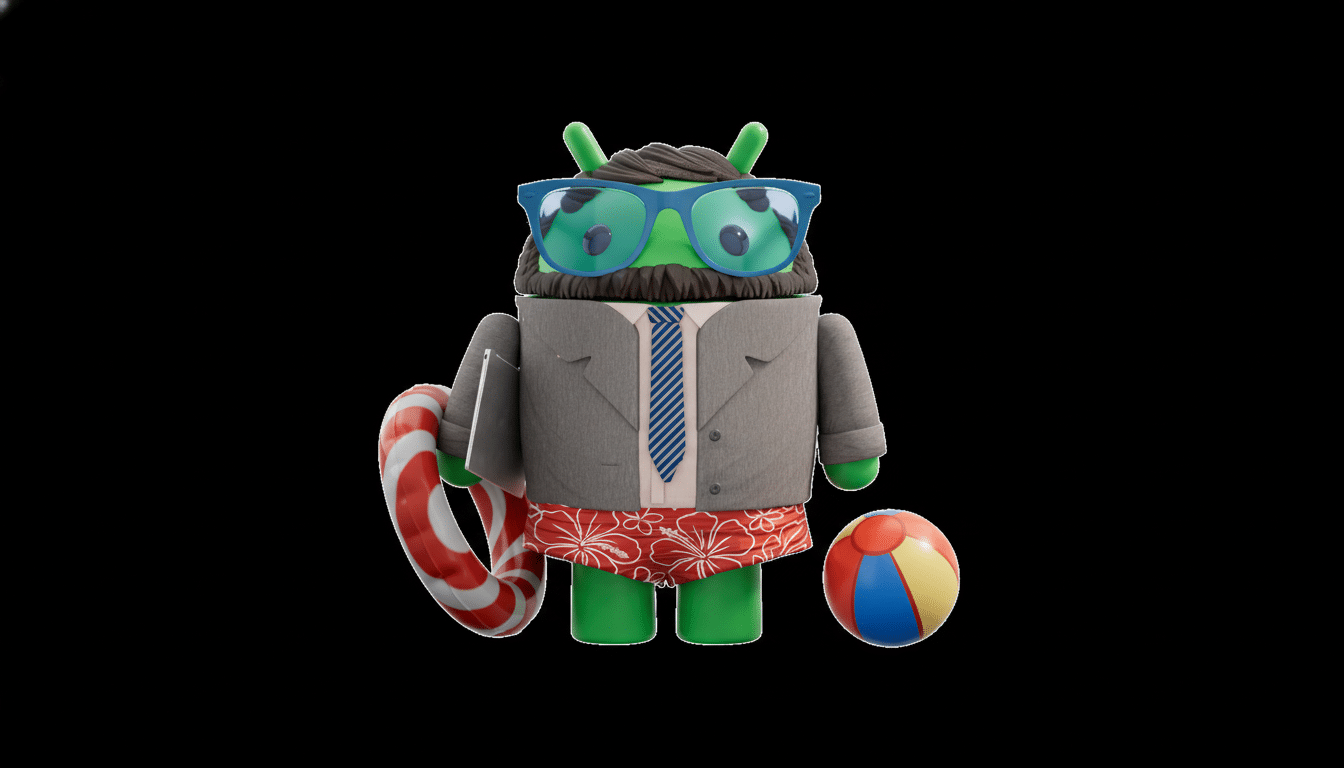
Androidify taps into Google’s Gemini generative AI for a personalized Bugdroid made from any photo you supply.
- How Androidify on Wear OS works to create AI watch faces
- How to get started using Androidify watch faces on Wear OS
- What this means for Wear OS engagement and creativity
- Performance and battery considerations for Androidify faces
- Privacy and safety when generating avatars from photos
- The bigger picture for Wear OS and Androidify watch faces
The companion experience for Wear OS converts that avatar into a watch face, combining expressive mascot style with the key details you’d expect on your wrist. It’s not everything, but it’s a small feature that sits squarely where Wear OS users spend the majority of their time: glancing at the watch face.
In practice, the process is straightforward. You produce or customize your avatar in the phone app, then choose it on your Wear OS device to use as a watch face. There, you can make the standard face selections — time layout plus the basics — and still keep your avatar front and center. It’s an easy way to go from a germ of an idea to your wrist without having to scour third‑party face shops or work with design tools.
How to get started using Androidify watch faces on Wear OS
Update the Androidify app on your phone, and be sure that your smartwatch is running a relatively recent version of Wear OS. Open Androidify, upload a photo, and let Gemini recreate your Bugdroid. Once you like the results, send them to your watch and select one as a face. Assuming you’re using a Pixel Watch or an up-to-date Galaxy Watch, setup should just work with the normal watch face picker.
If you like to keep things personal, bypassing personal photos and designing a character from the ground up with preset styles is also an option. The pleasure of the app is how close to immediate its output is: You get an avatar, do a bit of fiddling, and you’re good to go, with no graphics experience necessary.
What this means for Wear OS engagement and creativity
Customizing the watch face is one of the stickiest parts of a smartwatch. Counterpoint Research industry analysts have persistently emphasized that faces and health features are proven drivers of daily engagement as well as longer‑term retention. By reducing the threshold for creating something personal — and whimsical, if desired — Androidify provides Wear OS with yet another on‑ramp to everyday use.
It also shows off Google’s ongoing work on the Watch Face Format, a standards‑based approach introduced by the Android team to make faces more efficient and easier to maintain. Developers enjoy simpler tooling and no battery drain to worry about, and the user gets a smoother, more reliable experience. Androidify’s own customization tools also prove that first‑party solutions are possible when it comes to something fun and practical.
Performance and battery considerations for Androidify faces
Battery life survives or dies depending on what your watch face is doing. Faces that refrain from constant redrawing and keep always‑on mode in check are the ones that show the least signs of wear. Since Androidify’s avatars generate as static pictures for the main face, there is no reason to assume that they will not work similarly in everyday usage to a standard photograph‑based face. Expect the usual always‑on simplifications when your wrist is down to cut power draw and lessen burn‑in risk on OLED screens, in line with Google’s watch face specifications.
If you heavily depend on complications from fitness apps or calendars, you can still access them alongside your avatar, but the exact options will differ by watch and face setup. As with everything else, you’ll want to bear in mind that more frequent updates for complications can also impact battery life: Think carefully about the data that you actually need on your wrist at a glance.
Privacy and safety when generating avatars from photos
When making an avatar from a photo, a user must be willing to feed the app that image. Gemini serves generative requests according to Google’s AI safety and privacy commitments. You decide what you upload and retain. Examine the app’s permissions, review content settings, and remove any avatars you don’t wish to have saved. For parents: Keep in mind that wearable content can be seen in public spaces — opt for imagery you can share with a glance.
The bigger picture for Wear OS and Androidify watch faces
Bringing back Androidify — now expanded to Wear OS — is nowhere near just a nostalgia play. It’s an intelligent amalgamation of generative AI and everyday utility, designed for a platform where personality counts. As smartwatch shipments continue to increase (per reports from Canalys and Counterpoint), offering up unique watch faces is an easy way to keep users interested without increasing complexity.
Anticipate social networks filling up with Bugdroid wrists in no time flat — and anticipate cocked ears on other face makers.
If you’ve been itching for a quick, cheerful way to get your smartwatch to feel like it’s truly yours, this is that chance. Just open the app, create an avatar, and enjoy your Wear OS watch doing the rest.
