


Android 16 QPR3 Beta makes a tiny but impactful privacy improvement in the form of a live, tappable location indicator that shows you what app is accessing your location at any given moment. It’s a resurrection of an ability that Google experimented with years ago, but one that is polished and now built right into the status bar for instant awareness.
What’s New in the Status Bar: Live Location Attribution
If an app requests your location on Android 16 QPR3, you’ll see a blue icon pop up on the status bar. Tap it, and a privacy dialog box containing a list of the individual apps currently using your location appears, instead of the generic one-size-fits-all prompts that kept users in the dark in prior releases.
- What’s New in the Status Bar: Live Location Attribution
- How It Works and What You Can Control With the Indicator
- Why This Is a Privacy Issue and How It Protects You
- A Feature With History: Google’s Earlier Experiment Returns
- Availability and Devices: Where and When You Can Try It
- How to Try It Now on Pixel Phones in the Beta Program
- The Bottom Line: Clearer, Faster Control Over Location Access
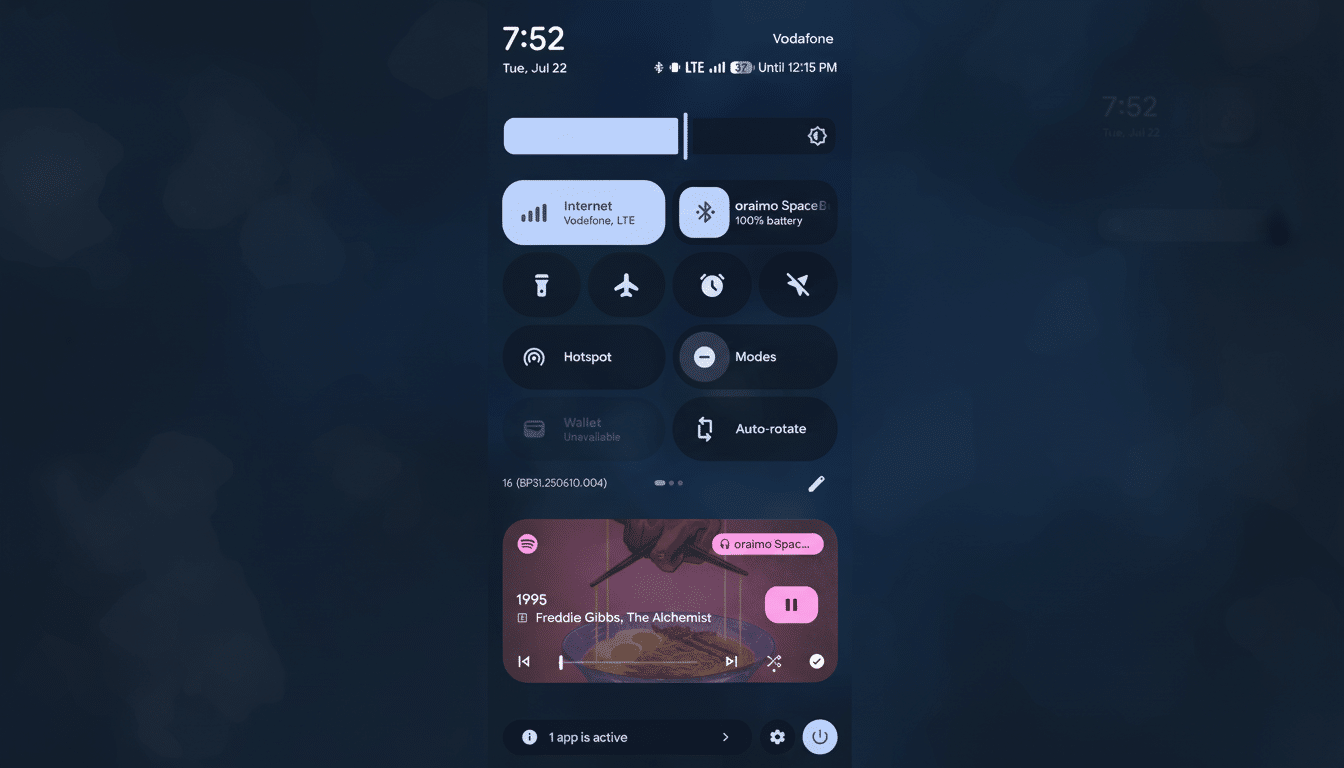
If more than one sensor is in use — your app asked for a photo but also has recorded audio — you’ll see the familiar green indicator.
Either way, the dialog now presents the name of the app that’s responsible for asking to access location and offers a clear way to tighten permissions around it.
How It Works and What You Can Control With the Indicator
Tap the indicator to see a list of the most recently used apps that have access to location. From there, you can jump right to each app’s permission page to toggle between precise and approximate location, limit background access, or remove location altogether. For quick audits, you can also go to Settings > Privacy > Permission Manager > Location and see historical access there — plus tweak the defaults.
The net result is quicker feedback and quicker fixes. Rather than trawling through settings after seeing a generic icon appear, you have instant attribution and one-tap access to rein things in.
Why This Is a Privacy Issue and How It Protects You
Location data is one of the most sensitive signals a phone can emit. It can disclose patterns of life, including work, trips to the doctor, or place of worship. Regulators and academics have repeatedly cautioned about overcollection and resale of data by third parties: the FTC sued the data broker Kochava in 2022 for selling precise geolocation, while state attorneys general brokered a $391.5 million settlement with Google that year on allegations related to location practices.
Android has been steadily raising the bar — throwing in one-time permissions, background access prompts, and approximate location in Android 12 — but real-time attribution plugs an important hole. You don’t have to guess which app is silently siphoning your whereabouts; the system informs you directly.
A Feature With History: Google’s Earlier Experiment Returns
Google first played with an expandable location chip as part of the new camera and microphone indicators introduced in Android 12 but ultimately pulled it aside during the Android 13 cycle. QPR3 returns it with better visuals and sexier integration, putting location on the same level of transparency as mic and camera in this app.
Competition-wise, the move falls in line with wider industry trends. On iOS, a little location arrow means an app is using your location and can even show up next to the app name; Android is taking similar pains in the status bar but also providing an explicit list of active apps behind a tap.
Availability and Devices: Where and When You Can Try It
The feature is shipping first with Android 16 QPR3 Beta 1 for Tensor-powered Pixel phones running Google’s beta program. Quarterly Platform Release (QPR) features generally go to stable builds following a brief beta run, often within the context of some larger Pixel feature update. You’ll find broader availability on non-Pixel devices as each manufacturer rolls out Android 16 and embraces — or doesn’t — Google’s privacy interface.
How to Try It Now on Pixel Phones in the Beta Program
If you’re willing to install beta software on a supported Pixel, sign up for the Android Beta Program, update to Android 16 QPR3, and wait until you see the blue location icon whenever using apps that have background activity that uses GPS or network location. Clicking through on the icon shows live attribution, and you can use the dialog (or Permission Manager) to turn off access when desired.
The Bottom Line: Clearer, Faster Control Over Location Access
Android 16 QPR3 moves some vague alerts to actionable intelligence. By naming the app that is tracking your location when it happens, Google gives users a tangible tool to pinpoint overreach and assert control. It’s not a big UI-level shift, but its implications are pretty huge: it makes things simpler, more consistent, and more transparent while promoting better privacy hygiene in day-to-day Android use.
