


Occasionally, a tiny software concept slips into your life and solves a niggling problem with such elegance that you wish everyone could use it. The contextual apps for Bluetooth connections in Niagara Launcher is one of them. They deliver the right apps to your home screen at the exact time you want them, and then vanish when you don’t — no clutter, no fussing around, no searching.
Here’s how it works: if your phone connects to headphones, the car, or a speaker, Niagara can show a short list of apps you tend to use in those contexts. Think music, podcasts, navigation, or meditation. You choose which ones appear. It’s quick, predictable, and oh-so-human.
- What Niagara Gets Right About Contextual Bluetooth Apps
- Why Lists Are Better Than Auto-Launch in Bluetooth Contexts
- The Data Case for Context-Aware App Launchers
- Simple, Private, and On-Device by Design
- How Standardization Could Look Across Android and iOS Launchers
- Real-World Wins That Add Up During Daily Routines
- The Feature All Phones Should Copy Immediately and Ship by Default
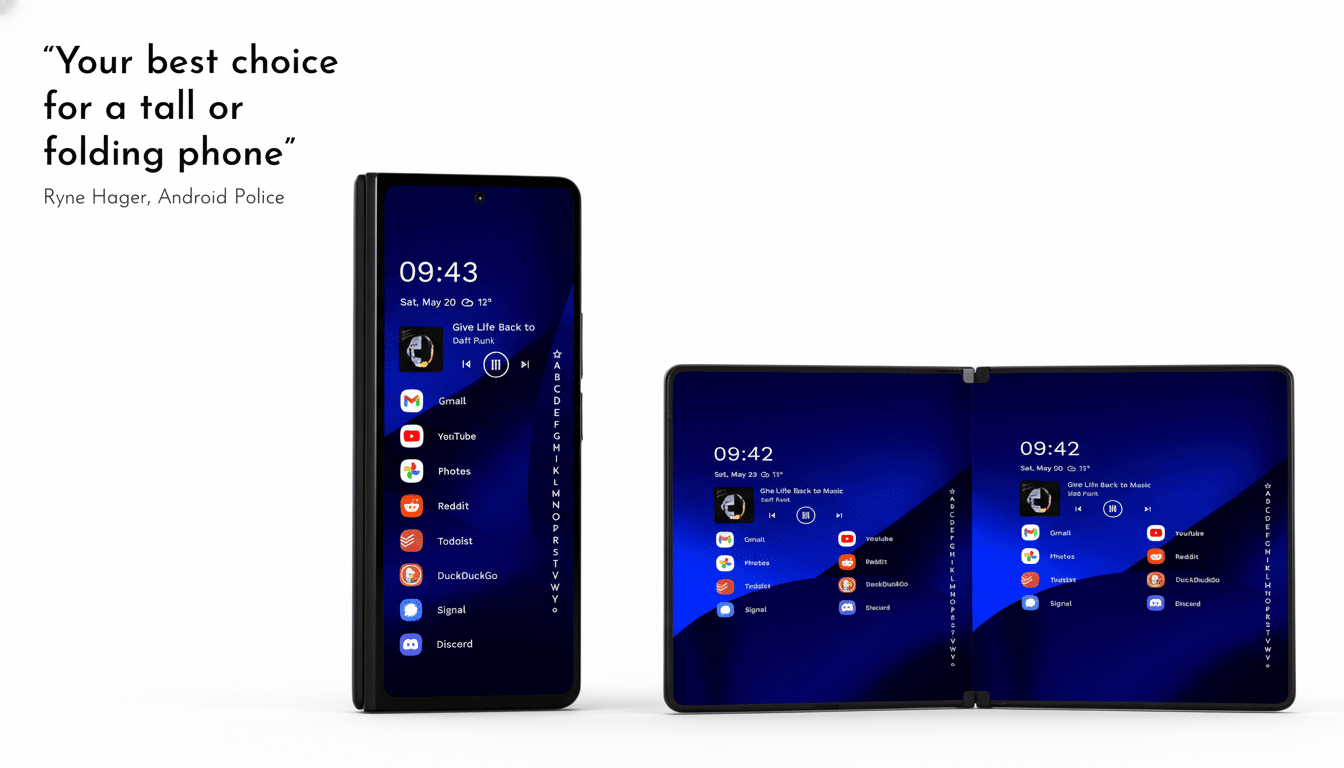
This should be a default feature on all phones. The feature resides in the paid tier, Niagara Pro, but the concept is simple enough that platform owners and OEMs could feasibly bake it into their default launchers with relative ease.
What Niagara Gets Right About Contextual Bluetooth Apps
Context matters. Most of us don’t open up Spotify without putting our headphones on, nor do we start a mindfulness app on a train car if it’s not accompanied by some kind of audio. Niagara embraces that pattern by allowing the user to devise a set of Bluetooth-aware shortcuts; they show only when appropriate. The endgame is a cleaner home screen that feels smarter but also less pushy.
The key is choice. Niagara won’t spring anything open automatically; it displays a small panel of relevant options. Some days it’s YouTube Music, other days you want a podcast app or a white-noise tool. And you’re in control, with no friction.
Why Lists Are Better Than Auto-Launch in Bluetooth Contexts
Modes and Routines from Samsung can open an app when a particular device connects. That’s useful, but rigid. Life is not a narrow “if headphones, then Spotify” flow. At other times, you just need Maps so that you may get a fast route before pressing play. Occasionally it’s a language-learning app on the road to work. A multi-app chooser meets you where you are, while single-app automations shove you into a shape that frequently doesn’t fit.
Google’s Pixel Launcher has that Rules functionality, but it is still limited by its Bluetooth-based triggers. Neither approach is as adaptable to the contextual nature of a short list becoming active when it is relevant and also humbly excusing itself.
The Data Case for Context-Aware App Launchers
Bluetooth audio is now mainstream. The Bluetooth SIG market updates always say, in essence, “billions of Bluetooth devices shipping every year,” and audio is still a major driver. Meanwhile, IDC pegs wearables at over half a billion units shipped in 2023, with earwear dominating the category. In other words: millions of people plug headphones or car systems into their phones daily.
If the typical usage pattern is “connect, then open audio or navigation,” that’s what the launcher should be anticipating. Contextual surfacing is not a trick; it’s a UI acknowledgment of how people use their phones anyway.
Simple, Private, and On-Device by Design
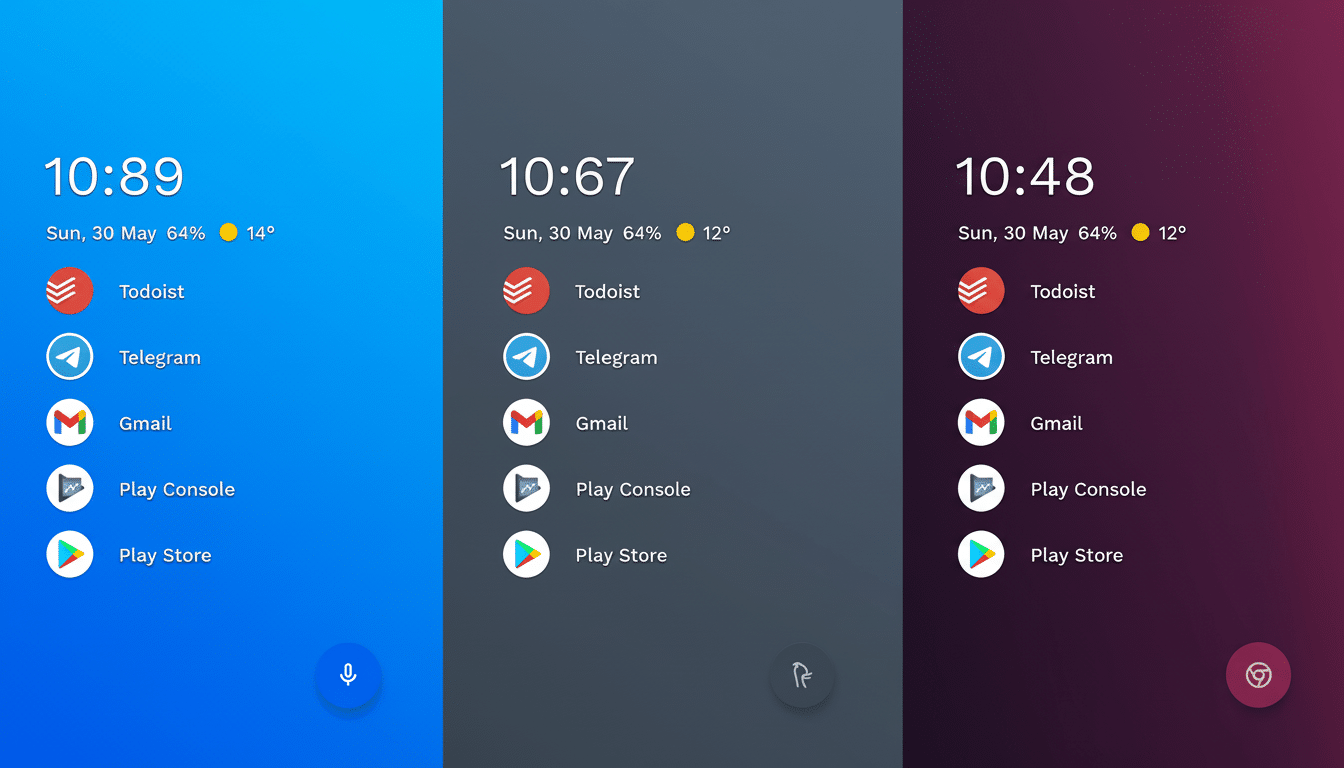
Technically, this isn’t heavy lifting. Bluetooth connection state is already exposed by Android, which launchers or system services can listen to on-device. No cloud processing is necessary. A straightforward rules panel would enable users to select what apps display for each recognized device, like headphones, car, or speaker, with a small throwaway strip on the home screen or lock screen.
There is little, if any, battery drain because it’s not constantly polling but rather reacting to OS-level events. Privacy is unaffected since everything happens locally, and users actively opt in. Usability wins too; fewer taps, larger targets, and predictable placement can make common tasks dramatically easier for a wide range of users.
How Standardization Could Look Across Android and iOS Launchers
In terms of keeping things tidy, for Android OEMs it could come in the form of bringing a “Contextual Apps” section to their stock launchers or routines hubs. Fold it into Modes and Routines on Galaxy devices, or stick it in a retooled Rules panel on Pixel, but retain Niagara’s key design decision — surface a user-selected drawer versus auto-launching an app.
On iOS, an equivalent could coexist with Shortcuts and Focus. Apple already dabbles in situational computing with Focus Filters; a Bluetooth-aware app strip on the Home Screen or Lock Screen would fit that philosophy without adding unfamiliar complexity.
Real-World Wins That Add Up During Daily Routines
Imagine the commute: connect to car Bluetooth, and Maps, Spotify, Audible (audiobooks > podcasts) slide in. You walk into the gym; you switch to your earbuds, and there is your fitness tracker, and there is your playlist. You go to sit down and meditate at night, and then your timer, ambience app, and meditation service pop up. No dragging icons across screens, no folders to open, no overflow pages of apps to swipe through.
It’s the mobile version of good mise en place — having tools easily at hand only when you need them.
The Feature All Phones Should Copy Immediately and Ship by Default
Bluetooth-aware contextual apps set Niagara Launcher apart in an all-too-rare manner. It respects attention, mitigates the noise, and reflects actual behavior while retaining control. Since audio gear and automobiles are two things people so frequently connect to their phones, this is the sort of thoughtful, low-friction feature that should not be an optional third-party upgrade but built into the phone out of the box.
The blueprint exists. The demand is obvious. All that remains is for owners of platforms to make it available as standard.
