


If you’re tired of autoplay videos, sticky banners, and pop-ups derailing your browsing, a notable deal just made cleanup cheaper. AdGuard’s Lifetime Family Plan is now 76% off, bringing the one-time price down to $39.99 from a $169.99 MSRP. The license covers up to nine devices across Windows, macOS, iOS, and Android, making it a rare set-and-forget option for households that juggle phones, tablets, and laptops.
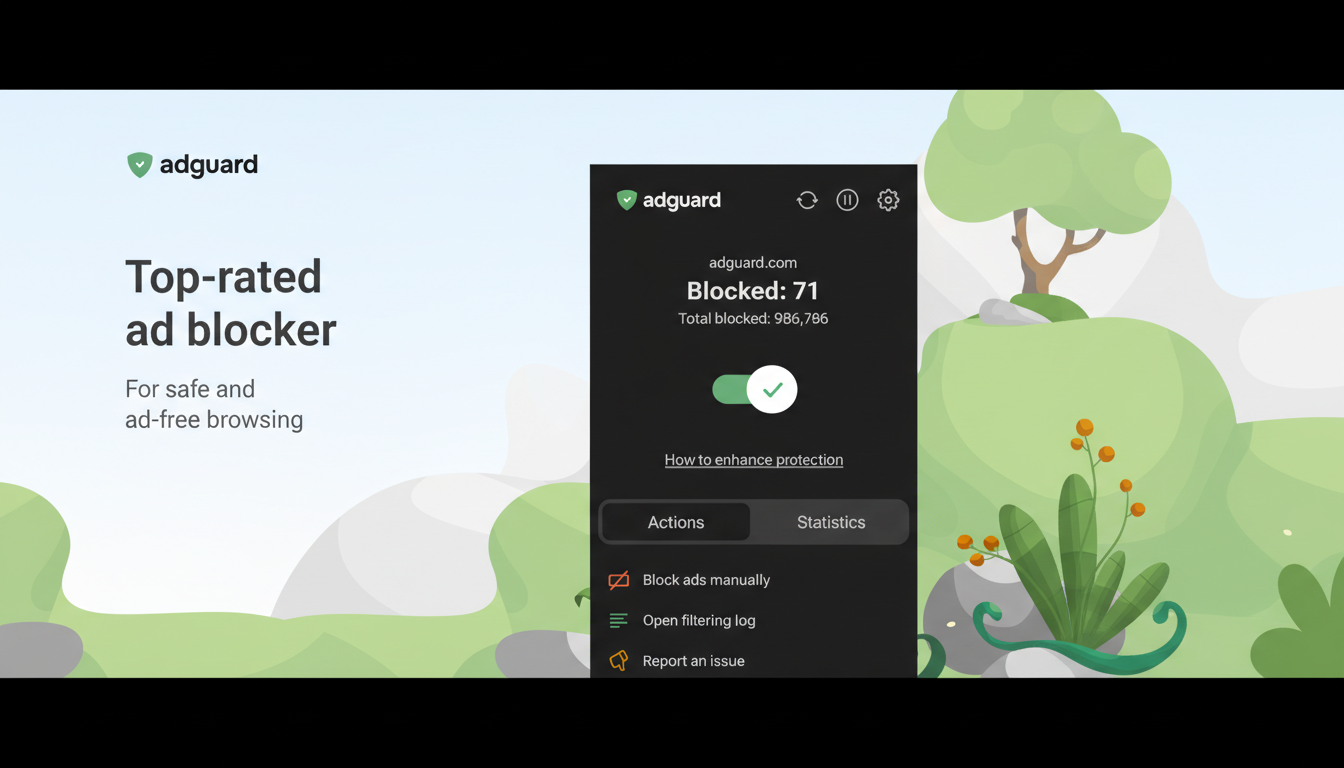
Unlike browser-only extensions, AdGuard runs at the system level on desktop and uses a local VPN method on mobile to stop ads and trackers before they load. The practical result is quieter pages, fewer attention-grabbing overlays, and a measurable cut in data use. For families and multi-device users who don’t want another subscription, the lifetime angle is the draw.

What the 76% Lifetime Family Plan Discount Gets You
The Family Plan grants perpetual access for up to nine simultaneous installs. That’s enough for a couple of laptops, a media PC, and a mix of phones or tablets without worrying about juggling seats. The price is a one-off payment—no renewals to watch, no upsell tiers to navigate later.
Coverage is cross-platform: native apps for Windows and macOS, and mobile support for iOS and Android. On Apple devices, AdGuard works within Safari’s content-blocker framework; on Android, it uses a local VPN-based filter to extend protection beyond the browser into many apps. On desktop, it applies system-wide rules that catch ads in browsers and other software that pulls web content.
How AdGuard Blocks More Than Pop-Ups and Trackers
AdGuard filters traffic against well-known community lists like EasyList and EasyPrivacy, along with its own curated rules. It can also enforce DNS filtering—either via AdGuard’s DNS service or a custom resolver—to cut off connections to ad and tracking domains before they’re requested. That layered approach is why it can stop autoplay video slots, floating “subscribe” modals, and many in-app ad calls that slip past simple extensions.
You can tailor the aggressiveness: whitelist sites that request ad support, toggle cosmetic filtering, and enable stealth modes that strip tracking parameters from URLs. For power users, custom rules and user filters are there if you want to fine-tune edge cases or neutralize a particularly noisy site layout.
Speed and Privacy Backed by Data and Research
Third-party scripts are a major source of page bloat. The HTTP Archive has shown that modern mobile pages routinely top 2MB, with third-party requests forming a significant share of the weight on many content sites. Blocking ad and tracking calls reduces those requests, which can improve time-to-interactive and save battery on mobile devices by cutting CPU wake-ups and network chatter.
Privacy is an equally strong motivator. Statista estimates that more than 40% of global internet users employ some form of ad blocking, a sign of widespread discomfort with behavioral tracking. Meanwhile, the digital ad economy continues to expand—industry groups like the Interactive Advertising Bureau have reported US digital ad revenues in the hundreds of billions—so the arms race between tracking tech and user controls isn’t slowing down. Tools that preempt trackers at the network or system level give users a more reliable say in what data leaves their devices.
Security and Family Controls for Safer Browsing
AdGuard isn’t an antivirus, but its anti-phishing and malicious domain blocklists add a protective layer when users mistype URLs or click suspicious links. This is useful context given Google’s Safe Browsing team regularly flags thousands of dangerous sites each day, many of which spoof login pages or push malware via deceptive buttons.
Parents also get content filtering that can restrict adult sites, enforce SafeSearch on popular engines, and schedule access windows for kids’ devices. Those controls sit alongside the ad-blocking features, reducing the need to manage multiple, overlapping apps on each device.
What to Know Before You Buy the Lifetime Family Plan
Some publishers detect ad blockers and may limit access or request whitelisting. AdGuard makes exemptions simple, and many users choose to allow ads on outlets they value. Platform rules also matter: iOS content blockers can’t filter every in-app ad due to system constraints, though Safari coverage is strong. On Android, the local VPN approach means you can’t run two VPN-style apps at the same time.
If you’re juggling multiple devices and want fewer interruptions without another monthly bill, this 76% price cut is compelling. For $39.99, covering nine devices with lifetime updates can pay for itself quickly in quieter pages, faster loads, and fewer risky clicks—especially in households where streaming, news, and social apps compete for attention.
