


A lifetime ad blocker that covers the whole household just hit an unusually low price. The AdGuard Lifetime Family Plan is now $19.97, down from $169.99—an 88% discount—and it covers up to nine devices with ongoing updates included.
Beyond cutting clutter, a robust blocker pays off in speed and privacy. With digital advertising now a more than $200 billion market in the US according to the Interactive Advertising Bureau, pages are crowded with third-party scripts and trackers. Limiting those requests can make browsing feel instantly lighter and reduce data use on mobile.

What the AdGuard Lifetime Family Plan Deal Includes
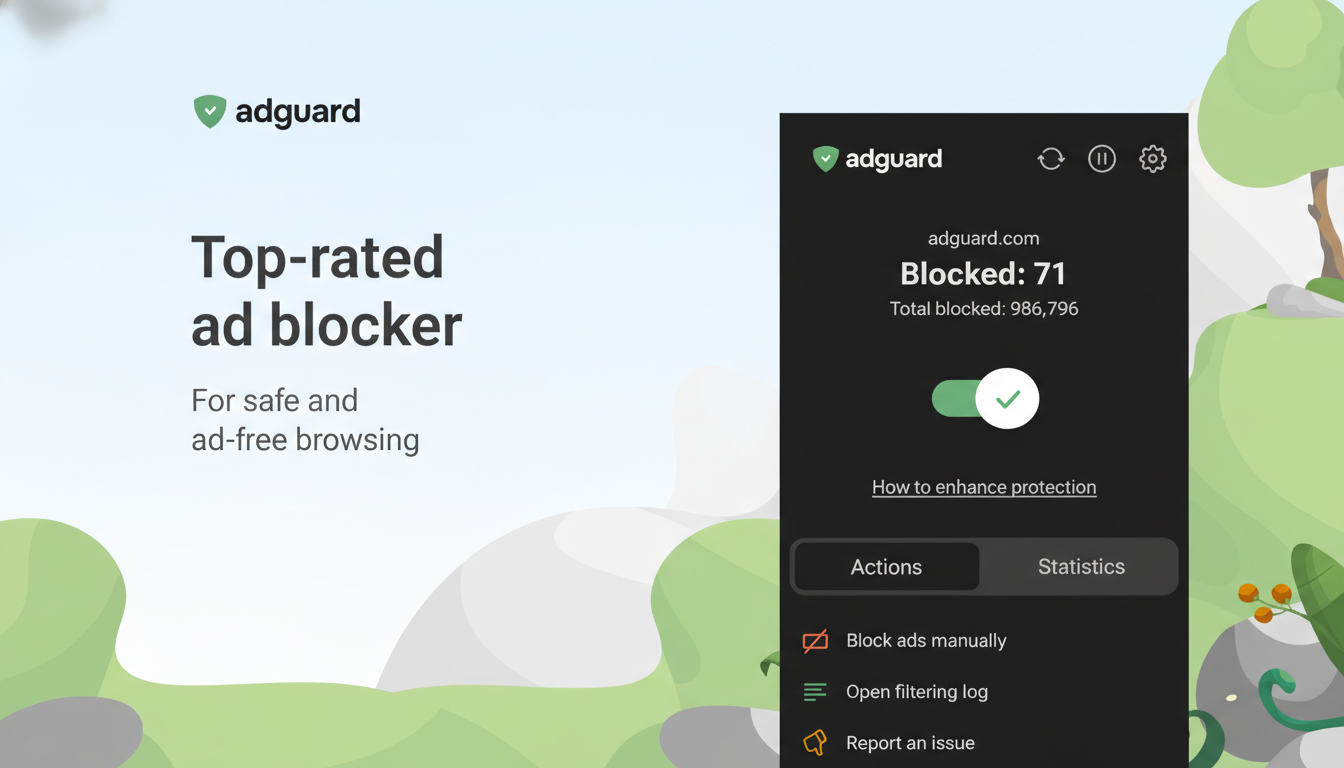
AdGuard operates at the system level, filtering traffic before ads and tracking scripts load across browsers and many apps. It targets banners, pop-ups, video ads, and common tracking pixels so pages render with fewer distractions.
The Family Plan license spans Windows, macOS, iOS, and Android. You can mix devices across one household and manage allowlists, filter sets, and parental controls from within the apps. Lifetime here means you get feature updates and refreshed filter lists without a subscription.
Privacy features block known analytics beacons and malicious domains, and there is phishing protection designed to flag suspicious links before you click. That extra layer is welcome for everyday browsing where mistakes are easy to make.
Important distinction: this is not a VPN. It will not hide your IP address or encrypt all traffic end-to-end, though it can complement a VPN in a layered setup.
How System-Level Ad Blocking Differs From Extensions
Most ad blockers live inside a browser and can be constrained by platform rules. For example, Google’s shift to Manifest V3 in Chrome changes how extensions filter content, with stricter ruleset limits that can affect advanced filtering.
AdGuard applies filter rules to network traffic, so it can sanitize ads in desktop apps, in-app browsers, and multiple browsers at once. It supports popular lists like EasyList and EasyPrivacy, allows custom rules, and offers DNS-based filtering to stop known ad and tracker domains outright.
On iOS, where true system-wide blocking is restricted, AdGuard uses a local VPN profile and DNS filtering to approximate the same effect. In practice, that means fewer ads and trackers across Safari and many apps without manually tuning each browser.
Performance and Privacy Impact When Blocking Ads
Modern webpages can fire dozens of third-party requests for ads, analytics, and social widgets. Cutting those calls often trims page weight and CPU use, which can shave seconds off loads on ad-heavy sites and reduce battery drain—especially noticeable on older laptops and midrange phones.
From a privacy standpoint, fewer trackers means less behavioral data flowing to ad tech firms. Organizations like the Electronic Frontier Foundation have long advocated limiting third-party tracking to curb pervasive profiling, and system-level filtering enforces that across all your browsers, not just one.
AdGuard’s phishing and malware domain blocklists add a safety net. Verizon’s Data Breach Investigations Report consistently lists social engineering and phishing among top intrusion vectors, so filtering suspicious domains can reduce risk during routine browsing and email triage.
Compatibility and Caveats Across Platforms and Apps
Some publishers detect blockers and ask you to disable them. AdGuard’s allowlist and site-specific rules make it easy to support outlets you trust while still blocking intrusive formats elsewhere. A quick whitelist or softer filter mode often restores functionality without abandoning protection.
Streaming platforms and video sites frequently tweak ad delivery, and effectiveness can vary. AdGuard pushes frequent filter updates, but there will be days when a site slips through until lists catch up—an expected part of the cat-and-mouse dynamic.
On iOS, the local VPN approach may conflict with a separate VPN service. You can switch to DNS mode or use split tunneling with a compatible VPN, but simultaneous use depends on your setup and provider capabilities.
Value Assessment of the AdGuard Lifetime Family Plan
At $20 for nine devices, the math favors families and multi-device households. Comparable paid tools often charge annually, while open-source browser-only options remain free but lack system-level reach, cross-app protection, and integrated parental controls.
As with any software, “lifetime” typically refers to the life of the product and its support lifecycle, not a guarantee of service forever. Still, an 88% one-time price for cross-platform coverage and ongoing filter updates is a rare bargain.
If your goal is cleaner pages, faster loads, and fewer trackers across all your devices, this deal is easy to recommend. For fuller protection, pair AdGuard with a reputable VPN and a privacy-focused DNS provider such as Quad9 or Cloudflare.
