


A deep discount just made one of the most popular ad-blocking suites very affordable.
Priced at $169.99, the AdGuard Family Plan is now discounted by 91% to just $16, and can be used on as many as nine devices on Windows, macOS, Android, or iOS.
- What the AdGuard Family Plan deal includes for users
- What AdGuard covers and why these protections matter
- Privacy and security extras that enhance safe browsing
- Real-world performance gains from blocking ads and trackers
- How AdGuard compares to free and DNS-based alternatives
- Caveats and best practices for using ad blockers wisely
- Who should jump on this discounted AdGuard Family Plan
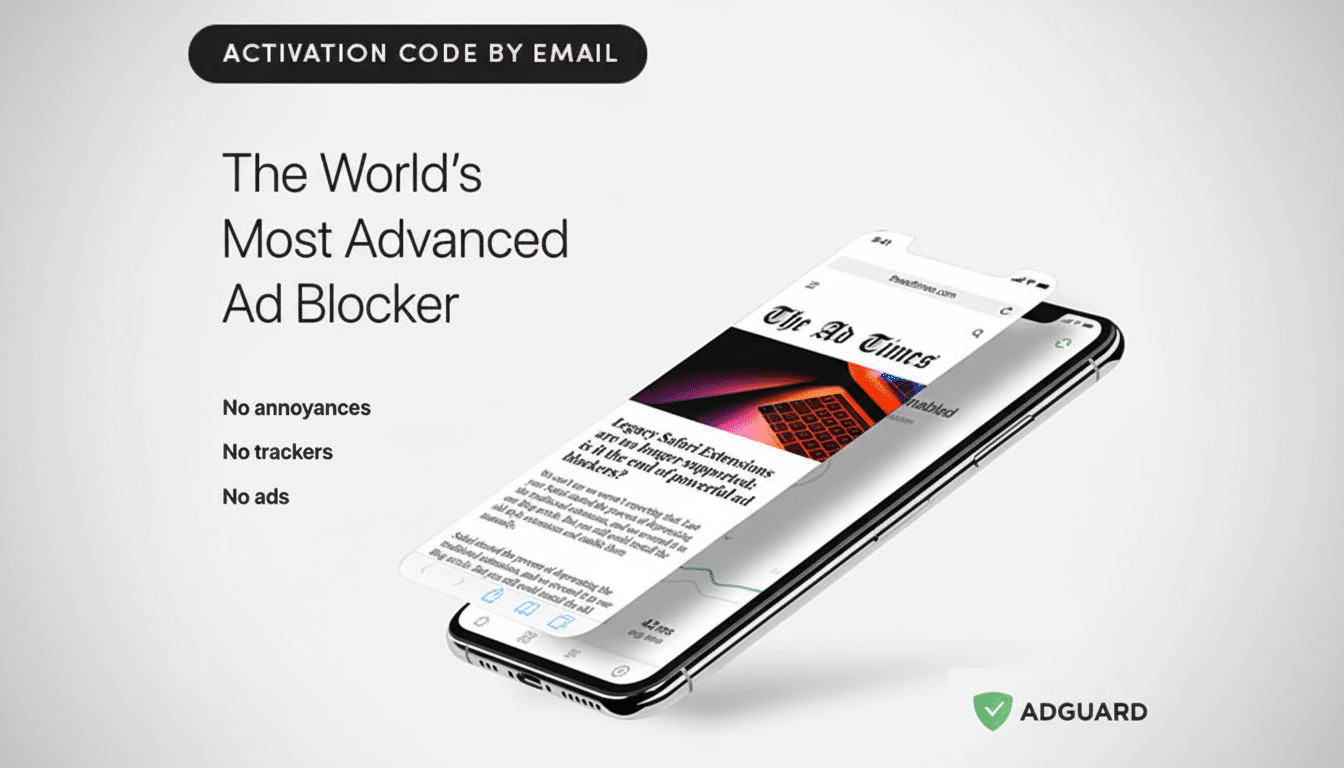
However, aside from removing banners, pop-ups, and video auto-play (and being available for the whole family’s use), AdGuard is a solution that takes privacy into consideration first. For the families with a dozen laptops, tablets, and phones bouncing around their house, an account that bundles ad and tracker blocking into one could be the difference between peaceful web use or chaos.
What the AdGuard Family Plan deal includes for users
The Family Plan is the license for AdGuard on up to nine devices, a good number of devices to protect in a typical household of phones, laptops, and a shared tablet or two. You get system-wide ad blocking, content filtering, and anti-tracking across both desktop and mobile devices; the ability to block access to adult content and known dangerous resources for the kiddos (parental control); a panic button that can take innocent workplace browsing to The Verge in one click; porn mode.
On mobile, AdGuard employs a local VPN profile to filter traffic at the device level — not only within the browser. On desktop, you get the full app to run alongside or in place of a browser extension. That flexibility matters when you divide browsing among Safari, Chrome, Edge, and Firefox.
What AdGuard covers and why these protections matter
AdGuard blocks not just advertising but everything that’s being loaded with the page and slows down web page loading, such as banners, video pre-rolls and auto-play adverts, in-page widgets off-screen, and flex units. It also blocks tracking scripts and beacons that follow you around the web and create behavioral profiles on where you have been, which reduces the number of those retargeted ads chasing after you.
The company has its own set of filter lists, and it supports community lists like EasyList, so you can fine-tune what is allowed. You can whitelist the sites you wish to support, and even use cosmetic filtering to create a ‘cleaner’ page where unwanted elements are hidden without site-breaking consequences — a useful half-way house if a site is particularly anti-blocker.
Privacy and security extras that enhance safe browsing
AdGuard also has very comprehensive anti-phishing/spam lists, so not only are ads removed (originating from many sources and well known for their dangerous nature) but, with the upgrades to its filtering rules, you can prevent spammy and malicious sites from leading you down some rough roads in your browsing. That’s particularly useful for kids who might not be able to spot suspicious links and older devices that don’t run full endpoint security.
Ad tracking is still ubiquitous: unaffiliated studies and industry reporting have repeatedly shown that most of the web’s most popular destinations automatically load third-party trackers. The Electronic Frontier Foundation has long cautioned that these scripts can facilitate cross-site profiling; blocking them not only reduces the quality of data that companies collect but also limits personalized ad targeting.
Real-world performance gains from blocking ads and trackers
Fewer ads and trackers usually equal faster pages and less mobile data burned. One widely acknowledged analysis by The New York Times discovered that ad and tracking scripts can make up more than 50 percent of data on some news sites when viewed on mobile phones, which explains why content filtering feels so much faster on phones.
Ad blocking is also mainstream. Blockthrough’s latest Adblock Report found that more than 900 million devices worldwide are running some sort of ad blocking, a sign that performance and privacy benefits are now table stakes for much of the public.
How AdGuard compares to free and DNS-based alternatives
“Why?” Sleed asked, then answered her own question: “Power users tend to prefer free, open-source options (such as uBlock Origin) that allow for browser-only filtering. The value proposition in AdGuard’s reduced-price Family Plan is wider protection: system-wide blocking on mobile, shared settings on multiple devices, parental control, and premium technical support — one license to cover them all.”
DNS-based services like NextDNS provide an alternative route to household-level filtering, but are more difficult to set up and don’t always offer the fine-grained cosmetic blocking that blots out on-page clutter. AdGuard bridges both of those worlds: it’s easy for novice users to begin using, powerful enough for experienced tinkerers.
Caveats and best practices for using ad blockers wisely
Some websites live off advertising and will put up anti-adblock walls. This is an easy fix: whitelist the site or turn on a lower-aggression filtering mode. A balanced approach — that supports trusted publishers while preventing invasive tracking and bulky units — preserves both your experience and the open web’s economics.
On iOS, even activity-wide filters work using two methods (all non-destructive, of course) approved by Apple and made available to other apps: the content-blocker framework for Safari; the local VPN app extension.
Many advanced rules cannot be implemented on mobile as a side effect. The trade-off is more than acceptable for most families, and the setup remains simple enough.
Who should jump on this discounted AdGuard Family Plan
For a household that juggles many devices and highly values faster pages, cleaner screens, and fewer trackers, the price is hard to ignore. The nine-device quota is plenty for a family of four, and the nearly 91% off also beats piecemeal app-by-app options.
The upshot is that, as an inexpensive option for cleaning up the web, boosting privacy, and injecting kid-friendly power across a whole home, AdGuard’s Family Plan at $16 is a value-packed purchase while this offer stands.
