


A new reader survey of over 3,000 smartphone owners has put numbers to a habit many of us picked up without much thought. The majority of them confessed that they rest the bottom edge of their phone on their little finger — a common grip associated with hand and wrist pain and now widely known as “smartphone pinky.”
The term isn’t an official medical diagnosis, but it describes a familiar scenario: pressure, soreness, and sometimes visible indentation along the outer (ulnar) side of your hand after extended one-handed use. The results of the poll underscore just how widespread that fault line is now.
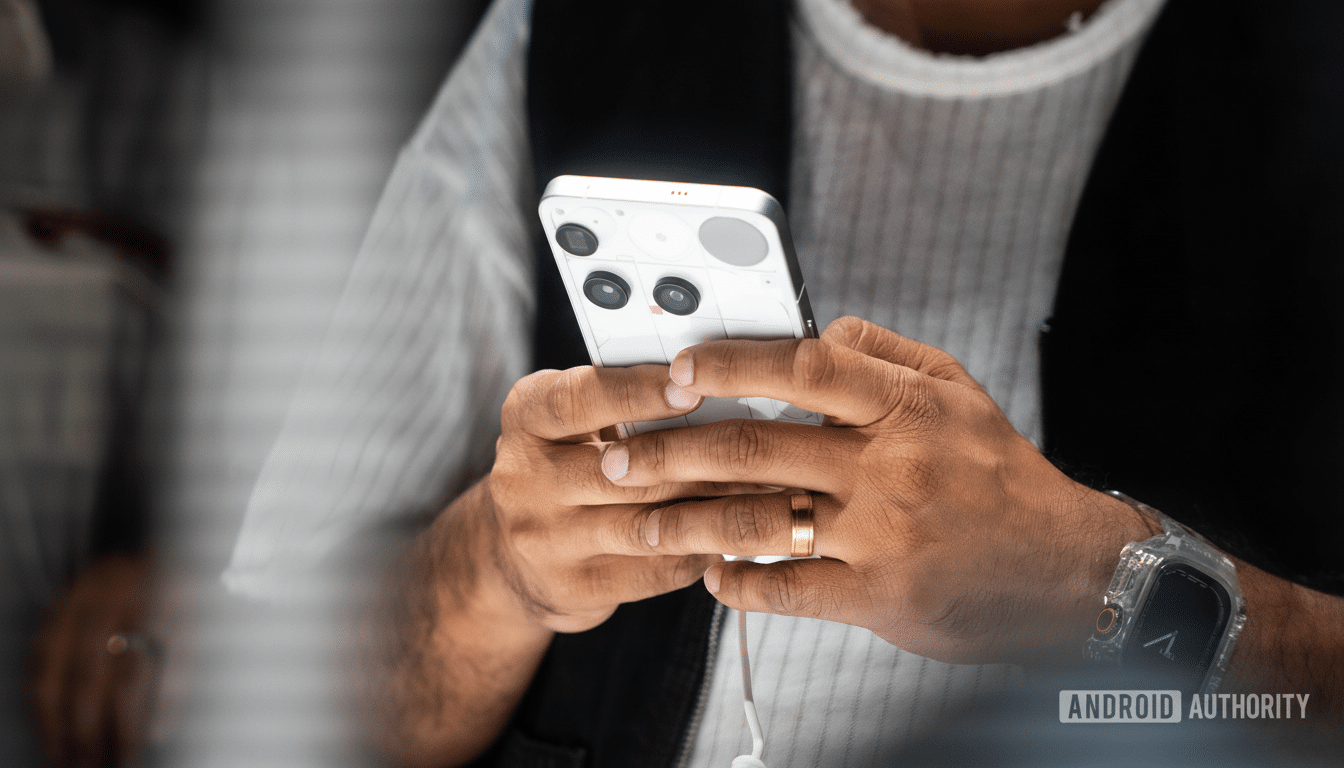
What the survey reveals about common phone gripping habits
According to the survey, 58% of people use what is called the “pinky shelf” to support their phone while their thumb taps at the screen. A further 23.4% reported gripping the device one-handed with all four fingers wrapping behind the device. Only 6.1% of them use a grip accessory, and 4.4% are two-handed: two hands (one for holding the phone and the other for tapping).
Such passionate users often report chronic soreness, tender grooves beneath the little finger, and sometimes wrist strain — particularly after extended texting or gaming. A small but significant fraction of musicians said they resorted to braces, stands, or case add-ons to help ease the nagging discomfort.
Why the pinky shelf grip can lead to strain and soreness
From an anatomical perspective, one’s choice to bear the weight of a heavy slab on the pinky shifts load toward the small joints and soft tissues along the ulnar edge of the hand. Combine that with thumbs splaying across 6.5-inch-plus screens and you have a recipe for overuse: compressive stress at the finger joint, contorted wrist angles, and repetitive movement of the thumb muscles back and forth — in particular, swiping on larger phones internally rotates your arm to swipe right or left.
Hand surgeons and physical therapists have already been warning for years of device-related overuse problems — think tendinitis, De Quervain’s tenosynovitis, or just general hand fatigue. The American Society for Surgery of the Hand and the American Academy of Orthopaedic Surgeons have recommended avoiding prolonged, forceful grips and keeping wrists in a neutral position when possible. Regular use of a smartphone was also found to be associated with increased thumb muscle activity and wrist pain, especially during one-handed tasks, in peer-reviewed studies in musculoskeletal and physical therapy journals.
How bigger, heavier phones increase the risk of hand strain
Current-generation phones aren’t just big — they’re heavy. Redmi X1 Ultra Light Edition: Lightweight is the new black. Flagships don’t always go over 200 g; then again they do — for example, some models weigh around 221 g to 232 g at present, and with foldables it can grow considerably beyond that. Even if a device that heavy rests on your little finger, pressure accumulates fast — particularly in cases with slick finishes or squared-off rails and bars that tempt a bottom rest point.
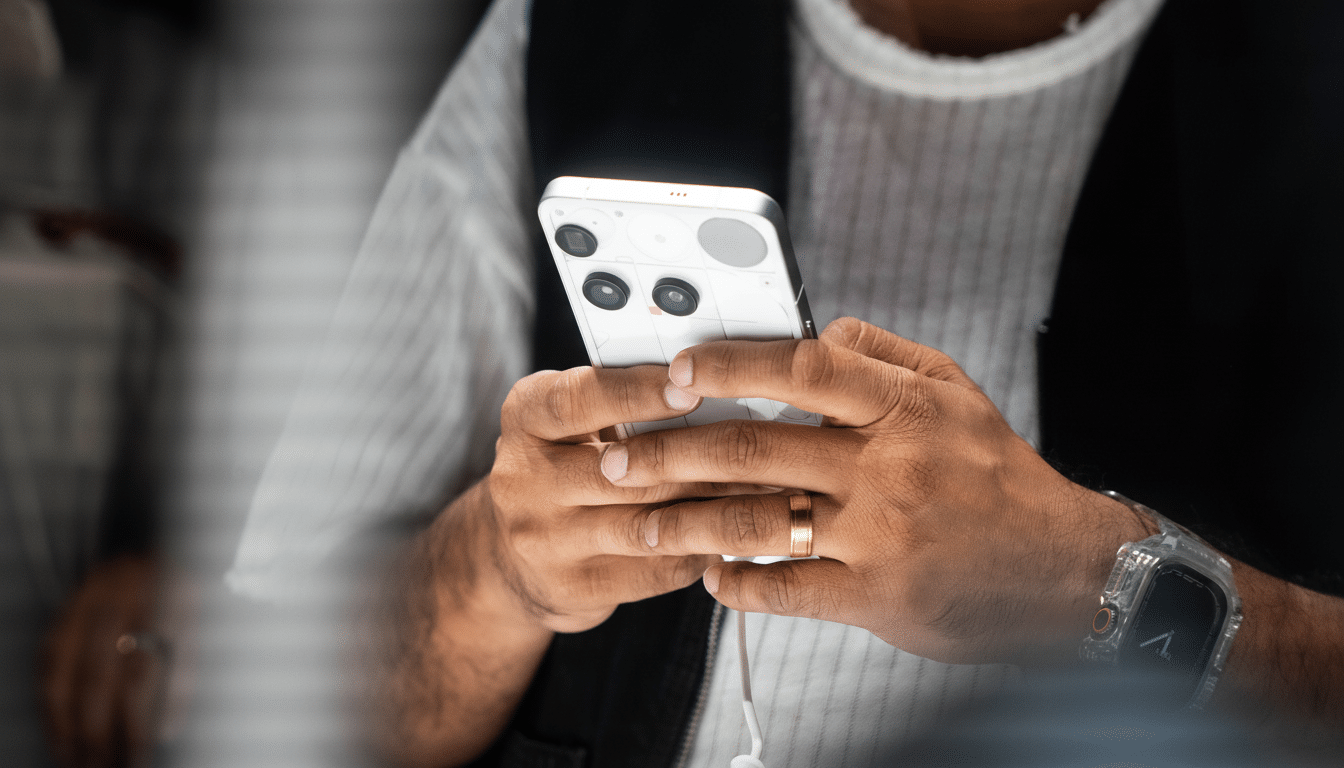
Anatomically, the screen has outraced our thumbs. The one-handed reach is artificial, and the best way to hit the far corner might be simply to let the pinky act as a perch. It is efficient for navigation — but it offloads strain to the part of the hand least capable of supporting it.
What ergonomics experts recommend for safer phone use
For starters, change up how you grip your phone. When you can, wield two hands or alternate your grip with each stroke. Try to keep the wrist straight and keep the device from digging into the base of the pinky. Engage software assists such as one-handed mode or reachability to shorten extreme thumb stretches.
Look for accessories that distribute load — ring handles, hoop grips, or textured cases — that allow the device to be held by the entire hand rather than a single finger. It may help to take short, frequent breaks: clinicians commonly recommend micro-pauses every 20–30 minutes and quick tendon-gliding or thumb extensor stretching. Orthopaedic and occupational therapy groups advise heeding early warning signs like tingling, numbness, or persistent soreness and scaling back before minor irritation becomes a chronic issue.
Also factor ergonomics into a purchase decision. Check weight and width specifications, test-drive different case designs for grip or stands for use at home during video and long reading sessions. Gaming or streaming in landscape? Don’t keep it on one finger; you can also support the palm or use a stand.
The bottom line on smartphone pinky and healthier habits
This survey solidifies what our feedback-receiving hands have been saying — pinky shelves are easy to find, can be very comfortable, and costly as time goes on. With 58% of respondents using it, the threat of “smartphone pinky” is no marginal issue. Smart grips, lighter loads, and a few breaks can help preserve comfort without upending how we use our phones.
