


If you rely on ChatGPT for daily work, small tweaks can unlock big gains. Power users are leaning on Custom Instructions to shape tone, structure, and behavior across every chat, turning the model from a generalist into a responsive partner. Below are five field-tested directives that consistently cut friction and improve precision—without slowing you down.
Why Custom Instructions Matter For Speed And Clarity
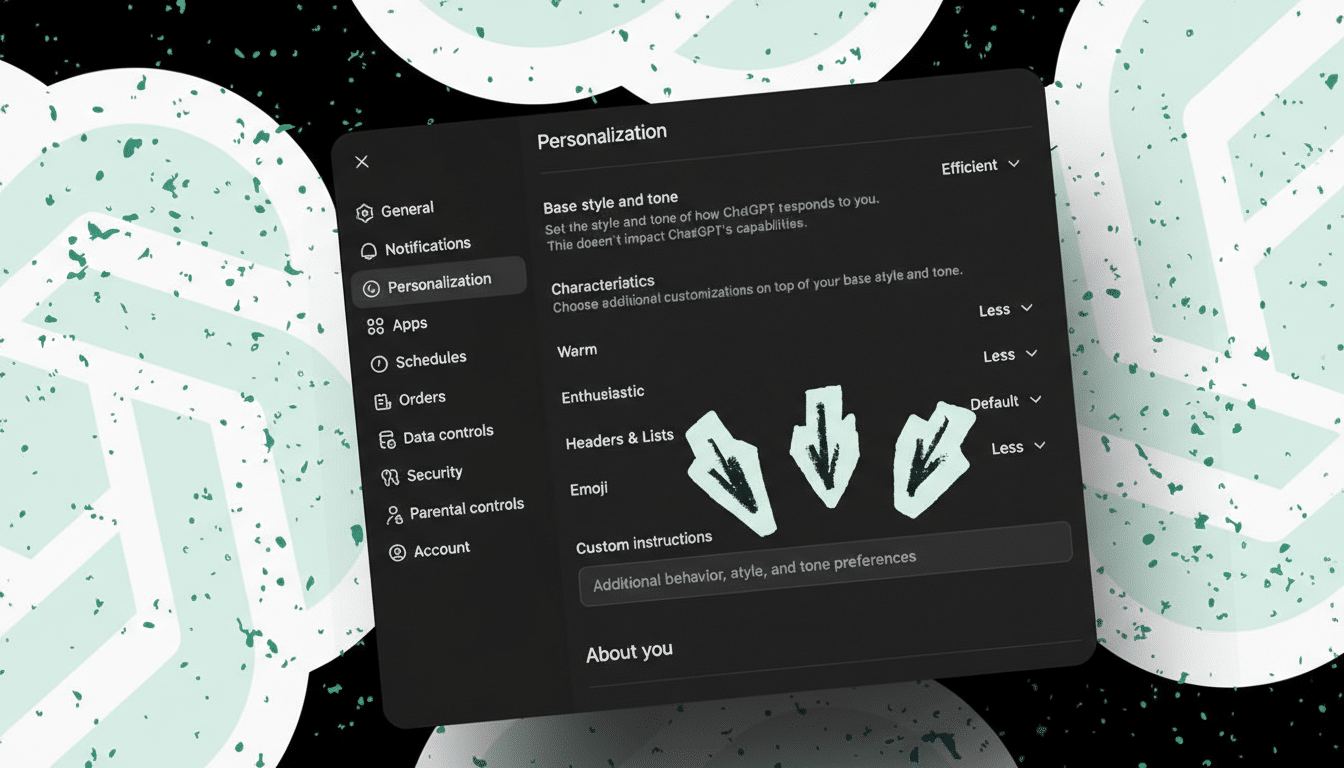
Custom Instructions tell the model who you are and how you want it to respond, and those preferences persist across sessions. In practice, that means fewer clarifying back-and-forths and more consistent output formats, which is where real time savings appear.
- Why Custom Instructions Matter For Speed And Clarity
- 1 Give Every Reply an ID You Can Cite Later
- 2 Ban Emojis in All Replies Unless You Explicitly Ask
- 3 Ask For Why This Works With Every Prompt
- 4 Pause on Long Inputs Until You Say Go to Proceed
- 5 Standardize The Output Format You Want
- Pro Tips on Scope Limits, Overrides, and Safety Behavior
Independent research backs the gains from structured guidance. An MIT study by Noy and Zhang found that workers using generative AI completed writing tasks about 40% faster while improving quality by roughly 18%. Gartner expects widespread enterprise adoption of generative AI tools over the next few years, driven largely by measurable productivity wins. Custom Instructions are one of the simplest levers to capture those wins.
1 Give Every Reply an ID You Can Cite Later
Instruction to use: “Begin each response with a unique index in the format ‘ID: 001’, increasing sequentially. I will reference replies by ID.”
Why it helps: Long chats often invite confusion. By tagging each reply, you can say “Revisit ID 031” and the model immediately anchors to the right segment. This mirrors how teams cite tickets or paragraphs in legal drafts. It’s a tiny change that dramatically reduces miscommunication in complex threads.
Pro tip: Skip numbering for voice interactions to keep conversations fluid. Add “Do not include IDs for spoken questions.”
2 Ban Emojis in All Replies Unless You Explicitly Ask
Instruction to use: “Never use emojis unless I explicitly request them.”
Why it helps: Emojis can clutter technical or executive outputs and distract from core content. While stylistic flourishes are useful in social copy, they’re noise in specs, briefs, and research summaries. If you find the model slipping, reinforce the rule by restating it at the end of your instruction set.
3 Ask For Why This Works With Every Prompt
Instruction to use: “When generating prompts, plans, or recommendations, include a short ‘Why this works’ explanation.”
Why it helps: Explanations reveal the model’s assumptions, encourage transparent reasoning, and teach you reusable prompting patterns. Over time, you’ll internalize what’s moving the needle—constraints, examples, role setting—and craft stronger first-pass prompts. It’s a feedback loop that compounds.
Real-world payoff: Teams building image prompts or coding tasks report fewer iterations when the rationale is surfaced alongside the prompt, because they can adjust intent instead of guessing at what went wrong.
4 Pause on Long Inputs Until You Say Go to Proceed
Instruction to use: “If I provide more than two paragraphs or over 30 words, do not evaluate. Simply reply that you are waiting for ‘Go’ before proceeding.”
Why it helps: ChatGPT tends to respond mid-stream when you paste research, notes, or transcripts. A hard pause stops premature analysis and lets you assemble the full context. Once you finish, send “Go” and get a single, cohesive response that reflects everything you supplied.
Bonus: Apply the same rule to uploaded files to avoid half-baked summaries when you’re still queuing documents.
5 Standardize The Output Format You Want
Instruction to use: “Use short headings for responses over five lines. Use numbered lists for sequences, bullets for collections, and tables for comparisons by default. Avoid tables wider than a typical page; use bullets instead when width would be excessive.”
Why it helps: Information architecture drives comprehension. Clear headings make scanning faster, lists enforce step order, and comparison tables expose trade-offs at a glance. Consistent formatting reduces your editing burden and makes outputs presentation-ready.
Tip for teams: Align these rules with your style guide so AI outputs slot directly into briefs, playbooks, and decks.
Pro Tips on Scope Limits, Overrides, and Safety Behavior
Keep it tight: Custom Instructions have character limits, so prioritize the few rules that matter most to your workflow. The more concise and concrete the directive, the more reliably the model follows it.
Mind the global scope: These instructions apply to every chat. If you add constraints like “Do not recommend paid tools,” remember to override them when you actually want a broad market scan. Also note that the model may occasionally set aside preferences when safety or task relevance requires it—expected behavior documented by major AI providers.
The bottom line: Treat Custom Instructions like a reusable operating manual. Define how responses should look, when the model should pause, and what meta-explanations you want. The payoff is measurable—cleaner outputs, fewer corrections, and a workflow that simply moves faster.
