


Not many things that happen in the office are as divisive as Slack versus Microsoft Teams. Both are staples of modern collaboration, though both arrive as such in different ways to the same place: quicker decisions, less email and one hub to keep projects humming. Deciding on the right one isn’t merely a software decision — it’s a cultural one that sets the human voice of your organization.
Pricing and Real Value
Slack’s free tier continues to be exceptional: core messaging plus huddles for quick audio/video, 90 days of message history, and up to 10 integrations (with such a wide array of features in this app, businesses can actually run on this plan for small teams).

Microsoft’s free Teams has more of a consumer-friendly lean; most businesses wind up in paid plans that are paired with Microsoft 365.
For paid tiers, Teams generally undercuts Slack on entry pricing and often ships “free” with Microsoft 365, which is why finance folks dig it. The trade-off: many of the headline AI and webinar features require additional Teams services like Premium or Copilot. Including unlimited history, advanced search and workflow automation, and Slack AI for summaries and recaps, with nothing folded in and requiring you to pay à la carte, not from a suite bundle.
Setup and Everyday Usability
Slack wins on time-to-value. Setting up a workspace, making channels, and inviting teammates are all quick affairs; with minimal training, everything can be mastered in minutes for most users. Teams is more organized out of the gate: You’re building a team that’s associated with Microsoft 365 groups, permissions and policies. That rigidity pays off at scale and sprawl but hinders initial rollout.
UX is equally well oiled, just different. Slack De-emphasizes threading, favours Walled spaces while embracing frictionless discovery of channels and fluid chat experience. Teams doubles really, as it leans into Microsoft’s hierarchy and governance — perfect if you already handle identity, mail, and files in their ecosystem.
Messaging, Channels & Cross‑Company Collaboration
Slack’s channels are the gold standard of transparency. Threads help keep conversations tidy; channel naming conventions scale well; Slack Connect provides secure, shared channels with clients and partners (but without the awkward handoff you’re forced to make in an email). Agencies and startups love it because working with others from outside feels native.
Teams provides strong internal channels built to Microsoft 365 groups—also with guest access, external federation, and private channels for sensitive projects.
It’s great for organizations looking for close integration with SharePoint file storage and Outlook calendars, but cross-tenant collaboration can be policy-laden compared with Slack Connect.
Meetings, Calls, and Hardware
If video is your daily heartbeat, Teams gets the nod. Deep scheduling through Outlook, breakout rooms, webinars at scale and Teams Phone for full PSTN calling make it a real UCaaS challenger. Certified hardware from providers such as Poly, Yealink, and Logitech adds executive-room polish and reliability.
Slack’s Huddles are purposefully lightweight: spur-of-the-moment audio-first collaboration, with screen sharing, annotations, and shared notes directly in a channel. For teams who want face time and to share impromptu problem-solving, Huddles feels faster and more organic than a formal meeting invite.
AI and Automation
It’s all Copilot, all the time in Microsoft’s Teams. It distills meetings, drafts responses, pulls out action items and can pull in significant context from across Microsoft 365. For information workers who spend their lives steeped in Word, Excel and Outlook, that integrated intelligence is a force multiplier.
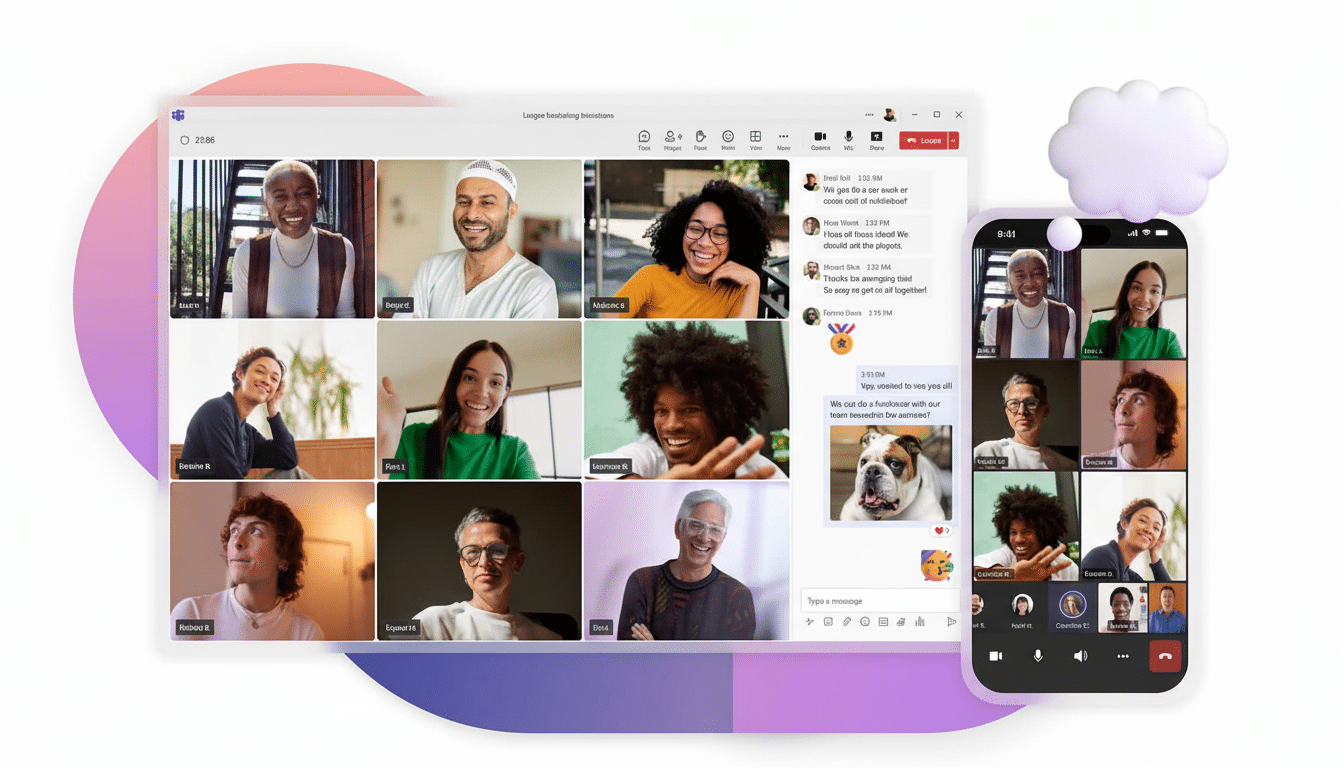
How does it compare to Microsoft Teams?
Slack AI is about conversation and flow of knowledge: it’s channel and thread summaries, it’s daily recaps, and it’s better search, surfacing the why, not just the what. Combine that with Workflow Builder and platform integrations — and nontechnical teams can automate the mundane work without needing an IT ticket to work their magic.
Integrations and Ecosystem Fit
Its (App Directory)(https://slack.com/apps) contains over two thousand integrations including CRM, design, DevOps, HR and who knows what else.
The install-and-go story here is great and Salesforce connectivity has gotten deeper since it became part of that family. The Teams app store is just as broad and, of course, performs exceptionally with Microsoft-first tools like SharePoint, Power BI and Planner.
Adoption patterns reflect those ecosystems. Okta’s Businesses at Work report has consistently demonstrated Teams’ rapid growth at large enterprises thanks to bundling, while Slack over-indexes with tech-forward companies and cross-company project work. IDC and Gartner praise Microsoft for leading everything to do with unified communications while Slack is praised as best in class when it comes to channel-based collaboration.
Security, Compliance, and Admin
Both provide enterprise-class security, including SSO, MFA, data retention controls, and enterprise key management available at higher tiers. Teams is a beneficiary of Microsoft’s compliance stack —eDiscovery, DLP, and Information governance that align well with E3/E5. And with centralised admin controls, data residency and audit integrations, Slack Enterprise Grid gives you the security and compliance features your industry — or your company — requires.
Operationally, Teams consolidates control for IT already running Azure AD and Microsoft 365, while Slack’s admin model focuses on visibility, channel governance, and external collaboration.
The Verdict: Match the Tool to Your Culture
If your business world is lived within Microsoft 365, requires massive meetings, enterprise telephony, and has an appetite for intelligence that stretches across documents, email, and calendars, Teams is a no-brainer.
Microsoft’s financials show mass Teams adoption — hundreds of millions of users — which translates to broad skills in the labor market and predictable rollout patterns.
Slack is tough to beat if your teams prioritize speed, easy communication and smooth collaboration with clients and partners. Its free tier removes the barrier to entry and makes it a channel-driven tool for sharing knowledge, not hiding it in your inbox. For high-paced product, design, and go-to-market teams, that cultural fit is the real ROI.
The simple rule: Choose Teams for structure and suite leverage; choose Slack for flow and external reach. Either way, practice good channel hygiene, call things by the same name, automate the busywork, and let AI do the recap — and your meetings will miraculously get much shorter.
