


Samsung has come a long way from the days of TouchWiz to the sleeker UI that is One UI. But the company’s newest tablet software move indicates a disturbing about-face. With the Galaxy Tab S11 series and One UI 8, Samsung is not only preloading more third-party apps but promoting them with free trials and discounts that could pave the way for a new wave of bloatware across its lineup.
Preinstalled extras used to feel like a declining nuisance on Samsung devices. Now they’re making a return, repackaged as “perks” rather than clutter. The net effect could be a slippery slope: more deals, more defaults, and the software that your customers did not specifically ask for — especially when the freebies are over and the up-sell comes.
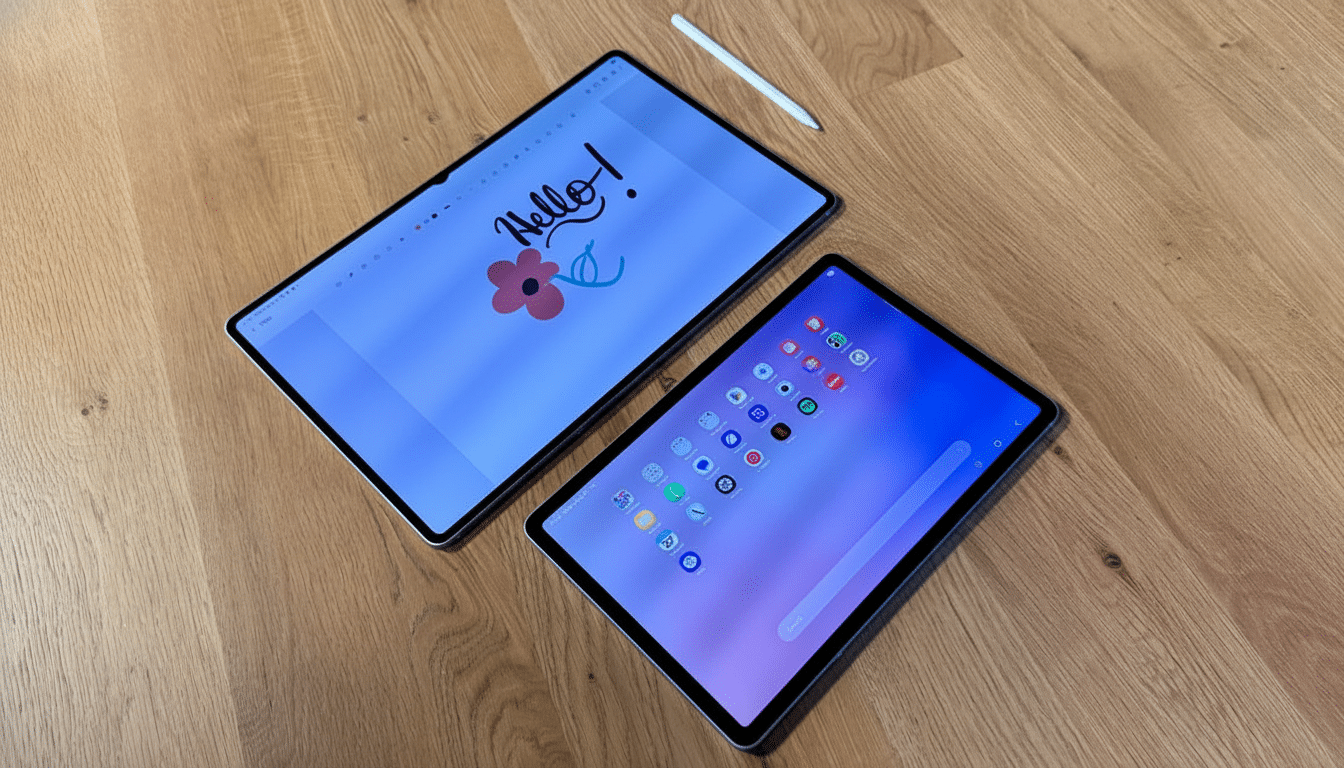
What the Tab S11 reveals about preloads and promotions
Two areas where the Tab S11 is truly lacking are preinstalled software and accessory support.
The Tab S11 ships with four big additions beyond the standard pack: Clip Studio, Goodnotes, LumaFusion and Notion. On paper, these are good-looking tools that match up to a premium tablet and S Pen. The distinction this time is how loudly they’re being trumpeted at launch, with exclusive trials and discounted subscriptions for Samsung device owners.
That framing matters. For years, the preloads Samsung packed in were a middling nuisance — one you might be able to mostly ignore or uninstall. By promoting third-party bundles as headlining features, Samsung is reconstituting pay-to-preinstall as a value add — an age-old tactic in the industry. These tricks are also always self-serving, so don’t forget that part. The tech world has seen this kind of economics at work in other places: regulators have complained that companies pay a fortune to be the default choice on popular devices and platforms, because defaults influence behavior.
If users become comfortable with bundled trials, then the incentives line up for more tie-ins. More icons on your home screen from day one, more background services and more nudges to convert free trials into subscriptions.
Why Samsung’s preinstall push matters for users now
Bloatware isn’t just an aesthetic inconvenience. It can deplete resources, add to the noise of notifications and complicate the decisions on privacy. Studies from researchers at universities — including the Universidad Carlos III de Madrid and Stony Brook University — have previously discovered that preinstalled Android (and iOS) software regularly carries privileged permissions and third-party trackers, complicating transparency for consumers in what is supposed to be an auditable process. Sure, Tab S11’s example apps are known quantities, but the broader ecosystem implications here are troubling once this door is open wider for more partners.
Scale amplifies the risk. Market trackers like IDC and Counterpoint typically have Samsung near or at the very top of global smartphone shipments. Its software policy changes have a way of percolating to hundreds of millions of devices, even small shifts. To make matters worse, carriers tend to stick their own preload layers onto phones in some markets.
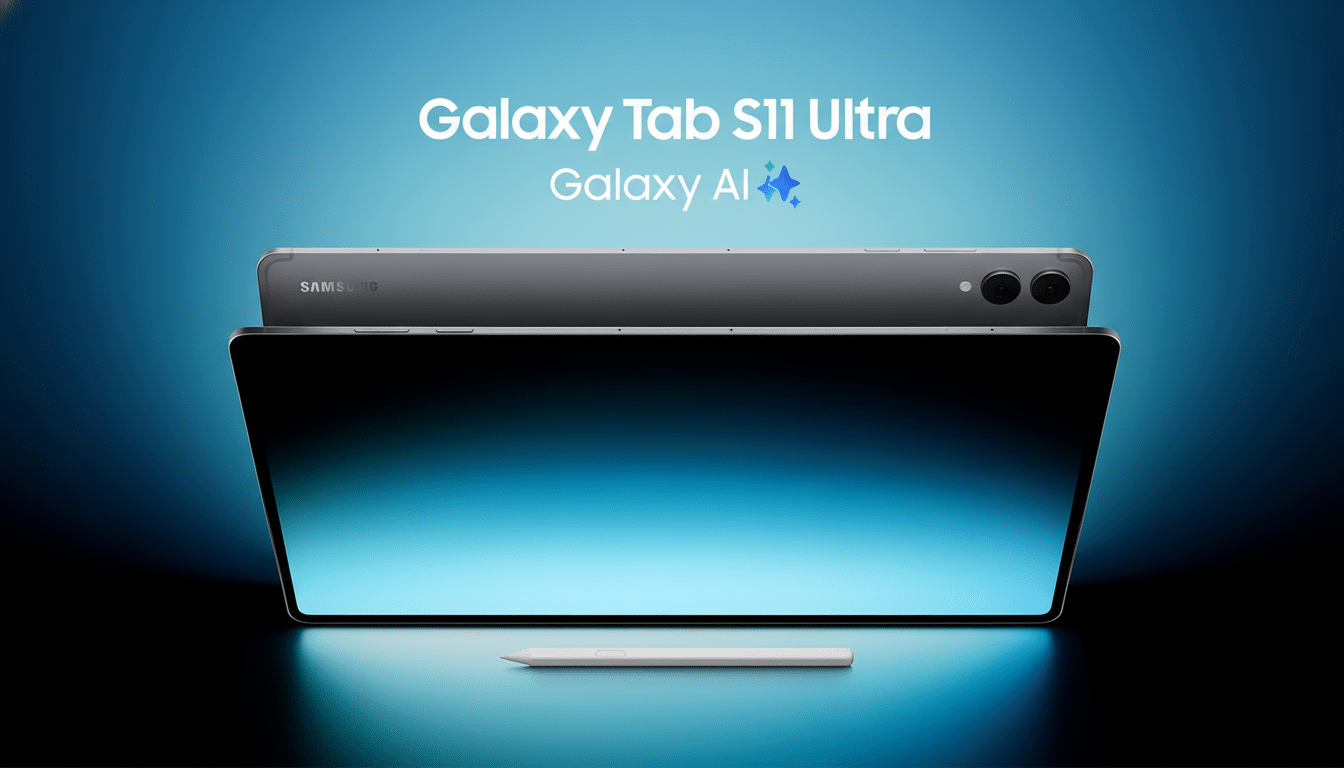
There’s a financial dimension too. Margins on hardware are squeezed; services and partnerships fill in the gap. Preloads represent a steady stream of revenue. Trials and exclusives sweeten the pitch for consumers, but they also have a normalizing effect — your new device is a billboard for other companies’ services.
Didn’t One UI solve this bloatware problem already?
For the most part, Samsung’s One UI overhaul tamped down the worst offenses. Numerous preloaded apps were made uninstallable, redundant services trimmed away and the interface was somewhat less pushy. But the Tab S11 approach is distinct — feature-grade promotion of partner apps and time-limited offers meant to shape behavior. It’s more elegant, and probably more profitable, than the old “dump a folder on the home screen” method.
Once users and reviewers accept as a premise that ‘premium tablets need premium third-party bundles,’ the line between helpful curation (a virtue) and commercial clutter (something to grit your teeth through if it garners short-term OEM support) begins to fade. That’s the key point of inflection we’re looking at.
A better way: choice screens and actual opt‑ins
And Samsung already has all the weapons it needs to do this correctly. In some parts of the world, installation is preceded by a “recommended apps” page that lets you say yes to stuff like Health or Galaxy Wearable. There’s also an “exclusives” section in the Galaxy Store that calls out optimized apps and perks without shoving them on the device. Expand those touchpoints. Make them universal. Explain the perks clearly. Let users choose.
It’s an approach that comes as regulatory expectations shift, as well. In countries around the world, antitrust and consumer-protection regulators are looking at defaults, bundling and data consent. Clean, opt-in choice screens lower legal risk and encourage trust and retention. If the apps are actually useful, users will download them — no coercion necessary.
What buyers should do now to reduce bloatware impact
If you grab a Tab S11 or any of the more recent Galaxy offerings, on Day One, audit all these apps and their kids!
- Uninstall what you don’t want; if removal isn’t an option, disable and revoke permissions.
- Disable background data.
- For apps you are still testing out, turn off background data.
- For surprise charges: opt out of free trials. Keep an eye on trial expiration dates to avoid being hit with a surprise charge.
- And look at sending preloaded through the device when Samsung’s on-device bonus is just that, without any preloads.
Samsung makes great hardware and has really pulled off some great software polish. But its new excitement over preinstalled partners signals a renewed priority. Bloatware will cease to be an old complaint and start being a new headache — one that’s tougher for you to avoid the next time you open up your Galaxy device.
