


If Windows 10’s retirement has you considering your next move, Linux can be a decent desktop distribution once you add a few updates. Today’s distributions are quick, safe and, best of all, free — and many are so close to the Windows layout that the learning curve is not just manageable, but surprisingly slight. As Lansweeper’s earlier research indicated, many PCs don’t meet the TPM 2.0 and CPU requirements found in Windows 11, StatCounter has noticed consistent desktop Linux growth, indicating real-world momentum for alternatives.
Here are seven such linux distributions that will fit your Windows-loving needs, each with their own practical insights and overviews to help you make an informed choice on what you would like to install or use to find your footing in Linux.
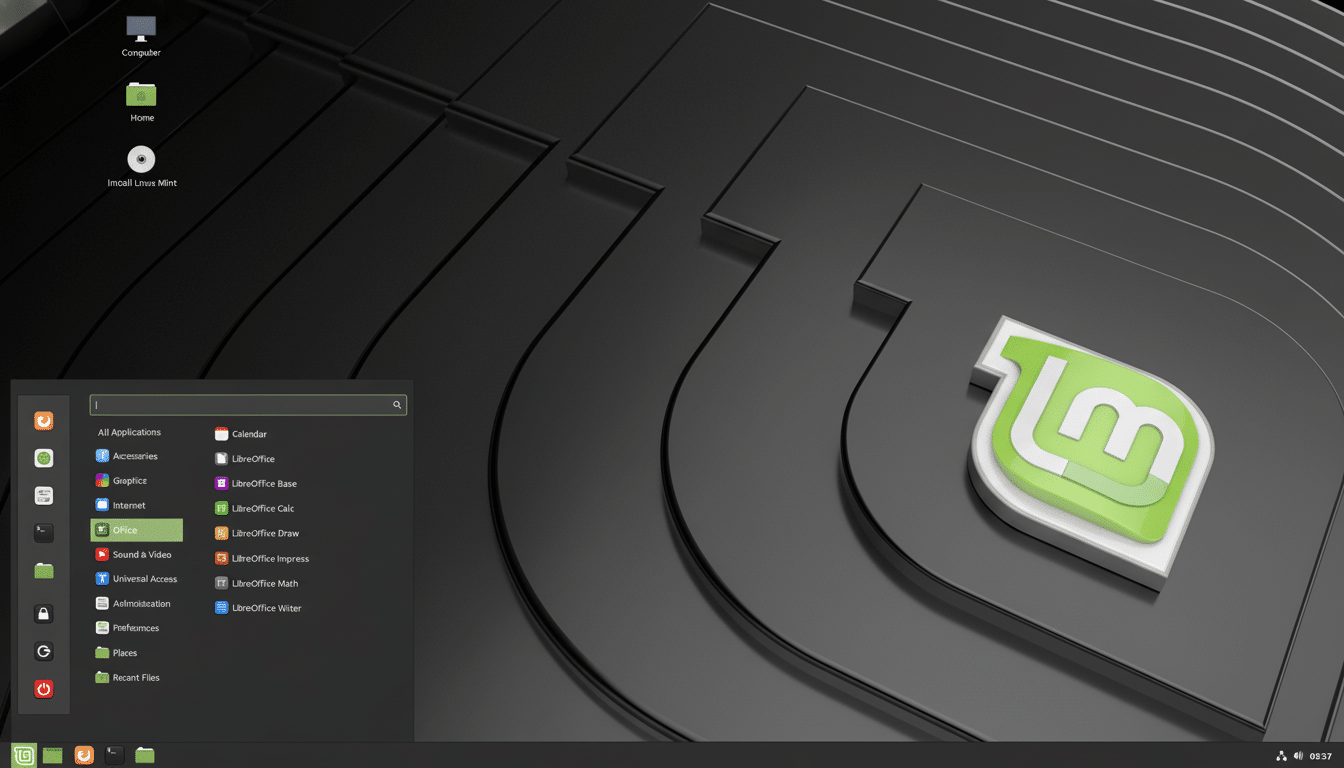
Linux Mint (Cinnamon)
Linux Mint’s Cinnamon desktop follows the Windows formula: a bottom panel, a launcher that works like the Start menu, a system tray and right-click desktop shortcuts. It’s built upon Ubuntu LTS, making drivers and updates a simple procedure. Tools such as Driver Manager, but also Timeshift snapshots and a straightforward Update Manager, make maintenance almost painless “for the rest of us”.
Mint strikes a balance between familiarity and restraint: there are no flashy gimmicks, just a stable, predictable desktop that can be set up on older laptops and newer hardware with the same tools.
Zorin OS
Zorin OS features a “Zorin Appearance” switcher for switching between desktop layouts … including ones that make it look like classic Windows and Windows 11. The Core version is clean and free; the Pro version, for a fee, adds more layouts and preinstalled apps that are good for creative and office tasks. It’s a Ubutnu-based distro, so you have excellent software availability under the hood here.
The excellent theming and sensible defaults make Zorin perfect for those who are new to switching and want a Windows vibe without an extra weekend of fiddling.
KDE neon
KDE neon is created by the KDE community to package technical previews of KDE Plasma and applications. Plasma’s ace card is that it is flexible: with a few clicks you can have a Windows‑style taskbar, the Kickoff menu, and half a dozen ways of managing windows — or anything else you might want without reinstalling.
Plasma is surprisingly nimble and resource frugal while also being a beautifully–polished user interface with modern features. Our Software centre continues to be modern and fancy.
Discover (the software centre) is featureful and adds transparency to the app installation process.
System Settings makes it easy to configure your system, and make it suit you.
Feren OS
Feren OS is based on KDE Plasma and features a polished first‑run experience, in which it asks you how you would like your system to look — including Windows‑style layouts. It places a strong focus on harmony from the very start: reasonable fonts, light and dark pairings, a carefully chosen handful of apps covering your bases without adding on bloat.
”For those that enjoy the concept of KDE’s raw power, while still preferring a more guided and fully-cohesive experience from start to finish, FerenOS’ onboarding experience is a standout other distributions tend to lack.”
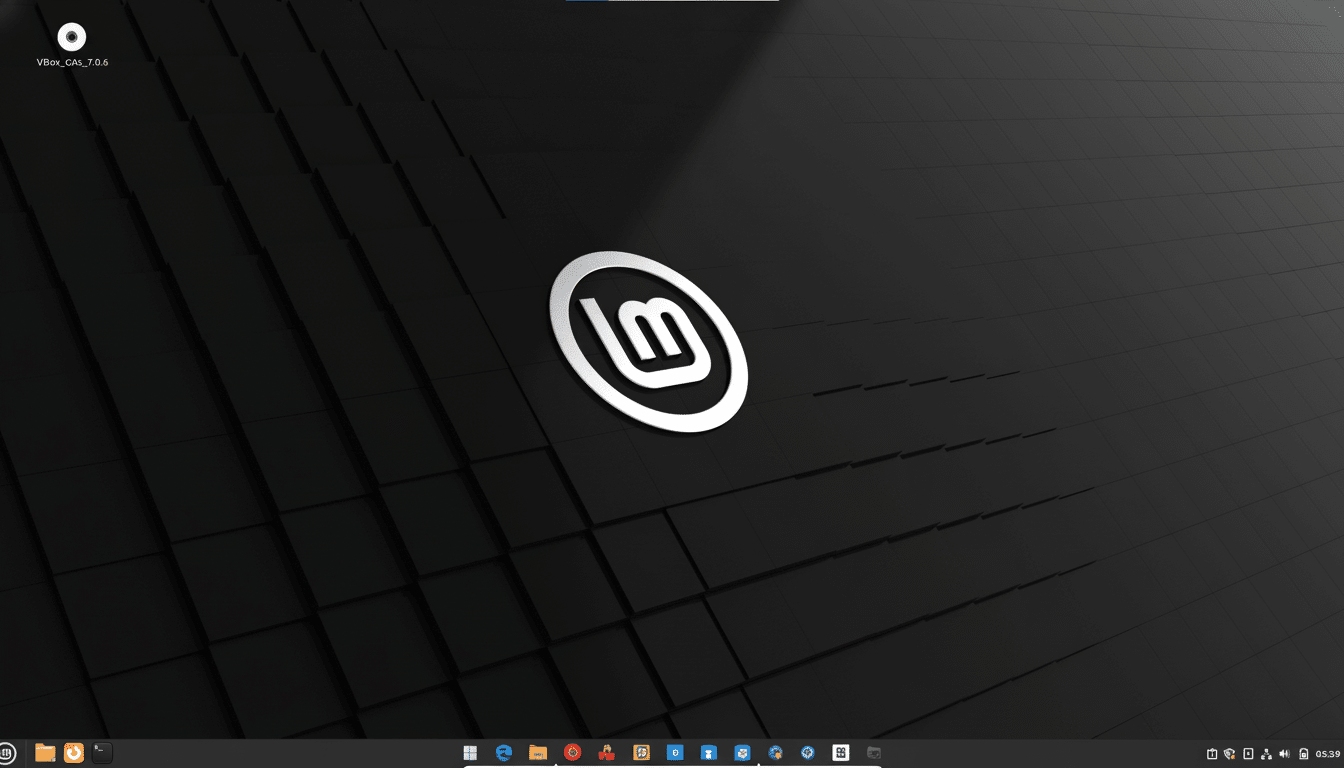
Linux Lite
Linux Lite – A lightweight Linux desktop.It’s for people new to Linux, or just people new to XFCE, who don’t want to have to backtrack out of Gnome, Unity, or KDE and use the kind of links and command-line commands it takes you to change those other environments to more traditional layouts. Lite Welcome, Lite Software, and Lite Tweaks take you through installing essentials (browsers, office suites) and common fixes. It is built on Ubuntu LTS for extensive hardware compatibility.
Price to Revive an aging ThinkPad or budget desktop, Linux Lite provides speed, a modest footprint, and a familiar interface.
Q4OS
In Q4OS, Debian’s stability is combined with a choice of two desktops: the light Trinity Desktop (a blast from the past, reminiscent of old Windows) or KDE Plasma for a more contemporary experience. Its LookSwitcher tool can apply Windows-like themes with seconds, and the system is light enough for older hardware to cope with it without a problem.
Whether your replacing old systems with legacy dead-end devices, or simply prefer an XP/7‑style interface with current security—Q4OS is a pragmatic choice.
Windowsfx (Linuxfx)
Windowsfx embraces a Windows 11 look, right down to an optional centered taskbar, icons, and Start‑like menu. It also contains wrappers that serve to launch Windows applications using Wine, to avoid too much culture shock. The free version is the basis of a system, and a paid license adds more capabilities; yet at the core it’s Linux.
Closest visual clone on the list, for users that want the closest to a drop‑in look to transition to open‑source tools.
How to choose — and how to move into one smoothly
Begin by testing live images from a USB stick, to be able to check Wi‑Fi, touchpads, and external monitors before installing. If predictability is important to you seek out long‑term support bases (ie Ubuntu or Debian). joysport, shoe46 and others gamers should be aware of 2 things 1) valve’s proton and the open source wine project will now play the majority of windows titles (lots of success on community database or vendor docs) and 2) nearly every game mentioned has a thread on saysomethingawesome detailing a walkthrough of getting it running.
If your PC is unable to make the cut concerning Windows 11’s TPM and CPU bar, these distros can add years to its life without compromising safety. And, because Linux is free, you can test out more than one until you find the Windows‑like desktop that’s perfect for you.
