


The most-asked question from early Apple Vision Pro owners finally has a satisfying answer: the official YouTube app is now on visionOS. That means native access to the world’s largest video platform without workarounds, third-party clients, or awkward browser tabs. As someone who spends an unreasonable amount of time living in spatial video, I’m elated—and not just for convenience’s sake.
Why This Matters for Apple Vision Pro Owners
YouTube is table stakes for any screen. Google reports more than 2 billion logged-in monthly users and over a billion hours watched daily across devices, so its absence on Vision Pro was a conspicuous gap. With the official app, the headset finally looks like the premium “personal theater” Apple pitched, not a platform waiting on the basics.
It also reduces friction. Previously, users leaned on Safari or niche apps to watch creators they already follow. That’s fine for tech enthusiasts, less so for everyone else. A native app lowers the effort to zero: sign in, sync your subscriptions and history, and go. For a category still educating consumers about why spatial computing matters, that simplicity is a growth accelerant.
What the App Delivers on Vision Pro Today
The Vision Pro app brings familiar YouTube fundamentals—subscriptions, playlists, watch history, captions, and recommendations—into a space where screens can be any size and live anywhere. You can pin a giant cinema-scale window above your desk, shrink it beside a notes app, or float it in your living room and forget there’s a wall behind it.
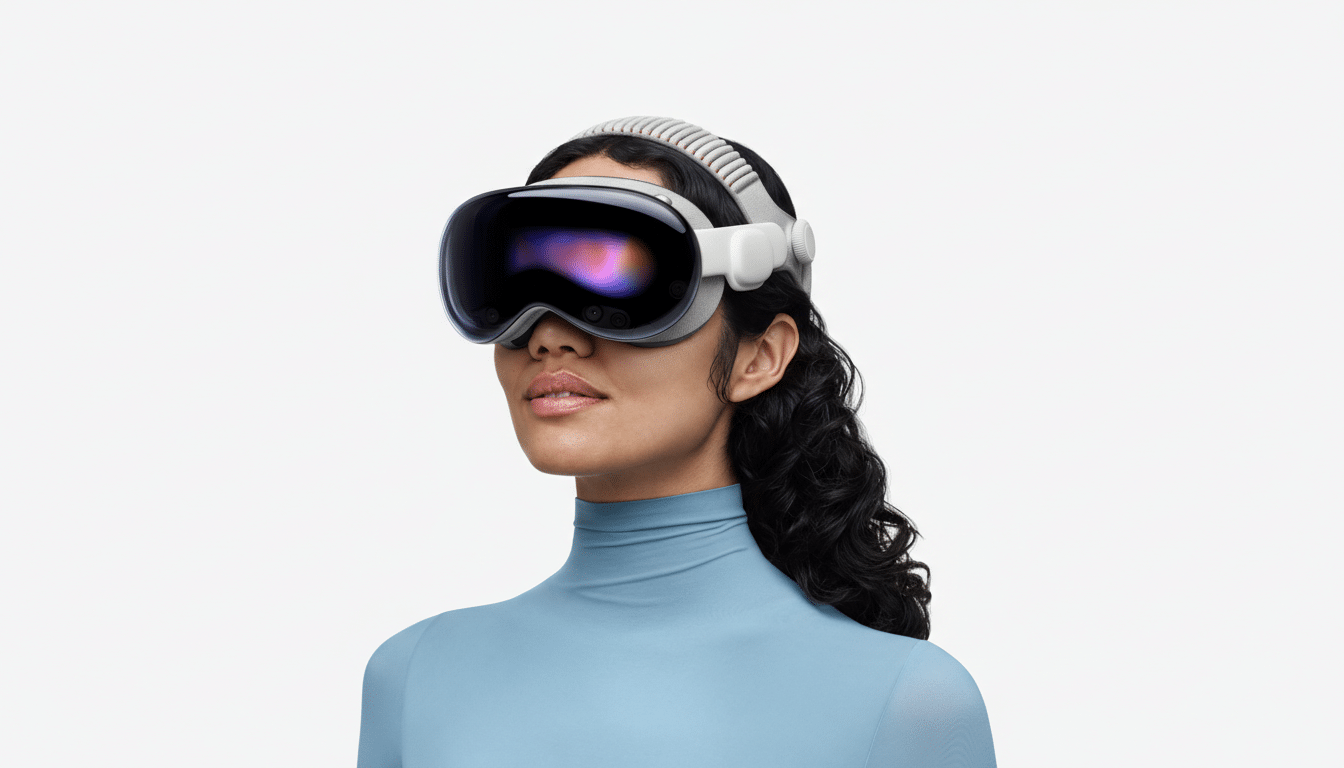
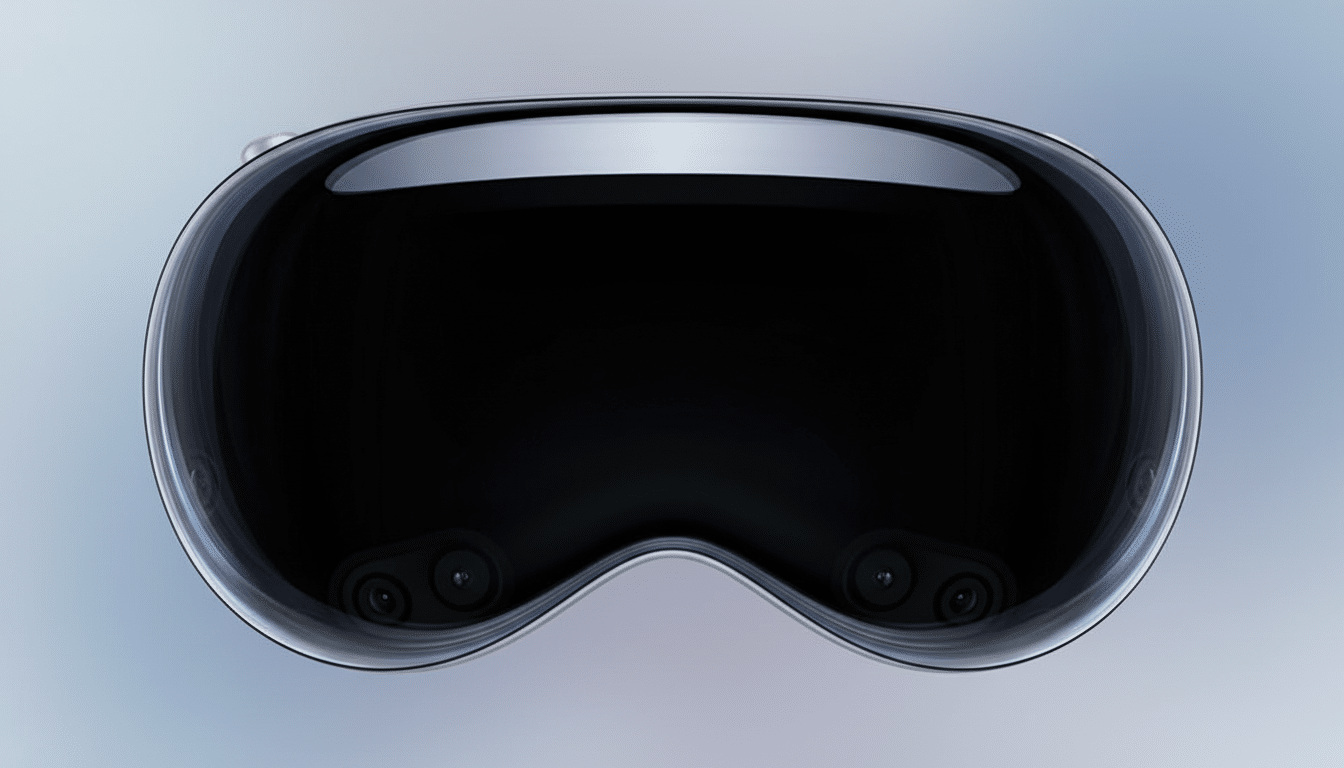
Vision Pro’s hardware elevates otherwise ordinary clips. Apple’s micro‑OLED displays pack 23 million pixels and the headset’s spatial audio carves convincing sound stages around you. The result: sharper text in tutorials, crisper gradients in HDR content, and a sense of presence that makes long-form viewing surprisingly comfortable.
Crucially, the app taps into YouTube’s deep catalog of 3D, 360, and VR180 videos. Those formats were stranded on other headsets for years; now they meet a device that treats them like first-class citizens. Whether it’s a courtside basketball replay in VR180 or a 360 reef dive, spatial media finally gets a mainstream home inside Apple’s ecosystem.
The Immersive YouTube Library Already Exists
If you’re new to immersive YouTube, start with creators and organizations that have invested in high-quality capture. NASA’s 360 tours of space facilities are a standout. National Geographic’s VR expeditions pair lush cinematography with clever spatial sound. Red Bull’s VR180 action clips make even a cautious viewer lean into turns, while music festivals have experimented with 360 stage views that put you inside the crowd.
Because YouTube’s recommendation engine already knows what you watch on phones and TVs, Vision Pro benefits immediately. You don’t have to rebuild a library. You don’t have to hunt for channels. That continuity is rare for a new platform and it means the “what do I watch now?” problem practically solves itself.
A Win for Apple’s Ecosystem and Services Strategy
From day one, analysts from firms like IDC and CCS Insight have stressed that content breadth determines whether spatial computing crosses beyond enthusiasts. Major services send a signal to developers and buyers that the platform is worth betting on. YouTube joining the party is as much a message to the market as it is a new app icon in the grid.
It also hints at healthier platform diplomacy. YouTube is core to Google’s media strategy, and Vision Pro is Apple’s flagship for a new computing paradigm. Cooperation here suggests both sides see upside in meeting users where they are, not forcing them to choose ecosystems to watch what they love.
What I’m Watching for Next on Apple Vision Pro
The obvious wishlist: deeper spatial features. Imagine multi-view sports with synchronized angles tiled around your room, live chat anchored as a narrow vertical panel beside the main window, or a quick gesture to snap a video into an immersive environment without losing UI controls. SharePlay support for synchronized viewing would make watch parties feel less like a workaround and more like a feature.
Even without those extras, the baseline is strong. The best screen for YouTube is the one that fits your moment, and Vision Pro’s superpower is shaping the screen to the moment, not the other way around. Now that the official app is here, that promise finally feels complete. I’m opening subscriptions—and stretching the window—right now.