


Microsoft is testing a fully fledged storefront within the Xbox app on Android, which means people will be able to browse and buy games or bundles, downloading them straight onto their console from the app, as well as add to a wishlist.
First noticed by The Verge’s Tom Warren, the feature resides in the Xbox Beta app and makes what was once a companion utility feel like an actual shopping destination for anything related to Xbox.
What’s New In The Xbox Store On Android Mobile
One of the more visible changes is a new Store tab, complete with a shopping bag icon. Now, instead of having to bounce out from the app and into a browser to make purchases, users will be able to find items and transactions that interest them right in the app — an experience that looks and feels like browsing for stuff directly on your console.
Discovery is the star. There are filters for player count, genre, capabilities (like online co-op), and a variety of other tags so that it’s easier to wade through long catalogs. That’s a level of granularity not common to companion apps, and it should help elevate the kind of smaller titles, DLC add-ons, and bundles that normally get buried on mobile.
Wishlist support is also included. Add a game on your phone, and it will sync across console and web. For discount opportunists, that means you can now follow along on discounts from anywhere and act faster when prices fall.
Why This Matters For Xbox And Mobile Platforms
It’s a move that seems to fit neatly with Microsoft’s long-stated plans to create a wider-reaching Xbox storefront across devices. Back in February, in regulatory filings related to its deal for Activision Blizzard, Microsoft hinted at plans for a cross-platform mobile store. The establishment of a more solid presence on Android makes sense because app distribution policies on Android are less restrictive than they are on iOS.
The carrot of mobile is too tempting to ignore. Mobile accounts for approximately half of the industry’s revenue right now, according to Newzoo’s latest global games market report, which is why platform holders would like native discovery and checkout away from the console. Small decreases in friction — reducing the number of web redirects, for example — can drive conversion rates and average revenue per user even higher.
There’s a Game Pass angle, too. Microsoft stands to benefit by ensuring that players can easily locate DLCs, upgrades, and cross-platform releases associated with their library — for its more than 30-million-strong subscriber base disclosed earlier in the year. A coordinated wishlist blossoms into a light CRM tool, nudging people back to stuff they’ve already said they’re interested in.
How It Differs From The Old Purchase Flow On Android
Prior to this test, the Android app could initiate purchases but did not integrate a full storefront. Ordinarily, users were booted to a web page to complete browsing or purchase — a context break and a drop-off driver. In the new Store tab, searching for apps, product discovery, and checkout come together in one spot.
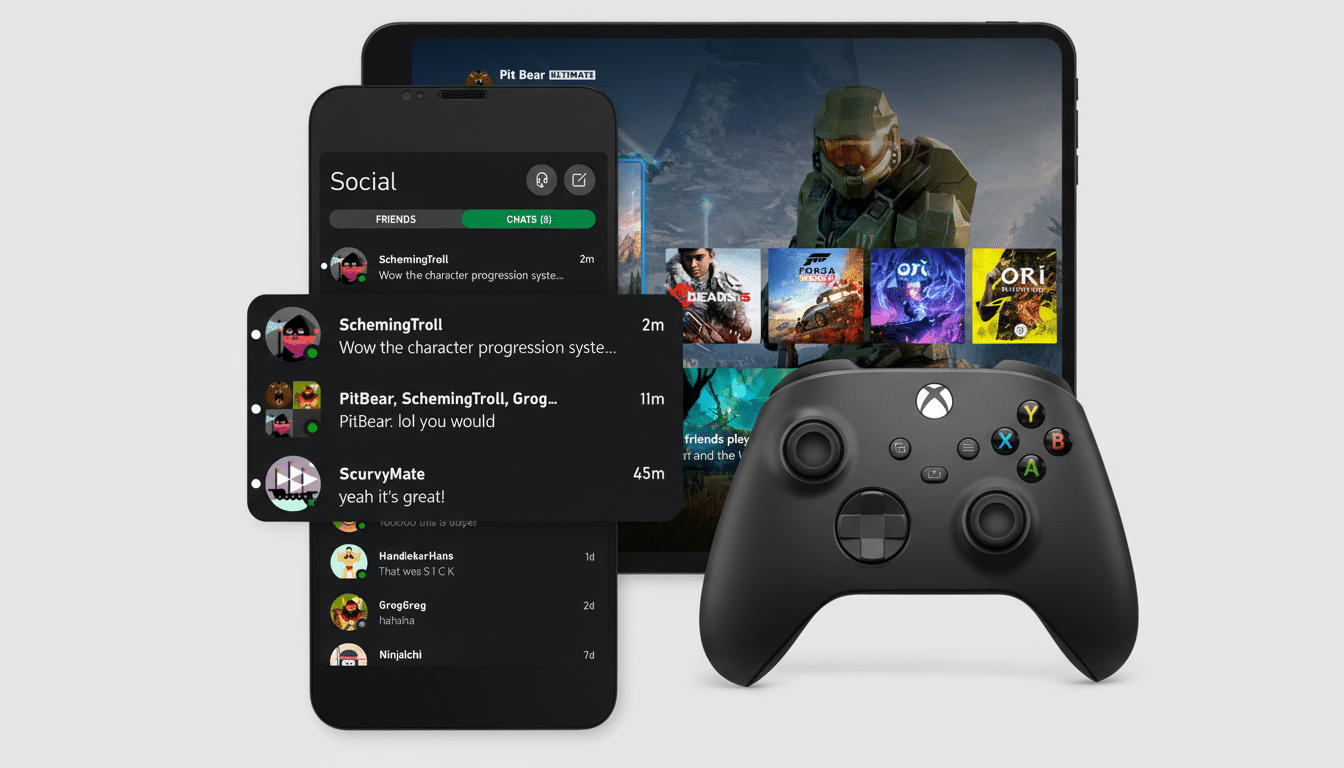
Curated filters are a significant upgrade. Console and PC players have tags like “cross-play” or “4K”; they use them to make shopping decisions, and taking that taxonomy to mobile cuts down on guesswork when you’re browsing while traveling.
Availability And The iOS Question For Xbox Users
The shop and wishlist capabilities are beginning to be made available to users of the Xbox Beta app for Android. As always with staged rollouts, not every beta user may see the tab right away, and some regions or catalogs could differ as Microsoft iterates.
A version for iOS is likely in the cards, but its timing is uncertain. Apple’s guidelines have long restricted alternative purchase flows, but recent policy shifts in some regions — including adjustments made in response to European regulation — may leave an opening. Whether Microsoft is able to replicate the Android experience on iOS will depend on how these policies change and how Microsoft wishes to accommodate them.
How To Try It On Android With The Xbox Beta App
Download or update the Xbox Beta app on the Play Store and sign in with your Microsoft account, then look for the Store tab in the app’s bottom navigation. From there, browse featured picks, use filters to refine results, and add titles to your wishlist for price tracking across all of your devices.
If you don’t see the Store tab, consider enrolling in the beta or waiting for it to be rolled out to your account. You can also try clearing the app cache, then force-closing and reopening the app.
Early Takeaways And What To Watch For Next
Adding a literal store to the Xbox app fills a longstanding void and reduces friction between discovery and purchase. The wishlist sync is another small-but-majestic loop to draw players back in when the sales hit or when new DLC drops.
Next, look for more regional support, an increased variety of payment options, and closer integration with Game Pass and cloud gaming. If Microsoft can continue to offer console-grade discovery and curation on mobile, the Xbox app might become a daily stop for browsing and buying — not just checking who’s online.
At the moment, the beta demonstrates how Microsoft is tightening up the connective tissue between console, PC, and mobile. It’s an eminently pragmatic upgrade with long-term strategic implications, and it’s one more indicator that the phone in your pocket is fast becoming a central part of the Xbox economy.