


Windows users who live in PDFs just got a wallet-friendly lifeline. A lifetime license to SwifDoo PDF Pro is available for $34.99, bundling editing, conversion, OCR, and security into a single, one-and-done purchase. At roughly 72% off its typical $129 price, it’s positioned as a practical alternative to subscription-heavy PDF suites without stripping away the features power users actually need.
Why A One-Time PDF License Matters For Everyday Work
PDF is the document world’s lingua franca and has been an open ISO standard (ISO 32000) for years. That ubiquity means you’re constantly opening, filling, and sharing PDFs—whether it’s a vendor contract, a mortgage packet, or a class handout. Yet, most modern PDF tools lock core features like OCR and redaction behind monthly fees. If your workflow is predictable, a perpetual license minimizes overhead and avoids the silent creep of renewals.
- Why A One-Time PDF License Matters For Everyday Work
- What You Get With SwifDoo PDF Pro On Windows PCs
- How It Stacks Up To Subscriptions Over Three Years
- Real Workflows Where OCR Pays Off In Daily Tasks
- Security And Offline Control For Sensitive Documents
- Who Should Consider This Deal And Why It Fits
- The Bottom Line On This Lifetime SwifDoo PDF Deal
What You Get With SwifDoo PDF Pro On Windows PCs
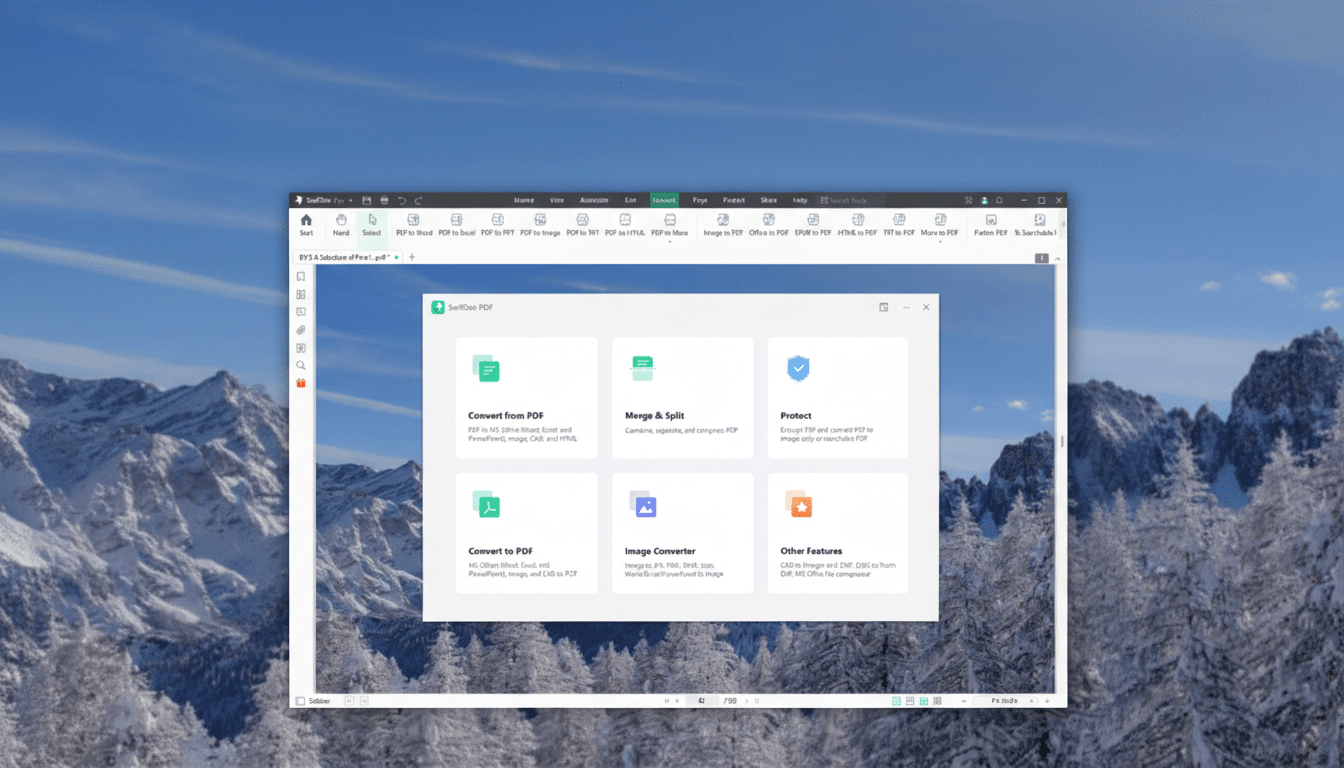
This Windows-focused toolkit covers the essential PDF jobs: create, edit, annotate, and convert. You can tweak text and images directly, manage form fields, and add notes or highlights without exporting to another app. The built-in OCR turns scanned files into searchable, selectable text, which is invaluable for paper-bound processes like onboarding forms, expense receipts, and handwritten notes that need to be archived and referenced.
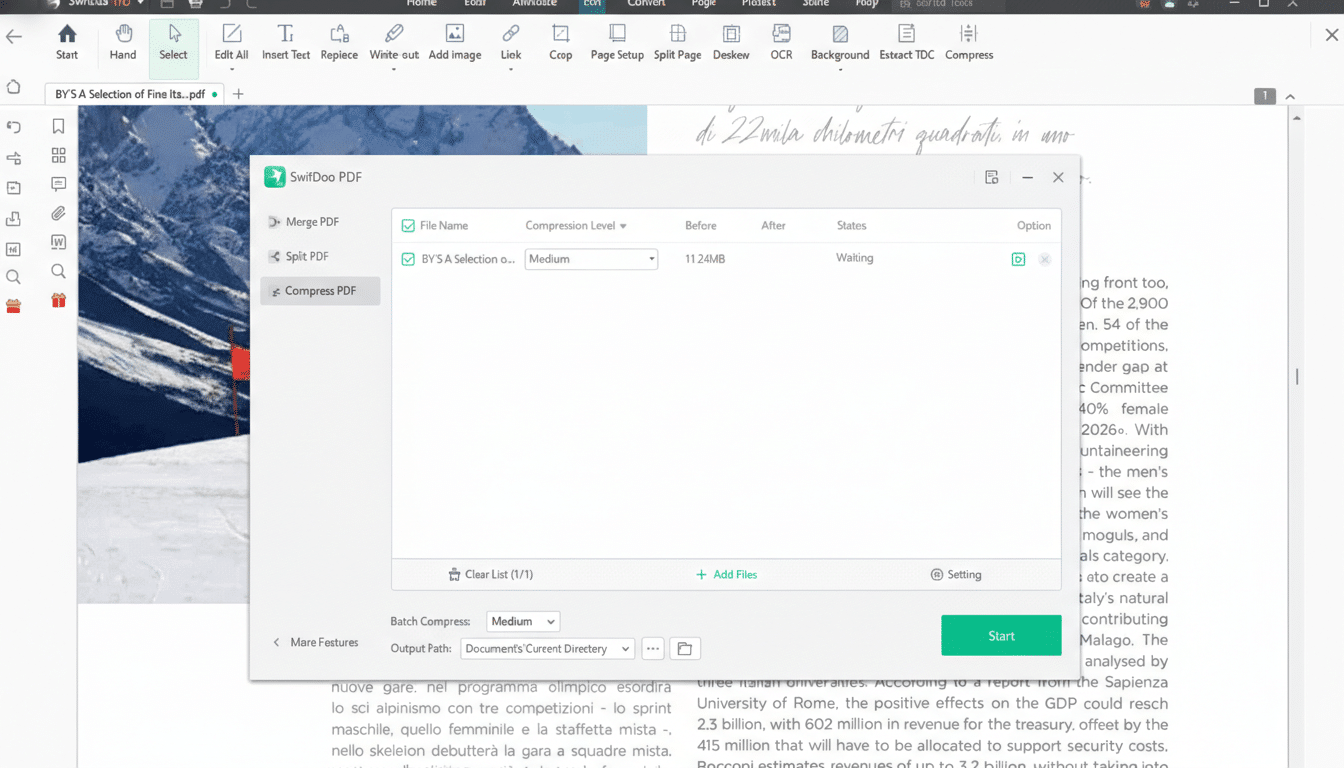
On the workflow side, it supports merging and splitting PDFs and handles batch operations when you need to convert a folder’s worth of files to Word, Excel, PowerPoint, or image formats. Security tools include password protection and redaction, so you can share documents while keeping sensitive data out of view. Installation is local, and once it’s set up on your PC, the core feature set works fully offline—useful for field teams, travel, or regulated environments with tight network rules.
How It Stacks Up To Subscriptions Over Three Years
Subscriptions add up quickly. Adobe’s published pricing for Acrobat typically lands around $12.99 per month for the Standard tier and about $19.99 for Pro, depending on plan and billing terms. Over three years, even a mid-tier plan can outpace this $34.99 lifetime offer several times over. If you’re in an organization that needs cloud collaboration, advanced e-signature routing, or enterprise-level admin controls, subscriptions make sense. But for individual professionals, students, and small teams that primarily edit, convert, and secure PDFs, a perpetual license can be a strong value.
Real Workflows Where OCR Pays Off In Daily Tasks
OCR is where many budget editors stumble. In practice, good OCR means you can scan a 50-page lease at 300 DPI and immediately search for clauses, copy text into an email, or update dates and names without retyping. Knowledge workers spend a meaningful chunk of time searching and gathering information, and converting static scans into searchable PDFs helps claw some of that time back. In finance, HR, and legal settings, that translates into fewer manual lookups and faster turnaround on routine document requests.
Security And Offline Control For Sensitive Documents
PDF security isn’t just about a password dialog. Proper redaction tools permanently remove sensitive text rather than hiding it with black boxes—a mistake that has tripped up more than a few public filings, as government and industry case studies have shown. SwifDoo PDF Pro includes both password protection and content redaction to address common sharing risks. Running locally and offline also reduces exposure for teams handling PII, medical records, or legal documents where cloud uploads are restricted.
Who Should Consider This Deal And Why It Fits
If your daily grind includes marking up reports, converting invoices to Excel, updating contract terms, or compiling multi-part PDFs, this deal is squarely in your lane. It’s also well-suited to students and freelancers who need consistent tools without the drag of monthly charges. Larger companies that mandate specific ecosystems may still opt for enterprise platforms, but for individuals managing their own toolset, the value proposition is straightforward.
The Bottom Line On This Lifetime SwifDoo PDF Deal
For $34.99, SwifDoo PDF Pro delivers a capable, Windows-native PDF workbench with editing, conversion, batch processing, OCR, and security—minus the subscription treadmill. If your priority is to handle every common PDF task reliably on a single PC and keep costs predictable, this lifetime license is an easy recommendation.