


Microsoft hasn’t announced Windows 12, but the pieces are falling into place. From Copilot’s rapid expansion to a new generation of AI-ready PCs, there’s enough smoke for seasoned Windows watchers to outline where the next version is headed. Drawing on public demos, Insider builds, chipmaker roadmaps, and analyst outlooks, here are six predictions you can bet on.
AI-First Windows With Copilot Everywhere
Expect Windows 12 to feel AI-native rather than AI-added. Microsoft’s Copilot has already moved beyond a sidebar assistant, with on-screen understanding, voice activation, and task automation surfacing in previews. The company has publicly positioned Copilot+ PCs as the baseline for local AI features, and it demonstrated agent-like capabilities that can act across apps and settings. The trajectory is clear: contextual help that understands what’s on your screen, proposes next steps, and performs them with your approval.
- AI-First Windows With Copilot Everywhere
- NPUs Become the New Baseline for Windows 12 PCs
- Windows on Arm Hits Its Stride with Real Momentum
- Modular CorePC Architecture Reshapes the Windows OS
- Licensing Evolves Without Forcing Subscriptions
- Faster Feature Drops With Insider-Led Development
- Bottom Line: What to Expect on Windows 12 Day One
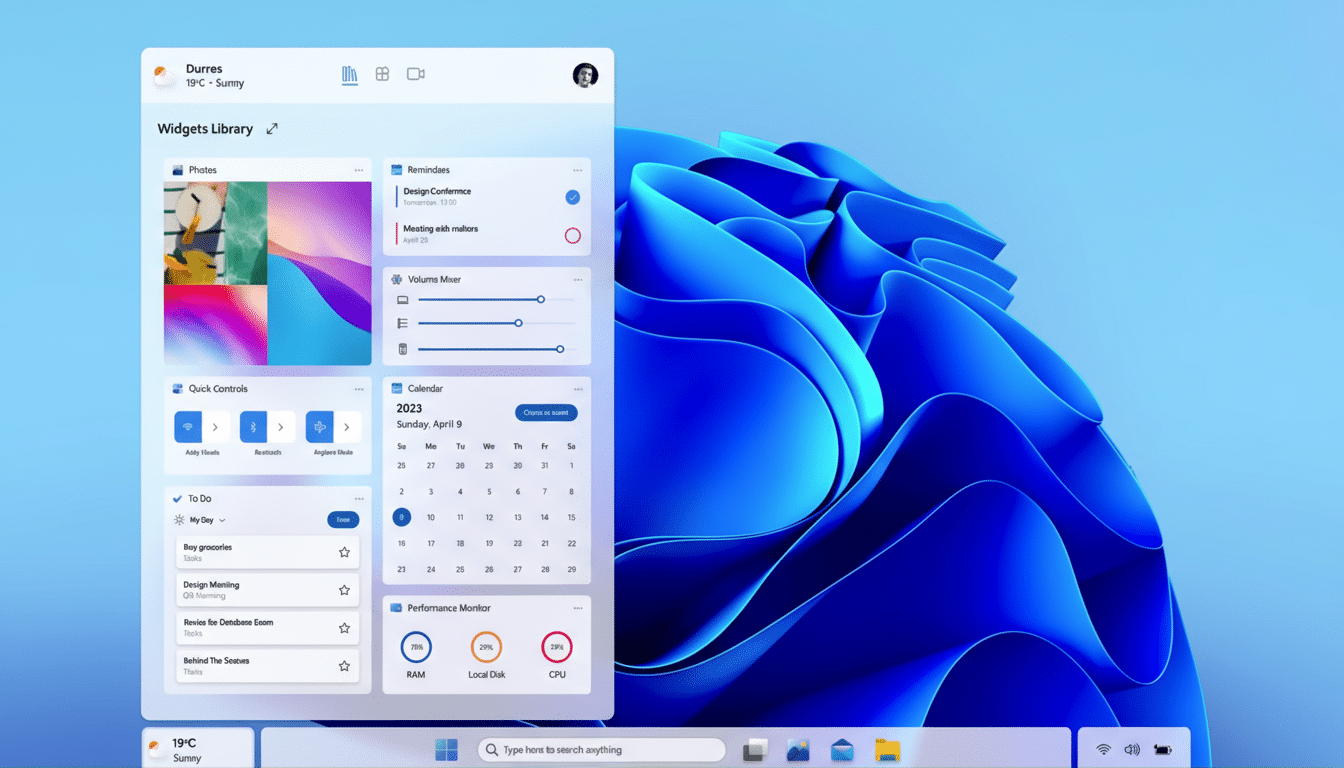
Why it’s likely: Microsoft has tied Windows strategy to generative AI, and rivals are marching the same way. Analyst firms like Gartner and IDC both highlight AI PCs as the primary growth engine for the next refresh cycle, and Microsoft’s own engineering blogs emphasize “on-device reasoning” for speed and privacy. Windows 12 will lean into that with Copilot embedded deep into Search, File Explorer, Settings, and the shell.
NPUs Become the New Baseline for Windows 12 PCs
The next Windows will likely raise the hardware floor for headline features. Microsoft already set a Copilot+ PC bar that includes 16GB of RAM, fast NVMe storage, and an NPU delivering around 40+ TOPS for on-device inferencing. Chipmakers have aligned: Intel, AMD, and Qualcomm now pitch laptops with dedicated AI silicon across price tiers. Canalys projects AI-capable PCs to dominate shipments within a few refresh cycles, a trend that lets Microsoft safely ship AI-forward features without leaving most new buyers behind.
What it means for you: Core OS updates should still run on mainstream CPUs and GPUs, but premium experiences—advanced vision features, real-time transcription, scene understanding, and agentic automations—will be gated to NPU-equipped systems. That mirrors how Apple and Google reserve certain AI functions for devices with neural hardware.
Windows on Arm Hits Its Stride with Real Momentum
Windows on Arm is shifting from experiment to expectation. Qualcomm’s Snapdragon X family, paired with Microsoft’s Prism emulation, has shown that legacy x86 apps can run smoothly while Arm-native software sprints. Intel and AMD are countering with efficient hybrid-core designs and stronger NPUs, but the momentum for Arm laptops—especially fanless, all-day models—is finally material. Expect Windows 12 to treat Arm as a first-class citizen, with better battery analytics, improved app compatibility flags in the Store, and deeper optimization of shell components.
Evidence to watch: OEM roadmaps shown at industry events like Computex, performance testing from independent labs, and an uptick in Arm-native releases from major developers. Microsoft’s own Surface line is a bellwether; when it leans Arm, the rest of the ecosystem follows.
Modular CorePC Architecture Reshapes the Windows OS
Multiple reports from Windows-focused journalists point to a modular architecture known internally as CorePC. The idea is to separate system components, lock critical partitions as read-only, and enable smaller, faster updates. That architecture also lets Microsoft compose different editions—from lightweight, education-focused builds to full desktop environments—without dragging every legacy subsystem along.
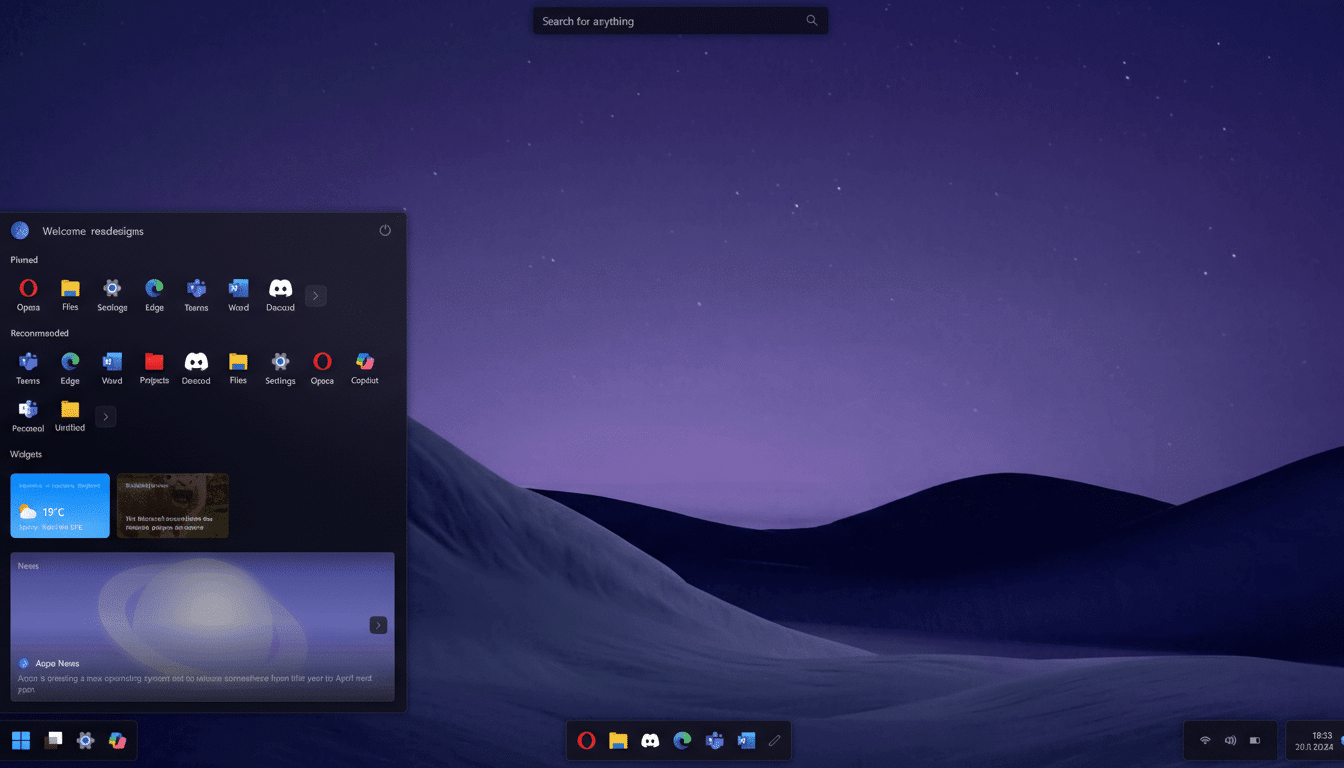
Security and manageability win here. State separation can reduce exploit surfaces and simplify recovery. For consumers, that could mean updates that install in minutes and roll back cleanly. For enterprises, image management and policy enforcement get more consistent across device types.
Licensing Evolves Without Forcing Subscriptions
Whispers about a “subscription Windows” surface whenever code references appear in Insider builds, but the most credible path is familiar: Windows licensing stays put for consumers while add-on services expand. Microsoft already sells Windows 365 Cloud PCs and bundles advanced security and management through Microsoft 365 for business. Expect Windows 12 to integrate more cloud-enhanced options—think device backup, enterprise-grade security, and AI assistants—without making the base OS paywalled at home.
Analysts at ZDNet and others have cautioned against reading too much into internal flags; historically, subscription markers target enterprise scenarios. Watch for optional tiers rather than mandatory monthly fees.
Faster Feature Drops With Insider-Led Development
Windows now ships big revisions annually and sprinkles smaller “Moments” in between. Expect Windows 12 to double down on that rhythm. More features will arrive decoupled from the monolithic OS via the Microsoft Store, Windows Feature Experience Packs, and Online Service Experience Packs. You’ll see continuous upgrades to core apps like Paint, Photos, Notepad, and File Explorer alongside shell tweaks delivered outside full version bumps.
The Windows Insider Program remains the proving ground. Canary and Dev channels will preview shell-level AI interactions, redesigned Settings pages, performance sandboxes for Arm, and new security defaults like driver isolation and Smart App Control improvements. When features stabilize, they’ll roll out broadly—no need to wait for a “big-bang” release.
Bottom Line: What to Expect on Windows 12 Day One
When Windows 12 lands, look for three things immediately: Copilot embedded across the desktop with on-device smarts, a tighter and more secure OS core that updates faster, and broad support for both x86 and Arm with real performance parity. The safest bet of all is Microsoft’s direction of travel—AI at the center, hardware accelerating it, and Windows evolving in steady, user-visible steps rather than abrupt overhauls.