


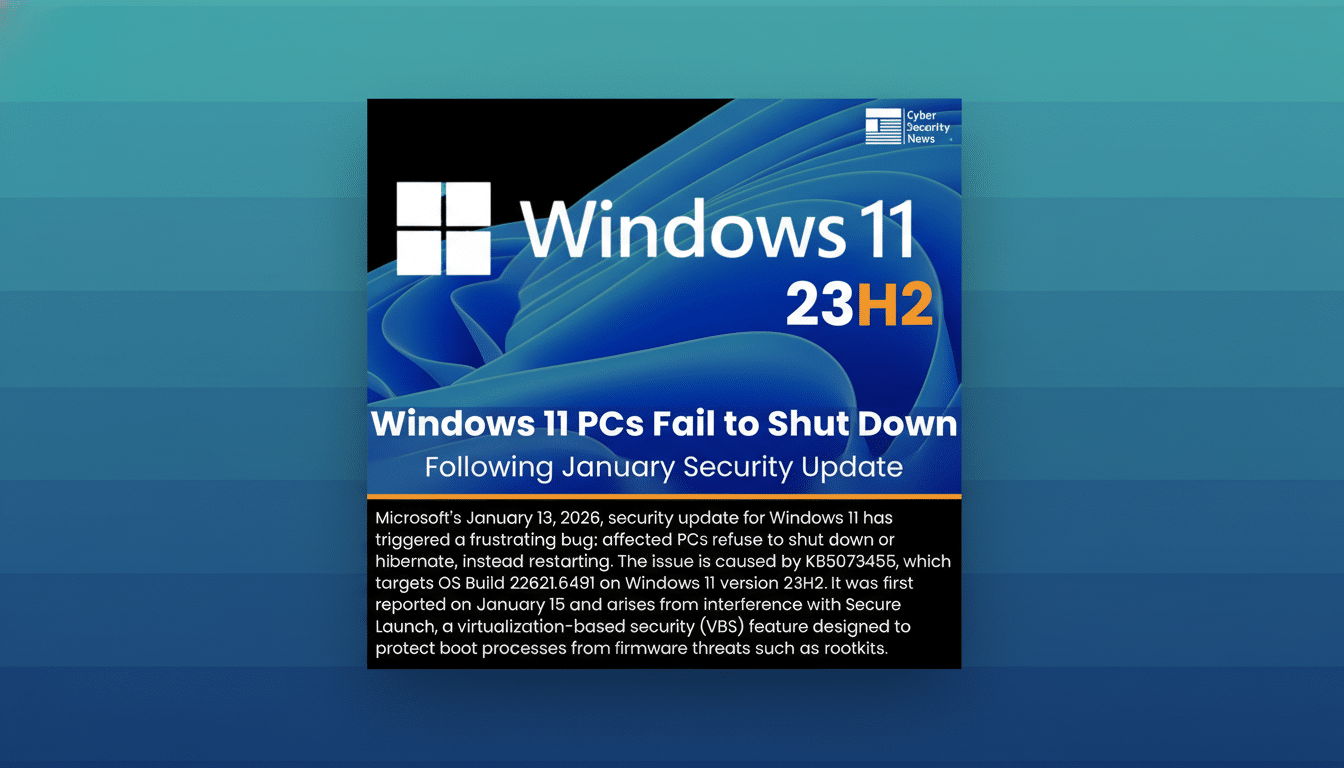
Some Windows 11 users are finding that Shut Down no longer shuts down. After the latest Patch Tuesday security update, certain PCs instead reboot when the user selects Shut Down or Hibernate. Microsoft has acknowledged the behavior and says it primarily affects devices with Secure Launch enabled on Windows 11 version 23H2.
What Broke And Why It Matters For Windows 11 Users
Reports surfaced shortly after the cumulative security update identified as KB5073455. On impacted systems, the normal power-off sequence is interrupted and the machine restarts as if the user had picked Restart. Neowin first highlighted the pattern, and Microsoft’s own release notes later described the same symptoms.
- What Broke And Why It Matters For Windows 11 Users
- Secure Launch Is The Common Thread Behind Reboots
- Microsoft Issues Out-of-Band Fix To Restore Shutdown
- How To Restore Normal Shutdown On Windows 11 23H2
- How To Tell If You’re Affected By The Shutdown Bug
- The Larger Reliability Picture For Windows Updates
Beyond the annoyance, the bug can drain batteries on laptops, disrupt maintenance windows, and complicate remote management where automated shutdowns are part of nightly workflows. The issue does not indicate data loss or storage corruption; it’s a control flow problem in the power transition.
Secure Launch Is The Common Thread Behind Reboots
Microsoft says the failures occur on Windows 11 23H2 systems that have Secure Launch enabled. Secure Launch, part of Windows Defender System Guard, uses a dynamic root of trust for measurement to harden the earliest moments of boot. It works with TPM and compatible firmware to block tampering before the OS fully loads.
Many modern OEM configurations ship with these protections turned on by default, especially on devices that meet Windows 11’s security baseline. That’s why only a subset of machines is affected: devices without Secure Launch, older hardware, or non-23H2 builds aren’t hitting the shutdown loop.
Microsoft Issues Out-of-Band Fix To Restore Shutdown
To address the regression, Microsoft released an out-of-band update, KB5077797. The company says it restores proper shutdown and hibernation behavior on affected Windows 11 23H2 systems with Secure Launch. In the same package, Microsoft also fixes a separate issue that triggered sign-in failures for some Remote Desktop sessions.
Out-of-band updates don’t wait for the next monthly cycle. They appear in Windows Update and the Microsoft Update Catalog once published, and enterprise admins can push them via WSUS, Configuration Manager, or Intune after approval. As with any servicing change, a restart will be required.
How To Restore Normal Shutdown On Windows 11 23H2
The simplest path is to check Windows Update and install KB5077797 if it’s offered. If you don’t see it yet, you can manually initiate an update scan, or obtain the package from the Microsoft Update Catalog and install it directly. For managed fleets, confirm the OOB update is approved in your update rings and targeted to Windows 11 23H2 devices.
Microsoft does not recommend turning off Secure Launch as a workaround; it lowers the security posture and can introduce compliance issues. Likewise, registry hacks or disabling hibernation are unnecessary now that the hotfix is available.
How To Tell If You’re Affected By The Shutdown Bug
Symptoms are straightforward: selecting Shut Down or Hibernate triggers an immediate restart instead of powering off. In Event Viewer, you may see Kernel-Power entries associated with unexpected power transitions. If your device is on Windows 11 23H2 and Secure Launch is enabled in System Information, you’re in the target profile for the bug.
The Larger Reliability Picture For Windows Updates
Security updates occasionally produce regressions, and Microsoft typically leans on Known Issue Rollback for non-security components. Because this problem stems from a security servicing change, an out-of-band release was the faster, safer route. Microsoft’s Windows Release Health dashboard and KB notes now reflect the shutdown issue and its resolution.
If you’ve postponed January updates due to the shutdown bug, installing KB5077797 should clear the path. For everyone else, the takeaway is unchanged: keep Windows up to date, especially on systems that rely on modern protections like Secure Launch, where fixes often arrive quickly once an issue is confirmed.