


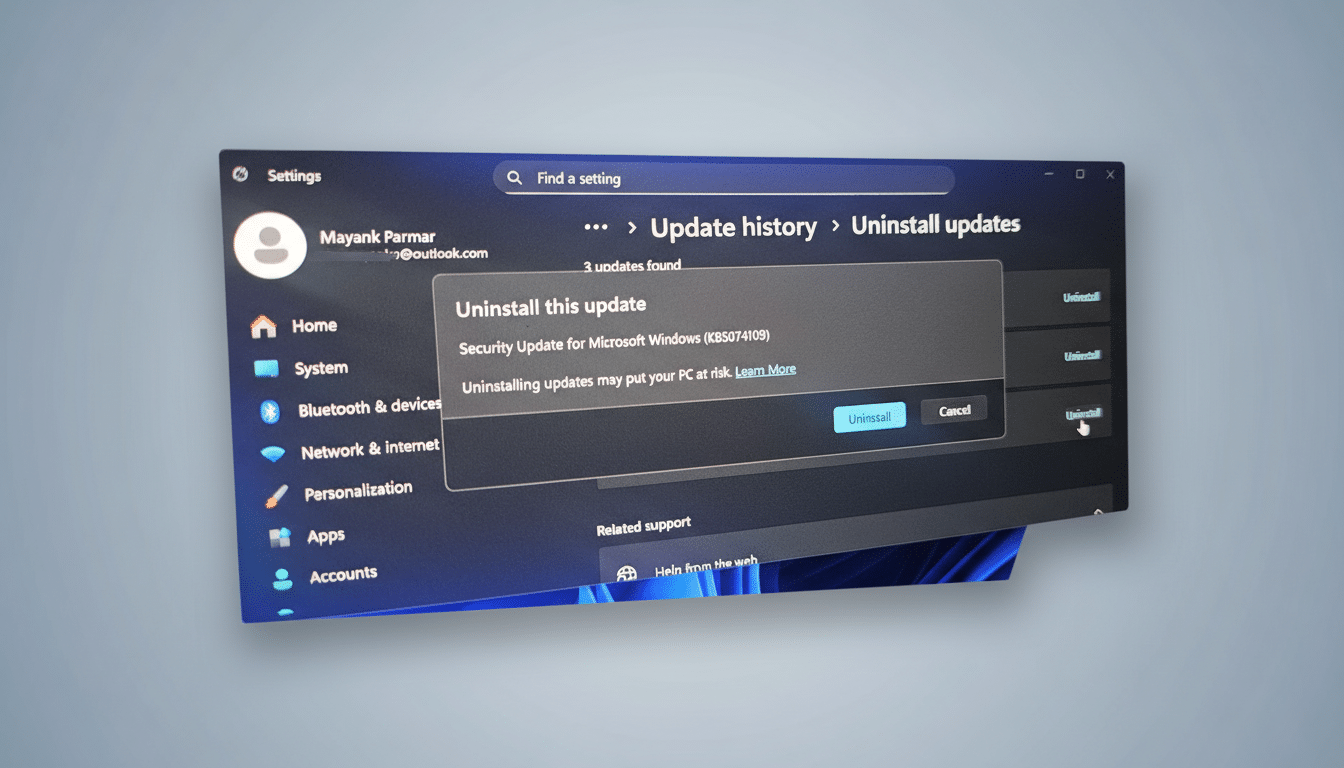
Microsoft’s latest Windows 11 security update is causing a severe problem for some users: after installing the January patch, certain PCs refuse to boot at all. The issue is tied to cumulative update KB5074109 on Windows 11 versions 24H2 and 25H2, and Microsoft says it is investigating after receiving a limited number of reports.
While previous hiccups with this cycle affected shutdown, sleep, Outlook, and Remote Desktop, this new failure is far more disruptive. In multiple reports, machines restart to a black screen and display an error before looping—leaving no straightforward way into Windows.

Who Is Affected and What You’ll Likely See on PCs
Microsoft acknowledges the problem primarily on physical devices running Windows 11 24H2 or 25H2; it has not seen the behavior on virtual machines. Users describe encountering the “UNMOUNTABLE_BOOT_VOLUME” error alongside the familiar message, “Your device ran into a problem and needs a restart,” with the system then failing to recover.
The error is a clue, not a verdict. Historically, UNMOUNTABLE_BOOT_VOLUME points to a failure to mount the system drive—something that can be triggered by file system corruption, storage driver regressions, or changes to the boot sequence. That said, Microsoft has not attributed the fault to a specific component, and the precise root cause remains under review.
Early accounts surfaced on community boards such as AskWoody and were later collated by industry trackers at Bleeping Computer before Microsoft added the issue to its Windows Release Health messaging.
A Patch With a Troubled Rollout and New Failures
This Patch Tuesday cycle has been bumpy. The January security update initially introduced problems with power states (shutdown and sleep) and triggered glitches in Outlook and Remote Desktop for some customers. Microsoft followed up with additional releases—KB5077797 and KB5078127—to address those earlier regressions. The boot failure, however, is specifically associated with KB5074109 and appears to affect a different subset of systems.
Cumulative updates touch many moving parts—from the kernel and storage stack to authentication and graphics—so combinations of firmware, drivers, and security software can produce edge cases. That helps explain why some machines are impacted while others, even on the same Windows version, sail through.
What You Can Do Right Now to Recover or Avoid
If your PC will not boot after installing KB5074109, Microsoft currently recommends manual recovery.
- From the Windows Recovery Environment, try Startup Repair first.
- If that fails, use the Uninstall Updates option to remove the latest quality update.
- System Restore, if previously enabled, can also roll the machine back to a known-good state.
Admins can boot to recovery media to access advanced options, verify disk integrity, and reverse recent changes. If BitLocker is enabled, have recovery keys ready. As always, ensure you have a verified backup before attempting repair operations that could alter disk state.
If you have not yet installed the January patch on at-risk devices, consider pausing updates temporarily—Windows 11 Home allows short pauses, while Pro and enterprise editions can defer via Group Policy, Intune, or WSUS. Staggered rings and pilot groups remain best practice to catch issues before wide deployment.
Guidance for IT Teams Managing Windows 11 Risks
Review your deployment rings and hold KB5074109 from broad release until Microsoft provides clarity. Monitor the Windows Release Health dashboard and vendor advisories from your storage, chipset, and security stack providers. Validate BIOS and storage firmware on affected models, and test on identical hardware in a lab using recovery media on hand.
Note that Known Issue Rollback, which Microsoft can use to reverse nonsecurity regressions, does not help if devices cannot boot—the machine must load Windows to receive a rollback policy. For environments already impacted, prioritize rapid recovery and document affected hardware profiles to aid triage.
What to Expect Next from Microsoft’s Investigation
Microsoft says it is investigating and will share guidance when available. Given the severity, a targeted fix or a replacement cumulative update is likely, but timing is unknown. Until then, a conservative rollout posture, routine image backups, and clearly documented recovery playbooks are your best defense against this kind of hard-stop failure.
For consumers and IT alike, the takeaway is familiar but essential: treat monthly cumulative updates with respect, test when you can, and keep a recovery path within arm’s reach.