


Microsoft’s latest iteration of Windows, Windows 11 — version 25H2 — presents a refreshingly straightforward installation with an unusually small footprint: one download, one restart, and done. It’s a change in servicing practice that should bring new features and security improvements without the long, multi-gigabyte upgrades that users have learned to loathe.
And the big headline change has to do with how Microsoft presents the update. Instead of replacing the entire operating system image, 25H2 exchanges only the components that require updates; the result is a significantly shortened install time for most machines that are already on the latest Windows 11 baseline.
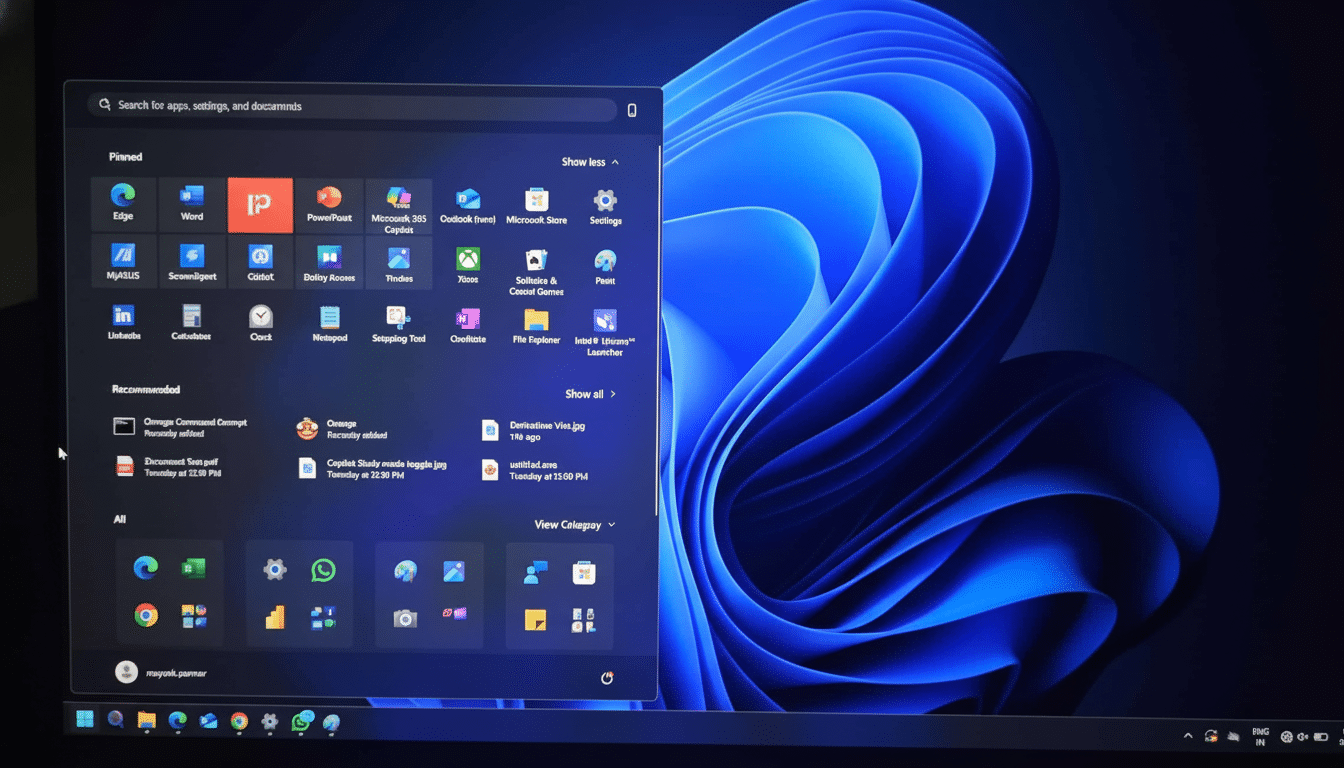
Why This Windows 11 25H2 Update Is Truly Different
Under the covers, 25H2 is built using the same modern servicing model as monthly cumulative updates. If you’re already on Windows 11 24H2, the upgrade acts just like an enablement-style package: it activates functionality that’s been shipping quietly in the background and then wraps up with a single reboot.
This method leans on Component-Based Servicing and the Unified Update Platform, two technologies which Microsoft has said can cut down download sizes from those using older installers. It also translates into less disruption: fewer files to replace, fewer drivers that must be reinitialized, and no room for setup conflicts.
Importantly, 25H2 and 24H2 have the same code base. That shared core means Microsoft can ship the same quality fixes to both trains but selectively enable features in 25H2. In real-world terms, that common lineage will hopefully mean more stability than a full in-place OS refresh.
What You Get With Windows 11 Version 25H2
Security takes center stage. Collaborating under the Secure Future Initiative, for which see this Microsoft page, 25H2 delivers “even more depth to build and runtime vulnerability discovery efforts, AI-assisted security across Windows components,” Microsoft added. Those efforts hearken back to the software company’s Security Development Lifecycle, which aims to mitigate risk at both design time and post-release.
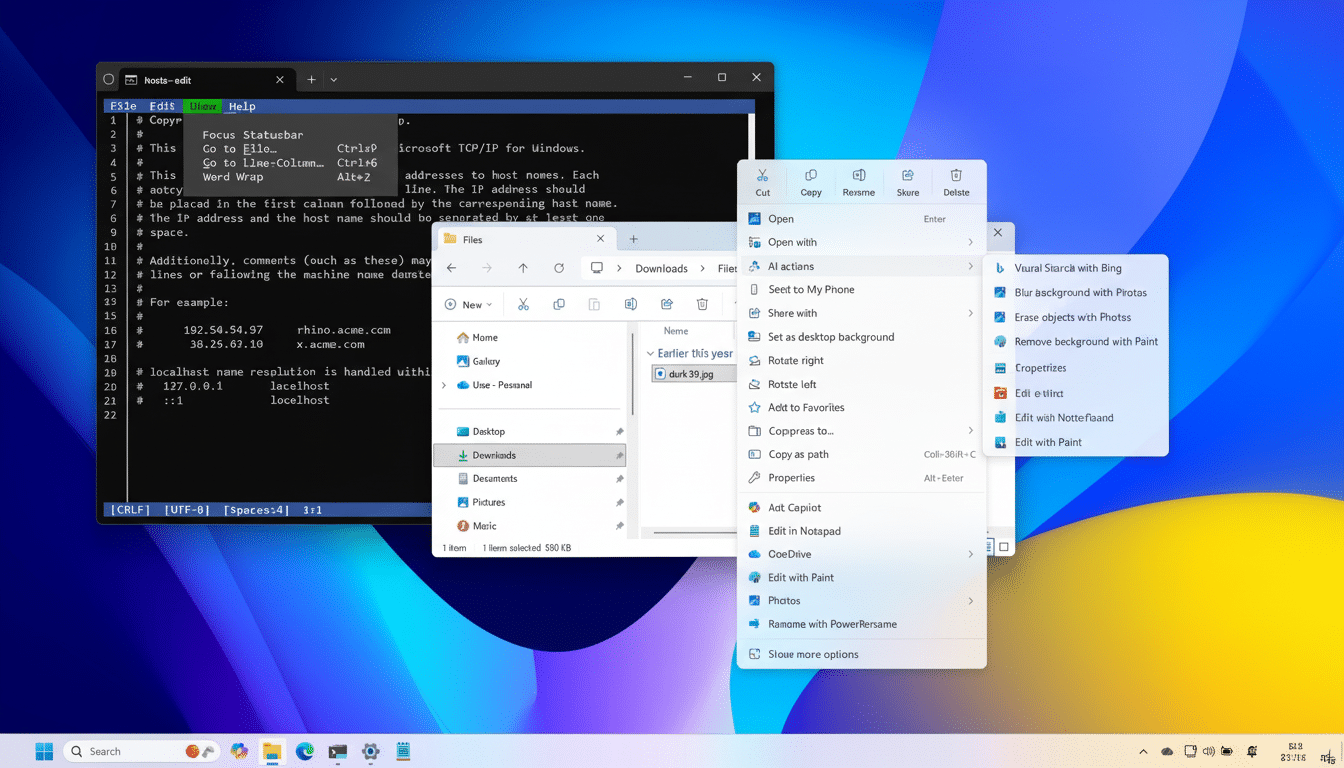
Speaking of features, it’s likely that the collection of them which we’ve seen dropped off into 24H2 will be fully lit up in 25H2 right on day one. Among the major features are system-wide support for Wi‑Fi 7 on supported hardware, Quick Machine Recovery to help recover more quickly from boot failures, a bevy of refinements to the Taskbar, and quality-of-life improvements to File Explorer and Task Manager.
Then there’s a lifecycle benefit: making the jump to 25H2 also means you extend your support horizon by an additional year compared to staying on 24H2, offering both consumers and IT teams a longer runway before you have to do this again.
How to Install Windows 11 25H2 in One Reboot
For this, ensure your PC already runs Windows 11 24H2 along with the most recent set of cumulative updates. Then open Settings, select Windows Update, turn on the option to receive updates as soon as they are available, and click Check for updates. If 25H2 is made available, click Download and install; there’s a brief prep phase, then the device restarts just once.
If you don’t see it now, the rollout may not have made it to your device. You can either wait for Windows Update to offer it to you automatically or install it manually from Microsoft’s Download Windows 11 page using one of three official methods: the Installation Assistant (for in-place upgrades), the Installation Media tool (to create a bootable USB for another PC), and an ISO image. If found, mount the ISO and run Setup, and choose to keep personal files and apps for a doubly seamless, one-restart experience.
To verify the upgrade, navigate to Settings, then System, and finally About; under Windows specifications it should say version 25H2.
Pro Tips to Ensure a Smooth Windows 11 25H2 Upgrade
Make sure you have enough free space and back up important files before starting. Update your OEM drivers and firmware, including storage and network drivers. For the time being, do the same for low-level utility programs installed by indifferent third parties (such as garbage antivirus software) if they bind themselves to a hook on the kernel, and then reactivate them after you’ve rebooted.
If the installer needs multiple reboots, it’s likely that your device required some servicing stack or driver updates before continuing. So let it run—follow-up monthly updates will be back to the single-restart norm.
What IT Teams Need to Know About Windows 11 25H2
For organizations, 25H2 is offered through standard Windows Update for Business policies and can be managed via Intune or WSUS using rings and progressive rollout protections. With 25H2 being built on the 24H2 code base, pilot validation focuses on feature enablement and app compatibility rather than overall image changes, reducing test bypasses.
Microsoft’s Windows Release Health dashboard is still the authoritative answer on known issues and potential mitigations. Monitor safeguards that might prevent the offer on specific hardware, and leverage targeted deployments to validate key line-of-business apps before broad deployment.
The takeaway: 25H2 is a trim, service-oriented upgrade that comes down the pike fast, unlocks new capabilities, and raises the security ante — without resorting to full-on OS reinstall reimaging.
If you’re on 24H2 and craving the next story, this is the rare feature update that feels like a standard patch.