


If you make anything you like — photos, tax docs, research, code, contracts — in 2025 you need a cloud service.
Drives fail locally, laptops are stolen and one ransomware hit can obliterate years of effort. The cloud isn’t a luxury; it’s the safety net and shared workplace that contemporary living requires.
Two numbers explain the stakes. According to IDC’s Global Datasphere, humanity will create and replicate approximately 175 zettabytes of data by the mid‑decade. Backblaze’s long‑standing drive statistics demonstrate that the death of consumer hard drives doesn’t take millions of years (or even centuries), but rather each year at non‑trivial rates, with annualized failure rates consistently hovering anywhere from low single digits to around 8%. That’s why the 3‑2‑1 rule—advocated by security agencies like CISA—is still relevant: three copies, two types of media, one off‑site (the cloud).
The non‑negotiables of cloud services in 2025
Cloud storage transforms brittle, scattered files into durable, searchable libraries you can access from any device. It also provides you with version history to revert mistakes and shared folders that let your team stay in sync without email ping‑pong.
Security is another driver. Ransomware still plagues people and small businesses, while the Verizon Data Breach Investigations Report has previously noted extortion attacks to have been a pretty consistent problem across industries. Cloud services that have immutability windows and snapshot restores can be the difference between a bad day and a catastrophe.
Finally, AI is helping to make the cloud more useful — sans the fanfare. From more intelligent search across images and PDFs to auto‑transcriptions and summaries in productivity suites, the cloud has become where your files go not just to be stored, but found.
Deciding on a cloud service: what to look for
Start with security. Look for at‑rest and in‑transit encryption, two‑factor authentication, as well as potentially “zero‑knowledge” or end‑to‑end encryption if privacy is the top priority. If you’re doing something sensitive, verify data residency options and compliance claims (consider GDPR for consumers, HIPAA or ISO 27001 for business).
Then evaluate recovery. The length of version history, whether the service will help you recover from a ransomware attack or restore deleted files makes all the difference when you accidentally overwrite an important doc or fall victim to malware.
Don’t ignore fit and speed. Efficient mobile uploads thanks to OS integration (Windows, macOS, iOS, Android) and block‑level sync bring files without friction. Pricing is also important, but balance the trade‑offs of perks — CEO‑worthy collaboration tools, email aliases, VPN access bundles — against buck‑naked storage space.
The 7 best cloud services I’ve tried in 2025
Google Drive (Google One): The best value overall. You receive generous free storage, excellent web apps (Docs, Sheets, Slides), a powerful search feature and solid integration with Android. Paid plans include family sharing and useful features for Google Workspace. If you’re doing a lot of your work in the Google ecosystem, this is the cleanest experience.
Microsoft OneDrive (with Microsoft 365): My choice for Windows users and Office power users. OneDrive’s Known Folder Move stakes out Desktop, Documents and Pictures as safe zones, with version history and ransomware recovery catching the rest. The bundle includes Word, Excel and PowerPoint, which transforms cloud storage into a full productivity stack.
Apple iCloud Drive: Best for Apple‑only homes. iCloud Photos does a wonderful job of making sure your library feels the same across iPhone, iPad and Mac, and iCloud Drive can slide right into Finder and Files. If you are privacy‑conscious, enable Advanced Data Protection for end‑to‑end encryption on most categories. Family sharing is seamless.
Dropbox: They’re still the gold standard when you need fast, reliable sync. Its block‑level engine and LAN sync are very good for dealing with big, frequently edited files — better than most services here — while Smart Sync can keep huge folders “online‑only” to free up local space. I turn to Dropbox when I have too many types of media in motion, or if I’m collaborating on a mixed‑platform project.
Mega: A generous, privacy‑minded option. Mega’s free service has more storage and offers end‑to‑end encryption as standard, unlike many rivals. It’s ideal for safely delivering large folders to non‑technical folks. Just watch for transfer quotas if you do a lot of data movement.
Proton Drive: My preferred choice when privacy outpaces convenience. Developed by the privacy‑first team behind Proton Mail, it offers end‑to‑end encryption, open‑source cryptography and Swiss data protection laws. Sharing via links with passphrases and time limits affords control, but storage allowances are tight compared to leading services.
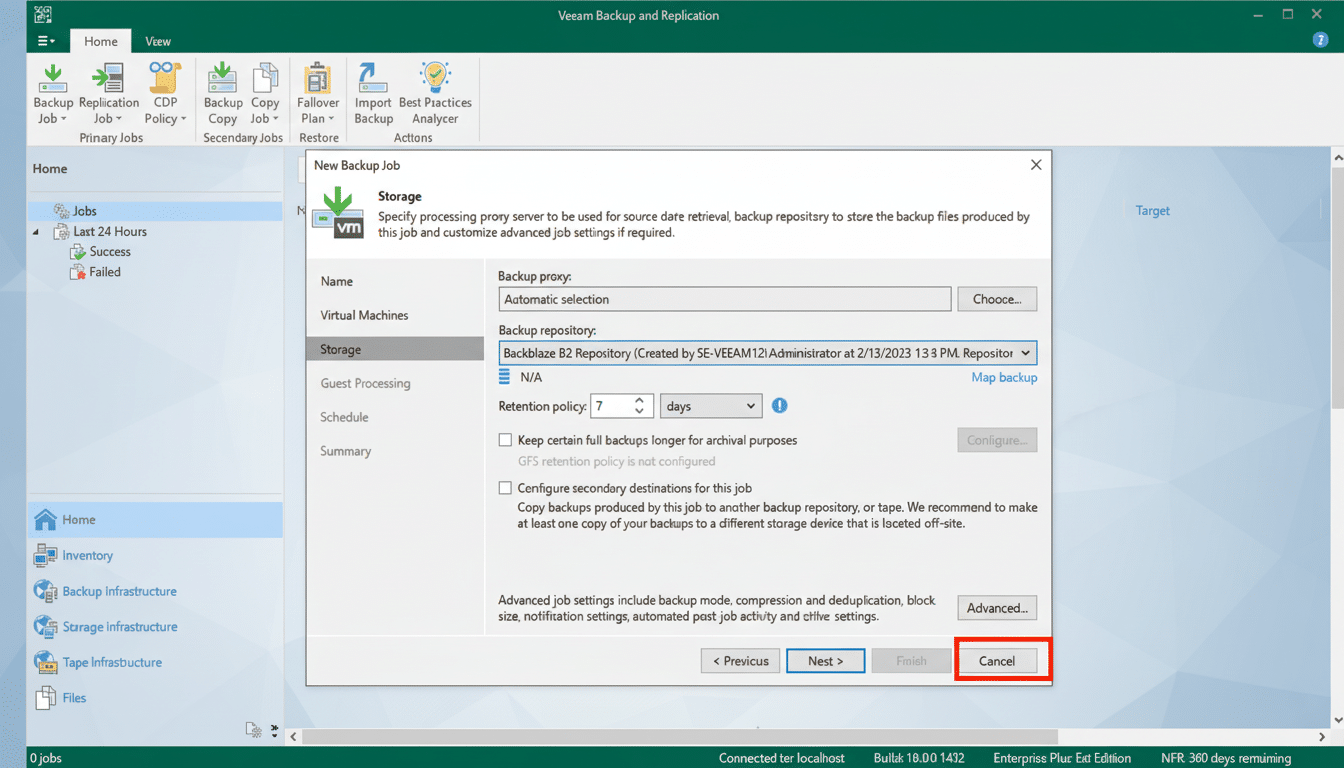
Backblaze Personal Backup: The safety net that requires “set‑and‑forget.” Unlike sync services, Backblaze has designed its backup system to be optimally economical by backing up your entire computer (and attached drives), including photos, music and documents in its original folder structure, to a single online data center. Restores are easy, and versioning is long. Combine that with a sync tool above and you’ve met the 3‑2‑1 rule.
Practical cloud storage and backup combinations that work
For most people: Google Drive or OneDrive combined with Backblaze, for regular sync and collaboration plus whole‑machine backup. That’s sharing, editing and disaster recovery all in one.
For privacy‑first users: Proton Drive or Mega for sensitive files, local encrypted external drive as second copy, and a reputable cloud backup for the off‑site third.
Bottom line: choose cloud tools that match your risk
The cloud won’t write your novel or snap your photos, but it’s a way to make sure they’re there tomorrow — and easy to find. Choose a service that’s in line with your devices and risk tolerance, turn on two‑factor authentication, adhere to the 3‑2‑1 rule. In 2025, that’s not overkill. It’s table stakes.