


AI video generation has moved past the stage where people only judged it by surprising demo clips. The more useful question now is whether the technology can help creators, marketers, educators, and small teams make practical video drafts without starting from zero every time.
That shift is important because video has become part of almost every digital workflow. A product launch needs a short teaser. A course needs an intro clip. A social campaign needs several versions. A podcast needs visual quote clips. A small business needs product videos that can work on mobile-first platforms.
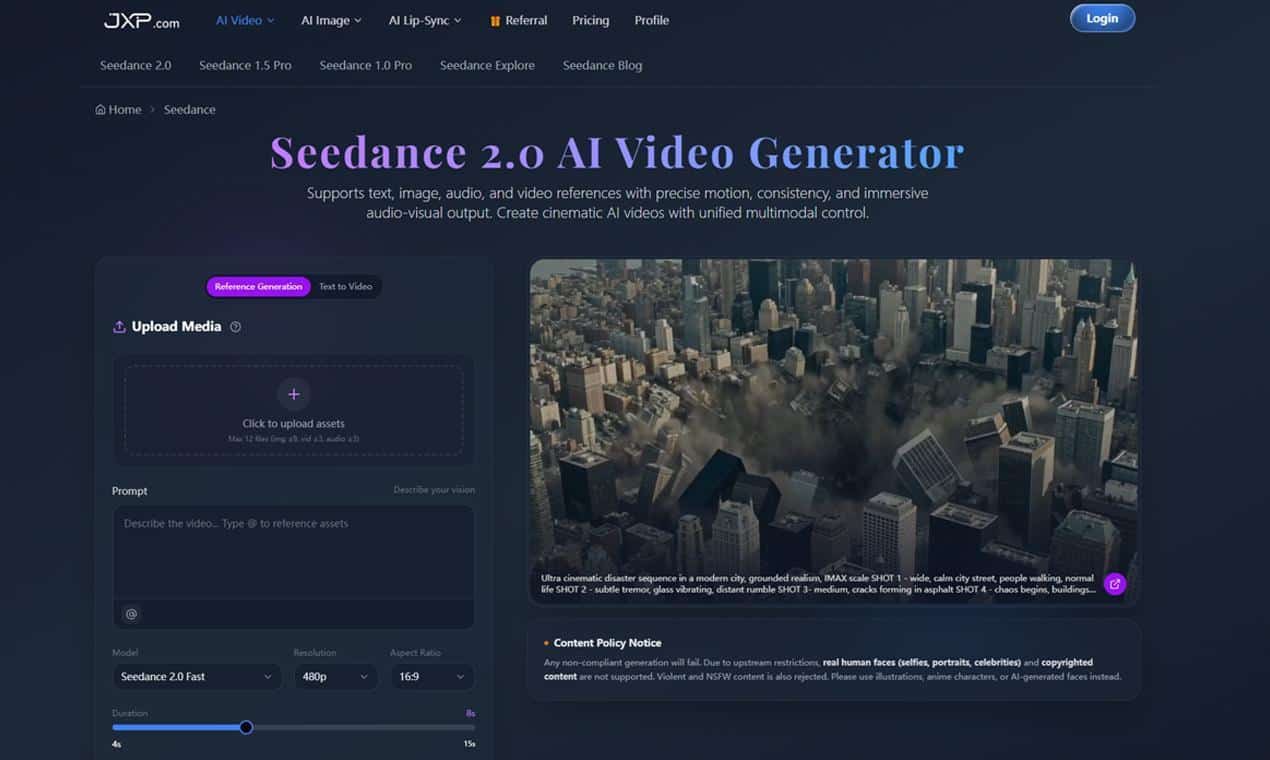
The pressure is clear: teams need more video, but they do not always have more production time. This is where reference-based AI video generation is becoming more valuable than simple text-to-video experiments.
Why Text Prompts Are Not Always Enough
Text prompts are useful, but they can leave too much open. A creator might ask for a cinematic product teaser, but the output may miss the exact product, visual style, camera movement, or pacing needed for the project.
That is a problem for real content work. Businesses and creators usually do not want a random clip that looks impressive for a few seconds. They need a video draft that stays close to their message, brand, subject, or story.
Reference-based tools help by giving the AI more context. Instead of asking the system to invent everything from words, users can provide images, audio, video clips, and written direction.
Tools such as Seedance 2.0 fit this newer workflow because they support text, image, audio, and video references. That makes the process closer to directing a draft than typing a one-line prompt.
Turning Existing Assets Into Motion
Most content teams already have useful materials. They may have product photos, screenshots, brand images, short clips, audio notes, slides, or previous campaign visuals. The challenge is turning those assets into video without rebuilding every idea manually.
With reference-based video generation, those materials can guide the result. A product image can define the subject. A clip can guide motion. Audio can help shape timing. A prompt can describe lighting, transitions, and atmosphere.
This is useful for teams that need a first draft quickly. A visible draft helps people decide whether the idea is worth editing, changing, or abandoning. It also makes feedback easier because everyone can react to the same moving version.
Practical Use Cases for Creators
The strongest use cases are often simple. A social media manager can test a few hooks before choosing one to edit. A course creator can turn a lesson outline into a short visual opener. A podcaster can build a short clip around an audio quote. An online store can test product videos from still images.
Small teams can also use AI video for internal review. A founder might draft a product concept before briefing an editor. A designer might test a motion idea before building the final animation. A marketing team might compare several campaign directions before spending budget on polished production.
These are practical tasks, not futuristic ones. The value is speed at the draft stage.
It can also help teams avoid unnecessary revisions. When a rough motion draft exists early, reviewers can point to specific problems instead of giving vague feedback. The discussion becomes about the opening frame, product visibility, rhythm, or format, which makes the next version easier to improve.
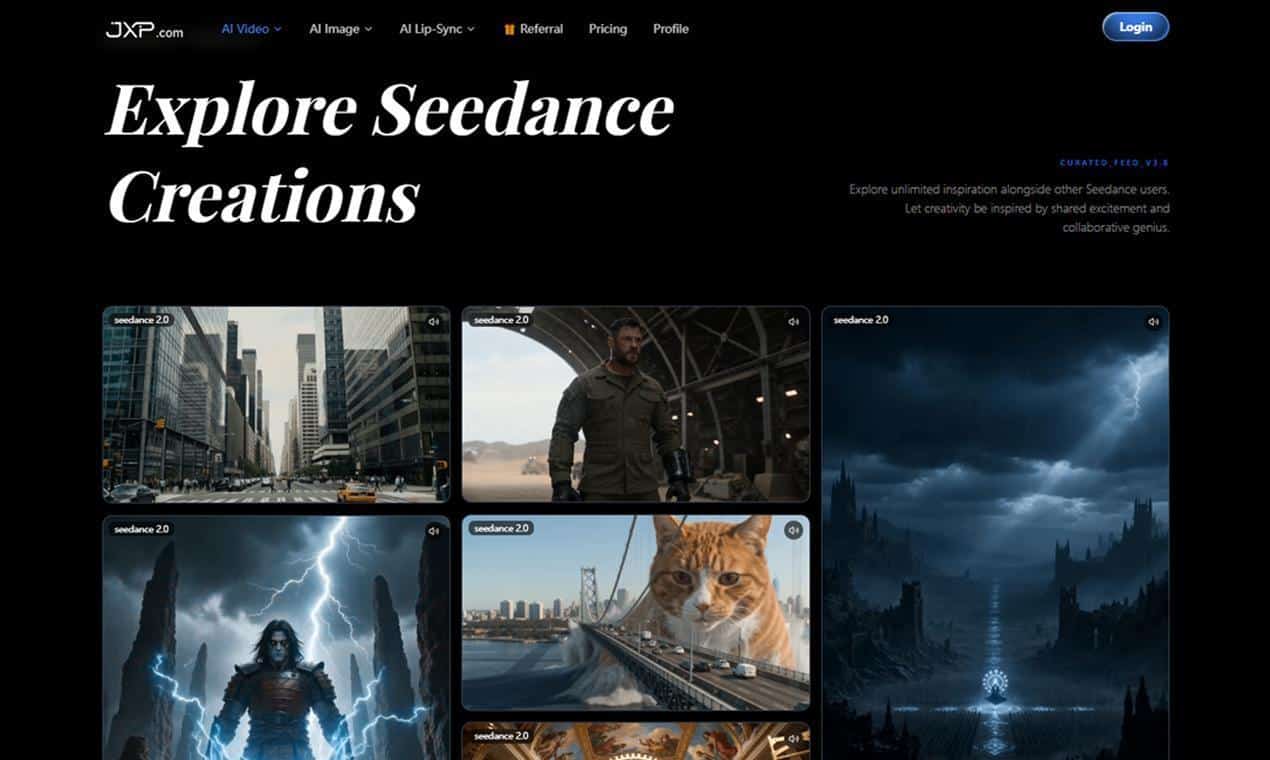
Better Drafts Mean Better Decisions
Video projects often slow down because the first version is unclear. A written brief can sound good in a meeting, but it may not show whether the pacing works. A static image can show the subject, but not the motion. A storyboard can explain structure, but still leave timing open.
AI video gives teams something earlier to judge. If the opening feels weak, the prompt can be changed. If the product is not clear enough, the reference can be adjusted. If the rhythm does not match the audio, the draft can be refined before a human editor spends time on final polish.
This is where AI video generation with Seedance can fit into a normal content process. It helps users move from idea to draft, then from draft to feedback.
A Simple Workflow to Try
A practical AI video workflow does not need to be complicated:
- Choose one goal for the video.
- Gather approved images, clips, audio, or brand references.
- Write a prompt that explains action, mood, pacing, and format.
- Generate a short draft.
- Review clarity, consistency, and audience fit.
- Adjust the prompt or references.
- Send the strongest version into editing or publishing.
This process keeps human judgment in the loop. The AI helps create the draft, but people decide whether the message is accurate, useful, and ready for the audience.
What This Means for Content Creation
AI video will likely become more common as creators look for faster ways to test ideas. The biggest advantage may not be replacing full production. It may be reducing the slowest part of the process: getting to the first version.
Reference-based generation is especially useful because it works with the assets teams already have. That makes AI video feel less like a random experiment and more like a tool inside a real workflow.
For creators, marketers, educators, and small businesses, this can make video production easier to start. A good idea no longer has to wait for a full shoot or a finished edit before anyone can see it in motion.
The future of AI video may be less about one perfect prompt and more about better direction. The teams that get the most value will be the ones that bring clear goals, useful references, and thoughtful review into the process.