


Most people don’t think much about passwords until something goes wrong. An account gets locked. A reset email never arrives. Or worse, you notice activity you definitely didn’t authorize. By then, the damage is already done.
The truth is simple: passwords were never meant to scale this far. Years ago, having a few logins was manageable. Today, between work tools, subscriptions, social media, online shopping, and financial apps, the number of accounts adds up quickly. Remembering unique passwords for all of them isn’t realistic, no matter how good your memory is.
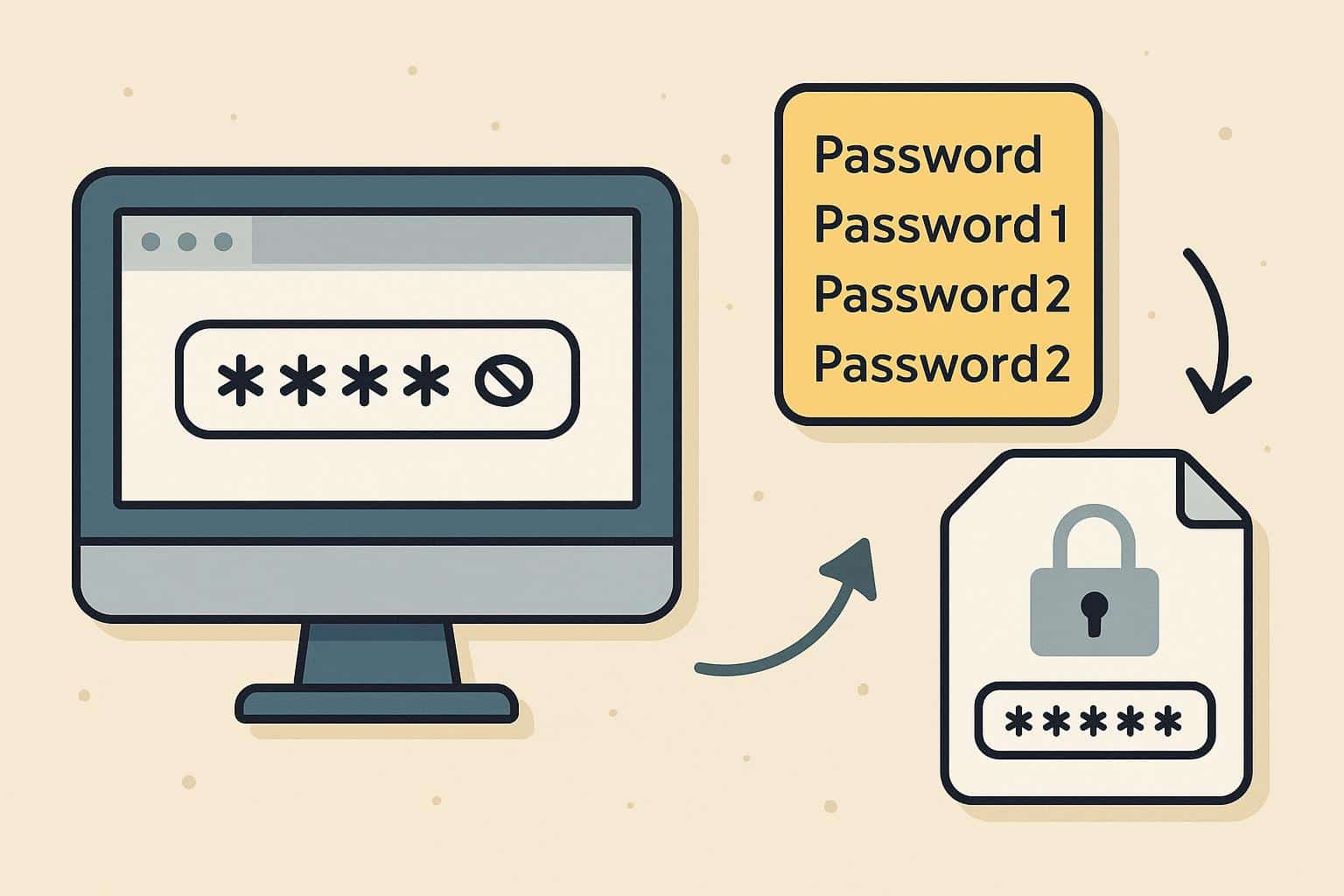
So people improvise. They reuse passwords. They tweak the same one slightly. They save them in browsers or notes apps and hope for the best.
That’s where the real risk starts.
Reusing passwords feels harmless until it isn’t
Password reuse doesn’t usually cause immediate problems, which is why it’s so common. You can go months or even years without issues. But when one site gets breached, reused credentials suddenly become valuable.
Attackers don’t guess passwords one by one anymore. They test leaked login combinations across popular platforms automatically. Email accounts are often the first target, because once someone controls your email, resetting other passwords becomes easy.
Most people are surprised by how fast this happens. One weak link is often enough.
What a password manager changes
A password manager removes the need to rely on memory altogether. Instead of trying to come up with something clever or easy to remember it creates long, random passwords that don’t follow patterns. You don’t see them, you don’t type them, and you don’t need to remember them.
All your credentials are stored in an encrypted vault, protected by one master password. That’s the only thing you actually need to remember. Everything else happens quietly in the background.
For many users, the biggest benefit isn’t even security. It’s relief. No more constant resets. No more guessing which variation you used on which site.
Convenience is the reason people stick with it
Security advice often fails because it asks too much from users. People are told to “be careful,” “stay alert,” and “use strong passwords,” but those habits are hard to maintain long-term.
Password managers work because they reduce effort instead of adding to it. Logging in becomes faster. Forms autofill automatically. Strong passwords are generated without thinking about rules or requirements.
Once that convenience becomes part of your routine, going back feels unnecessary.
Personal accounts vs. shared access
Password managers are often associated with personal use, but they’ve become just as important for teams. Sharing passwords through emails or chat messages is still common, and it’s still risky.
With a password manager, access can be shared without revealing the actual password. If someone leaves a team, access can be removed instantly. There’s no need to change passwords everywhere or worry about old credentials floating around.
For freelancers, startups, and remote teams, this kind of control is less about security theory and more about day-to-day practicality.
Picking the right option
There are lots of password managers out there, but the best password manager isn’t just about fancy features. Encryption has to be strong. Cross-device syncing is important. You’ll probably switch between phone and computer all day. And ease of use really matters. If it’s frustrating or clunky, people stop using it.
Extra features like breach alerts or two-factor authentication are great, but they’re not useful if the interface is confusing. A good manager just quietly protects you while fitting into your everyday life.
Why this matters more now than before
Online threats aren’t getting simpler. Phishing emails look convincing. Fake websites are harder to spot. Data leaks happen regularly, even on well-known platforms.
Expecting people to manage all of this manually isn’t realistic. Most security failures don’t happen because someone didn’t care they happen because the system relied too much on human memory and attention.
Password managers reduce that risk by design. They don’t make users perfect. They make mistakes less likely.
Final thoughts
Managing passwords without help used to be normal. Now it’s unnecessary. With the number of accounts people rely on daily, manual password habits simply don’t scale anymore.
A password manager isn’t just a security upgrade. It’s a practical response to how the internet actually works today. Once you start using one, it quietly fades into the background and that’s exactly the point.e normal. Now it’s unnecessary. With the number of accounts people rely on daily, manual password habits simply don’t scale anymore.
A password manager isn’t just a security upgrade. It’s a practical response to how the internet actually works today. Once you start using one, it quietly fades into the background and that’s exactly the point.