


I wanted to like Nest. My smart speakers, displays and automations already exist in Google’s ecosystem of devices, so adding Nest Cams should have been an easy choice. I did the opposite of that and purchased a $50 indoor camera with no required paid plan. After months of real-world use, I’m convinced that skipping Nest has proved to be the economically responsible and privacy-considerate move.
Why I Said No to Nest: Subscriptions and Trade-offs
Three things tipped the balance: subscriptions, dependence on the cloud and hardware value. Without Nest Aware, only a small rolling window of event clips is kept on Nest Cams. If you’re asleep or out of range when a security alert goes off, the evidence may be lost. To unlock meaningful history or continuous recording, you’ll have to pay monthly.
- Why I Said No to Nest: Subscriptions and Trade-offs
- The $50 Camera That Stole My Heart: Tapo C225 Review
- Local Storage And Control – The Way It Should Be
- Privacy and Security Considerations for Local-First Cameras
- Trade-Offs to Know Before You Buy a Subscription-Free Cam
- Bottom Line: Who Should Skip Nest and Buy a Local-First Cam
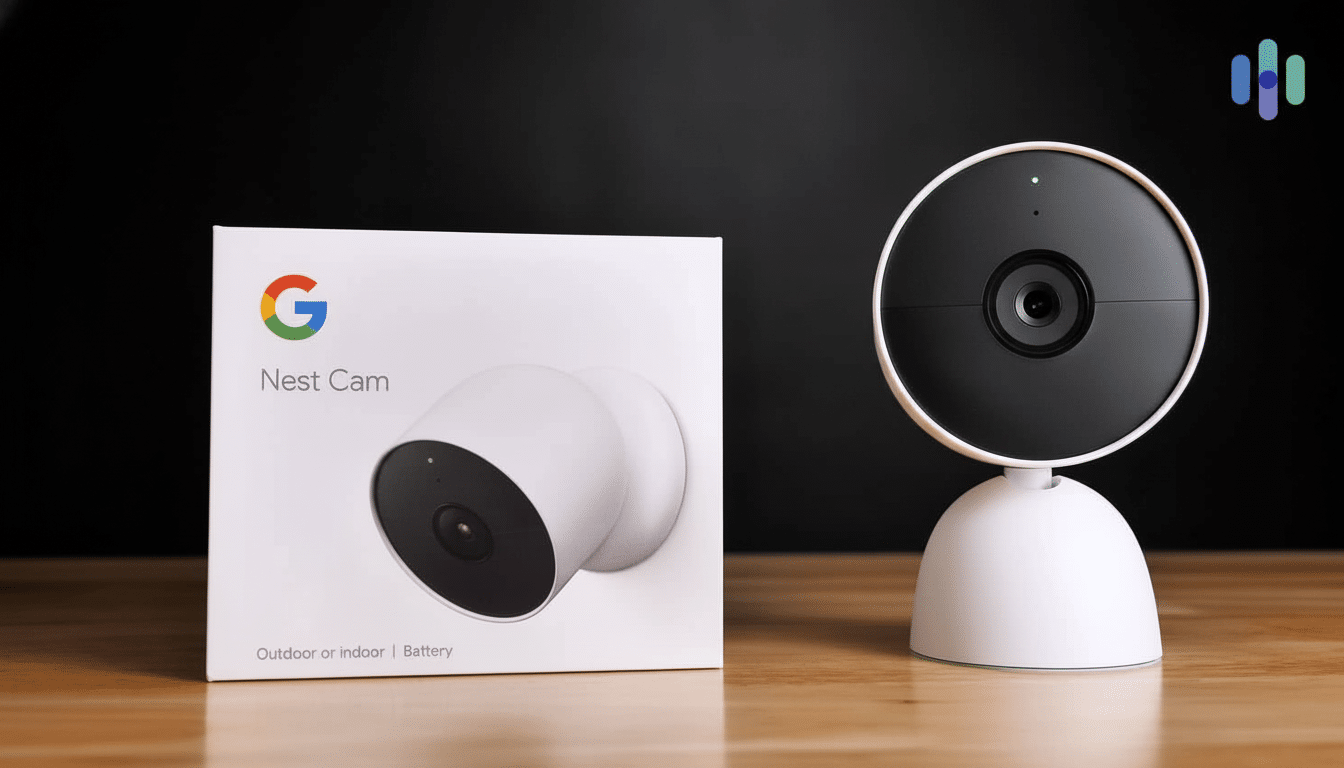
Those fees add up fast. Nest Aware normally costs about $8 a month, while the Plus tier is around $15. Over three years, that’s an extra $288 to $540 on top of the cost of the camera. That math never penciled out for me for an indoor system that doesn’t require facial recognition or doorbell-grade smarts.
Then there’s the cloud-first design. If your internet connection falls by the wayside, you’re out that precious moment. Cloud AI can come in handy, but I prefer cameras that function locally first, and then sync later. Consumer Reports and the Electronic Frontier Foundation have repeatedly warned of the privacy trade-offs cloud-connected cameras introduce, and the FTC action against Ring drives home why local control is so important.
Lastly, hardware. Today’s Nest Cams shoot 1080p HDR with a field of view that maxes out at around 130 degrees. Good for the basics, but lots of sub-$60 cameras offer sharper 2K video, a broader field of view with pan/tilt controls and physical privacy shutters. Paying more for fewer on-device options seemed backward.
The $50 Camera That Stole My Heart: Tapo C225 Review
I picked the TP-Link Tapo C225, a $50-ish indoor-only pan/tilt camera with 2K QHD video streaming. It ticks the boxes Nest doesn’t at this price: a motorized lens cover for peace-of-mind privacy, microSD local recording and on-device AI for people and pet detection. No subscription required for key features.
The privacy shutter is the best feature here. If the lens is covered, you know the camera cannot see. That, of course, is non-negotiable for indoors in a living room or kitchen. I like that I can also confirm it’s off physically at a glance rather than having to trust a little LED or cloud toggle.
Image quality is really a step up over 1080p; the added detail helps when I’m zooming in to see faces or writing, and with the pan-tilt motor it gives me a wider angle of view than any fixed lens, too.
Low-light performance stands out for an affordable cam, with clearly visible indoor images after sunset.
Local Storage And Control – The Way It Should Be
I run continuous recording to a high-endurance microSD card and simultaneously stream via RTSP to Synology Surveillance Station. In other words, no duplicate storage on my NAS, motion timelines, and the ability to back up footage automatically — all without the requirement of sending it to a third-party cloud.
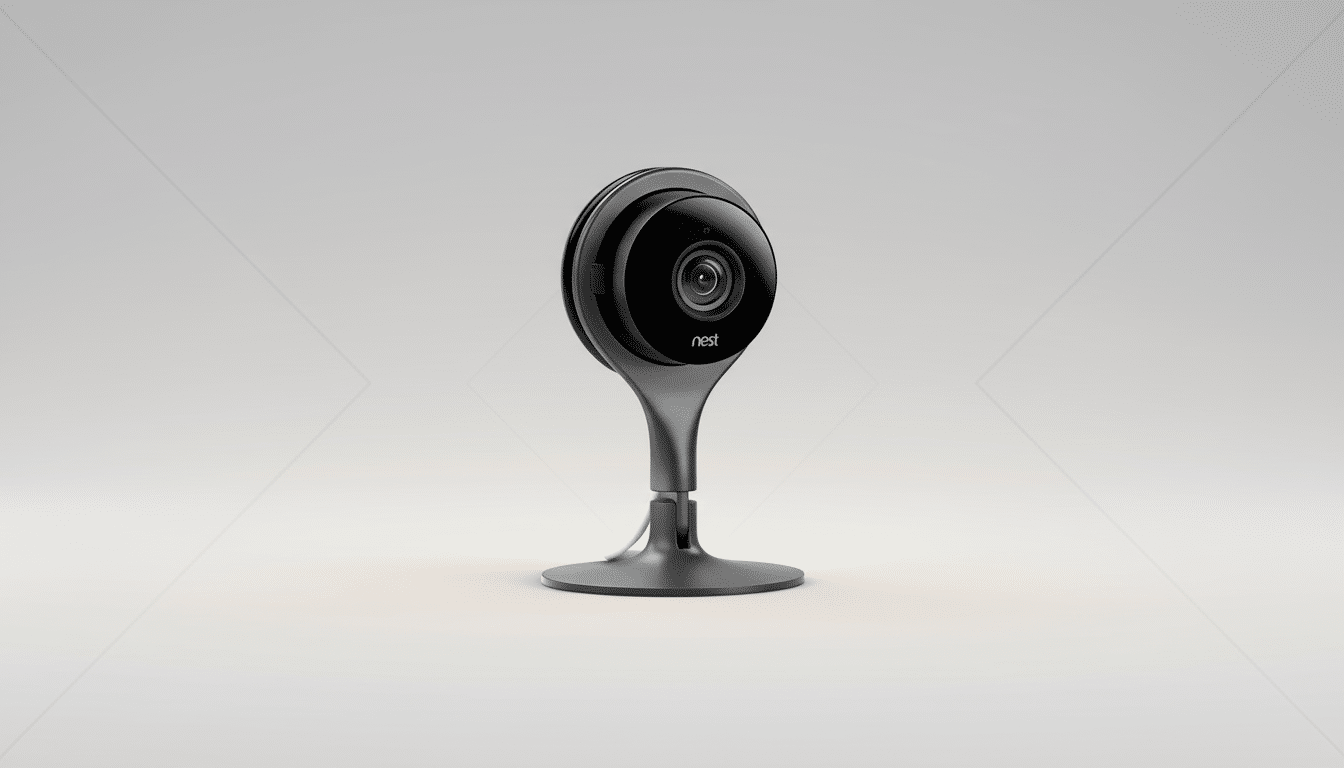
The camera also integrates well with Home Assistant. I have used presence-based automations (so the shutter closes and power is disconnected when I’m at home), and it arms itself when I leave or set Night Mode. If the internet goes down, the camera still records locally and I can still run my automations on the local network. That resilience is exactly what I want in a security device.
For power, I substituted the included barrel adapter with a USB-C to DC cable and powered it from a multiport charger. This is a small tweak that makes placement around furniture neater and simpler.
Privacy and Security Considerations for Local-First Cameras
Local-first gear is only as secure as how it’s configured. I quarantine my cameras on a dedicated Wi-Fi network, secure them with unique passwords and enable two-factor authentication when possible. CISA advises network segmentation and strong credential hygiene for such connected devices, but it’s good advice for any residence.
When you have your own footage, retention and access are for you to determine. No opaque cloud policy, no auto-deleted clips when you miss a payment, and — best of all — no vendor server. If you want to export a week’s worth of recordings for an insurance claim on your home, it doesn’t require permission.
Trade-Offs to Know Before You Buy a Subscription-Free Cam
Going subscription-free isn’t perfect. Some cloud goodies — such as sophisticated face recognition capabilities or seamless integration with smart displays — are either restricted from, or outright unavailable to, the camera. Budget cameras can be hit-and-miss with Google Home support, and you’ll have to jump through some hoops if you want NAS recording and smart home automations.
There can be occasional false alerts from shadows or robot vacuums, but tuning motion zones and sensitivity helps. The C225 has motorized pan/tilt, which adds moving parts that a fixed cam doesn’t have, and its app interface isn’t as glossy as Nest’s (though capable).
Bottom Line: Who Should Skip Nest and Buy a Local-First Cam
If you want a camera that mostly won’t work without a monthly service plan, will stop recording when the internet behind it blips, and doesn’t give you assurance (in the form of a physical guarantee) of privacy, you’d be wiser to buy a $50 local-first cam.
Nest is still worth the investment for those who want shiny cloud services and don’t mind paying forever. 2K video, pan/tilt coverage, a shutter you can see (to know when it’s open or closed), and full control over storage — oh, and cheaper than a year of subscription on a more expensive alternative — are what did it for me.