


A newly disclosed Bluetooth vulnerability dubbed WhisperPair could let attackers quietly pair with your earbuds or headphones and listen in from across the room. The flaw stems from misimplementations of Google’s Fast Pair protocol and has been assigned a critical CVE. Researchers at KU Leuven, whose work was first detailed by Wired, say successful attacks were demonstrated from up to 14 meters, raising real concerns for calls in offices, cafés, airports, and other public spaces.
What WhisperPair Is and Why It Matters for Privacy
Fast Pair is designed to make Bluetooth pairing nearly instantaneous: a phone (the “seeker”) discovers an earbud or headset (the “provider”) and completes setup with a tap. WhisperPair exploits the fact that many accessories do not strictly verify they are in pairing mode before accepting Fast Pair messages. That missing check lets an attacker masquerade as a legitimate seeker, trigger the pairing workflow, and then finalize a standard Bluetooth bond—without your permission.
- What WhisperPair Is and Why It Matters for Privacy
- Who Is at Risk from the WhisperPair Bluetooth Flaw
- How the WhisperPair Attack Works in the Real World
- How to Fix It Now with Firmware and Reboots
- What to Do Until You Update Vulnerable Earbuds
- How to Check Your Model Against the KU Leuven List
- Bottom Line: Update Your Accessories and Stay Vigilant
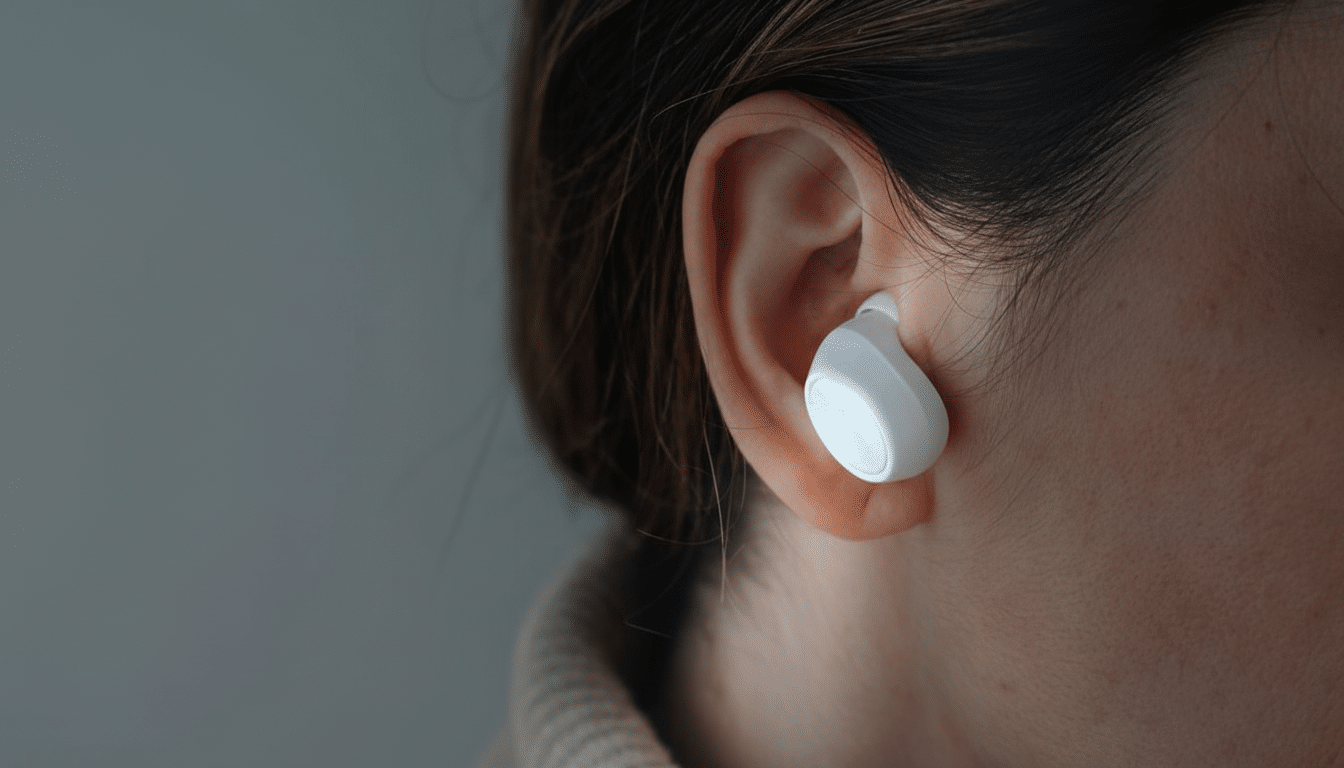
Once paired, an attacker can potentially take control of playback and volume and, in the most serious scenario, activate microphones for covert recording. Researchers also found they could register vulnerable accessories with Google’s Find My Device network if the gear had not already been claimed, enabling covert tracking of the accessory’s location. The combination of eavesdropping and tracking elevates WhisperPair from nuisance to a meaningful privacy risk.
Who Is at Risk from the WhisperPair Bluetooth Flaw
The issue affects accessories that implement Fast Pair incorrectly, not phones themselves. That means Android and iPhone users alike are exposed if their earbuds or headphones are vulnerable. Models from major brands—including Google, Sony, Harman’s JBL, and Anker—appear on the researchers’ test list, though availability of fixes varies by product and vendor.
Bluetooth is ubiquitous—more than 5 billion devices ship annually according to the Bluetooth SIG—so even a protocol-level misstep in a subset of audio gear can have broad impact. Importantly, disabling Fast Pair on your phone does not fix the root cause; the flaw lives in the accessory’s firmware.
How the WhisperPair Attack Works in the Real World
In a normal flow, a provider should ignore Fast Pair requests when it is not in pairing mode. WhisperPair takes advantage of devices that skip or botch this check. The attacker’s seeker sends an initiation message, the accessory responds, and the attacker completes pairing as if they were the rightful owner. From there, they may control the device or leverage built-in microphones to capture ambient speech. KU Leuven’s team validated the technique wirelessly at ranges typical of Bluetooth earbud use, making opportunistic attacks feasible in crowded venues.
The vulnerability has been tracked under a critical CVE and qualified for a $15,000 bug bounty, underscoring its severity and incentivizing vendors to ship fixes quickly.
How to Fix It Now with Firmware and Reboots
The only reliable mitigation is a firmware update for your earbuds or headphones. Open your accessory’s companion app—such as Sony Headphones Connect, JBL Headphones, Soundcore, or the Pixel Buds app—or check the manufacturer’s support pages for release notes mentioning Fast Pair or WhisperPair. Install any available firmware, then reboot the accessory, “forget” it on your phone, and re-pair to ensure the new security checks take effect.
After updating, confirm the firmware version in the app and recheck your model against the researchers’ catalog if available. Many vendors are rolling out staged fixes, so if you do not see an update, keep checking—some updates arrive region-by-region or require the case battery to be above a specific threshold before installation will start.
What to Do Until You Update Vulnerable Earbuds
Keep expectations realistic: workarounds reduce exposure but do not eliminate it. When not in use, store earbuds in their case to prevent unsolicited connections. Perform a factory reset on the accessory to break any unknown pairings, then re-pair only with your own devices. Avoid discussing sensitive topics over wireless earbuds in public or high-risk environments; use a wired headset for confidential calls.
If your accessory supports the Find My Device network, consider claiming it to your account so it cannot be easily registered by a third party. Enable platform alerts for unknown trackers and watch for unusual behavior—unexpected reconnection prompts, unexplained volume changes, or your earbuds appearing paired to a device you don’t recognize—then reset the accessory and change your phone’s Bluetooth PIN or passkey if applicable.
How to Check Your Model Against the KU Leuven List
The KU Leuven team published a searchable list of tested earbuds and headphones noting which are vulnerable and whether patches exist. Search by brand and model name in that catalog, and monitor your manufacturer’s advisory pages. If your product is listed as vulnerable with no fix, contact vendor support to register for update notifications and ask about expected timelines.
Bottom Line: Update Your Accessories and Stay Vigilant
WhisperPair turns a convenience feature into a surveillance risk by sidestepping pairing-mode protections. Because the weakness resides in accessory firmware, only a manufacturer patch fully resolves the threat. Update your earbuds as soon as a fix is available, adopt interim hygiene in public spaces, and keep an eye on vendor advisories and the researchers’ model list for confirmation that your gear is secured.