


WhatsApp’s native chat export is limited to 40,000 messages and produces a plain .txt file that no CRM can analyze without manual cleanup. For business teams, browser-based extractors that read WhatsApp Web locally are the practical alternative, outputting structured CSV, XLSX, HTML, and VCF files with phone numbers, country codes, and group member data.
This article covers what native export includes, how group contact extraction actually works, and the deduplication and policy traps that prevent most first attempts.
- What Does WhatsApp Chat Export Actually Include?
- Why Businesses Export WhatsApp Chats and Contacts
- How WhatsApp Group Contact Extraction Works
- Common Business Workflows After Export
- Choose a WhatsApp Export Tool
- Common Problems and Troubleshooting
- Case Study: Sourcing Agency, 14 Supplier Groups, ~4,000 Contacts
- Best Practices and the Final Takeaway
- FAQs
What Does WhatsApp Chat Export Actually Include?
The native export is highly limited. From any chat, More > Export chat hands you a .txt file limited to 40,000 messages without media or 10,000 with media attached. Email size limits make it worse. The output is plain text. No columns. No labels. Nothing a Salesforce or HubSpot pipeline can analyze without serious cleanup.
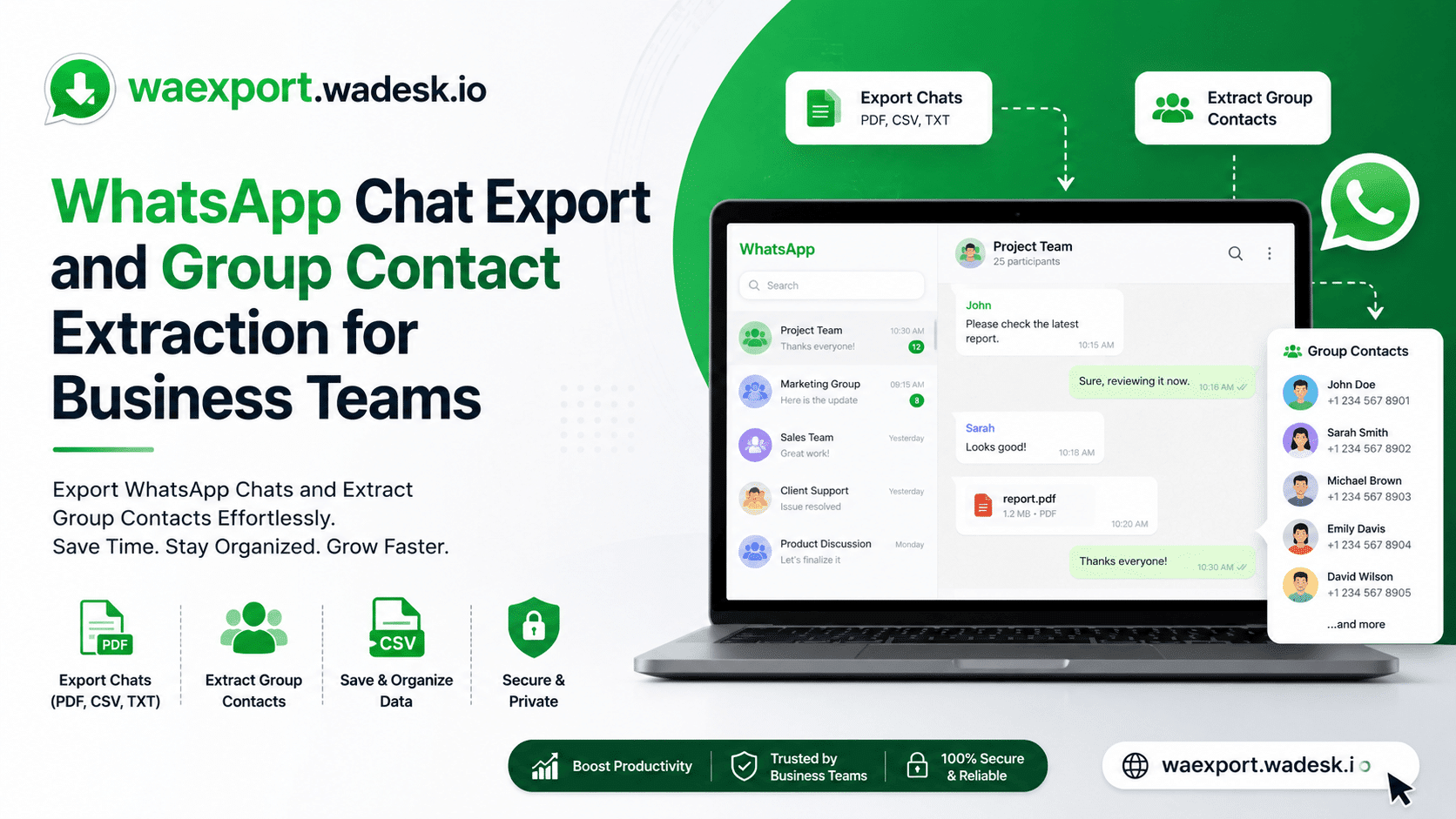
Run it through a tool that operates inside WhatsApp Web, and you get something usable instead:
- HTML replicas with chat bubbles, timestamps, avatars, embedded media
- CSV or XLSX rows with phone number, country code, public display name, last message, business status
- VCard (.vcf) files for phone-side import
- Group member lists with admin and business flags surfaced separately
The difference is “save chat to email” versus “feed lead data into a CRM.” Not the same job.
Why Businesses Export WhatsApp Chats and Contacts
Three buyer profiles drive most of this, and the reasons don’t translate across them.
For B2B foreign-trade exporters, the trigger is usually a buyer dispute six months after a quote was sent on WhatsApp, and now legal wants the receipts. Cross-border DTC sellers care less about audit trails and more about turning supplier-group members into segmented Excel sheets they can run repurchase campaigns against. Agencies running lead-gen for clients need contact files clean enough not to nuke Meta’s quality rating the first time the API touches them.
And then there’s the unglamorous reason nobody mentions: device migration. WhatsApp’s Google Drive or iCloud backup will not open in Excel. If your company has been storing deal-relevant context in chat threads for two years, that’s a compliance problem already; you just haven’t seen it yet.
How WhatsApp Group Contact Extraction Works
Most reliable extractors are Chrome extensions that operate inside an open WhatsApp Web session. They read the DOM locally in your browser. Nothing leaves the machine. That’s what keeps them out of WhatsApp’s anti-automation crosshairs, at least for now.
The important thing to know is that there is no “list group members” endpoint in the WhatsApp Business Cloud API. Group data isn’t part of the API surface, and Meta hasn’t signaled it ever will be. So if you want a WhatsApp group contact extractor that pulls every member of a 1,000-person supplier group into a spreadsheet, browser-side extraction is the only legitimate path that scales right now.
One thing to be aware of is that WhatsApp’s 2026 “Advanced Chat Privacy” toggle prevents third-party export in conversations where it is activated. If your contact turns it on, you’re done.
Common Business Workflows After Export
Once the data is out, it tends to go four places. CRM import into HubSpot, Salesforce, or Zoho through CSV field mapping. Country-filtered segmentation for region-specific WhatsApp Business API campaigns. Deduplication against an existing contact list before any opt-in template send. And HTML archival for legal evidence or internal compliance review.
Skipping the deduplication step is where most teams crater. Push raw extracted numbers into the API without cleaning, and your quality rating drops within hours. The tier collapses, you’re back to 250 conversations per 24-hour window, and the campaign that was supposed to launch Monday doesn’t.
Choose a WhatsApp Export Tool
There’s no single best option. There’s the best option for your stack.
| Tool | Best for | Output formats | Group contact export | Pricing model |
|---|---|---|---|---|
| WhatsApp native | Personal backup | .txt only | No | Free |
| Waexport.wadesk | B2B, CRM sync | HTML, CSV, XLSX, VCF | Yes, batch | Free |
| WASheet | Bulk marketing exports | CSV, Excel, HTML | Yes | Tiered |
| WhatsApp Contacts Extractor | Solo users | CSV, Excel, JSON, VCard | Yes | Freemium |
If structured data for CRM is the actual job, WAExport covers the HTML replica plus a 12-column spreadsheet output that most teams end up needing. For one-off contact list pulls with no CRM ambition, lighter Chrome extensions are fine.
Common Problems and Troubleshooting
The complaint I hear most often is “the extension stopped working after a WhatsApp Web update.” That’s not random. WhatsApp Web’s DOM gets changed regularly, and abandoned extensions don’t keep up. Check the changelog before installing anything older than the update, as it is suspect.
Other things that go wrong:
- Mixed-language groups confuse country detection on cheaper tools, so you get blanks in the country column
- Giant chats (5,000+ messages) sometimes loop on load. A hard refresh or resync usually fixes it. Sometimes it doesn’t, and I haven’t fully nailed down why.
- VCF imports fail on iPhone when the country code is missing from the export
- Account warnings show up fast when an extension also tries to bulk-message
That last one is the one to actually worry about. Bundle extraction with automated sending and you’re stacking risk. Keep them separate, ideally in different tools.
Case Study: Sourcing Agency, 14 Supplier Groups, ~4,000 Contacts
Composite scenario from three China–Vietnam sourcing agencies, 2024–2025.
A mid-sized agency manages 14 WhatsApp supplier groups (~4,000 contacts). Manual copy-paste took 5–6 hours weekly. A browser-based extractor with batch export and country filtering cut it to ~10 minutes, CSV straight into HubSpot.
| Metric | Manual | Extractor |
|---|---|---|
| Weekly sync | 5–6 hrs | ~10 min |
| Monthly cost | ~22 hrs | <1 hr |
The duplicate trap: first run produced ~600 duplicates—three suppliers in multiple groups under different display names. Country codes missed it; name + WhatsApp ID review caught it.
Why deduplication beats speed: Meta caps new business numbers at 250 messages per 24 hours before quality scaling (Meta for Developers, 2026). Push 600 duplicates and quality rating collapses within hours. A fast scrape with a sloppy import is worse than slow manual work.
Privacy: Julie Abecassis (folk.app, Feb 2026)—treat exports as confidential; get internal approval before sharing them. Baseline for any GDPR or CPRA exposure.
Using tools saved ~21 hours/month. Dedup saved the API account. Skip either, and the workflow breaks.
Best Practices and the Final Takeaway
- Native caps: Native WhatsApp chat export caps at 40,000 messages—it’s a hard ceiling.
- API limitations: The Cloud API has no endpoint for listing group members; browser-side extraction is the only path.
- Deduplication is Key: Skipping this before API import is the most common cause of account quality-rating collapse.
If you want structured chat backup and group contact extraction in one extension, use Waexport.wadesk.io; it is the most direct path I’ve seen this year. The free tier is enough to test the workflow.
FAQs
Can I export WhatsApp chats with more than 40,000 messages?
Not from the native menu. WhatsApp caps the built-in export at 40,000 messages without media and 10,000 with media. Browser extensions like WAExport.wadesk.io read directly from WhatsApp Web and ignore that ceiling, which is currently the realistic workaround for long supplier or customer threads.
Will I get banned for using a WhatsApp group contact extractor?
Risk goes up fast with tools that auto-send messages or run server-side. Local browser-only extractors that just read the DOM of an open WhatsApp Web tab haven’t historically triggered bans, but Meta tightens policy regularly. The big red flag is any extension bundling extraction with bulk sending.
Does the WhatsApp Business API let me export group members?
No. The Cloud API has no list-group-members endpoint, and group-level contact data isn’t exposed at all. If group data matters to your workflow, you have to plan around the API and pull contacts through WhatsApp Web extraction instead.
Is WAExport.wadesk.io free for business use?
There’s a free tier that covers the core export flow. Paid tiers add batch group export, advanced country filters, and higher row limits. Data stays in the browser session, which matters if your compliance team asks.