


On a Monday in January, the staff of a twelve-person accounting firm stood in the hallway outside their office, looking at three inches of water from a pipe that froze over the weekend. Their files were backed up. That part went fine. What nobody could answer was how long it would take before they were working again, or where.
Most small businesses have some version of a backup. Far fewer have decided how quickly each part of the operation needs to come back, which is the question that actually determines what a disaster costs.
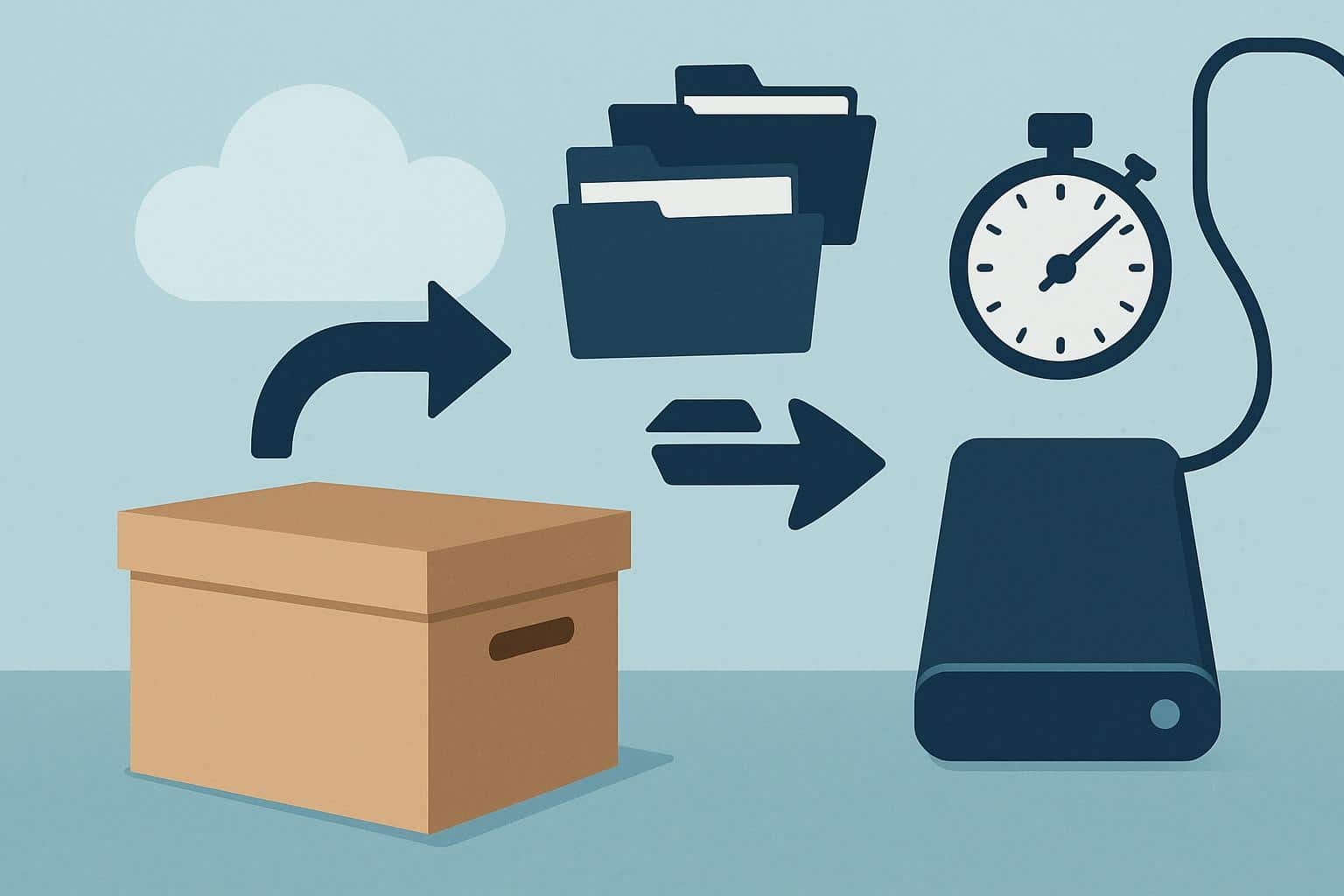
Set the Clock Before Buying Anything
Recovery time objectives are the maximum time each function can stay down before the damage becomes serious. The useful version is set per function, not one number for the whole company. A dental practice might decide scheduling and patient records need to be back within four hours, billing within three days, and the newsletter whenever someone gets to it.
Those numbers then dictate everything else. A four-hour target rules out restoring two terabytes from a cloud backup over a standard office connection, which can take days. It calls for a pre-configured laptop with the essential software already installed, sitting somewhere you can reach quickly.
Owners tend to pick targets that are too ambitious and then never fund them. An honest 48-hour target you can actually hit is worth more than a four-hour promise that exists only in a binder. Write the targets down and share them with whoever would actually do the recovering.
What Belongs Off-Site
Think about what you’d need on day one in a borrowed conference room. Two or three spare laptops, imaged and charged. A cellular hotspot. A printed list of staff, client, insurer, and landlord phone numbers, since the contacts on a dead server won’t help. Copies of the lease, insurance policy, and key contracts. Rotate the laptops every six months so their software and security updates don’t fall too far behind.
Location is where people get it wrong. When finding self storage units in Boston for this purpose, avoid the same flood exposure as your office; a waterfront business gains little from a unit two blocks inland at the same elevation. But don’t go so far that reaching it breaks your own deadline. A unit ninety minutes away in snow traffic doesn’t support a four-hour target. Pick climate control, since laptop batteries and paper both dislike New England winters in an unheated space, and confirm the access hours cover nights and weekends.
Paper Has Its Own Rules
Tax records generally need to be kept for years, and some industries carry stricter retention and privacy requirements. Scan what you can and keep originals off-site. Keep a scanned index of what’s in each box, stored somewhere other than the unit itself. Regulated records, such as patient files, need locked storage with controlled access. A padlock key hanging on a hook in the break room won’t satisfy an auditor.
Run the Drill
Pick a Friday afternoon and pretend the office is closed. Can someone retrieve the laptops, restore client files, and forward the main phone line? Time each step.
The first drill almost always fails somewhere unexpected. The only person with the storage gate code is on vacation. The accounting software won’t activate on a new machine because the license is tied to the old one. Forwarding the phones requires an admin password last used by a vendor who no longer returns calls. Each of these takes ten minutes to fix in advance and a full day to fix during an actual emergency.
Disasters rarely arrive as the dramatic event a business imagined. More often it’s a frozen pipe, a long power outage, a landlord’s sprinkler test gone wrong. The businesses that recover quickly are the ones that already knew which work had to come back first.