


I’ve spent enough time testing AI video tools to notice a pattern: most people don’t actually need a brand-new video from scratch. What they need is a better ending, a smoother transition, or a way to salvage footage that almost works.
That matters even more now, because the latest wave of AI video tools is pushing toward longer scenes, better motion consistency, reusable characters, clip stitching, and even audio-aware generation. OpenAI’s Sora emphasizes prompt- and image-based video creation, while newer updates around clip stitching and reusable characters point toward longer-form workflows; Google’s latest Veo positioning also highlights audio and filmmaker-oriented control, and Runway’s Gen-4.5 is being framed around motion quality and prompt adherence.
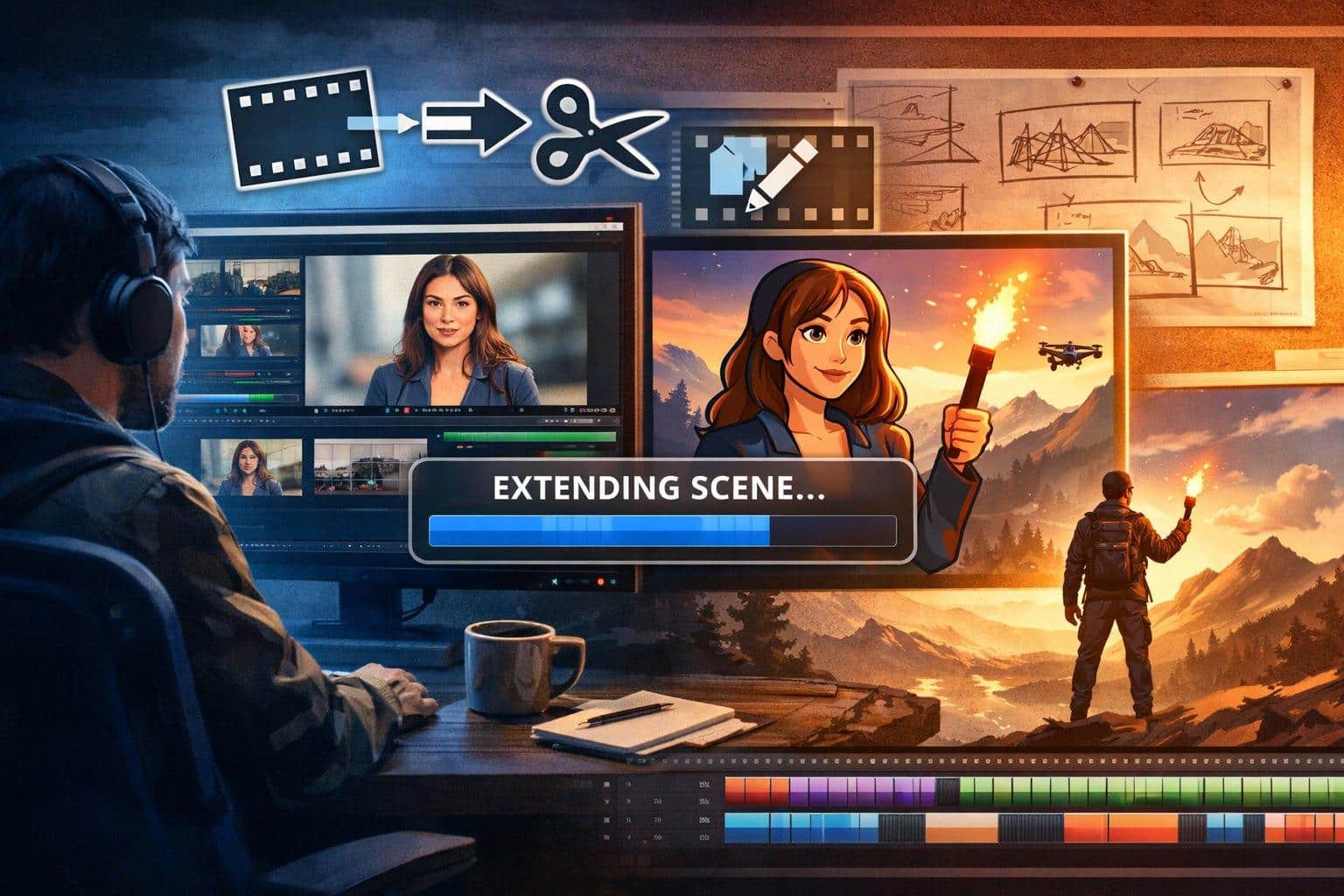
In practice, though, I’ve found that “more generation” is not always the answer. Quite a few of my best results came from extending what already existed, not replacing it. That is why tools like GoEnhance AI video expander have become more useful in my workflow than I expected.
Why Extension Carries More Weight in 2026 Than It Did Before
When I review AI-generated footage, I usually don’t see total failure. I see near-misses.
A scene lands well for three seconds, then cuts too early. A character’s motion looks natural until the last beat. A stylized shot has the right look, but it ends before the action resolves. Those are not “start over” problems. They are continuation problems.
That distinction changed how I evaluate tools.
Instead of asking, “Can this platform generate a cool demo?” I ask a more practical question: can it help me keep a usable shot alive long enough to publish?
That mindset is less flashy, but far more valuable. A creator, editor, or marketer rarely wins by collecting disconnected four-second clips. What helps is preserving momentum: letting a reaction finish, extending a reveal, or giving a transition one extra breath so the sequence feels intentional.
Why extension matters more in 2026 than it did a year ago
The current AI video conversation is obsessed with realism, cinematic motion, and model rankings. I understand why. Those things are easy to screenshot and easy to sell.
But when I’m actually building content, the bottleneck is different. I’m not asking for a perfect blockbuster shot every time. I’m trying to reduce waste.
A clip that is 80% good is often more valuable than a brand-new clip with unpredictable output. If I can extend the 80% good clip cleanly, I save time, maintain visual continuity, and avoid the lottery effect that comes with regenerating from scratch.
This is especially true when I’m working under deadline. In a live content pipeline, consistency beats novelty more often than people admit.
What I personally check before I extend a clip
I’ve made enough ugly extensions to know that not every source video is worth saving. Some clips should be rebuilt. Others can be rescued. The difference usually comes down to a few practical signs:
| Check | What I look for | Why it matters |
| Motion direction | Clear, readable movement | The model has less ambiguity when continuing action |
| Subject stability | Face, body, or object already holds shape | Strong continuity gives better extension odds |
| Scene simplicity | Limited background chaos | Fewer competing elements reduce drift |
| Ending frame quality | The last visible moment feels “open” | Open motion is easier to continue than closed motion |
| Style clarity | One obvious visual language | Mixed styles tend to break during continuation |
I learned this the hard way. If the last frame is already confused, the extension usually amplifies the confusion. If the shot ends with clean momentum—a turn, a walk, a camera push, a hand movement—you often get something usable.
That is why I now treat the end of the source clip as the true starting point.
Where animation conversion fits into the workflow
There’s another shift I’ve noticed: a lot of creators are no longer satisfied with plain realism. They want transformation. They want footage to become stylized, branded, or visually distinct enough to stand out in a feed that is already saturated with glossy AI output.
That’s where I’ve found value in using tools that convert video to animation.
I don’t use this as a gimmick. I use it when raw footage feels too ordinary or when I want stronger visual identity without reshooting.
For example, if a clip has decent motion but lacks personality, animation conversion can give it a sharper editorial purpose. A talking-head segment becomes more playful. A product shot becomes more social-friendly. A plain movement sequence becomes something viewers actually pause on.
The trick, at least in my experience, is not to force every clip into an animated look. Some footage benefits from stylization. Some footage loses credibility the moment you over-process it.
That judgment call matters more than the tool itself.
The Most Common Mistake I Notice People Making
They treat AI video like a one-click replacement for editing.
It isn’t.
The strongest results still come from making small, targeted decisions:
- extend the clip instead of regenerating it,
- stylize the footage instead of forcing photorealism,
- fix the usable part instead of discarding everything.
Once I stopped expecting AI to “make the whole video for me,” my output improved. Not because the models suddenly became perfect, but because I started using them for the jobs they actually handle well.
That is a much less glamorous story than “AI made my film.” It is also a much more honest one.
My working rule now
If the clip already has the right energy, I try to preserve it.
If the pacing is the issue, I extend it.
If the look is the issue, I transform it.
If both are broken, I rebuild.
That simple framework has saved me more time than any hype-driven trend report. And as AI video keeps moving toward longer, more controlled, more cinematic generation, I think this practical middle layer—repairing, extending, and restyling footage that already exists—will matter even more. The headline features get attention, but the quiet workflow tools are often what make content publishable.
For me, that has been the real lesson: the future of AI video is not just about generating more. It is about wasting less, keeping what works, and knowing exactly when a clip needs one more second instead of a complete redo.