


If broken links are torpedoing your archives and credibility, a new WordPress plug-in from the Internet Archive aims to make link rot a thing of the past. The Wayback Machine Link Fixer automatically routes visitors to preserved pages when a referenced URL disappears, keeping your posts intact and your readers informed.
A Direct Answer to Link Rot Across the Modern Web
Link rot isn’t a nuisance—it’s a structural problem for the web. Pew Research Center reports that 38% of webpages available a decade earlier can no longer be reached. That decay undermines reporting, research, and public records. With WordPress powering roughly 40% of the internet, a fix that lives where most content is published has outsized impact.
- A Direct Answer to Link Rot Across the Modern Web
- How the Plug-In Works to Repair Broken WordPress Links
- Why This Matters for Publishers and Brands
- Data Points and Real-World Cases of Link Rot and Fixes
- Governance, Ethics, and Legal Context for Web Archiving
- Setup Tips and Best Practices for Reliable Link Preservation
- The Bottom Line on Preserving Links and Reader Trust Online
The premise is simple. When a visitor clicks a dead link in your WordPress site, the plug-in checks the Internet Archive’s Wayback Machine for an available snapshot and serves that instead. The reader gets context, the page retains continuity, and citations don’t collapse into 404s.
How the Plug-In Works to Repair Broken WordPress Links
Once installed from the official WordPress.org directory, the Wayback Machine Link Fixer scans your site and queues pages for archival. If a page or outbound link hasn’t been captured, it is submitted to the Wayback Machine’s Save Page Now workflow for preservation.
On the front end, the plug-in quietly watches for failures—common cases include HTTP 404, domain expiration, server timeouts, or content removed behind a login. Instead of a dead end, readers see the closest available archived version, often timestamped and fully browsable. Site owners can typically control whether the redirect is automatic or surfaces an Archive link prompt.
The Internet Archive notes it has stored more than 1 trillion webpages in the Wayback Machine, giving the plug-in a deep bench to draw from across news sites, government resources, academic references, and product documentation.
Why This Matters for Publishers and Brands
For newsrooms, libraries, universities, and policy shops, link integrity is a reputational issue. A single investigation or white paper can contain hundreds of citations; even a small failure rate chips away at trust. Editorial leaders routinely budget time for link checks before and after publication—this plug-in automates the safety net and cuts maintenance costs.
There are SEO dividends, too. Search engines reward reliable user experiences, and fewer dead ends mean lower bounce rates and stronger engagement signals. While an archived page isn’t a substitute for a live source, it preserves context and reduces soft 404s that can drag on perceived quality.
Data Points and Real-World Cases of Link Rot and Fixes
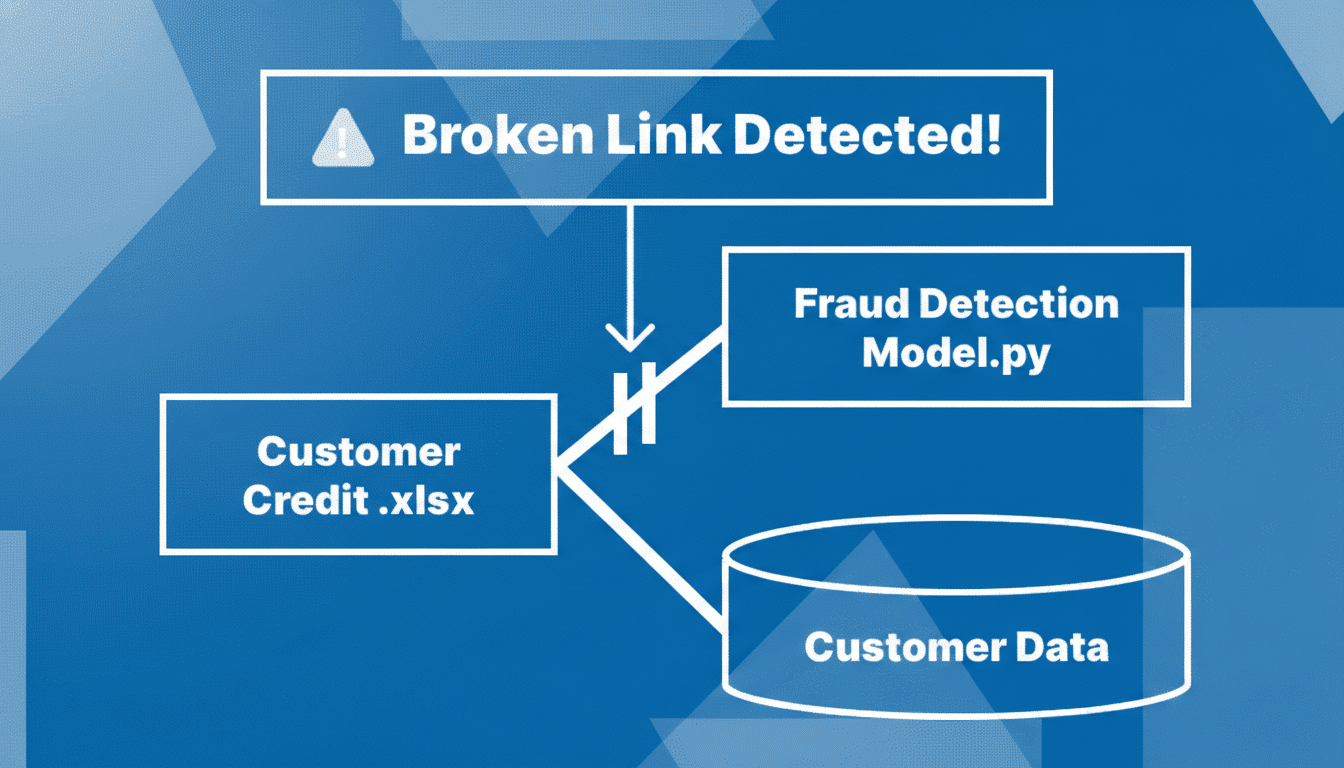
Researchers at Harvard Law School’s Library Innovation Lab have documented widespread link rot in legal citations, a problem mirrored in public records and academic journals. Government sites that reorganize portals or retire PDFs are frequent culprits. In practice, a city budget PDF that moved or an agency blog post that vanished will still be accessible via the Wayback Machine, preserving your original evidence trail.
For product teams and developer blogs that reference third-party docs, the risk is similar. Vendor documentation changes without redirects; SDK pages are retired when versions sunset. The Link Fixer reduces support tickets and reader frustration by keeping technical references viewable.
Governance, Ethics, and Legal Context for Web Archiving
The Internet Archive’s preservation mission has also drawn scrutiny. A federal appeals court ruled against the organization over its Controlled Digital Lending program for scanned books, underscoring that preservation and access are distinct legal questions. The Link Fixer plug-in deals with publicly available webpages, but organizations should still establish policies on what to archive and when to defer to original rights holders.
It’s also wise to respect robots directives and takedown requests. The Wayback Machine historically honors site-owner exclusions, and publishers should align plug-in settings with their compliance stance and privacy obligations, especially when user data or sensitive documents are involved.
Setup Tips and Best Practices for Reliable Link Preservation
- Triage your archives: Run a link audit to identify high-value content—investigations, research, evergreen explainers—and verify the plug-in is active on these sections.
- Calibrate behavior: Decide whether to auto-redirect to snapshots or surface a “View archived copy” prompt. Newsrooms may prefer transparency; consumer sites may favor seamless redirects.
- Pair with internal archiving: Use your CMS or DAM to store primary sources where licensing permits. The Wayback Machine acts as public redundancy, not your only repository.
- Monitor analytics: Track exit rates, 404 frequency, and click-throughs on archived links. Many teams see measurable drops in bounce rates once link rot mitigation is in place.
The Bottom Line on Preserving Links and Reader Trust Online
The Wayback Machine Link Fixer is a pragmatic upgrade for any WordPress site that relies on citations or long-tail archives. It turns a universal liability—dead links—into a manageable, largely invisible workflow. In a web where sources can disappear overnight, preserving the record isn’t just good hygiene. It’s part of how you keep readers’ trust.
The plug-in is available through the official WordPress.org directory. For organizations that care about the historical and factual continuity of their work, adoption is an easy win.