


After years of relying on VirtualBox for Linux testing and demos, I finally switched. The replacement is not exotic or niche — it’s the KVM and Virt-Manager stack that ships with most distributions. The appeal is simple: fewer breakages, better performance, and tooling that scales from a single laptop to a lab full of hosts.
Why VirtualBox Keeps Letting Linux Users Down
VirtualBox is friendly when everything aligns. But on Linux, kernel updates frequently force module rebuilds. If the DKMS process stumbles, vboxdrv or vboxnetflt fail to load and VMs won’t start. Too many times, the “fix” has been a purge reinstall, cryptic logs, and a lost afternoon.
- Why VirtualBox Keeps Letting Linux Users Down
- The KVM And Virt-Manager Stack Explained
- Setup Is Simpler Than It Sounds On Most Linux Distros
- Everyday Advantages Of KVM And Virt-Manager Over VirtualBox
- Real-World Notes, Caveats, And Practical Considerations
- Bottom Line: Why KVM With Virt-Manager Is Worth Switching
That fragility is well known in user forums and bug trackers. Minor mismatches between kernel headers, Secure Boot settings, or the Extension Pack can derail a session. For people who virtualize to get things done — not to maintain the VM tool itself — this tax adds up.
The KVM And Virt-Manager Stack Explained
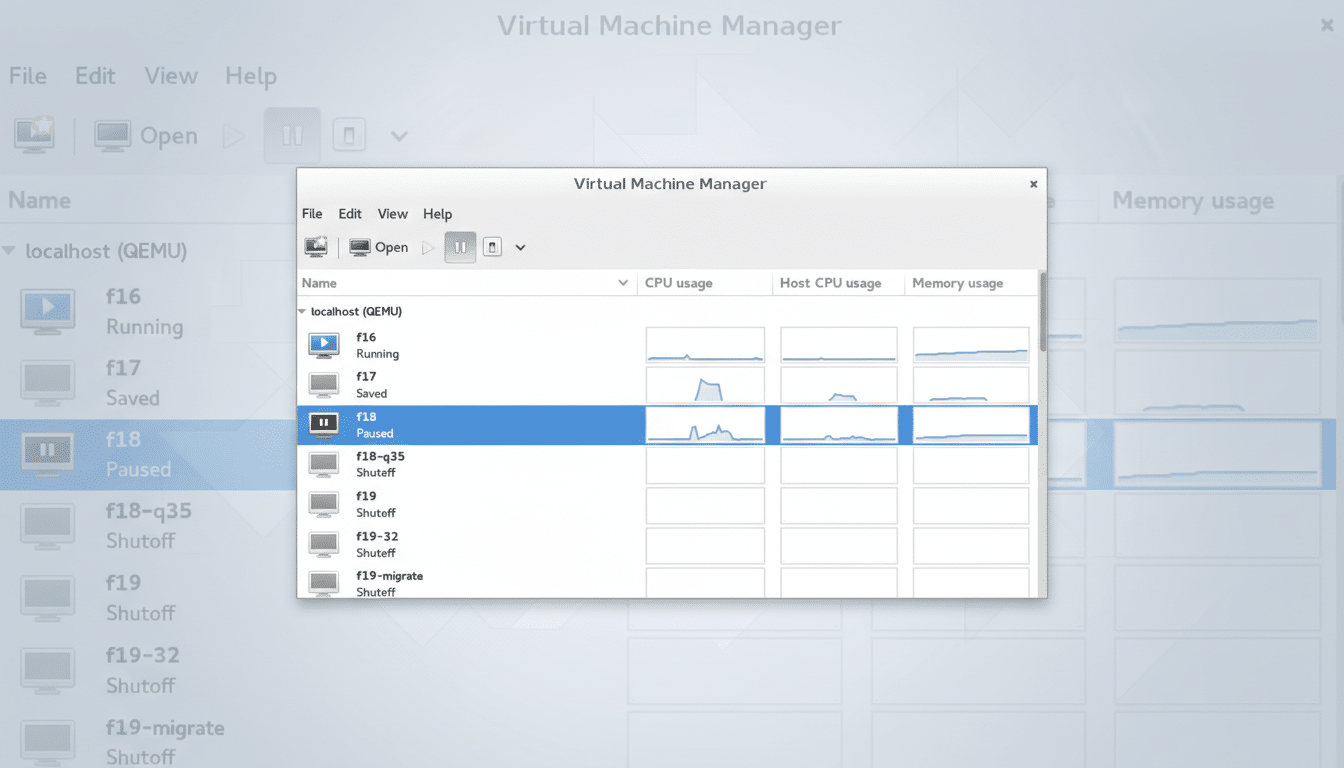
KVM (Kernel-based Virtual Machine) has been in the Linux kernel for years and leverages Intel VT-x and AMD-V for hardware acceleration. QEMU supplies device emulation, while libvirt provides a stable API and daemon. Virt-Manager layers a straightforward GUI on top of libvirt, so you can create, snapshot, and tune VMs without dropping to the CLI.
This stack is the same lineage that powers serious infrastructure. Google Compute Engine standardizes on KVM. AWS moved new instance families to the Nitro hypervisor based on KVM. Enterprise platforms like Red Hat Virtualization (now part of Red Hat’s portfolio evolution) and Proxmox VE are KVM-based. Performance benchmarks from Phoronix and Red Hat engineering routinely show CPU workloads within a few % of bare metal when using virtio drivers and sane defaults.
The result is boring in the best way. Because KVM rides with the kernel, it benefits from the same cadence of fixes and security hardening as Linux itself. There’s no out-of-tree module drama after an update, and libvirt’s API stability means your automation keeps working.
Setup Is Simpler Than It Sounds On Most Linux Distros
On most distros, installation is a one-liner: apt install virt-manager on Debian/Ubuntu, dnf install virt-manager on Fedora, or pacman -S virt-manager on Arch-based systems. Then enable the service and permissions: run “sudo systemctl enable –now libvirtd” and add your user to the “libvirt” group with “sudo usermod -aG libvirt $USER”, log out, and back in.
KVM is already in the kernel, so there’s no separate hypervisor to install. Virt-Manager discovers your CPU’s virtualization features and presents sensible defaults out of the box.
Everyday Advantages Of KVM And Virt-Manager Over VirtualBox
Storage pools are the quiet superpower. Instead of scattering disks across a home directory, you can point a pool at fast NVMe for builds, another at a ZFS dataset with compression, or a network share. qcow2 brings thin provisioning and snapshots; raw images are available for max performance.
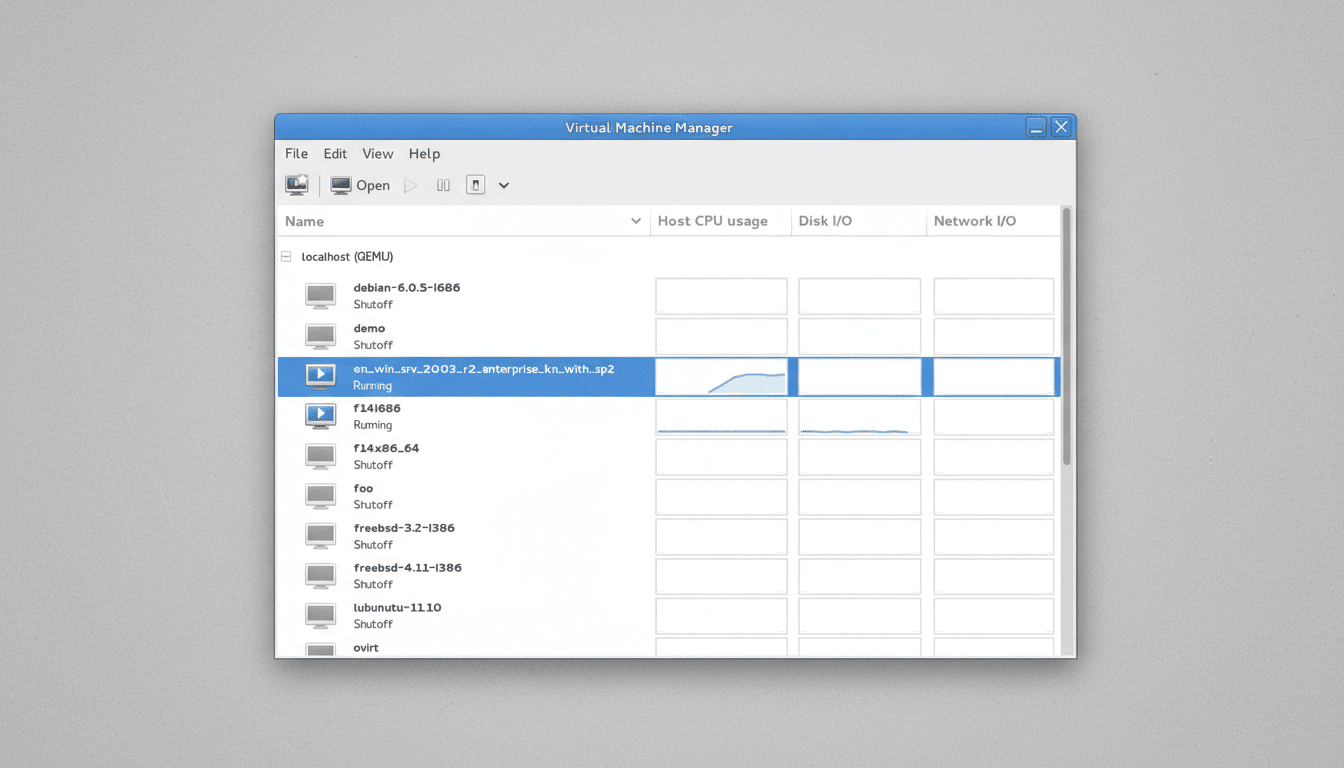
Networking is flexible without being fussy. Libvirt’s default is NAT — great for quick testing. When you need your LAN to see a VM, you can attach it to a Linux bridge (br0) or use macvtap. It’s a one-time host setup, then a drop-down choice per VM.
Guest performance and I/O efficiency benefit from virtio drivers. With virtio-net, virtio-blk or virtio-scsi, and virtiofs for shared folders, throughput and latency are markedly better than generic emulation. Graphics via SPICE and virtio-gpu work well for desktops, while features like CPU pinning, NUMA topology, huge pages, and PCI passthrough unlock serious tuning on workstations and servers.
Automation is first-class. Cloud-init images boot preconfigured users and keys. virt-install can spin up a new VM with a single command. For remote management, virsh and the libvirt API integrate cleanly with CI systems.
Real-World Notes, Caveats, And Practical Considerations
Virt-Manager’s interface is utilitarian, not flashy. The first time you create a storage pool or bridge, it feels unfamiliar. After a couple of VMs, it’s second nature — and you stop babysitting kernel modules.
Red Hat deprecated Virt-Manager specifically for RHEL in favor of the Cockpit Machines plugin, but upstream Virt-Manager remains active and is still packaged by major distributions. If you prefer an even simpler desktop front end, GNOME Boxes also rides on libvirt and KVM for quick, no-fuss VMs.
Windows guests and 3D acceleration have improved with virtio-gpu and VirGL, though VirtualBox can feel smoother for some graphics-heavy edge cases. For general development, testing, and server workloads, KVM’s stability and speed outweigh those gaps.
Bottom Line: Why KVM With Virt-Manager Is Worth Switching
If your Linux workflow depends on VMs, the path of least resistance is KVM with Virt-Manager. It’s free, fast, and backed by the same technologies that run massive clouds. After too many detours fixing VirtualBox, I wanted a platform that disappears into the background. This one does — and that’s the point.