


After a widespread service disruption left many customers without calls, texts, or data, Verizon is issuing a $20 account credit to affected users. The credit is not automatic—you need to claim it in the My Verizon app. Here’s exactly how to do it, what to expect on your bill, and how to troubleshoot if your line still isn’t back to normal.
What Verizon Is Offering After The Recent Outage
Verizon is extending a one-time $20 account credit to customers who experienced the outage. The company has framed the amount as enough to cover multiple days of service for many subscribers, a gesture carriers typically use to acknowledge inconvenience and maintain trust after major disruptions.
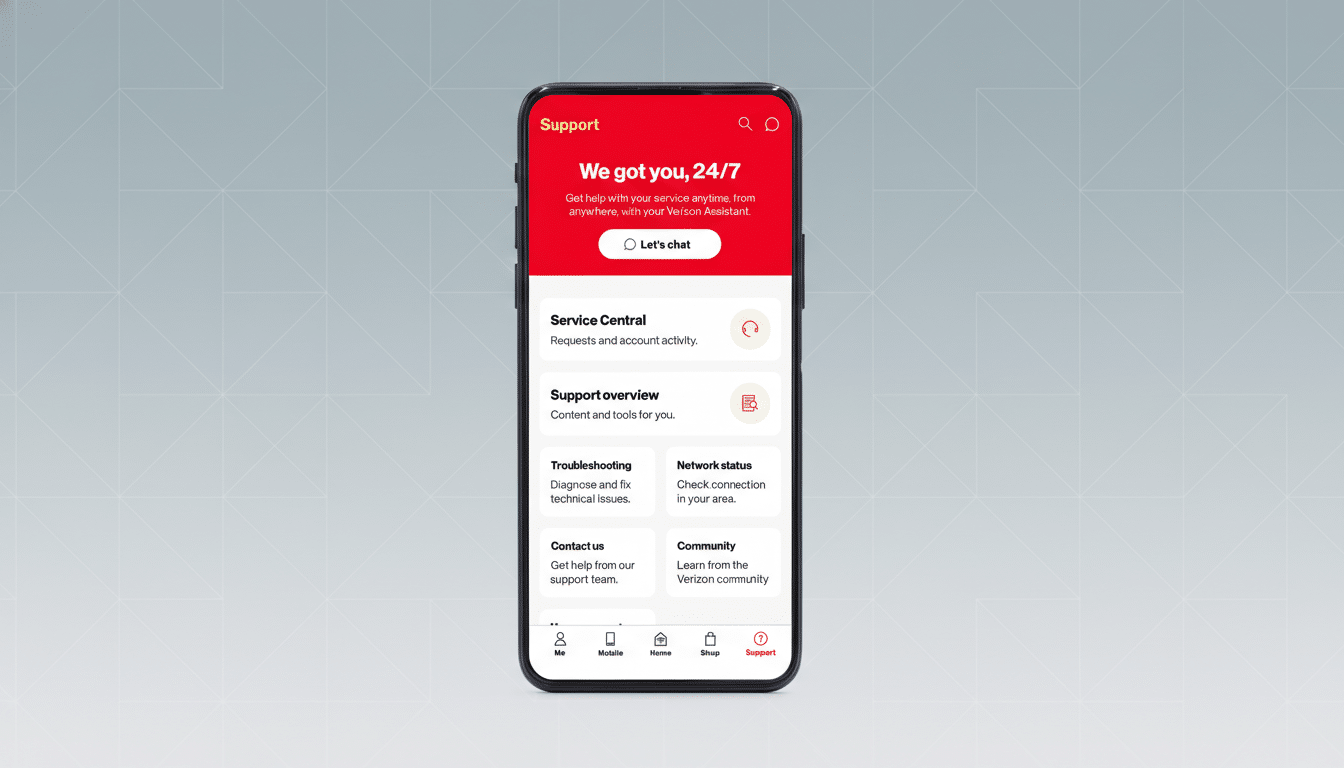
Third-party outage trackers such as Downdetector reported a sharp spike in user complaints during the interruption, while industry groups like CTIA and oversight from the Federal Communications Commission emphasize transparency and remediation after significant network events. Against that backdrop, a simple, self-service claim process is the right move—provided you know where to find it.
How To Claim The $20 Credit In The My Verizon App
- Open the My Verizon app. If you haven’t used it recently, update it first via your app store to ensure the offer displays correctly.
- Sign in as the account owner or an account manager. Offers tied to billing typically appear only for users with permission to make account changes.
- Look for the outage credit banner or tile on the home screen or notifications. Tap the prompt and accept the terms to apply the $20 credit.
- Watch for confirmation in the app. The credit should reflect on your next bill, though carriers sometimes note it can take one to two billing cycles to appear.
If the banner doesn’t surface in the app, try logging out and back in, force-closing and reopening the app, or checking again from the web portal using your primary account credentials.
Eligibility And Limitations For Verizon Credit
Verizon’s in-app message will define eligibility for your line. In general, carriers extend outage credits to customers whose lines were active during the affected window and present in impacted areas. Some corporate, government, or special-rate accounts may have different processes, and inactive or suspended lines are commonly excluded.
Prepaid customers sometimes receive credits as account balances rather than bill adjustments, but the exact handling varies. Read the in-app offer details carefully, including any expiration date for claiming the credit. If the claim window closes, call support and reference the outage; documented events often allow for manual review.

If Your Phone Still Shows No Service After Outage
Even after networks recover, devices occasionally hang onto stale connection states. Verizon recommends a simple restart as a first step, which often forces a fresh tower registration.
If that doesn’t work, toggle Airplane Mode on and off, reseat your physical SIM or trigger an eSIM refresh, and check for carrier settings updates. As a last resort, perform a network settings reset—just note it will remove saved Wi‑Fi and Bluetooth pairings. If service is still out, contact Verizon support so they can check local tower status and your line provisioning.
Why This Credit Matters For Impacted Customers
Mobile uptime underpins everything from two-factor authentication to small business point-of-sale. When outages occur, carriers face scrutiny from customers and regulators; the FCC requires reporting of significant disruptions, and industry best practices encourage clear communication and remediation. A $20 credit won’t erase the disruption, but it’s a tangible acknowledgment and, for some plans, offsets a meaningful portion of a monthly line cost.
What To Do If The $20 Credit Offer Is Missing
Start by confirming you’re on the latest version of the My Verizon app and that you’re signed in as the billing owner. Check the app’s notifications and any “Promotions” or “Bill credits” sections. If nothing appears, take screenshots of any service issues you experienced—call failures, zero data connectivity, or text delays—and contact Verizon support via chat or phone. Representatives can review your line’s outage history and manually apply a courtesy credit when appropriate.
Bottom line: if you were impacted, claim the $20 in the My Verizon app as soon as you see the banner. Keep your device updated, document any lingering issues, and don’t hesitate to escalate with support if the offer doesn’t surface on your line.