


Android beta testers have spoken, and one change towers above the rest in Android 17 Beta 1. In a reader poll of more than 2,500 participants, the ability to remove the At a Glance widget from the Pixel home screen emerged as the runaway favorite, drawing just under 50% of the vote and outpacing the runner-up by a wide margin.
Reader Poll Highlights Show Clear User Preference
Among the options presented, At a Glance removal easily led the pack with close to half of respondents selecting it as their top feature. Search bar customization finished a distant second, with support at less than half that of the winner. A sizable remainder opted for “something else,” but their preferences were spread across smaller tweaks and under-the-hood changes, without a single consensus alternative.
The takeaway is unmistakable: users prioritize direct control of their home screen above nearly everything else introduced so far. For a beta release that includes a mix of visual and behavioral adjustments, that kind of decisive result is rare and instructive.
Why At a Glance Removal Matters to Pixel Users
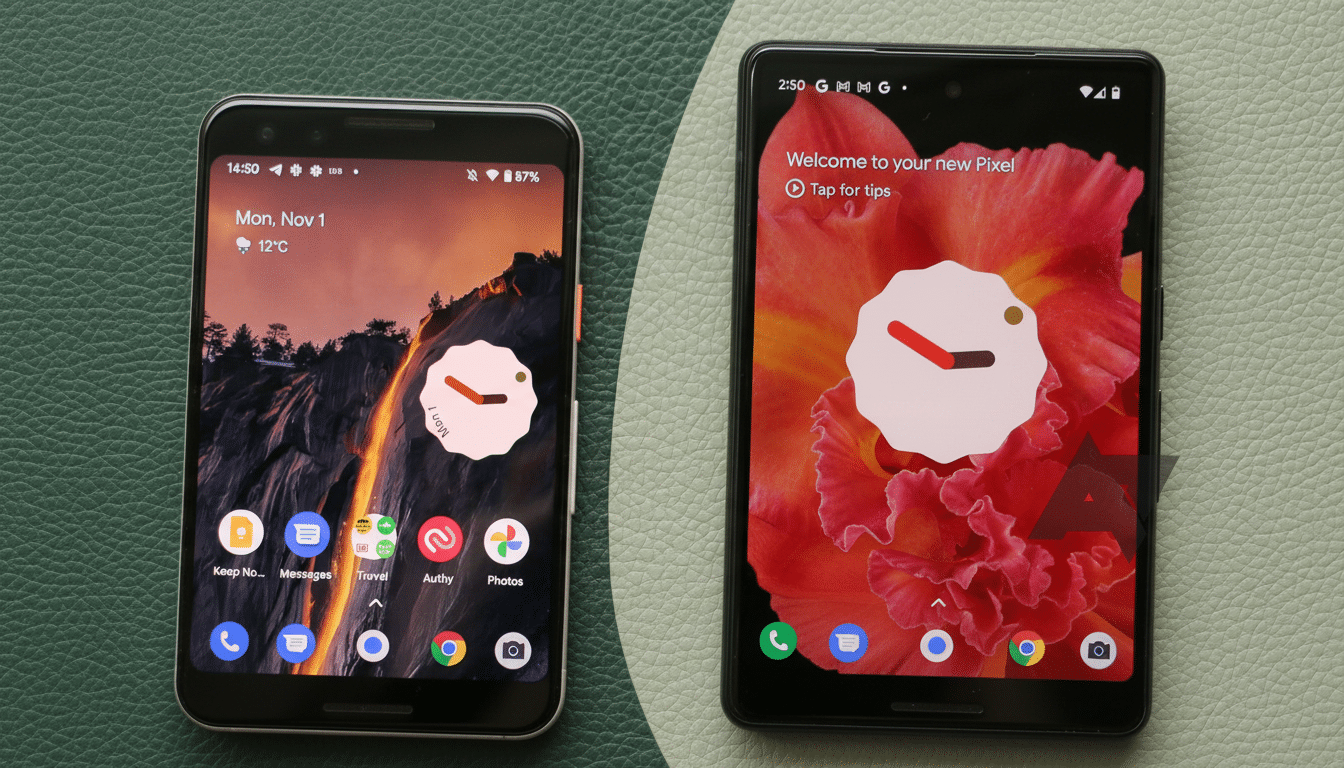
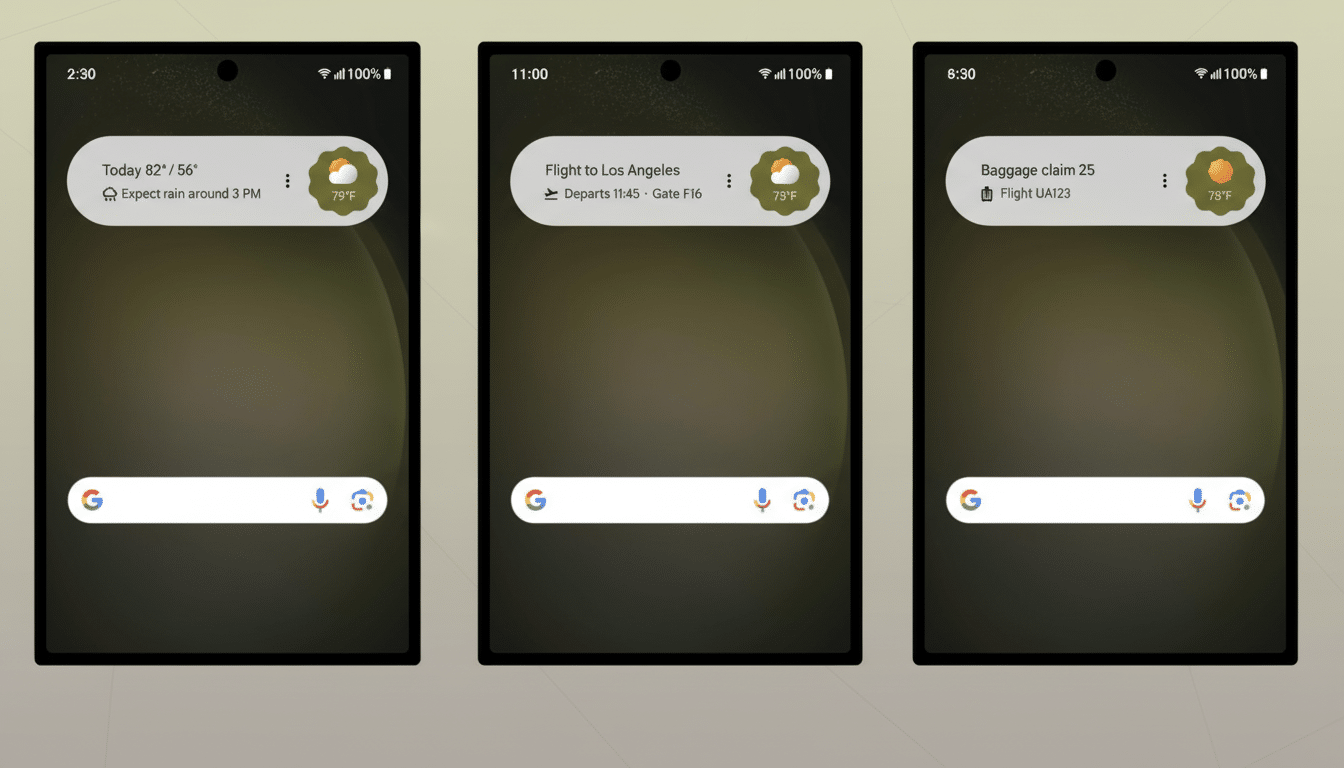
At a Glance has long been a lightning rod among Pixel owners. It delivers undeniably useful bits—weather, calendar alerts, travel updates—but it was also locked to the home screen for many users, crowding out minimalist setups and custom widget stacks. Allowing its removal resolves a long-standing tension between helpful context and the right to curate your own layout.
This shift also signals a broader trend: Android 17 appears to be leaning into user agency. Google’s public issue tracker and community forums have featured repeated calls for finer-grained launcher control. Bringing this request into the beta suggests the company is prioritizing high-impact quality-of-life changes that users feel immediately, not just deep system refactors that are harder to notice day to day.
Search Bar Customization Finds Fans Among Testers
While it did not challenge the top spot, search bar customization still resonated. For many, the search field is the single most-tapped home screen element, and the ability to adjust its style and look offers a subtle but meaningful personalization boost. It dovetails with Material You’s ethos—adapting to wallpaper colors and user taste—while keeping the functional core intact.
Design teams often point out that micro-customizations can have macro effects on satisfaction in long-term use. Giving people the freedom to shape the launcher around their habits reduces friction and creates a stronger sense of ownership, even if the underlying search experience remains the same.
Small Tweaks With Outsized Impact in Daily Use
Beyond the headline changes, testers highlighted a haptic vibration when a phone call connects. It is a tiny addition, but one that addresses a universal moment of uncertainty—did the call actually go through? In usability studies, clear state changes are known to lower cognitive load, and a simple buzz does exactly that without demanding extra attention.
Other comments clustered around refinements that feel more “launcher-level” than core OS shifts. That critique is fair on the surface, yet it overlooks a reality of modern platforms: the launcher is where users live. Changes here are the ones people feel hourly, not just occasionally, and early beta cycles often concentrate on those touchpoints to validate direction.
The Wishlist Extends Beyond Android 17 Beta 1
Some of the most anticipated features have not surfaced in a user-facing way yet. Selective app locking, frequently hinted at in code references and developer chatter, remains a top request for privacy-conscious users who want system-level protection without third-party workarounds. That gap is a reminder that Beta 1 is a first step, not the finish line.
Expectations are high for subsequent betas to expose deeper security, performance, and battery optimizations—areas where platform-level improvements traditionally land. Historically, Google has relied on feedback from the Android Beta Program and the built-in feedback app to calibrate which features graduate to stable release and how they are polished along the way.
What It Means for Android 17 and User Control
If this poll is any guide, Android 17’s early success hinges on visible control and tasteful personalization. Letting users remove At a Glance feels small on paper but profound in practice; it reasserts that the home screen belongs to the person holding the phone.
For now, the message from testers is clear. Keep the helpful smarts, but do not lock them down. Offer options that respect different workflows. And continue shipping those quiet quality-of-life wins—like call connect haptics—that make the operating system feel attentive without being intrusive. If upcoming betas follow that playbook, Android 17 is set to land on solid ground.