


If your USB-C gadget refuses to charge, there’s one move I try before anything else: switch to a USB-A power source and a USB-A to USB-C cable. It sounds counterintuitive in a world racing toward all-USB-C everything, but this simple change often brings “dead” devices back to life in seconds.
The reason is less user error and more about how power is negotiated. Many low-cost accessories wear a USB-C port but skip key components that make USB-C power delivery work reliably. A USB-A port, by contrast, always offers 5V by default, which is exactly what these stripped-down devices expect.
Why Some USB-C Devices Refuse To Draw Power
Under the USB-C and USB Power Delivery specs, a charger and a device “handshake” over tiny pins called CC lines to agree on voltage and current. If that negotiation never starts—because the gadget’s maker omitted the necessary resistors or logic—the charger stays politely silent, and no power flows.
USB-A is the opposite. It doesn’t negotiate; it just exposes 5V by default. That’s why a budget camera gimbal, label printer, or flashlight with a USB-C port but minimal internal circuitry may top up perfectly from an old USB-A wall brick yet stubbornly ignore a modern USB-C to USB-C setup.
The USB Implementers Forum has long warned that non-compliant products muddy the waters, and veteran testers—like Google engineer Benson Leung—have documented how missing or miswired components can break charging. As USB-C adoption accelerates under policies like the European Union’s common charger rules, edge cases like these haven’t vanished; they’ve just become easier to bump into.
The Quick Fix To Try First When USB-C Won’t Charge
Plug the device into a known-good USB-A charger using a USB-A to USB-C cable. If you only have a USB-C charger on hand, use a power bank or hub that still includes a USB-A port. Watch for a charge indicator or feel for a gentle warm-up after a minute—both are signs current is finally flowing.
In real-world testing with an inline USB power meter, I’ve seen some “dead” USB-C accessories draw 0.00A from a USB-C to USB-C charger, then immediately pull 0.4–0.8A once switched to USB-A. The hardware wasn’t broken—it just needed the old-school 5V default that USB-A reliably supplies.
Clues Your Gadget Wants USB-A Instead Of USB-C
Check what’s in the box. If the manufacturer ships an A-to-C cable (instead of C-to-C) or directs you to use a “5V/1A” charger, that’s a tip-off. Another sign: no wattage claims on the device or packaging—nothing about 18W, 30W, or PD—usually means it expects only baseline 5V charging.
Price and category are also hints. Low-cost accessories, especially those under about $40, often prioritize the connector shape for convenience but skip full USB-C/PD implementation to save parts and certification costs. They’ll still charge fine—just not from every modern USB-C source.
What If The Fix Doesn’t Work On Your Device
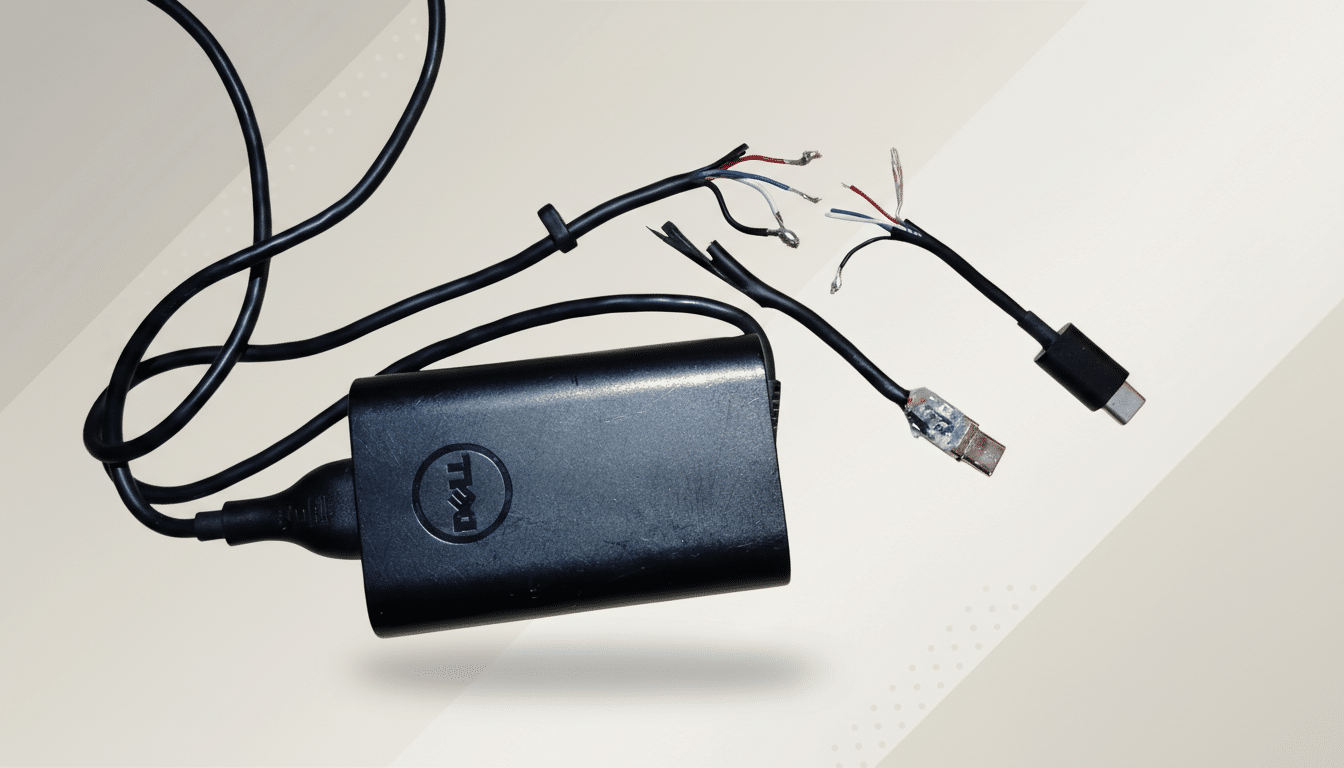
First, swap cables. A surprising number of failures trace back to worn or charge-only leads. Inspect the port for lint or corrosion; even a thin fiber can block the pins that need to touch. If the device has a hard reset or battery-protection mode, toggle it and retry on USB-A.
Try a low-power USB-A charger (5V/1A or 5V/2A) rather than a multiport fast charger, which sometimes confuses borderline devices. If nothing changes, test with a simple inline USB meter to confirm current draw. Zero current on multiple known-good A chargers suggests a genuine battery or board fault.
Why Safety And Charging Standards Still Matter
Avoid relying on non-compliant USB-C chargers that push 5V without proper negotiation. They may “work” on picky devices but can create risks for phones and laptops that expect standards-based behavior. Look for chargers certified by recognized labs and, when possible, by the USB-IF.
Remember, USB Power Delivery now scales to 240W under PD 3.1 for laptops and monitors, but your small accessory likely wants only 5V. Matching expectations to capabilities prevents headaches—and explains why the humble USB-A port remains a handy troubleshooting tool.
Pro Tips For Smooth, Reliable USB Charging
Carry one good USB-A to USB-C cable in your bag alongside a compact USB-A charger or power bank. It’s a lightweight insurance policy for cameras, headphones, label makers, headlamps, and action cams that aren’t fully USB-C savvy.
Label your cables by capability—3A vs 5A, e-marked vs basic—so you know what to reach for first. And if you buy new accessories frequently, favor brands that publish charging specs and mention USB-IF compliance. That transparency is the closest thing to a guarantee you’ll find.
Bottom line: when a USB-C device won’t charge, don’t panic. Before you assume a bad battery or a dead board, try USB-A power with an A-to-C cable. It’s the quickest, safest first step—and it solves far more cases than you’d expect.