


Thinking of replacing your living room TV with a projector? Early adopters often discover that going from a 65 or 75-inch panel to a 100–120-inch image changes more than screen size. From daylight washout to unexpected audio and setup quirks, the shift can be thrilling—and a little jarring—if you’re not prepared.
The Scale Shock In Everyday Viewing At Home
Past 100 inches, images feel dramatically larger in real rooms, not just on spec sheets. THX and SMPTE viewing recommendations peg a 30–40° field of view for an immersive experience, which often means sitting 9–12 feet from a 100–120-inch screen. If your couch is fixed, the new sightlines can feel overwhelming at first—great for movies, less ideal for casual news or sports tickers.
- The Scale Shock In Everyday Viewing At Home
- Brightness And Daylight Are The First Reality Check
- Sound And Fan Noise You Can Actually Hear
- Setup Takes Real Tinkering And Precise Alignment
- Picture Quality Tradeoffs And Gaming Lag
- Costs, Maintenance, And Built-In Smart Features
- Who Should Make The Switch And Who Should Not
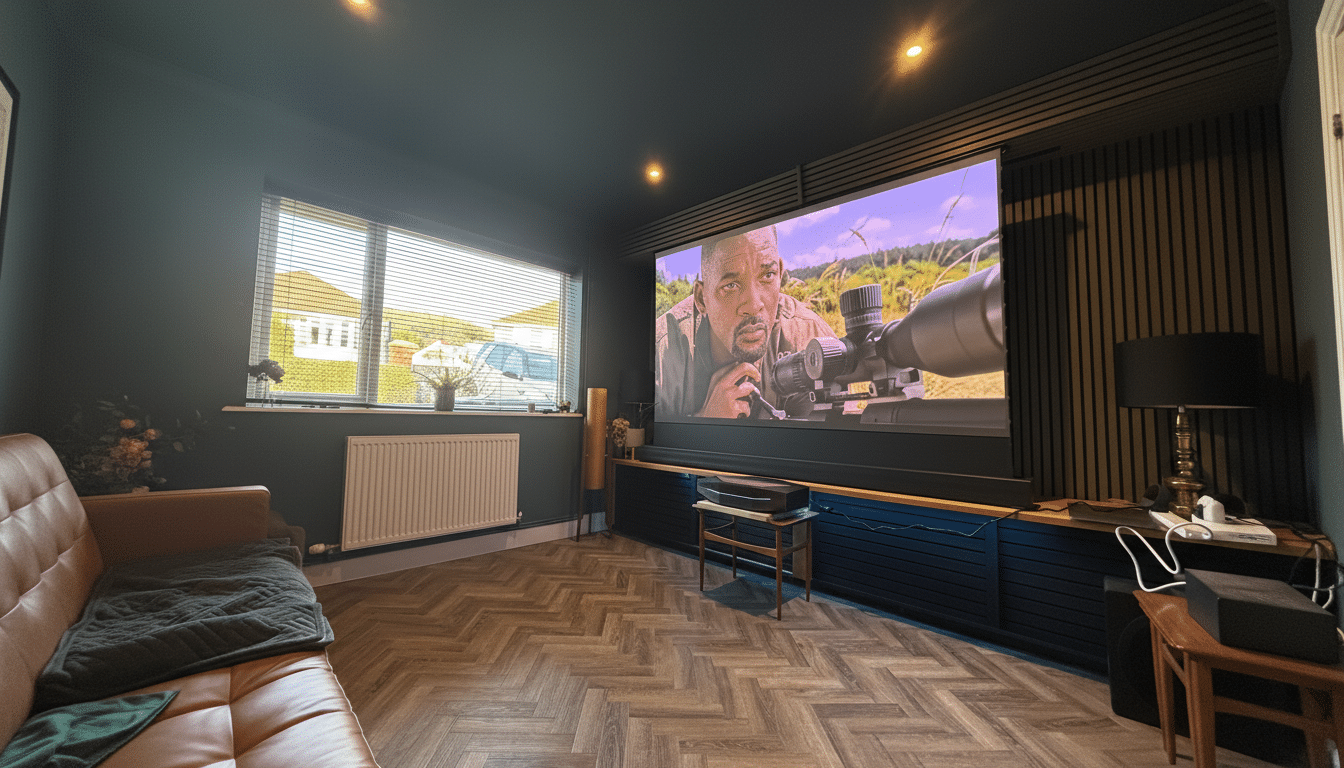
That scale can also expose flaws. Low-bitrate streams, noisy shadows, and aggressive motion smoothing stand out more than on a smaller TV. Upscaling and source quality matter more when each pixel has room to breathe.
Brightness And Daylight Are The First Reality Check
Modern TVs can punch through daylight at 700–1,000 nits or more, but front projectors work very differently. Industry standards from SMPTE target around 16 foot-lamberts (~55 nits) in a dark theater. In practice, many home setups land between ~50–150 nits on-screen in ideal conditions, according to independent measurements commonly cited by ProjectorCentral and calibrators.
Ambient light changes everything. A typical living room can sit at 100–300 lux midday, which flattens contrast and washes colors. Ultra-short-throw (UST) models paired with ambient light rejecting (ALR) screens help, but expect to pay hundreds to well over $1,000 for a good ALR surface. Blackout shades or controlled lighting remain the most effective fix.
Sound And Fan Noise You Can Actually Hear
TVs generally include passable speakers for casual use. Projectors rarely do. Many ship with 5–10W speakers that sound thin relative to a wall-filling image. CEDIA’s guidance on screen size and sound pressure levels underscores why: bigger pictures demand bigger audio. Plan for a soundbar, powered speakers, or an AVR with discrete channels to match the cinematic scale.
Then there’s fan noise. Even laser light engines need airflow. Manufacturer specs often list 25–35 dB in Eco modes and higher at full brightness. That’s quiet library territory, but in hushed scenes you may notice a hum—especially from ceiling-mounted units above your head. Placement, Eco settings, and longer throw distances can mitigate the effect.
Setup Takes Real Tinkering And Precise Alignment
Auto-keystone, autofocus, and smart calibration have come a long way, but perfect geometry still takes patience. Throw distance, lens shift, and mount height determine whether your image lands squarely on the screen without resorting to digital keystone, which can shave sharpness. Expect to measure, nudge, and fine-tune color, gamma, and motion settings if you want a truly dialed-in picture.
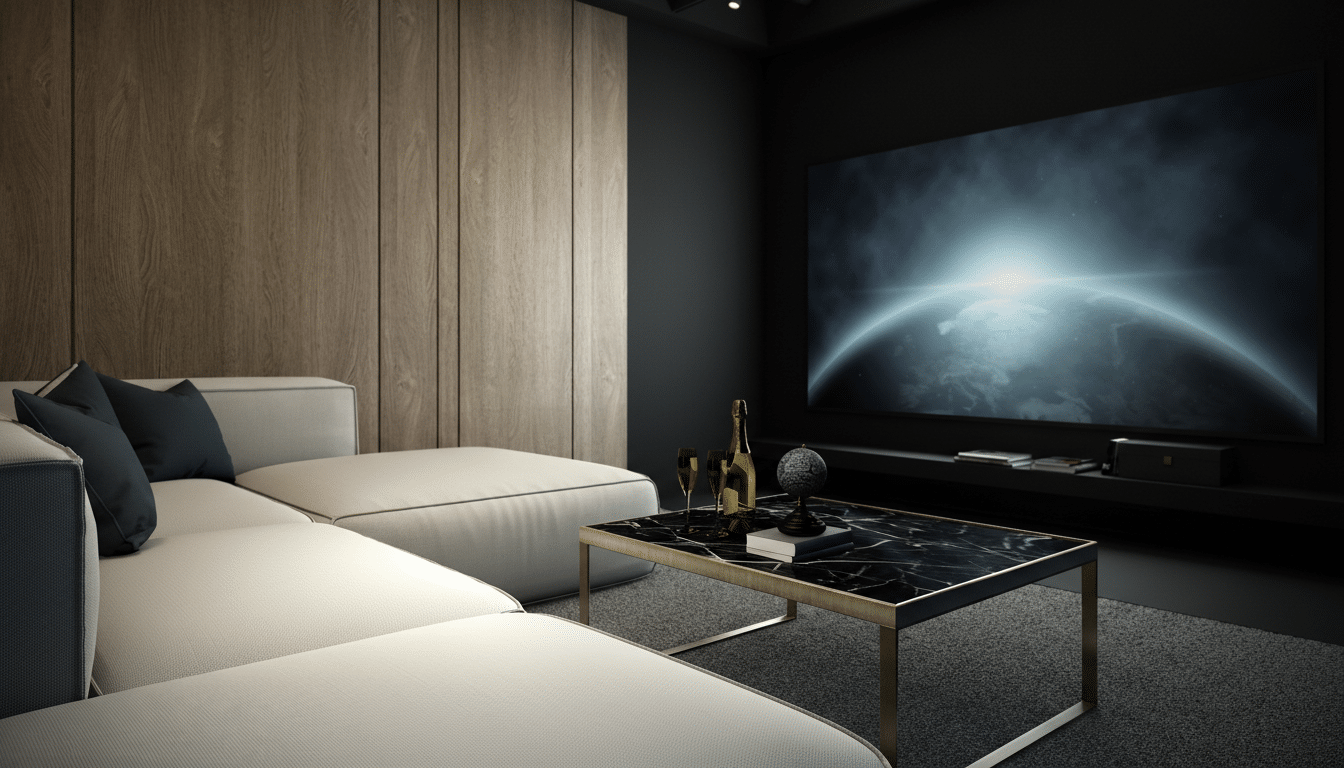
UST projectors add their own alignment demands. Millimeter-level placement differences change image geometry. ALR UST screens have directional properties, so even slight misalignment can soften corners or introduce hotspots. Budget time—not just money—for the install.
Picture Quality Tradeoffs And Gaming Lag
Even high-end projectors struggle to match the native contrast, peak highlights, and HDR “pop” of top TVs. Room reflections raise black levels, muting shadow detail unless you control light and wall colors. Many DLP models deliver impressive sharpness via pixel shifting rather than native 4K, and a small subset of viewers may notice the rainbow effect on single-chip DLP designs.
Gamers face latency math. RTINGS lab data shows leading TVs can hit 5–15 ms in Game Mode. Projectors often land in the 16–50 ms range at 4K/60, with specialized gaming models dropping to ~8–16 ms at 1080p/120. It’s playable for most genres but less ideal for competitive shooters. HDMI 2.1 features like 4K/120 and VRR are still rare on projectors.
Costs, Maintenance, And Built-In Smart Features
The total bill can surprise first-timers. A bright UST projector with a quality 100–120-inch ALR screen often runs $2,000–$5,000. Meanwhile, 85-inch LCD TVs regularly dip below $2,000, and even 77-inch OLEDs have trended down, according to market trackers like Omdia. Cost-per-inch favors projectors, but the price of doing it well is not trivial.
Maintenance also differs. Laser projectors commonly rate 20,000+ hours to half-brightness with minimal upkeep, while lamp models may need a $100–$300 replacement at 3,000–5,000 hours and occasional filter cleaning. Many projectors draw 200–300W at usable brightness, higher than typical TVs. On the app side, smart TV platforms remain more mature; projector app stores can be limited, and a streaming dongle is often the easiest solution. Netflix support in particular can be inconsistent on built-in projector software.
Who Should Make The Switch And Who Should Not
If your priority is cinematic immersion, you can control light, and you’re ready to add proper audio, a projector setup can feel transformative. It’s gentler on the eyes in dark rooms and unbeatable for movie nights and big sports.
If you want simplicity, consistent daytime brightness, the lowest input lag, and minimal tinkering, a large TV still wins. The smartest move is to audition both paths, ideally in a demo room or at home. As enthusiasts on AVS Forum often conclude, the “best” screen is the one that fits your space, habits, and patience.