


TurboTax, the most widely used consumer tax software in the US, is seeing a steep price drop right now—nearly 50% off on select versions—making it one of the most aggressive markdowns of the filing season. If you plan to DIY your return but want guided help, this is a smart moment to lock in a license before prices bounce back.
Where the TurboTax Price Cut Applies Right Now
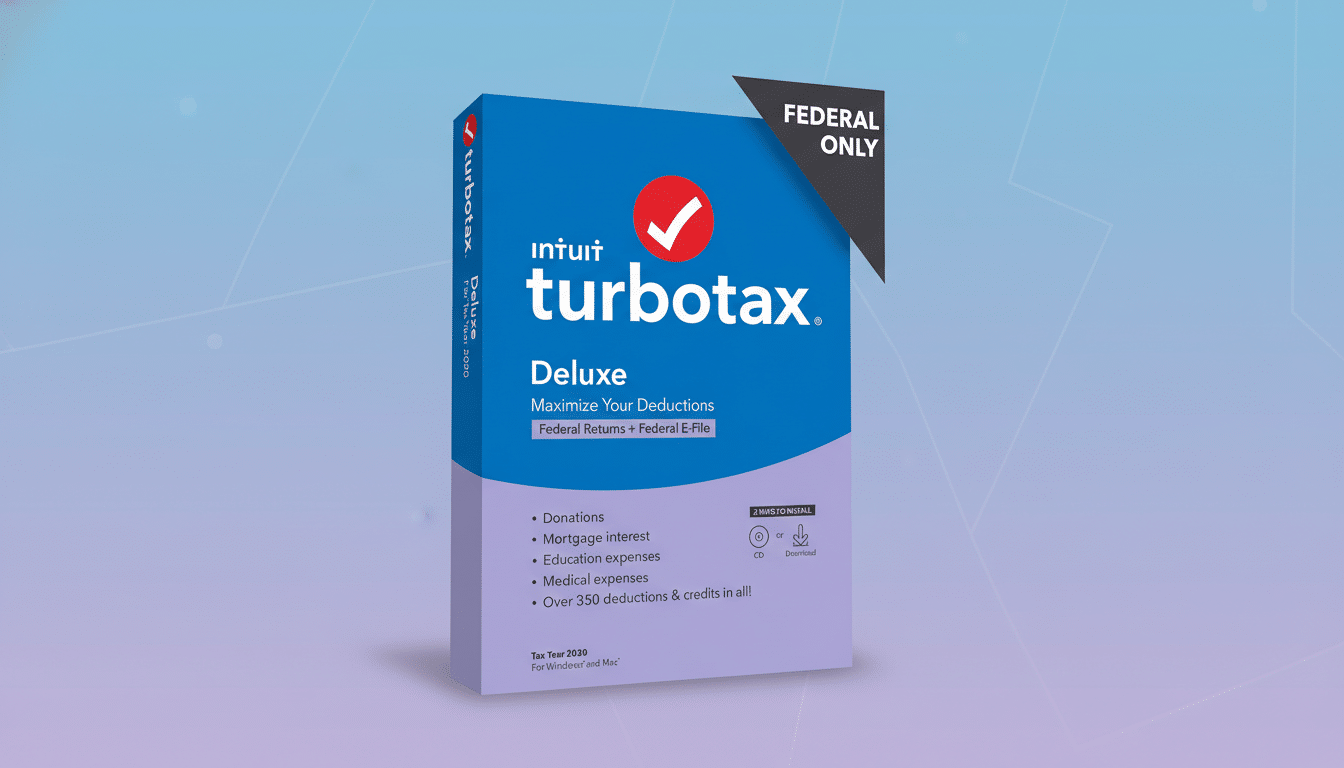
The headline discount is on the TurboTax Desktop edition, sold as a digital download code by major retailers such as Amazon. The popular Deluxe tier has been spotted around $45, down from about $80, with the online Deluxe version also reduced to roughly $49—nearing 50% off on some listings. Several business-focused editions, including Home & Business and Business, are also discounted, though percentages vary by SKU.
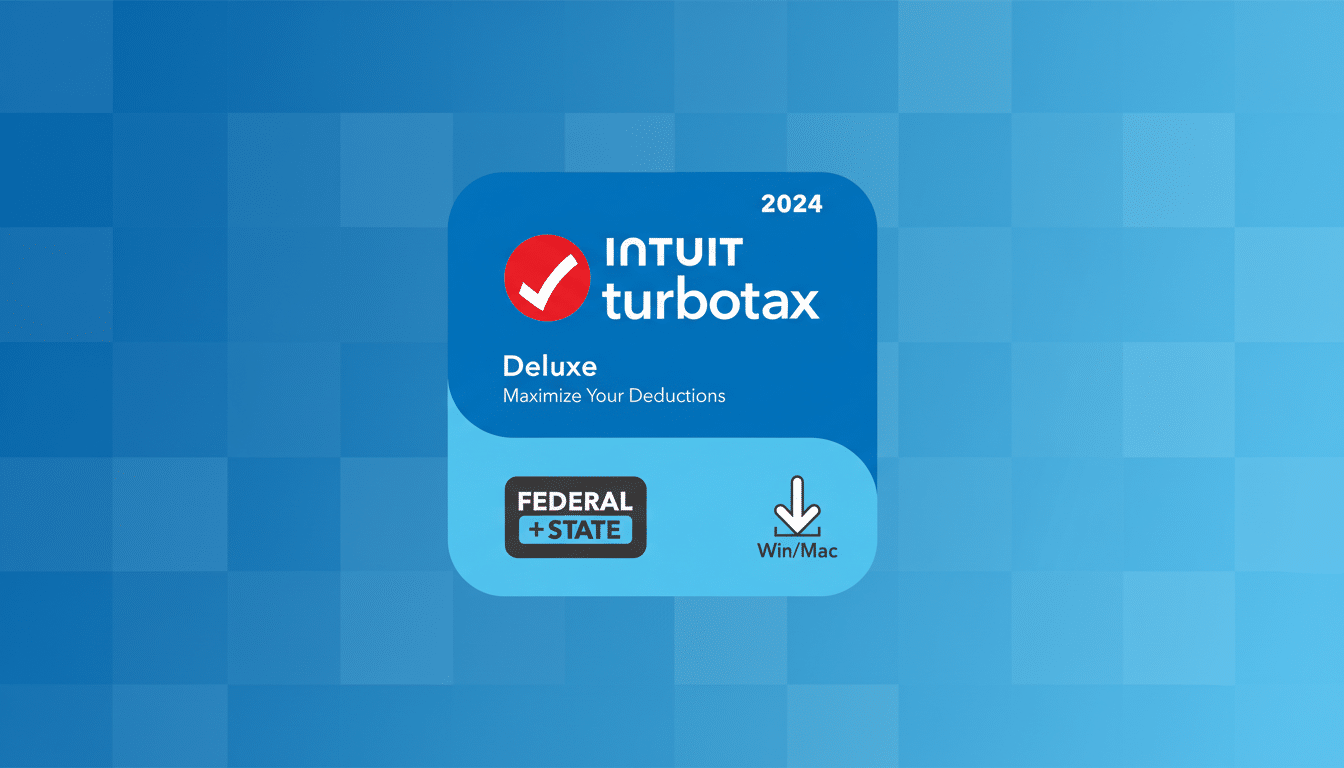
These sale prices are noteworthy because TurboTax historically holds close to list in peak filing weeks, with deeper markdowns clustering around short promotional windows. According to IRS reporting, more than 9 in 10 individual tax returns are filed electronically, which is why competitive pricing on leading prep software can make a real difference for households and small businesses.
How to get the deal and avoid common pitfalls
- Decide desktop or online. Desktop is a one-time software download installed on your computer; online runs in your browser. If you prepare several family returns or prefer offline storage, desktop often delivers the best value during sales.
- Verify the edition year and platform. Look for the correct tax year on the box art and confirm compatibility: TurboTax Desktop requires Windows 11 or macOS Sonoma 14 or newer. Choose “download code” unless you specifically want a physical disc.
- Check the seller. For digital codes, buy from the retailer itself or directly from Intuit’s official storefront within the marketplace to avoid third-party listing issues.
- Confirm what’s included. TurboTax Desktop typically includes up to five federal e-files and one state software download; a separate fee usually applies if you e-file the state return from the desktop product. Online bundles vary by tier and may include one state e-file—review the product card before checkout.
- Redeem promptly. Download codes are delivered digitally and can be redeemed in your Intuit account. For the online version, activation ties the discount to your web-based return immediately.
Which TurboTax version fits your tax situation best
- Basic/Free: Best for straightforward W-2 income with the standard deduction and limited credits. Many filers do not qualify once investments, student loan interest, or child-related credits enter the picture.
- Deluxe: The sweet spot for most households. It supports itemized deductions, common credits, HSAs, and donation tracking—precisely why the Deluxe discount is drawing attention.
- Premier: Adds robust investment, stock option, and crypto support, including import from brokers. If you sold securities or received significant 1099-B activity, consider this tier.
- Self-Employed/Home & Business: Designed for freelancers, side hustlers, and sole proprietors with 1099-NEC/1099-K income and business deductions. It can scan receipts and identify industry-specific write-offs.
- Business: Handles S-corps, C-corps, partnerships, and multi-member LLCs. Note that this edition is separate from the personal return and is only available as desktop software.
Desktop Versus Online What You Actually Get
Desktop value: Up to five federal e-files per license can make the desktop deal compelling for families preparing multiple returns. You also control local storage, which some users prefer for privacy and archiving.
Online convenience: The web version shines for collaboration and device flexibility, and it supports add-ons like live help more seamlessly. However, it’s generally licensed per return and can be pricier without a sale.
Support options: Both versions offer US-based technical support. Live tax help or full-service preparation is available as an upgrade, typically at an additional cost that varies by complexity.
Fine print and smart money savers before you check out
Watch the state fees. With desktop editions, the included state software is not the same as state e-filing—there’s usually an extra charge to transmit the state return from your computer. Some filers save by printing and mailing the state return instead.
Beware add-ons. Optional features such as live expert guidance, audit defense, and refund advance products can raise your total. The National Taxpayer Advocate has long advised comparing costs and benefits before opting in to ancillary services.
Mind the refund transfer fee. Choosing to pay product fees out of your tax refund instead of a credit card typically incurs a separate bank processing charge. Paying upfront usually avoids that fee.
Bottom line: why this TurboTax discount is worth it
Deep discounts on TurboTax don’t last. If you’ve decided to file with TurboTax this season, the near 50% price drop on Deluxe and reductions across other tiers are strong reasons to buy now, activate your code, and start organizing documents. With most Americans e-filing, locking in a lower software cost is one of the simplest ways to keep more of your refund.