


If your Sonos Arc, Beam, or Ray sounds underwhelming, you don’t need new hardware to hear a real upgrade. Small, no-cost tweaks to placement, source settings, and app tuning can unlock the clarity and spaciousness your speaker is already capable of. The principles below align with guidance from Dolby Laboratories, the HDMI Forum, and professional calibrators, distilled into three simple steps you can do today.
Optimize Placement And Room Interaction
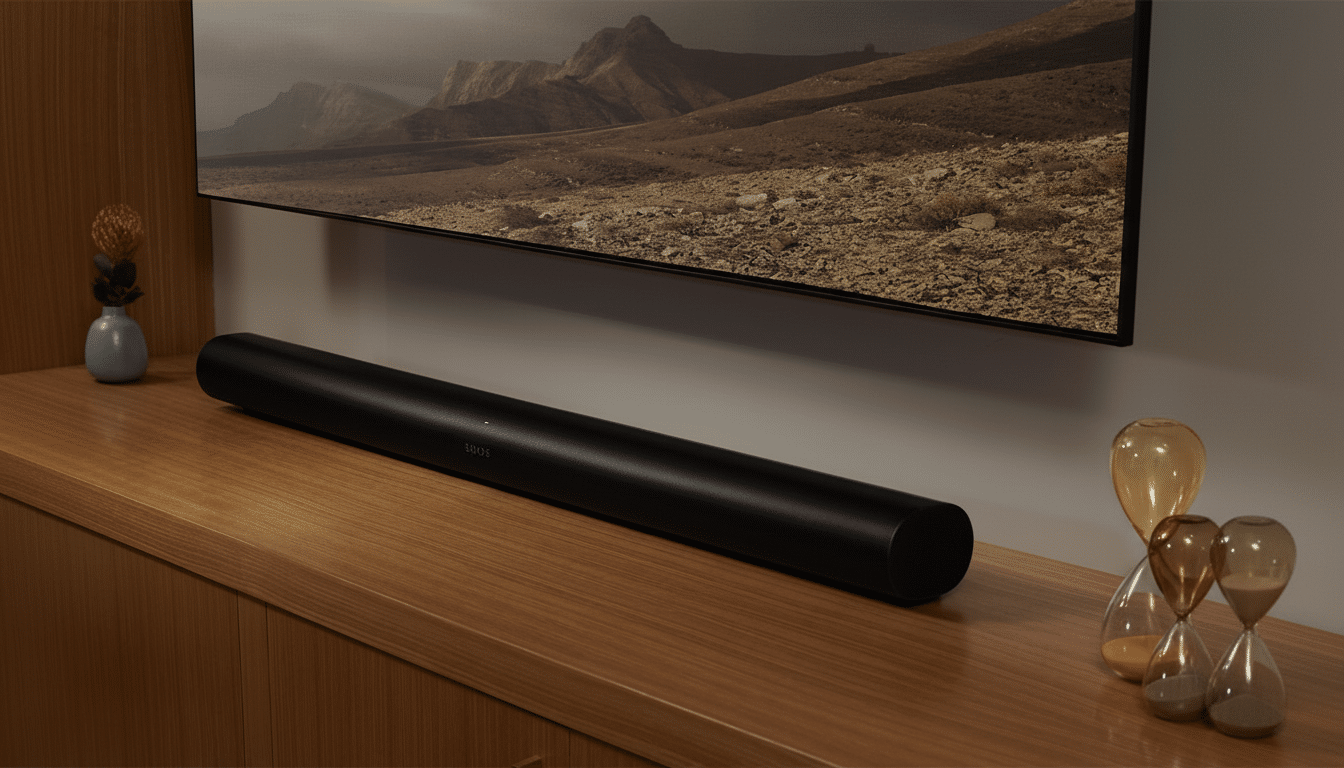
Start with location. Center the soundbar under the TV, keep it as close to ear height as your setup allows, and pull it forward so the front edge is flush with your media console. Avoid tucking the bar into a cabinet or behind décor—those hard boundaries cause early reflections that blur dialogue and narrow the soundstage.

For Atmos-enabled models like Arc and Beam (Gen 2), ceiling geometry matters. Dolby’s guidance notes that upfiring drivers perform best with flat, reflective ceilings roughly 7.5 to 12 feet high; vaulted or acoustically absorptive ceilings reduce the perceived height effect. If your TV shelf overhangs the bar, slide the bar forward an inch or two to give the upfiring drivers a clean path to the ceiling.
Tame room echo using what you already have. Close curtains during movie night, place a rug between the TV and sofa if the floor is bare, and remove hard objects directly beside the bar. Standards bodies like ITU-R emphasize controlled reflections for intelligibility; softening first-reflection points often yields an immediate dialogue boost without touching the volume.
Get Dolby Atmos And Bitstream Right From The Source
Use the TV’s eARC/ARC HDMI port and set Digital Audio Output to Bitstream or Pass Through. The HDMI Forum specifies that eARC supports far higher audio bandwidth than legacy ARC, enabling formats like Dolby TrueHD with Atmos from compatible sources; even for streaming services that use Dolby Digital Plus with Atmos, pass-through preserves the multichannel mix your Sonos expects.
Double-check device and app settings. Ensure consoles and streamers are set to Bitstream with Dolby enabled, not PCM stereo. Some TVs ship with virtual surround, AI Sound, or volume-leveling features engaged; turn those off to prevent double processing. In the Sonos app’s Now Playing info, confirm you see Dolby Atmos or Dolby Digital 5.1—if it reads Stereo PCM, a TV or app setting is downmixing your audio.
Streaming specifics matter. Services like Netflix deliver Atmos only on supported devices and plan tiers, and many platforms offer “High” or “Auto” audio quality toggles. Keeping these at their maximum ensures you’re feeding the bar the richest signal available. In practice, matching bitstream pass-through with a confirmed Atmos stream often unlocks wider imaging and more convincing overhead cues.
Tune With Sonos Tools For Clarity And Impact
Run Trueplay in the Sonos app to calibrate for your room’s size and furnishings. Full Trueplay requires an iPhone or iPad; if you don’t own one, borrow a friend’s for a five-minute tune. Sonos’ algorithm measures how your room shapes sound and compensates accordingly—a similar philosophy used by professional calibrators who always retune after furniture moves.
Next, tailor the built-in controls. For dialogue-heavy content, turn off Loudness, then enable Speech Enhancement to emphasize midrange where voices live. Add Night Sound when others are sleeping; it subtly compresses dynamics to reduce bass booms without crushing clarity. If bass still masks speech, nudge the Bass slider down a notch and raise Treble slightly until consonants pop.
Leverage the height control on Atmos-capable bars. On Arc and Beam (Gen 2), the Height slider in the Sonos app can make overhead effects more apparent; a modest +1 or +2 can help in rooms with higher or absorptive ceilings. Manage expectations—per Dolby guidance, rooms far outside that 7.5 to 12-foot, flat-ceiling sweet spot will still hear benefits, just with less vertical precision.
The bottom line: with thoughtful placement, correct pass-through settings, and a quick app tune, many Sonos systems gain a cleaner center image, tighter bass, and more convincing Atmos—all without spending a dollar. Before you consider add-ons, exhaust these three free steps; they address the most common bottlenecks experts see in living rooms every day.