


Linux is for those audacious enough who consider their work habits, not only what software they install. It’s great for power users, who can mold it to their habits with gratifying precision, and the payoff is almost immediate for newbies: small changes multiply into large benefits. In developer surveys from outfits such as Stack Overflow, you’ll typically find Linux right there on the list of top-tier environments, and for good reason: the open-source platform “just feels” like a natural home for automation, customization, and keyboard-driven workflows instead of stuff that’s been tacked on after the fact.
Whether you dwell deep inside the console or cling to the modern desktops of GNOME and KDE, there are 10 things that can make your environment faster and simpler that all smart people know (and if you’re still reading this article, then we’ll assume you’re at least halfway there). They are available across distros and desktop environments, they scale from single machine to device farms.
- Master Custom Keyboard Shortcuts to Speed Up Linux
- Use Tiling Window Management for Faster Multitasking
- Organize Your Workflow With Dedicated Linux Workspaces
- Automate With Cron Jobs and systemd Timers for Reliability
- Tune Your Shell and Prompt for Faster Daily Work
- Streamline Your Linux Package Management Workflow
- Standardize Your App Stack and Stick With Fewer Tools
- Structure a Clean, Searchable File System Hierarchy
- Sync Smartly With a Local Cloud Like Nextcloud
- Find What You Need Faster With Keyboard Launchers
- Version Your Dotfiles to Rebuild Environments Fast
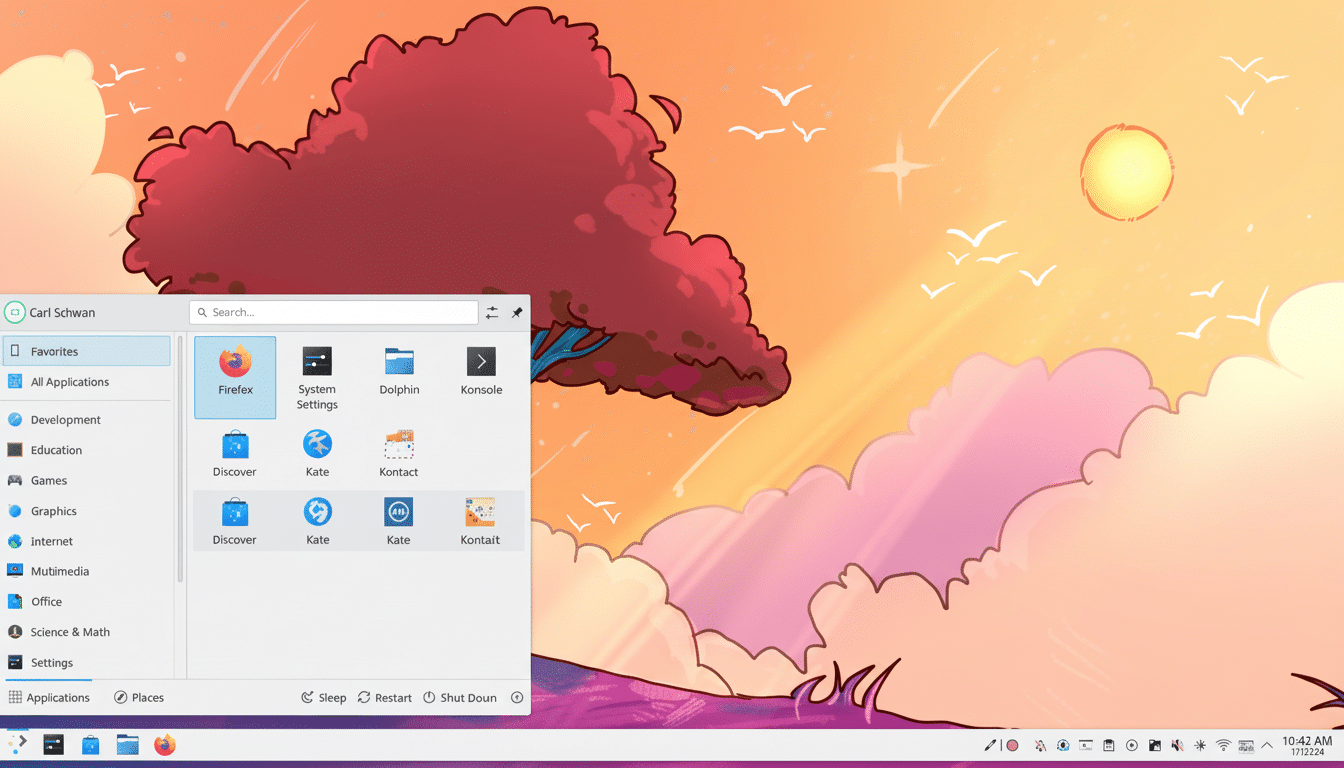
Master Custom Keyboard Shortcuts to Speed Up Linux
Keep up practice by mapping common actions to muscle memory. In GNOME, you can use Settings > Keyboard to choose shortcuts to open Terminal and take screenshots or move windows around; you can also enable Do Not Disturb mode. KDE Plasma, Xfce, and Cinnamon provide equally minute controls. Many SRE teams will discuss keyboard-driven flows as being a major time-saver; the less moving of the mouse you do, the fewer micro-delays you manifest over the hundreds of tiny interactions in your day-to-day.
Use Tiling Window Management for Faster Multitasking
Tile managers such as i3, Sway and Hyprland arrange windows without dragging or sizing. If you do like a mainstream desktop, use tiling extensions like Pop Shell on GNOME or KWin scripts on Plasma. The result is the same: windows snap to predictable positions, alt-tabbing towering infernos to the ground and your cursor for some reason almost never roves. For teams monitoring task latency, it helps in increasing focus and the recall ability.
Organize Your Workflow With Dedicated Linux Workspaces
Have dedicated workspaces per project or mode: communication, coding, docs, monitoring. GNOME’s dynamic workspaces grow and shrink alongside your workload; Plasma allows you to name and add shortcuts for specific desktops. Rule of thumb: don’t mix contexts, one workspace — one purpose. It reflects the “minimize cognitive load” point emphasized in Google’s Site Reliability Engineering advice.
Automate With Cron Jobs and systemd Timers for Reliability
Cron is great for jobs that take under a minute: rotating some logs, pruning a cache, syncing in files at night. For practical production-quality scheduling, systemd timers fortify reliability and logging and dependency management. For dotfiles backup or index reconstruction, use a service unit and team it up with a timer on Fedora or Ubuntu. Automation is the most leverage entry point habit you can develop — several of the enterprise reports from Red Hat cite time savings as a major benefit of open tooling.
Tune Your Shell and Prompt for Faster Daily Work
Upgrade to zsh or fish, with fzf for fuzzy finding, ripgrep for search and zoxide for fast directory hops. A minimal prompt, like Starship, exposes Git status and exit codes while remaining clutter-free. The payoff is quantifiable: fewer keystrokes to navigate, fewer context switches to your file manager, and faster feedback on repo state.
Streamline Your Linux Package Management Workflow
Know your distro’s package manager like a polyglot knows languages: apt on Debian/Ubuntu, dnf on Fedora, pacman on Arch. `script — list-upgradable-packages | script — cleancache; that list-u-p install my-essentialelements` Consider Flatpak for sandboxed desktop apps, but don’t duplicate things between package formats just to cut down on update noise. Standardization reduces maintenance costs for single-use and multiple-use machines.
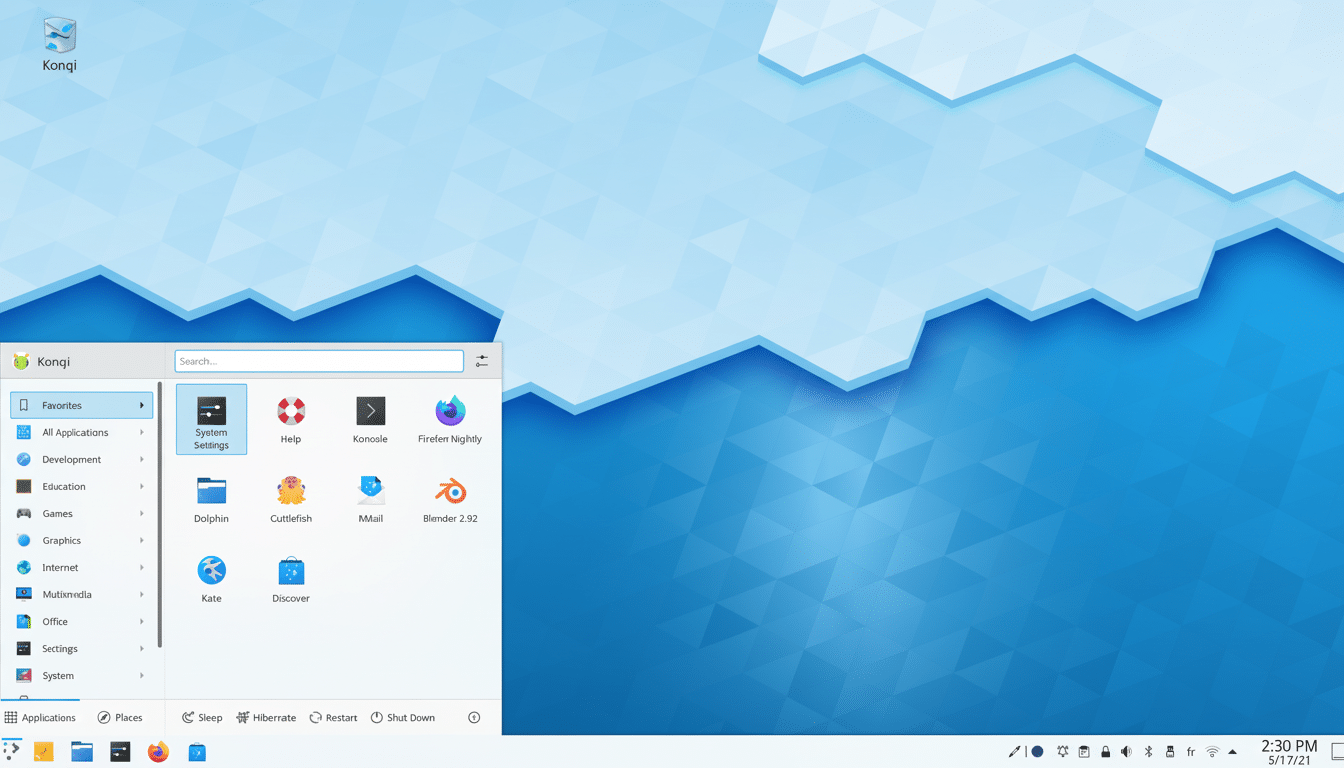
Standardize Your App Stack and Stick With Fewer Tools
Choose one editor, one terminal, one password manager and one system for taking notes—then master them. For documents, choose between LibreOffice, OnlyOffice or a Markdown-based flow early and stick with it. The Stack Overflow community tends to prefer depth to breadth and changing tools comes with hidden costs in settings, shortcuts, file formats, etc.
Structure a Clean, Searchable File System Hierarchy
Enforce common folders and naming: YYYY/MM/Project, semantic file prefixes, tag in filenames when necessary. Make use of the XDG user directories for tidy Downloads, Documents and Pictures. A searchable data structure is what makes grep, ripgrep and locate so much better. When analyzed through usability studies such as those by the Nielsen Norman Group, good information architecture always saves time-on-find.
Sync Smartly With a Local Cloud Like Nextcloud
Run Nextcloud or Syncthing on your LAN for fast, private sync that happens even if your internet blips. This obvious attack vector was identified long ago by the CNCF community that Linux is used for running pretty much all containerized services. Spinning up a tiny container is very simple and robust. Ensure important docs are always a click away on your laptop and a home server.
Find What You Need Faster With Keyboard Launchers
Apps such as Albert, Ulauncher, and KRunner can open apps, files and web searches with just a few keystrokes. Teach one shortcut — often Alt+Space — so that you can maintain the home position of your hands. These are real gains, over the course of a day, from dodging hundreds of mouse movements. That’s the same philosophy behind power-user launchers on other platforms, but Linux allows you to wire it deep into the way you work.
Version Your Dotfiles to Rebuild Environments Fast
Store your shell, editor, and tools configs in the cloud and run them on any machine with a one-liner. Whether you’re managing things via GNU Stow or a basic setup script, when you treat your environment as code, setting up new machines is no more than a 10-minute ordeal. This is practice with which many engineering teams are quickly familiar, as it provides a baseline level of reproducibility across any laptop, container or remote server.
The throughline is simple: Decide once, automate twice — and keep your hands on the keys.
Linux provides the primitives — hotkeys, tiling, shells, timers — and the ecosystem takes care of the rest. Begin with two or three of these tips today, measure the friction you eliminate, and continue iterating until your desktop feels like it’s invisible.