


Microsoft has launched public testing for MAI-Image-1, its new in-house image generator, and you can give it a go right now. The model isn’t wired into Copilot or Bing Image Creator yet, but it’s already making a splash on the LMArena leaderboard. Based on community votes and head-to-head matchups, MAI-Image-1 has just cracked the top ten. Unlike Microsoft’s previous image features, which were based on OpenAI’s DALL·E 3 and GPT-4o, MAI-Image-1, as its initials suggest, was built in-house to prioritize speed, originality, and control. The company states that it received feedback from creative professionals to reduce repetitive outputs and produce more persuasive photorealistic scenes by simulating lighting, textures, and composition.
How to try MAI-Image-1 on LMArena step by step today
- Go to LMArena’s image generation page.
- Change the first menu from Battle to Direct Chat.
- Choose MAI-Image-1 in the model selector.
- In the prompt box, type a prompt that clearly describes your subject, style, lighting, framing, and more.
- Generate the image.
- To compare it to other models, change the first menu to Side by Side and set MAI-Image-1 as Model A; for Model B, choose a competitor such as DALL·E 3. Use the same prompt for both and judge results on factors such as prompt adherence, realism, detail retention, and artifact handling.
Tip: Begin with a specific prompt, e.g., “A rainy Tokyo street at night, neon reflections on wet pavement, 35mm cinematic look, soft rim light, shallow depth of field, high detail.” Then iterate by changing style cues or adding limitations, e.g., “no text on signs,” “overcast lighting.”
- How to try MAI-Image-1 on LMArena step by step today
- What makes MAI-Image-1 different from prior Microsoft tools
- How MAI-Image-1 currently stacks up on LMArena rankings
- Why Microsoft is building in-house AI image models now
- Pro tips to get better results and more realistic images
- The bottom line on MAI-Image-1 and how you can try it now
What makes MAI-Image-1 different from prior Microsoft tools
Microsoft says it had three main areas of focus: speed, doing away with the mode collapse problem, and pushing photorealism. According to Reda: “The first testers on LMArena reported that the key benefit was speed—it had the fastest turnaround time among similar tools currently on the market.” That speed can make a difference when you’re tossing out multiple variations or refining against tough prompts.
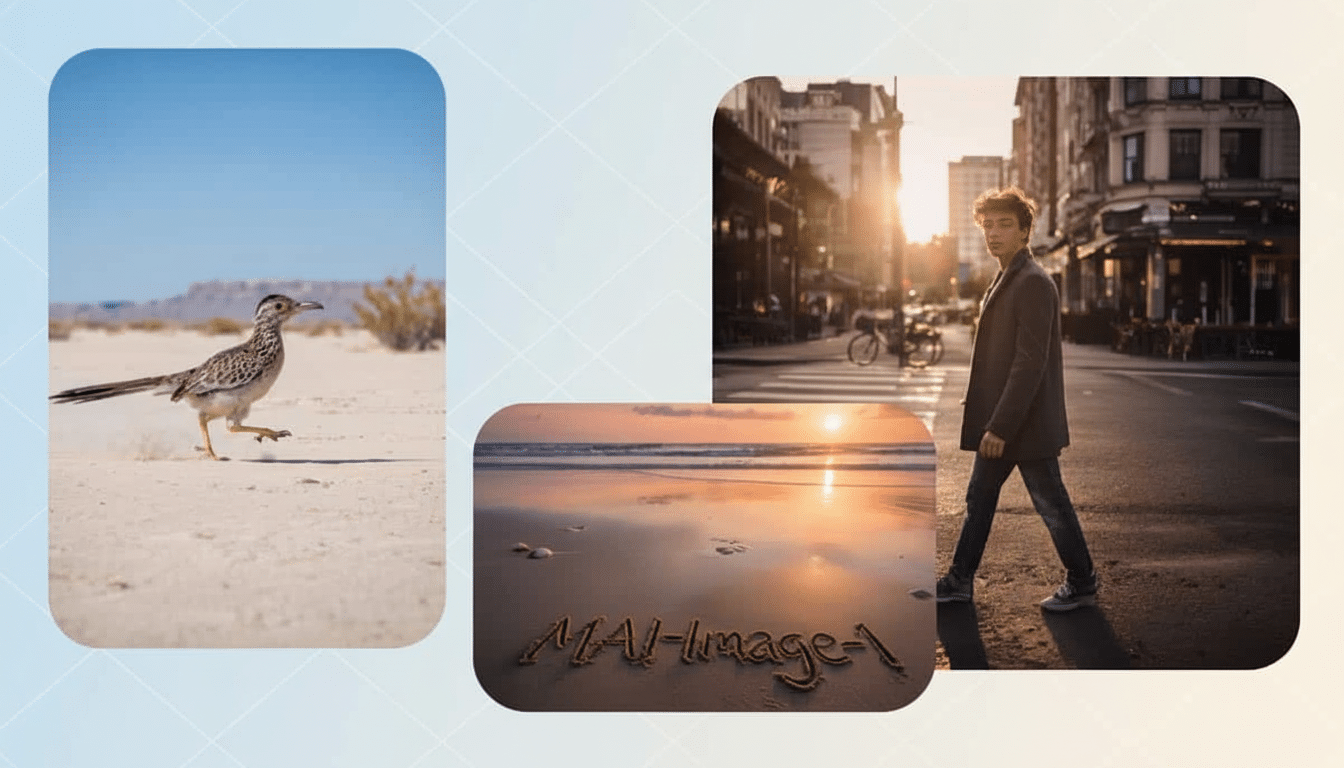
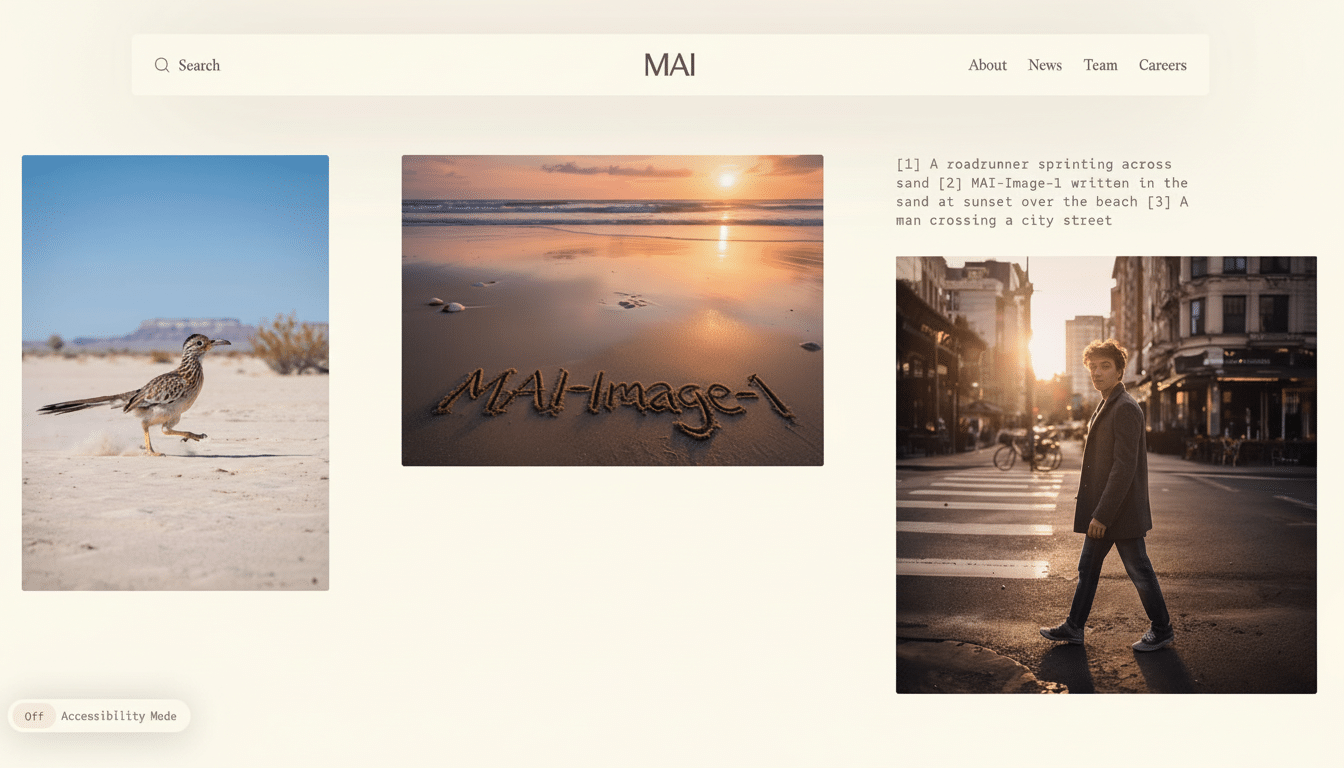
MAI-Image-1 stands out in traditionally hard photographic cues, especially bounce light, reflections, and complex materials. That’s critical for product layouts, marketing shots, and VFX-style images where lighting continuity and surface precision can kill the illusion.
Microsoft also promotes the responsible use of technology. Like many contemporary image systems, MAI-Image-1 is implemented with a filter that stops you from requesting disallowed, severe, or dangerous contexts. If a prompt is unjustly stopped, reframe it with a clear, non-sensitive aim, and avoid any request that may break the agreed terms of use of the platform or its services.
How MAI-Image-1 currently stacks up on LMArena rankings
At LMArena, models work their way up the rankings based on both direct user evaluations and blind set comparisons. Based on votes, MAI-Image-1 has shot its way into the top 10, an impressive showing for its first public assessment. While the rankings are subject to change thanks to new votes and model updates, it’s a good sign on a performance basis out of the box against incumbents.
If you would like a more structured comparison, evaluate them on four axes:
- Do they faithfully obey the prompt?
- Do they form a coherent image of the subject’s face, hands, and text?
- Do they appear more or less realistic?
- Do they allow rapid iteration because the engines can see the same subject at once?
Those dimensions are most likely to reveal interesting differences between engines.
Why Microsoft is building in-house AI image models now
Microsoft still uses OpenAI models in many products, but it has created an in-house set of options specifically to maximize performance, cost control, and feature autonomy. In conjunction with MAI-Image-1, the company has introduced MAI-Voice-1 for natural speech and MAI-1-preview for text generation, reflecting a plan to customize models to particular modalities and jobs. The image stack’s acquisition also allows Microsoft to simulate its safety systems and product partnerships more accurately for Copilot, Windows, and corporate software. The company has announced that Microsoft intends to carry MAI-Image-1 into experimental trials for Copilot and Bing Image Creator after obtaining feedback.
Pro tips to get better results and more realistic images
- Describe the lighting: a close angle, a crucial flash of illumination, and the local atmosphere do more than just improve the outcome. Specify the time of day, the illumination, and the surrounding environment. For example, at specific times of day, different lights will produce different setups, and wet surfaces may be present, which reflect light. Lighting cues are critical for realism.
- Anchor the lens and the canvas: include the focal length, camera angle, and image area. Generating a consistently oriented image that remains correct can be difficult without these pieces of information.
- Just say if constraints and aversions emerge.
The bottom line on MAI-Image-1 and how you can try it now
MAI-Image-1 combines Microsoft’s most serious effort in homebuilt image generation with fast iteration and stronger photorealism. You can try it on LMArena for free, compare it to leading competitors, and see for yourself where it stands out with hardcore use cases. If Microsoft’s plans hold, this model will emerge as a mainstream tool, but you do not have to wait.