


If you’re in the market for an Android tablet that doesn’t cost more than a night out and won’t leave your eyes feeling sore, then the TCL Tab 8 Nxtpaper 5G should be right at the top of your shortlist. This smaller slate is TCL’s way of bringing its Nxtpaper display tech to an 8.7-inch form factor, and it does a smart job of marrying the flexibility of full Android with a paper-like reading experience you probably can’t carry around everywhere.
The top-line features are surprisingly practical for the price: a matte, glare-resistant screen that can toggle between traditional full color and two scrunched-down, eye-friendly “paper” modes, plus a big 6,000mAh battery and 5G connectivity. Priced at $200 through Verizon, and expected to have wider availability through Total Wireless, it’s aimed squarely at readers, commuters, and students in search of a do-all device that doesn’t command premium-tablet dollars.
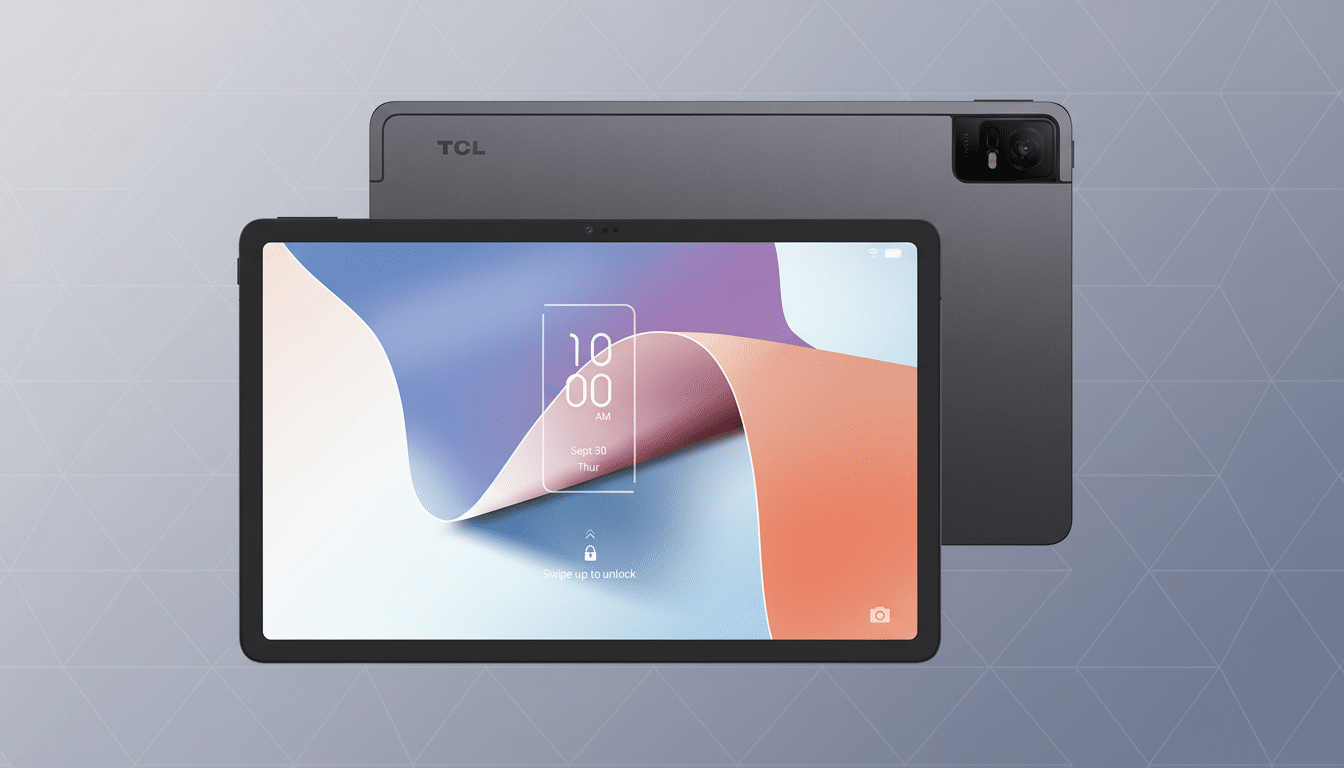
Why Nxtpaper Display Technology Matters for Your Eyes
Nxtpaper is TCL’s display stack that places a matte, low-reflection finish on top of an LCD panel and layers on system-level tuning to cut down on eye fatigue. With a touch of a button, you can easily switch between Regular Mode (full color), Color Ink Paper Mode (muted and more natural colors), and Ink Paper Mode (black and white only). The latter two dial down contrast and saturation so that long-form reading more closely resembles a paperback than a backlit billboard.
The tablet also employs DC dimming at low brightness to reduce flicker, which may be perceived by sensitive users. Studies published in engineering journals have linked high-frequency flicker from pulse-width modulation to eye strain for some users, particularly in low-light conditions. Pair that with a lower output of blue light (read: less eye strain) through the anti-glare panel, and you’ve got a display built to be easier on your eyes than the shiny, high-contrast options across budget ranges.
It’s worth noting that habits are as important to eye care scientists as hardware. To help prevent digital eye strain, the American Academy of Ophthalmology suggests adhering to the 20-20-20 rule: Take a 20-second break from looking at your screen every 20 minutes by staring at something about 20 feet away. A tablet that induces less brightness and reflection makes it much easier to abide by the advice in real-world use.
The Hardware Hits a Sweet Spot for Everyday Use
The Tab 8 Nxtpaper 5G combines its 8.7-inch panel with Android 15, an octa-core processor, 4GB of RAM, plus microSD card expansion. None of that will win you any benchmarks; it’s more than enough for reading, streaming, note-taking, and casual gaming. The 6,000mAh battery is ample for the size; combined with the muted display modes, it’s a model made for long reads without a charger nearby.
That matte finish is a silent triumph. Overhead lights and sunlit windows can wash out text on glossy tablets and force you to crank brightness — an eye strain double whammy. (The anti-glare layer and paper modes are actually quite good for making text readable at low brightness, which also boosts battery life.) The size is just right as well: big enough for comics and PDFs, small enough to slip into a jacket pocket or purse.
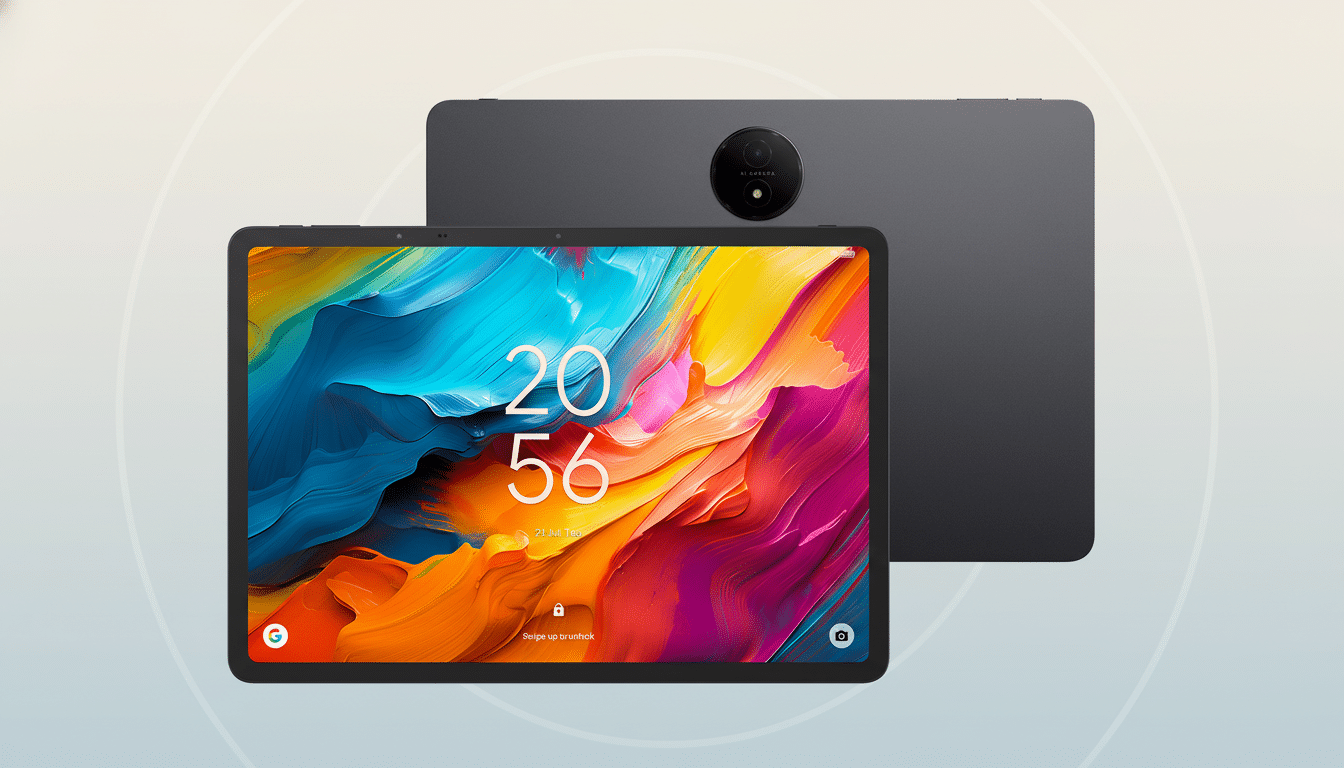
Reading and Streaming, Not a Compromise on Android
Unlike e-readers, which do text very well but struggle with apps and video, the Tab 8 Nxtpaper can run full Android. That means you can take advantage of the Paper Ink screen to read in one tab, then bounce into a video call, a note-taking app, or a maps search without turning off your device. Color Ink Paper Mode is especially nice for graphic novels as well as web articles and dashboards where color represents information without giving you the punchy, high-gloss look that can tire your eyes out.
In reality, the mode switch is just another part of life. On a commute, Ink Paper Mode reduces glare and makes motion easy on the eyes. Color Ink Paper Mode is helpful with charts and images, as at a coffee shop. At home, Regular Mode restores full color for streaming and scrolling social media. The idea isn’t to replicate e-ink pixel by pixel, but simply provide you with a range of control over how aggressive that screen’s look and feel will be.
Price, Availability, and Who the Tab 8 Nxtpaper Suits
At $200 through Verizon, the Tab 8 Nxtpaper 5G undercuts most of those 5G-enabled tablets while providing a display that’s designed for comfort over showroom pop. TCL says broader availability comes later through Total Wireless, for even more budget-minded shoppers.
Who should buy it?
- Readers tired of juggling e-readers and tablets for books, web articles, and comics
- Students weighing both research and pleasure needs
- People sensitive to glare or flicker on glossy tablet screens
If you need a high-refresh gaming panel, or top-tier processing, this is not it. But if what you care about are price, portability, and seeing less, the compact Nxtpaper tablet sticks to the brief.
Bottom line: you don’t have to pay flagship prices for a thoughtful screen. Focusing on eye comfort, battery, and real-world usability, the TCL Tab 8 Nxtpaper 5G turns an everyday Android tablet into something you can comfortably use for hours — if you even know this category exists.