


T-Mobile has quietly closed the door to new sign-ups for its Google One for T-Mobile offering, ending what was once some of the most generous cloud backups in the industry: unlimited full-resolution storage with Google Photos.
Current subscribers are, however, grandfathered and can keep the perk as long as they maintain a standing plan, but the sign-up window is now closed.

The move erases a signature differentiator for the carrier and leaves heavy photo- and video-capturers considering conventional Google One plans or rival services. It also highlights a broader retreat on open-ended “unlimited” cloud benefits as usage spikes and costs rise.
What’s Different For T-Mobile And Google One
The Google One for T-Mobile deal came with a peculiar kicker: those who signed up and paid for the premium Google One plan through T-Mobile had their backups stored in unlimited fashion at full resolution (this includes photos and videos). On paper, it was essentially a normal 2TB Google One plan, only customers were billed through T-Mobile and their Google Photos capacity limit was raised from the former ceiling of 500GB. The bundle even introduced lengthier trials for other Google services, and it debuted with a free trial period to sweeten the deal for anyone already paying for cloud storage.
Community reports and carrier support reps both confirm that enrollments are closed and tier changes are firmly locked. If you haven’t yet been on board, there’s no adding the feature now, and people trying to upgrade into the unlimited Photos mode are being told that it’s not possible.
What Grandfathered Users Can Look Forward To
For existing Google One for T-Mobile customers, unlimited full-resolution Google Photos backup should remain as long as they maintain the billing relationship with T-Mobile.
The catch is continuity: if you cancel, pause billing, or move off the Google One add-on, you run the risk of losing the credit forever.
Common-sense suggestions for grandfathered consumers include:
- Never downgrade a plan.
- Record the description of the plan in your T-Mobile app or account portal.
- Verify with T-Mobile that any account changes (such as moving lines from one account to another or transferring ownership) will not disrupt access to the add-on.
- If you have to change your T-Mobile plan, first verify with support that the Google One perk stays in place.
Why The Unlimited Photos Benefit Was Important
Google Photos used to have more lenient rules on unlimited backups, but that era is over, and even the special treatment for Pixels is becoming more restrictive. The T-Mobile deal quickly became one of the few options to get genuinely unlimited full-resolution storage inside Google Photos, which is the default library for millions of Android users and many iPhone switchers.
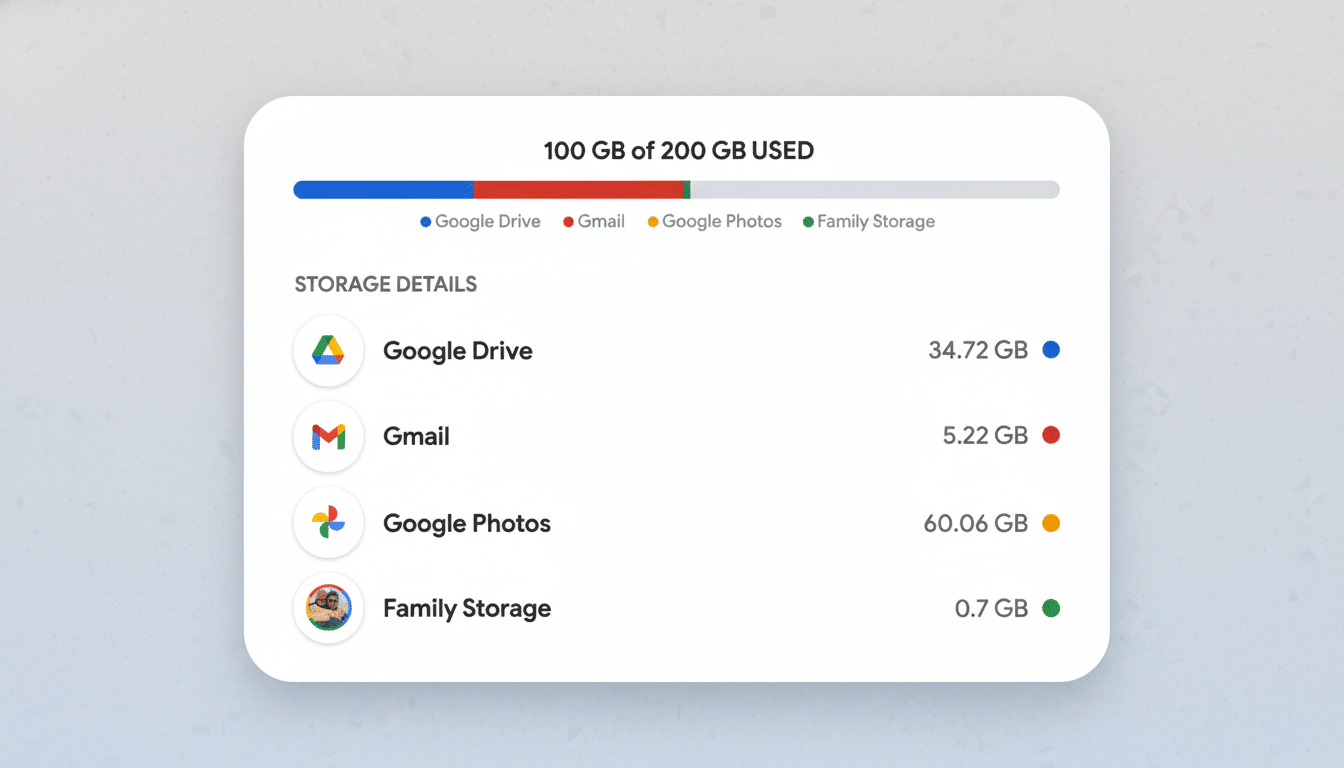
It’s not hard to see the appeal when you consider file sizes. A single minute of 4K video can consume hundreds of megabytes without breaking a sweat, and modern smartphones are set by default for high-resolution photo and video. For auto-backup families shooting photos and videos nonstop, monthly usage can explode into hundreds of gigabytes. Unlimited full-res eliminated the continual triage of what to delete, compress, or offload.
Alternatives and Next Best Options After T-Mobile’s Perk Ends
In the absence of T-Mobile’s perk, the default path is plain-old Google One. The 2TB plan is great for households and offers family sharing with up to five members, as well as the ability to do editing in Google Photos and have your phone automatically backed up. Power users are able to upgrade to plans with higher capacity, but none offer unlimited full-resolution backups.
Its rivals include Amazon Photos, which provides Prime members with unlimited full-resolution photo storage but only a limited amount of video; and Apple’s iCloud+, now expanded to multi-terabyte options that work especially well with iPhone and Mac. Microsoft 365 throws in 1TB of OneDrive per person on the family plan, so it’s a good value for any households that are more focused on productivity and need broad storage, not unlimited photo space.
For those who can’t justify recurring fees, local options are getting better. A small network-attached storage box that does automatic phone backup, or a fast external SSD and desktop sync tool, could store years of photos and videos. But you’ll lose access to Google Photos’ seamless cross-device search and sharing — and gain back pricing predictability and control.
What This Change Means for Carrier Perks and Bundles
Carriers have been re-evaluating bundles as third-party services become more expensive and customers continue to expect flexibility. We’ve gone from “everything included” to à la carte add-ons, credit systems, or time-limited promotions. Unlimited cloud storage in particular is challenging to sustain as 4K and higher-resolution video becomes the norm and families compile multi-device libraries.
There are cloud economics at work as well. Backing up full-resolution photos — and especially videos — to the cloud requires hot storage, tends to use bandwidth, and results in recurring compute cost for indexing or machine learning features such as content search and auto-edit suggestions. Those costs scale linearly with use, so open-ended “unlimited” goodies are hard to keep a tab on over the long term.
The bottom line for consumers is simple: the most precious Google Photos deal is a thing of the past for new sign-ups. If you’re grandfathered, guard it. If not, develop your storage strategy as a dispassionate observer — and whether that’s from Google One, a rival service closer to home, or an in-house archive over which you have dominion is totally up to you.