


Some T-Mobile customers say a glitch in Apple’s iPhone purchasing flow is quietly switching them to the wrong wireless plans, prompting surprise changes after activation and a scramble to restore original terms.
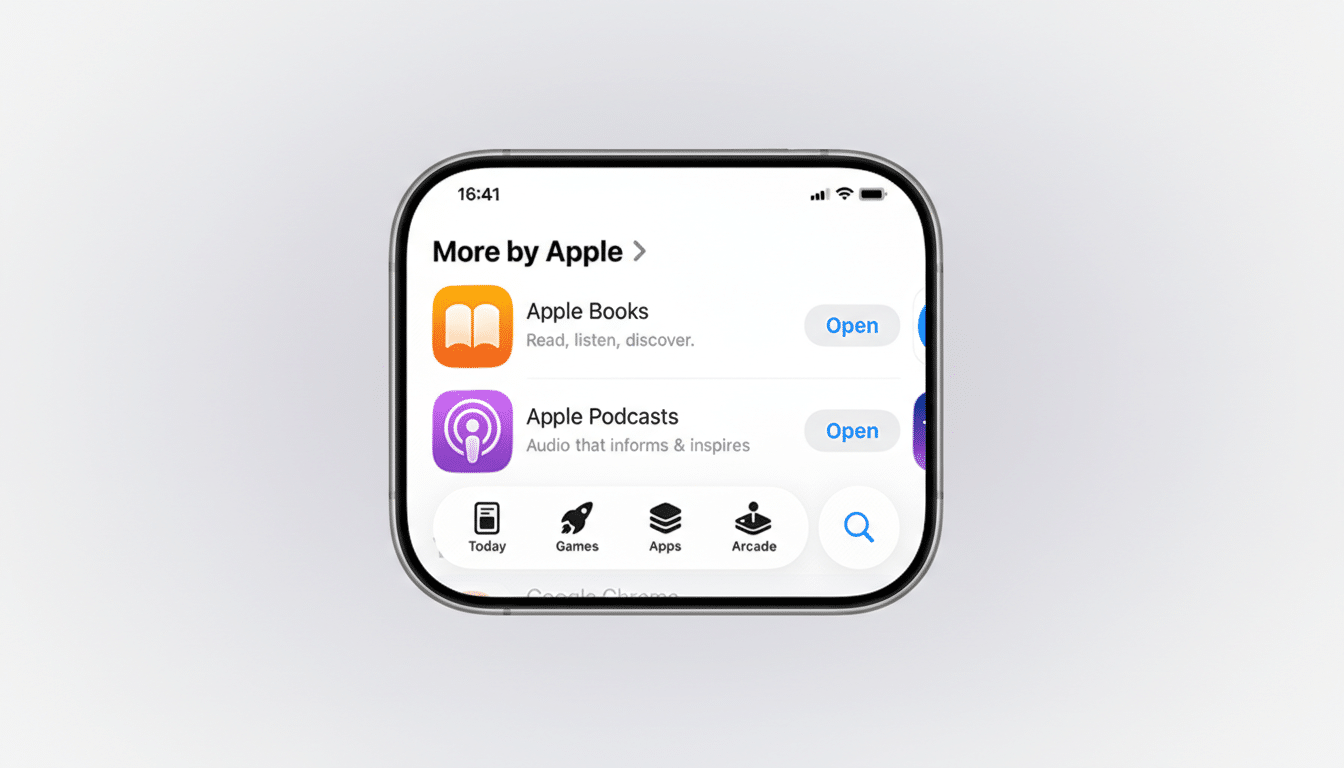
Reports from wireless forums and community channels indicate the issue appears when buyers use the Apple.com/us/app/apple-store/id375380948″ target=”_blank” rel=”noopener noreferrer”>Apple Store app to upgrade or purchase an iPhone and link T-Mobile promotions during checkout. In these cases, users authenticate with their T-Mobile accounts to qualify for trade-in credits or special pricing, only to find their plan migrated after the device is activated.
- What Users Report About Unintended Plan Changes at T-Mobile
- Why This Plan-Migration Glitch Might Be Happening Now
- Which T-Mobile Customers Could Be Affected by This Issue
- How to Protect Your T-Mobile Plan During Apple Upgrades
- What T-Mobile and Apple Can Do Next to Prevent Plan Errors
- Bottom Line for T-Mobile Customers Upgrading via Apple
What Users Report About Unintended Plan Changes at T-Mobile
Accounts shared on Reddit and in T-Mobile community spaces describe lines moving from premium to unfamiliar plans without explicit consent. One widely cited example involved a line shifting from Go5G Plus to a plan labeled Experience Beyond following activation through Apple’s app. Affected customers say T-Mobile support restored their original plans upon request, and recurring credits continued once corrected.
Notably, users suggest the behavior is tied to the Apple Store app rather than Apple’s website. Customers who completed similar upgrades on Apple.com, or directly through T-Mobile, report avoiding the issue. There is no indication the problem is widespread, but the pattern is consistent enough that shoppers are double-checking plan details after activating new iPhones.
Why This Plan-Migration Glitch Might Be Happening Now
When a buyer links a carrier promo inside Apple’s checkout, Apple systems query T-Mobile’s back end to verify eligibility and attach the offer. That process relies on plan “SOC” codes and account metadata to determine whether a line qualifies. Industry veterans note that mis-mapped SOCs, overly aggressive eligibility rules, or default migration flags can inadvertently push a line into a different plan to “fit” a promo’s criteria.
This is most likely an integration issue: a specific app flow, a particular promotion, or an API response that’s being interpreted as permission to migrate. Because call-center teams can typically reverse it quickly, the underlying account records aren’t being irreversibly altered—suggesting the problem sits in an automation rule rather than a hard policy change.
Similar hiccups have occurred in the past across carriers when third-party retail systems connect to provider APIs for instant eligibility checks, especially during high-volume iPhone launches or when complex trade-in credits are involved. While no official cause has been published, the symptoms mirror a promo-eligibility workflow that’s nudging lines into a “compatible” plan in error.
Which T-Mobile Customers Could Be Affected by This Issue
The risk appears limited to T-Mobile customers who upgrade through the Apple Store app and attach a T-Mobile promotion during checkout. Family plans with a mix of lines may see only the upgraded line impacted. Customers buying directly from T-Mobile or completing orders on Apple’s website have not widely reported the same behavior.
How to Protect Your T-Mobile Plan During Apple Upgrades
Review every plan screen during Apple’s in-app checkout, especially any prompt labeled plan options or eligibility. If you see language hinting at a plan change, back out and complete the order on Apple.com or via T-Mobile to preserve plan integrity.
After activation, immediately check your T-Mobile account in the T-Mobile app or web portal. Confirm the plan name, included features (like hotspot, streaming perks, and roaming), and that your expected monthly cost matches pre-upgrade pricing. Take screenshots before and after the upgrade for reference.
If something looks off, contact T-Mobile support right away. Customers report success through standard care, T-Force via social channels, or the retention team. Ask for a full reversal to your prior plan and for any recurring bill credits tied to the promo to be preserved. If the line was mistakenly migrated, request courtesy credits to offset any difference and an internal note to prevent repeat changes.
What T-Mobile and Apple Can Do Next to Prevent Plan Errors
Consumer advocates suggest a few quick fixes: add a hard confirmation dialog when any plan migration is detected; tighten SOC mapping between promo eligibility and plan codes; and log-and-block automatic changes triggered in the app until an agent verifies consent. A post-activation audit, with a one-tap rollback if a discrepancy is found, would further reduce customer friction.
As of now, there has been no broad public advisory from either company, but front-line support can reverse the issue and restore features. Monitoring by community forums, including The Mobile Report and Reddit threads, indicates the situation is real yet contained.
Bottom Line for T-Mobile Customers Upgrading via Apple
If you’re upgrading a T-Mobile line through the Apple Store app and attaching a carrier promo, pause and scrutinize every step. Until Apple and T-Mobile fine-tune the integration, the safest path is to order on Apple’s website or go through T-Mobile directly—then verify your plan the moment your new iPhone is active.