


Google Pixel owners have just received a nifty add-on for Nintendo’s latest console. Recent Pixel models can now serve as plug-and-play webcams for Nintendo Switch 2’s GameChat, which means you can stream or video chat without needing to buy a separate camera. Several reports from Android-centric outlets and beta testers indicate the feature quietly switched on following the latest round of software updates.
What changed and why it matters for Pixel owners
Android Authority first discovered reports from X users stating that their Pixel phone had finally been picked up by Switch 2 as a generic USB camera. The Verge confirmed the behavior and found it works with recent Pixel hardware. The change is important because GameChat was released with support for “most USB cameras” to begin with, but a lot of smartphones didn’t enumerate as webcams on the console. And now Pixels do — no capture card, no special app necessary.
The underlying tech is simple: Switch 2 accepts a UVC (USB Video Class) device, the universal standard that enables most USB webcams to work on PCs with no drivers. Google introduced access to a system-level “USB webcam” mode in Android 14 but had not, until now, offered its Pixels as a UVC camera to Switch 2. It’s not clear whether the final push came from a Pixel software update or a Switch 2 firmware tweak.
Confirmed Pixel models and predicted requirements
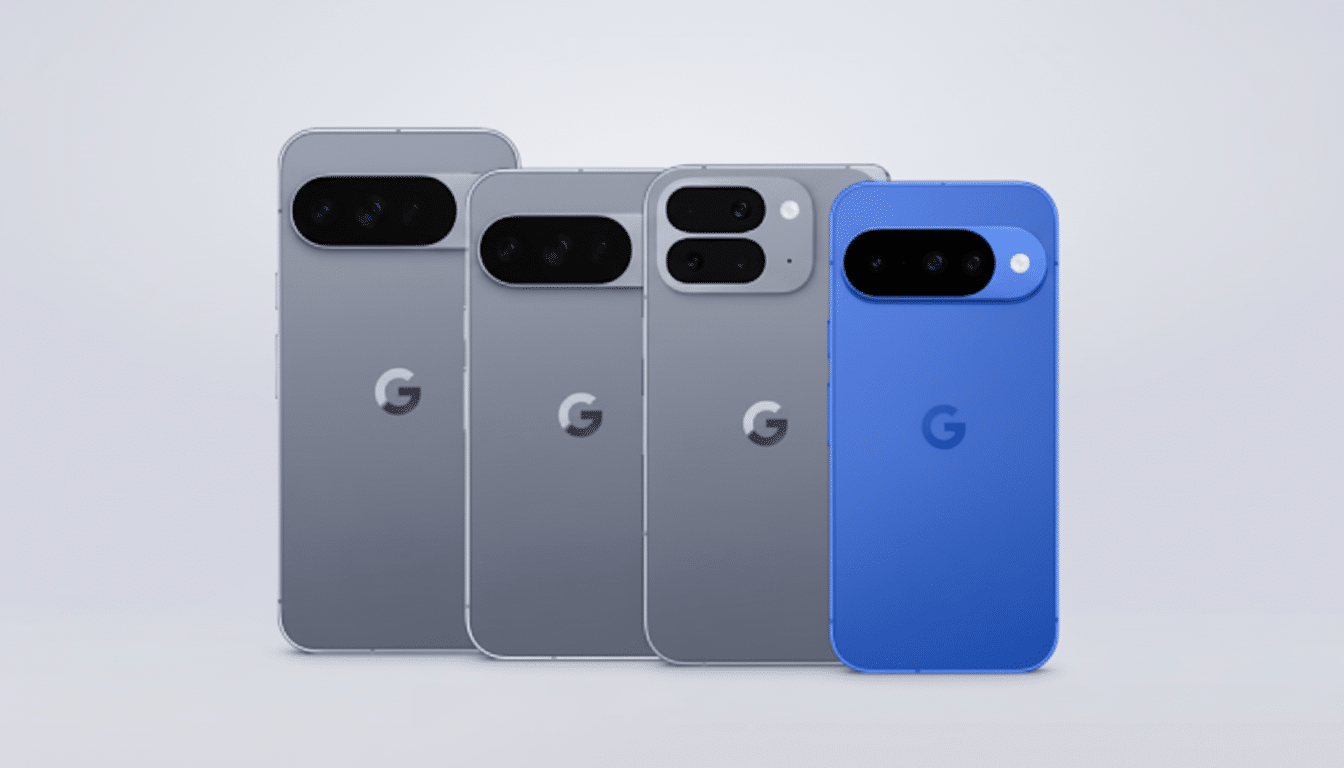
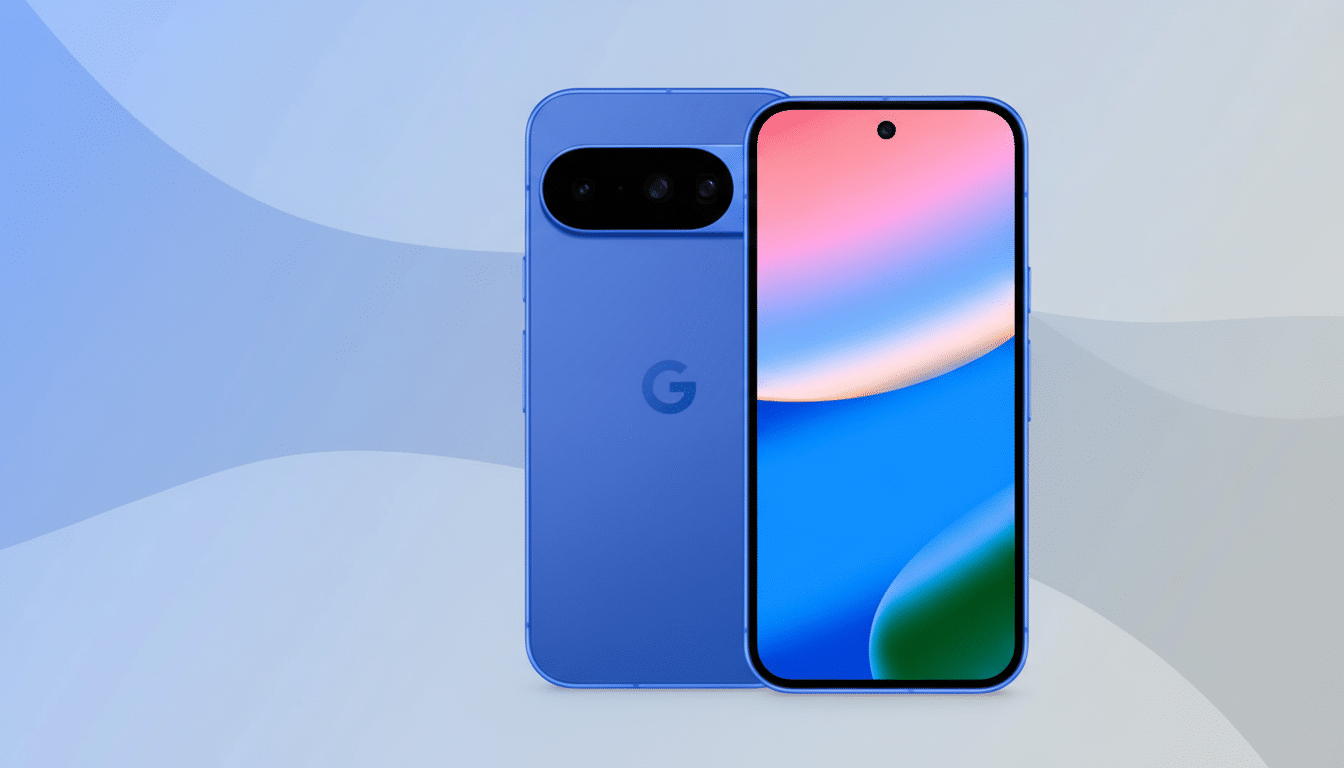
There are early confirmations like the Pixel 9 Pro and new foldable Pixels, but anecdotal reports suggest strong compatibility across modern Pixels. Industry watchers speculate you’ll need the latest Pixel system update — several testers mentioned that they were running the latest Android 16 patch on their devices — and Switch 2 firmware 21.0.1 or later on the console. According to coverage from major tech publications, Google added USB webcam mode in Android 14, and Pixels are, thus far, the only Android phones that ship with this feature built-in.
That exclusivity matters. Although Android has established its dominance in global shipments, relatively few third-party OEMs have implemented USB webcam mode as part of the system. Until then, for Android users, Pixel is still your best bet for a no-fuss Switch 2 webcam.
How to set it up on your Pixel and Switch 2
- Use a USB-C to USB-C data (not just charging) cable. Insert the cable into the dock’s USB-C port or a USB-A port with a proper adapter.
- On your Pixel, select “Webcam” as the USB mode if asked. Most Pixels reveal a “Use device as webcam” option when attached to a host.
- Open GameChat settings on Switch 2 and select the camera you are connecting to.
If the console detects it, you’ll see a preview and be able to adjust framing.
If nothing shows up, update both devices. Switch 2’s 21.0.1 notes talked about being stable, but under-the-hood tweaks likely involve new USB device IDs or A/V optimizations. On the Pixel, make sure you are running the most current version of Android.
Expected video quality and current limitations
Anticipate a standard UVC webcam experience, not a full mobile camera app. That means the console locks a resolution and frame rate, generally in favor of stability over optimal quality. Some consoles limit inputs to about 720p or 1080p at 30 frames per second for chat overlays, and you won’t get computational photography tricks like Night Sight. Wired connections also tend to be low latency, but cable quality and hub setup can impact the reliability of this solution.
Audio is a separate path. GameChat tends to do best with a console-style headset mic; if your Pixel passes through a UAC (USB audio) device, consider it a pleasant bonus and not something you can count on. For the majority of streamers, a dedicated USB microphone or a console-certified headset is still the cleanest configuration.
How it compares to iPhone and standalone webcams
iPhones can be used with Switch 2 as webcams, but older models that have Lightning ports need Apple’s Lightning to USB 3 Camera Adapter.
USB-C iPhones mean less dongle drama, but there’s still some inconsistency between apps and accessories. All these steps are easier now for Pixel users: one cable in, camera online.
For permanent setups, dedicated webcams still make sense. Manufacturers have been tuning firmware and software to GameChat, and you’ll see models optimized for 1080p framing, extra-wide fields of view, and better low-light performance. Still, the best camera is the one you have with you, and Pixel owners will appreciate its portability and instant availability.
What to watch next as compatibility expands
Watch for official compatibility lists from Nintendo or Google as testing expands. We could see widespread support come in fairly quickly, if other Android manufacturers let the Android USB webcam stack run wild. USB-IF’s “classic” UVC is ancient and, for the most part, it’s only policy and software gating vs. hard technical gateways.
tl;dr: if you tote a modern Google Pixel, your Switch 2 now recognizes it as a full-fat webcam. It’s a hands-down win for creators, speedrunners, and anyone who’d prefer to stream with the one phone they already own rather than fork over more cash for some other peripheral.