


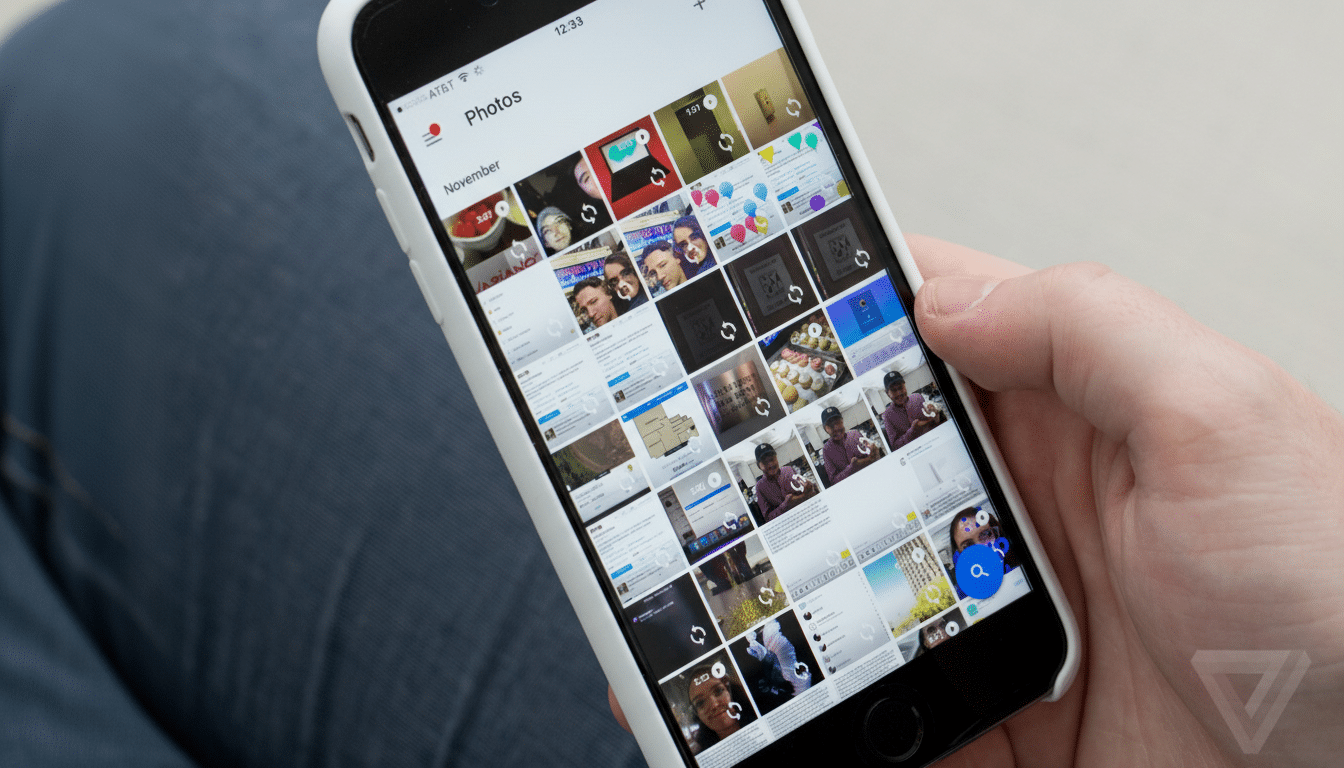
Google Photos is getting closer to enabling its own Tinder-like swipe cleanup, which allows you to triage your images by swiping right or left quickly. New information from the APK teardown of version 7.47.0.810631069 indicates we are getting close to an official release, as it features a refined interface and updated controls, hinting at a likely server-side rollout very soon. SOURCE:
How The Swipe Cleanup Is Supposed To Work
The feature manifests as a floating action button, labeled “Clean up this day,” that appears on top of groupings of daily photos. Tap it, you enter a whole-screen review interface: A right swipe keeps an image; a left sends it to deletion. The Keep action now has a plain checkmark icon, instead of the previous heart icons that led us to think more about liking them than keeping them.
The more significant difference is logistical: A single confirmation step — a “Review and delete” button in the top-right corner that supplants previous Undo and Done buttons. This maintains a layer of safety — your swipes stage deletions, and you confirm wholesale — but without clogging workflow with extra dialogs.
Why This Matters for Your Library of Photos
Google has said in the past that Photos is home to trillions of photos and videos, with tens of billions more added each week. At that scale, you end up with clutter: There are near-duplicates, spontaneous bursts of the moment, chance screenshots and blurry snaps. A quick triage model can make a dramatic difference when it comes to noise without sending you down an editing rabbit hole.
Whereas the long-standing “Free up space” tool, which primarily manages on-device storage by deleting things that have already been backed up, the swipe cleanup is something more like curation. Think of it as a lean daily mailbox for your camera roll: Peek at the day, swipe away junk and save its moments. It’s effective — the behavior is something we’ve established in triage patterns from email apps; it reduces cognitive load by using a single gesture to accompany a single decision.
For users who’ve been keeping an eye on their cloud quota since unlimited high-quality uploads went by the wayside, that’s also a real storage upside. And removing the truly unwanted shots cuts down on backup bloat even before it happens, rather than only putting things in order after space warnings start bursting forth.
Design Signals Point To Material 3 Principles
The emphasis on a huge floating action button and clean icons is in accordance with Google’s Material 3 guiding principles: clarity, motion, expressive surfaces. The checkmark above a heart is the more literal one; it’s about reducing ambiguity and asserting that this is a utility-first workflow, not a social action.
Memories Get Motion And Control For Albums
In addition to the cleanup campaign, the app is experimenting with upgraded dynamics for Memories. A gentle zoom-in effect and a fresh play button on the album header add implicit cues for lean-back viewing. There’s also an option to choose which photos or videos are included, offering users more curation control over what gets highlighted, with less likelihood that someone at the party added an embarrassing or totally irrelevant shot and getting it into a montage.
These touches are consistent with the overall Material 3 Expressive theme for albums — where motion should direct attention rather than be decorative, and controls should pop out only where the user needs them.
Rollout Expectations And Caveats For Users
Like any feature uncovered in an APK teardown by third-party analysts, there’s no guarantee of when it might be released. Google often walls off new features to those who are designated as testers, and availability can differ based on region, account type, and app version. Both copy and polish, however, are generally a signpost that a feature is in the late stages of testing.
If and when it comes to your device, keep in mind that Photos is known to send deletions through Trash for a retention window of time before they become permanent, and changes synchronize across devices associated with your account.
If you share items with a partner or through shared albums, be very sure to look over things during the last confirmation step, because any items you remove from being visible have now disappeared.
What To Watch Next As Testing Continues In Photos
Be on the lookout for A/B tests that adjust the placement of the button, or how often you are asked to check in: Google tends to iterate around these details, trying to strike a balance between speed and safety. There would be plenty of other reasons to clean up the swipe as well — a cleanup wouldn’t have to target all behaviors at once, so long as it intersects with existing machine learning hand-raises (like when Google surfaced similar shots on the left, or blurriness first) to speed your decisions down there.
If the current version is any indication, Google Photos will come up with a more human and tactile method of controlling massive libraries. And that’s where a quick daily swipe-through could be the new habit that gets the camera roll under control — no spreadsheets, no batch selects, just a few decisive flicks and a slightly less cluttered gallery.