


After decades of tweaking Linux desktops, very little still stops me in my tracks. StratOS’s Hyprland edition did. It pairs an Arch foundation with a meticulously crafted Wayland setup that feels both audacious and complete, delivering a desktop that looks couture yet behaves like a daily driver.
StratOS ships in three editions — GNOME, Hyprland, and Niri — but it’s the Hyprland build that makes the strongest statement. The developers didn’t just bundle a window manager; they tuned an experience, from coherent theming to purposeful defaults, that rewards power users without drowning them in configuration files.
A Tiling Wayland Experience That Feels Finished
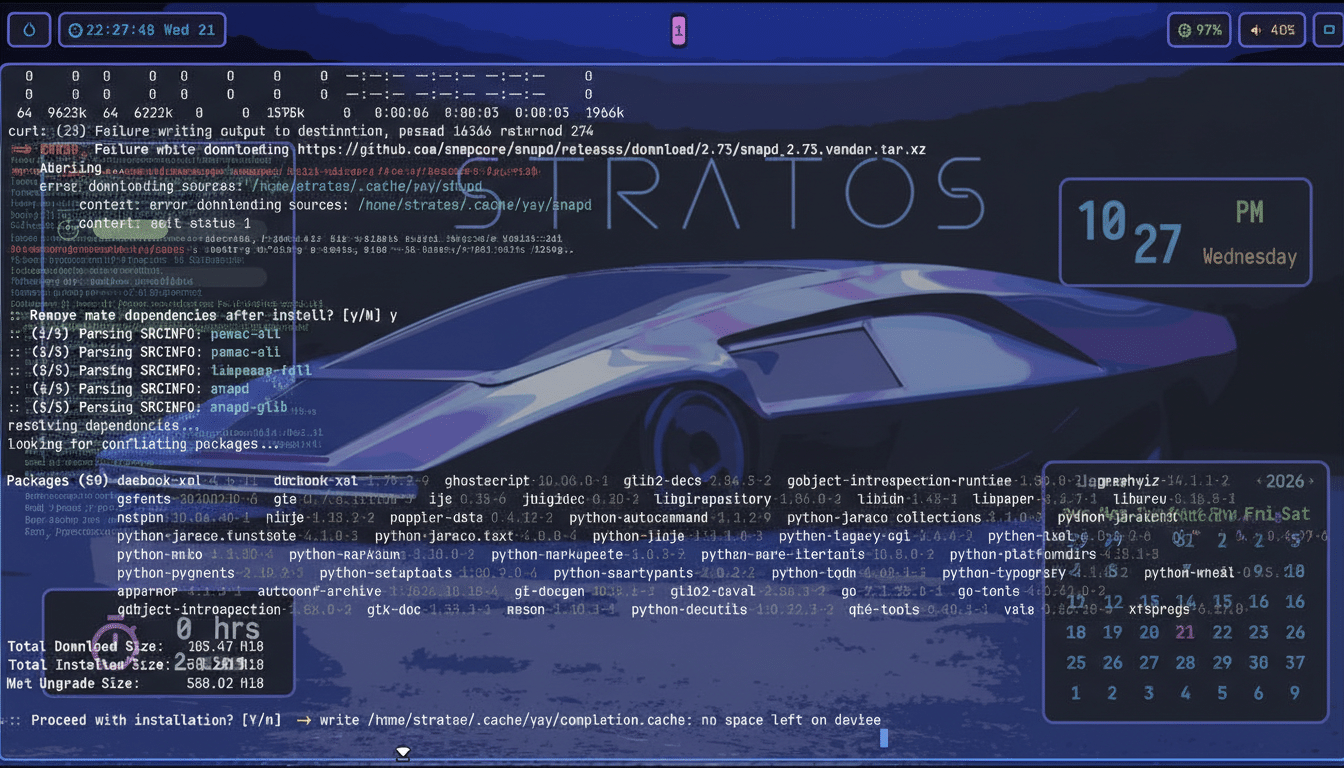
Hyprland is a dynamic tiling Wayland compositor known for crisp animations, per-workspace layouts, and deep keyboard control. It’s famously not beginner-first. StratOS bridges that gap with sensible keybinds, a clean on-screen status layout, and a color palette that nails contrast and readability — even in dark mode.
The desktop arrives with practical signals at a glance: a lightweight system monitor, uptime, clock, calendar, and workspace indicators that make navigation intuitive. Effects—blurred translucency, rounded corners, and motion—are present but restrained, closer to design language than novelties. The result is a tiling workflow that looks intentional rather than experimental.
Crucially, navigation is fast. A launcher on Super + Space gives quick access to apps and power controls, and common conventions like Super + Return for a terminal feel immediately familiar to veterans of tiling setups. It’s the rare Hyprland configuration that invites you to start working before you start customizing.
Thoughtful Defaults and Included Developer Tools
Out of the box, StratOS includes Ghostty for a modern, GPU-accelerated terminal, Conky for lightweight telemetry, Emacs and Neovim for text editing, Thunar for file management, and Kvantum Manager to keep Qt apps visually consistent. The inclusion of the Zen Browser adds a streamlined, privacy-leaning web option without feeling heavy.
The command palette exposes genuinely useful actions: file search, theme switching, an emoji picker, quick access to configuration, and suspend/reboot tasks. It reads like a curated shortlist of what you actually need on day one, which is rare in a world where many distros either ship spartan or overstuffed.
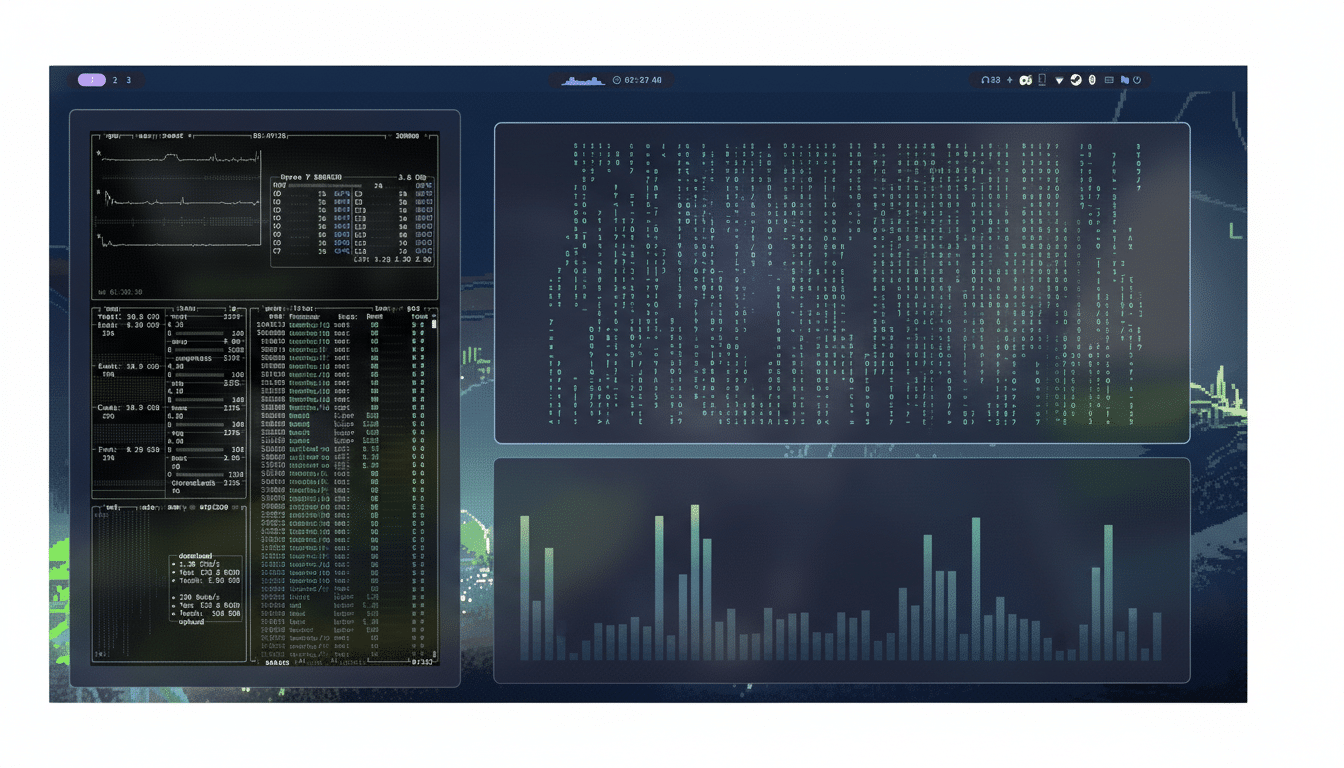
As an Arch-based system, StratOS relies on pacman and the Arch User Repository. There’s no GUI app store by default, a common choice in this ecosystem, but installing one takes a minute. Users comfortable with the AUR can add a graphical center with a helper (for example, using yay to install Pamac via “yay -S pamac-aur”). With the AUR’s library of 80,000+ community-maintained packages, software availability is a non-issue.
Performance and Polish on Modern Linux Systems
Wayland is now the default in both GNOME and KDE Plasma, and Hyprland rides that momentum with smooth frame pacing, precise touchpad gestures, and reliable fractional scaling. Independent testing communities like Phoronix have repeatedly shown Wayland’s latency and efficiency advantages on modern GPUs, and StratOS leverages that with a configuration that feels snappy on midrange hardware.
Beyond raw speed, the fit-and-finish matters. Fonts, padding, and hover states are consistent across GTK and Qt thanks to sane defaults and Kvantum theming. It’s the kind of polish that typically takes hours of dotfile tinkering; here, it’s turnkey.
Who StratOS Is For: Keyboard Users and Newcomers
If you’re comfortable living on the keyboard, StratOS Hyprland is an easy recommendation. It’s unapologetically aimed at users who understand workspaces, modal navigation, and rolling releases. For newcomers or those who prefer traditional desktops, the GNOME edition offers the same visual restraint with a friendlier learning curve. The Niri option provides another Wayland tiling path for those curious about emerging compositors.
Documentation from the Arch Wiki, the Hyprland project, and the broader freedesktop.org ecosystem is plentiful, and the community around these tools is active. That support network matters more than ever as more distros standardize on Wayland and advanced compositors become mainstream.
Bottom Line: A Bold but Practical Hyprland Experience
StratOS’s Hyprland edition is that rare Linux build that marries avant‑garde design with practical defaults. It looks stunning, behaves predictably, and gets out of your way when you need to work. For seasoned users, it’s the first tiling setup in a long time that feels production‑ready out of the box. For everyone else, it’s a clear signal of where the Linux desktop is headed: modern, minimal, and meticulously considered.