


Over in South Korea, Samsung has started rolling out the stable One UI 8 update for some Galaxy S24, S24+, and S24 Ultra users who participated in the beta program. According to reports on Samsung’s Korean community forum, the update is already live, suggesting that a wider phased rollout for non-beta users and other regions is looming.
The first rollout mentions the firmware numbers below:
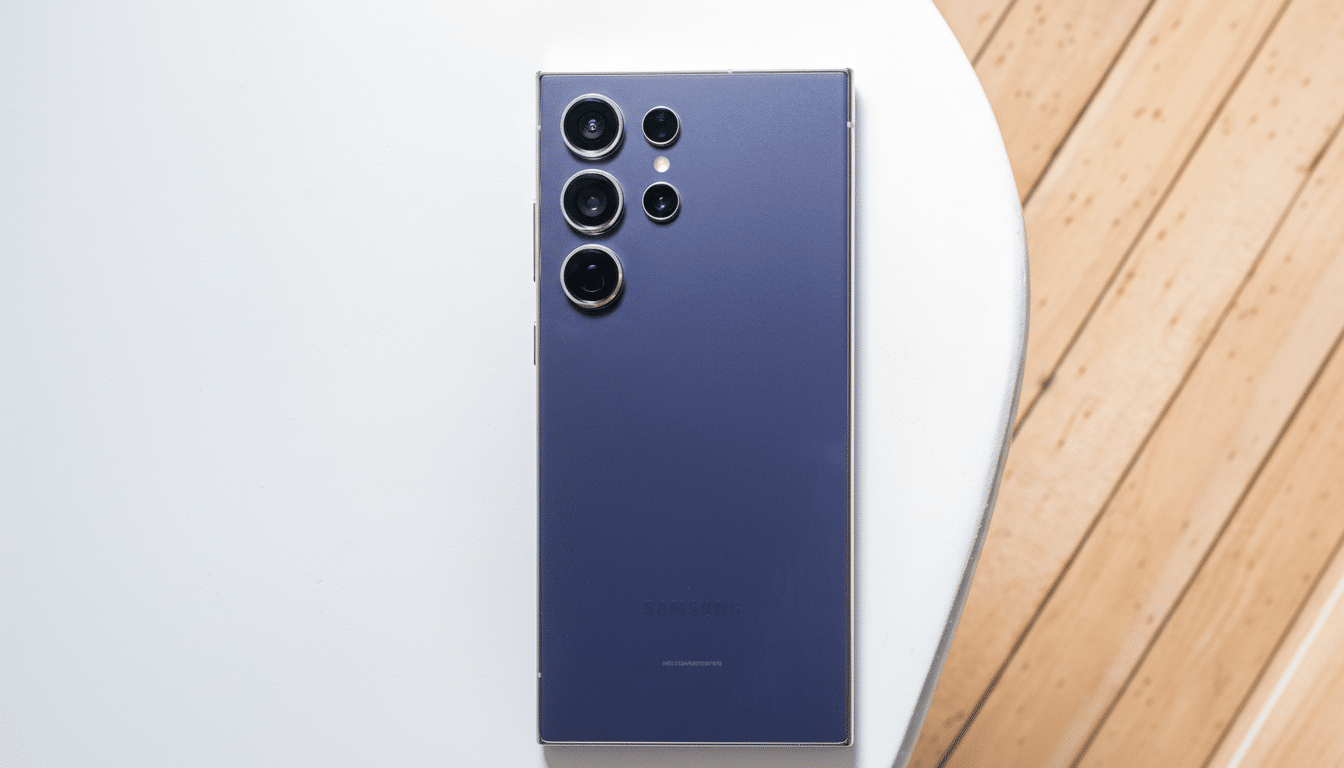
- S24 Ultra: S928NKSU4CYI7
- S24+: S926NKSU9CYI7
- S24: S921NKSU9CYI7
As before, expect a staged deployment per market, device variant, and carrier certification. If you don’t have it yet, that’s expected for a significant firmware rollout — Samsung ramps up distribution slowly on its servers to manage load and catch any last-minute bugs.
Starting in Korea, expanding worldwide in phases
South Korea tends to get Samsung’s stable builds early on, particularly for devices that have seen public beta programs. From there, updates typically roll into Europe and then North America, though carrier-branded devices can trail ones that are unlocked because of extra testing. If Samsung’s previous cycles are any indication, availability will likely bring this update to more markets over time without a set timetable per country.
If you’ve joined the One UI 8 beta, you’re near the front of the line. Non-beta users can expect the OTA to commence once the initial wave has stabilized. The download size will depend on your device and the previous build; major platform updates are frequently multiple gigabytes, and Samsung recommends downloading over a Wi‑Fi connection and having enough free space available.
Galaxy S24 owners should anticipate One UI 8 on the S24 series to be similar in feature set, with polish, refined animations, and system stability improvements already shipping on Samsung’s new flagship phones. When announcing significant revisions to One UI, Samsung typically emphasizes camera tuning, more extensive use of softer transitions, and improved power efficiency — all areas of concern for the S24 audience.
Under-the-hood enhancements are nearly always included as well: new Samsung apps, frameworks, and broader support for the Galaxy ecosystem’s newest features will accompany the usual security enhancements. Device control modules will get the update once regional clearances are obtained and when it is consistent with Samsung Knox policies for enterprise administrators.
Although markets’ changelogs vary, Samsung’s software team has made it a goal to be rapid with new releases. This guarantees that the S24 group will receive anticipated functionalities as quickly as feasible from newer Galaxy phones instead of being saved for new gadgets for months at a time.
How to update safely on your Galaxy S24 series device
- Go to Settings > Software update > Download and install.
- If available, back up your data to Samsung Cloud or Smart Switch.
- Charge the battery to at least 50 percent and connect to a Wi‑Fi network.
- Set aside extra time for post-install optimization; battery life and performance may fluctuate temporarily.
After installation, update Samsung apps, including the Samsung Health Monitor app, via Galaxy Store and Google Play Store to the latest versions for compatibility.
If you experience unusual battery drain or general app hiccups, clearing app caches or repairing apps from the recovery menu can speed stabilization — advice Samsung support and community moderators regularly offer to users who can reproduce issues.
Why this One UI 8 update matters for Galaxy S24 owners
Samsung has started to double down on long-term software support, offering the promise of extra OS and security updates for the Galaxy S24 series. That policy has been cited by industry analysts as a major reason that many Galaxy flagship buyers hold onto their devices longer, sustaining resale values and overall customer satisfaction. Getting the new firmware out to last year’s crop of phones early and (presumably) consistently smacks of that strategy.
The S24 series is still one of Samsung’s most popular premium lines, so pushing One UI 8 to them quickly should help keep device owners, regardless of the region and carrier, on a similar experience. And a synchronized update base also lowers fragmentation, making it easier for development and IT teams to test their most critical apps and services.
The bottom line on the Galaxy S24 One UI 8 rollout
The official stable One UI 8 release has now kicked off for the Galaxy S24 series in South Korea, coming first to those who participated in the beta and rolling out from there. If you’ve got an S24, an S24+, or an S24 Ultra, check the Software update menu. There are reasons for staged rollouts, of course—the point of such gradual deployments is that as soon as your part of the world gains access, you’re able to download the build and walk right into a brand-new Samsung One UI experience.